Faced with mountains of paper documents, including old photos and films, digitizing them is often time-consuming and tiring. A scanning software with comprehensive functions can completely change this entire situation, making efficient archiving seem like a reality that can be easily reached by reaching out or raising your hand.
Overview of software core functions

The key significance of this software lies in its wide hardware compatibility and efficient batch processing capabilities. It can support more than 6,000 different models of scanning devices on the market, including ordinary flatbed scanners, automatic paper feed document scanners, and professional film and slide scanners. This shows that users do not need to find special drivers for different devices, and one software can achieve unified management.
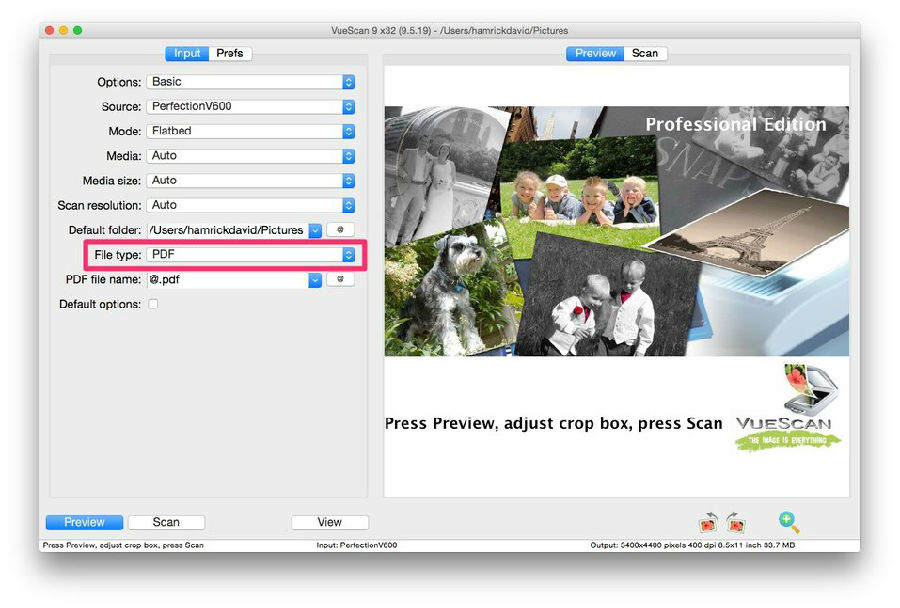
The software performs equally well in terms of format support. Whether it is outputting common JPEG and TIFF images, or generating single-page or multi-page PDF documents, it can handle it easily. Its built-in optical character recognition technology can convert scanned file images into editable text, which greatly facilitates subsequent data retrieval and editing work.
Photo digital archiving
Many people's need is to save family albums and old photos. This software provides a convenient solution for this. Users can place multiple photos of standard sizes on the scanner flatbed at one time. The software can automatically identify and crop them separately to generate independent image files.
The entire process supports preset output sizes and automatic naming rules. After scanning, the system will generate files such as "Photo 001.jpg" and "Photo 002.jpg" in sequence, thus eliminating the hassle of manual organization and renaming, which makes the digital archiving of a large number of photos gradually more organized.
Document scanning and OCR recognition
In office and study scenarios, document scanning is a high-frequency requirement. The software can use the automatic document feeder to continuously scan dozens or even hundreds of pages of data, and directly merge them into a multi-page PDF file. The automatic color detection function can intelligently determine the page content, and then select color or black and white mode.
Its automatic correction function and OCR function are more practical. Even if the paper is placed at a slight tilt, the software can correct the image. At the same time, the OCR engine can accurately identify the text in the scanned document and generate a searchable PDF or text file, making it easier for users to copy, paste and search for key information.
Film and slide processing
This software provides professional film scanning support for users who are interested in photography and need to preserve historical film data. It can process more than two hundred different types of negatives and is compatible with most dedicated film scanners.
In addition to supporting regular JPEG and TIFF output, this software also supports RAW format to preserve maximum image quality for post-processing. It has a complex white balance algorithm and an infrared dust removal function that targets film surface defects, which can effectively improve scan quality and restore the delicate levels of film images.
Multi-platform and ease of use
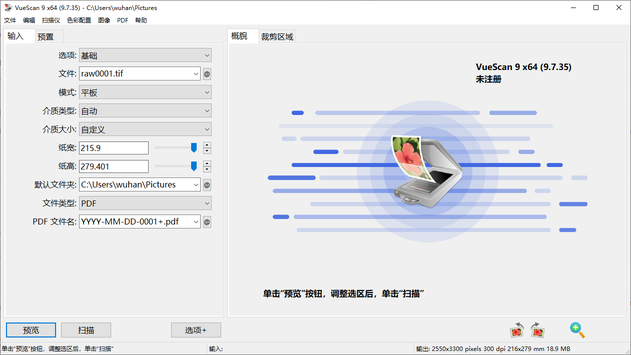
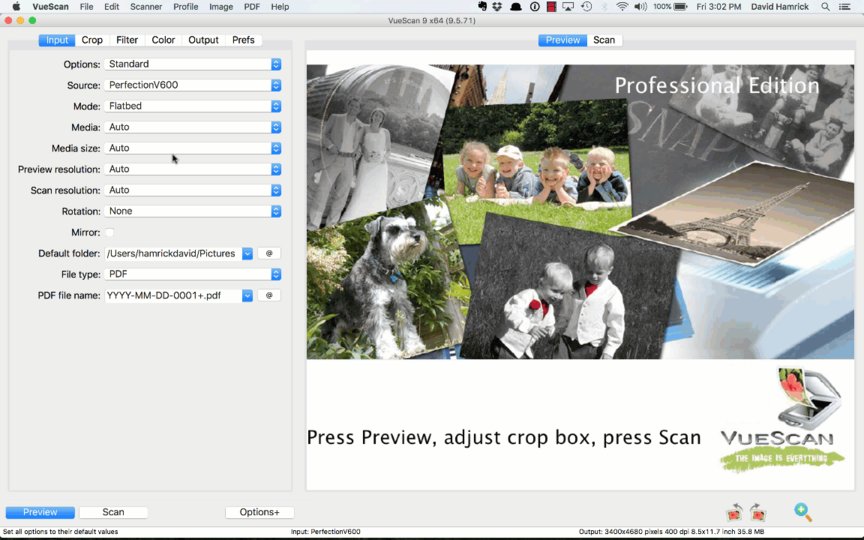
Another significant advantage of the software is cross-platform support. It provides versions adapted to Windows, versions adapted to macOS, and even versions adapted to multiple mainstream Linux distributions. It maintains the consistency of the operating interface and functions on different systems. The interface design of the software appears refreshing, and its main functions are clearly presented.
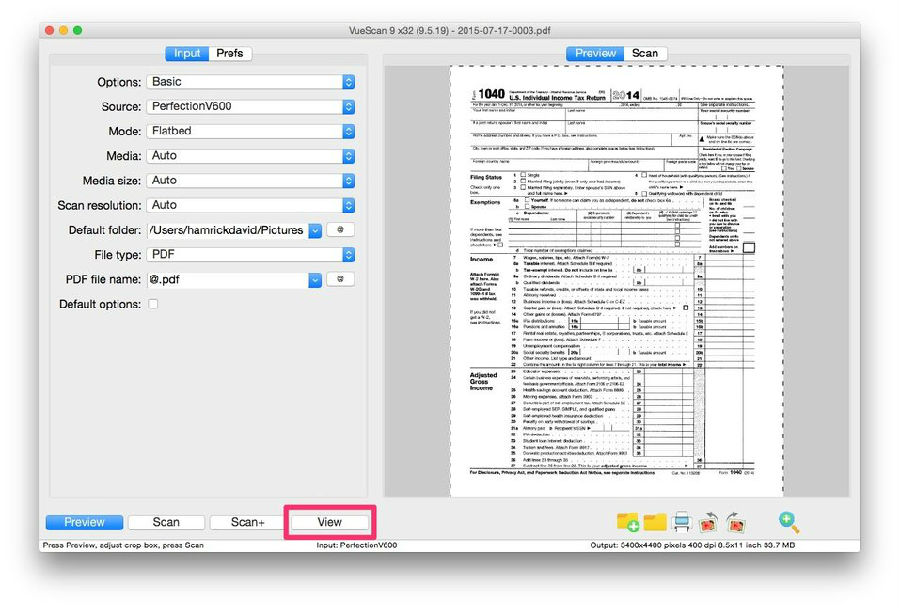
It provides basic styles and advanced control styles, which can not only meet the needs of fast scanning, but also leave ample room for adjustment for professional users. The software can support up to 28 language interfaces, and maintains an update frequency every two weeks to continuously fix problems and add support for new devices.
Frequently asked questions and solutions
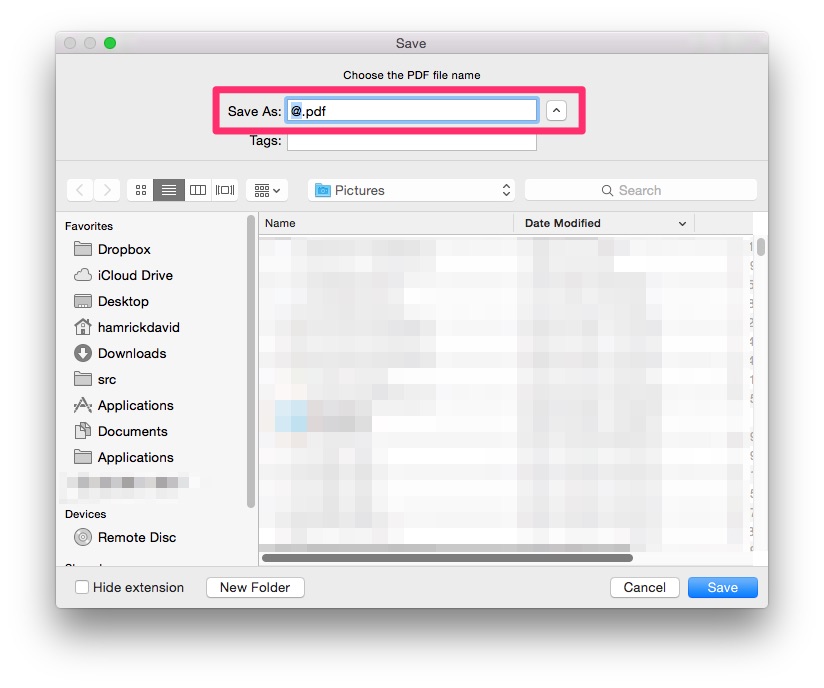
There is a situation where a new user may encounter a prompt such as "Scanner not found" during first use. This prompt is usually caused by starting the software first and then turning on the power of the scanner. The correct operation sequence is to first turn on the power of the scanner, wait until the hardware is ready, and then run the software. At this time, the program will automatically detect and connect the device during the startup phase. This is the situation.
If you encounter a situation where you cannot save the file after scanning, you can try restarting the software. Sometimes it is caused by the interaction between the software and the system's temporary files, and restarting can usually solve it. The software is constantly updating the driver library. For example, it has been optimized for Canon 8400F and other models, and will support more new models in the next few months.
Nowadays, are the objects that you scan and process most often, such as work documents, old photos at home, or professional photographic films? You are welcome to share the exact situation of your application in the comment area. If you feel that this article is helpful, please give it a like to support it.