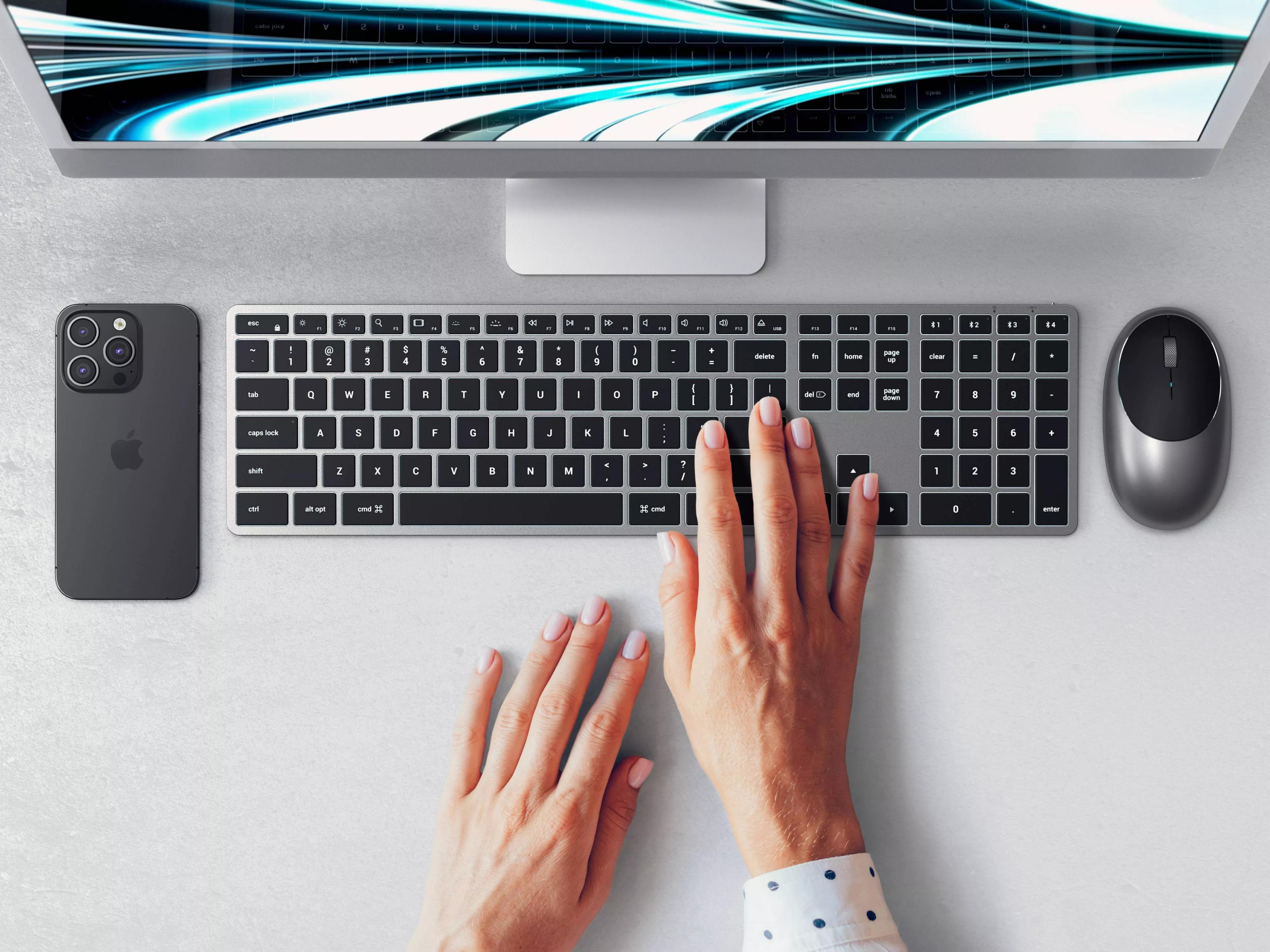
Adding a keyboard to a Mac sounds simple, but in fact it is a multiple-choice question that people both like and hate. The range of options seems to be very narrow, but it just avoids the dizzying entanglement. The key lies in whether you can find the key that strikes a balance between compatibility and personality.
Difficulty and simplicity of adaptation

Faced with the situation of choosing a third-party keyboard for macOS, the difficulty shows a polarized trend. It has difficulties. The difficulty is that there are very few products on the market that can 100% restore the original Apple experience. The lack of many detailed functions will make daily operations very awkward. However, looking at it from another angle, this actually simplifies the selection process. Users do not need to repeatedly compare among a large number of products. The target can be more clearly targeted at those styles that are clearly marked "For Mac", thus reducing meaningless screening time.
Key layout is the core
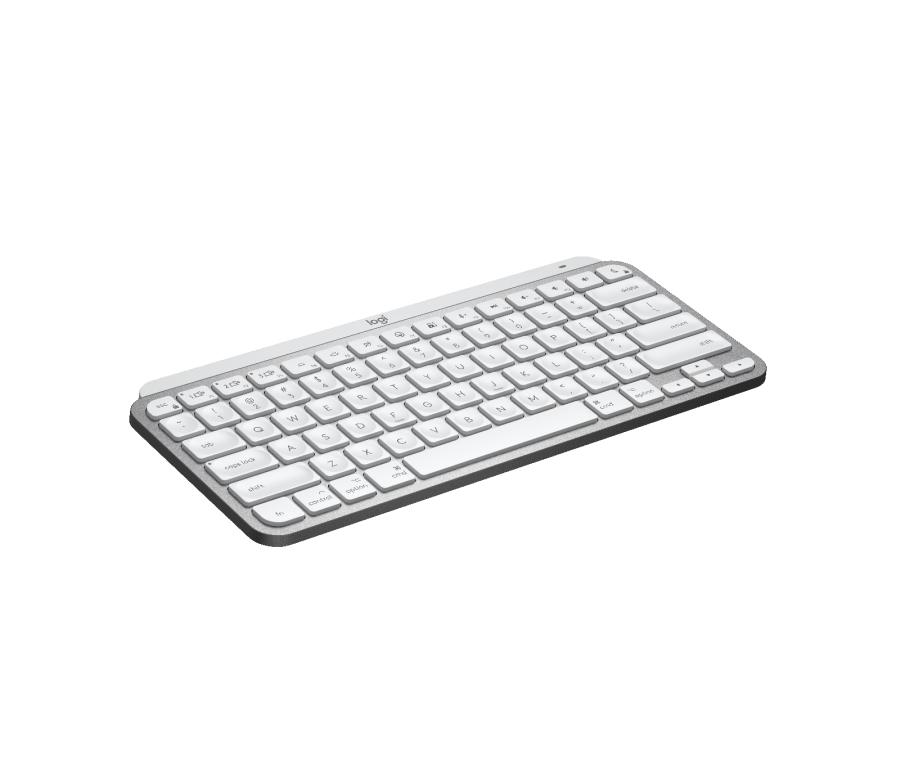
To judge whether a keyboard is suitable for Mac, the first thing to look at is the key position. For a keyboard that truly has a Mac layout, the positions of the Command key and the Option key must be consistent with Apple's original ones. This is the basis for efficient operation. The F-area function keys on the top are even more critical. They should be mapped by default to brightness adjustment, media control and other functions that Mac users often use. Users are not required to make manual settings. The experience of being able to use it right out of the box is very important.
Battery life and connection experience
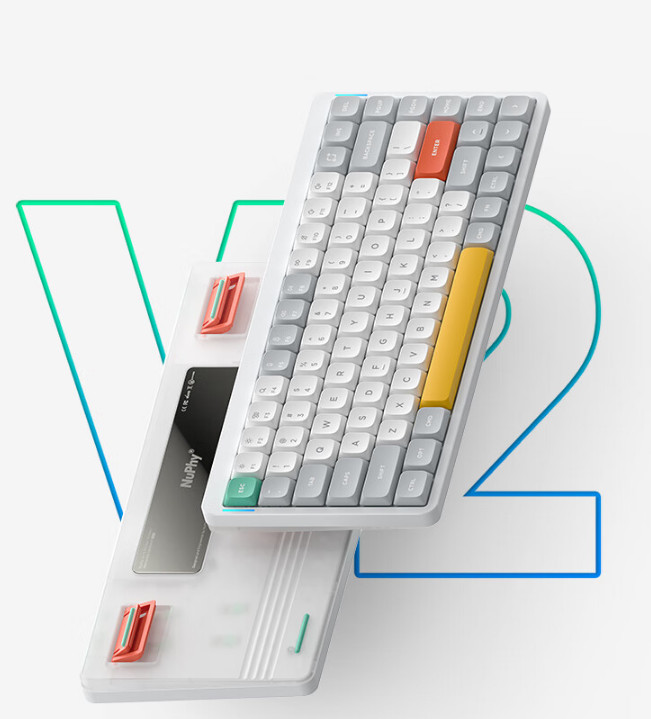
The battery life of a wireless keyboard will directly affect the mood of use. An excellent Mac keyboard should be able to easily sustain heavy use for more than a week even with the backlight turned on, thereby avoiding interruptions caused by frequent charging. Furthermore, technologies such as Logitech Flow can enable keyboards and matching mice to achieve seamless switching and cross-screen operation between multiple Apple devices such as Mac and iPad, thus greatly improving the efficiency of multi-device collaboration.
Thin, light and portable design
A large number of Mac users pursue the simple desktop aesthetic style, or have the need to carry it frequently. Therefore, an excellent third-party keyboard is often designed to be extremely thin and light, and can even be easily stacked on top of the MacBook screen to save space. Such a portable feature is not only convenient for use when going out, but also makes desktop storage and organization more flexible and convenient.
Customizable and advanced gameplay
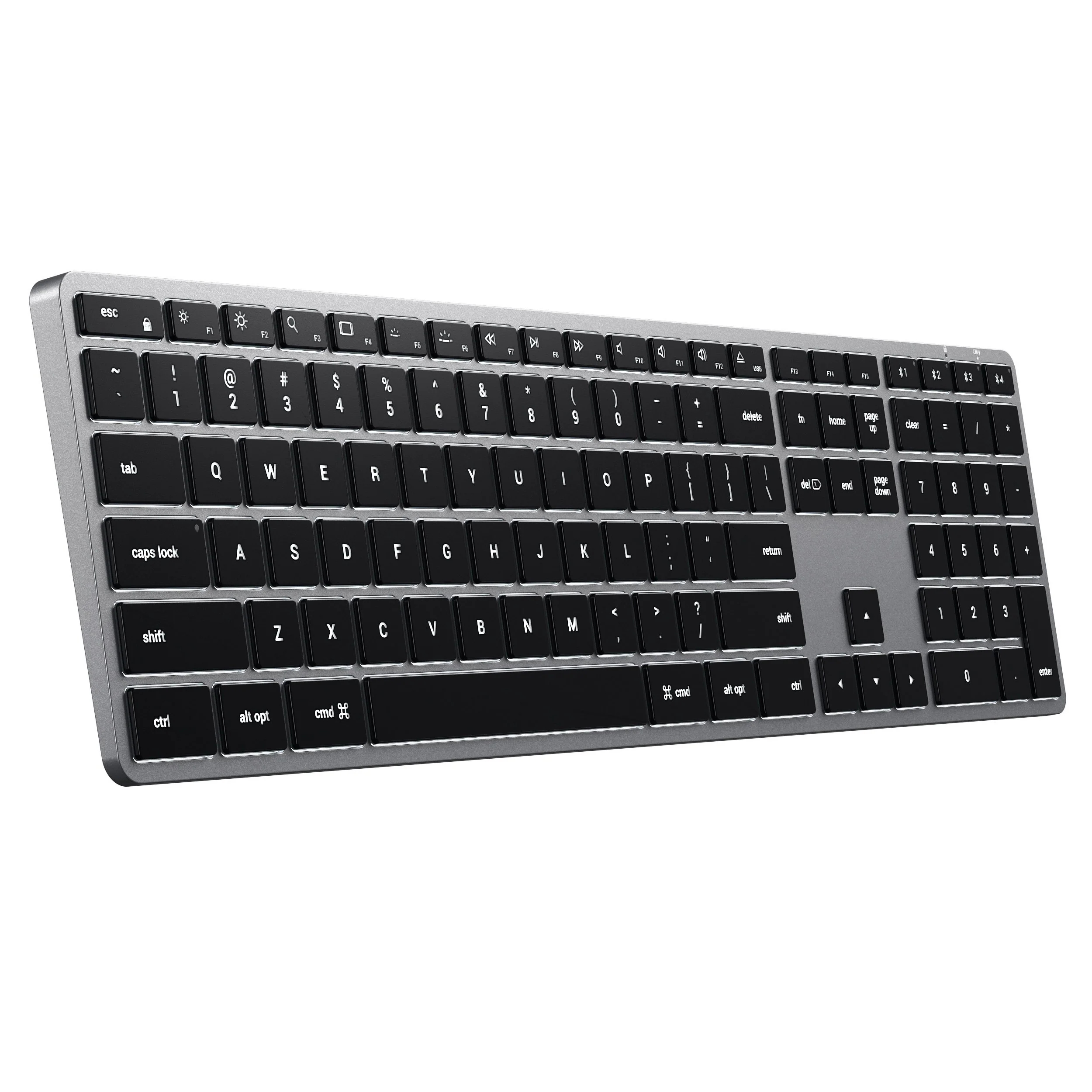
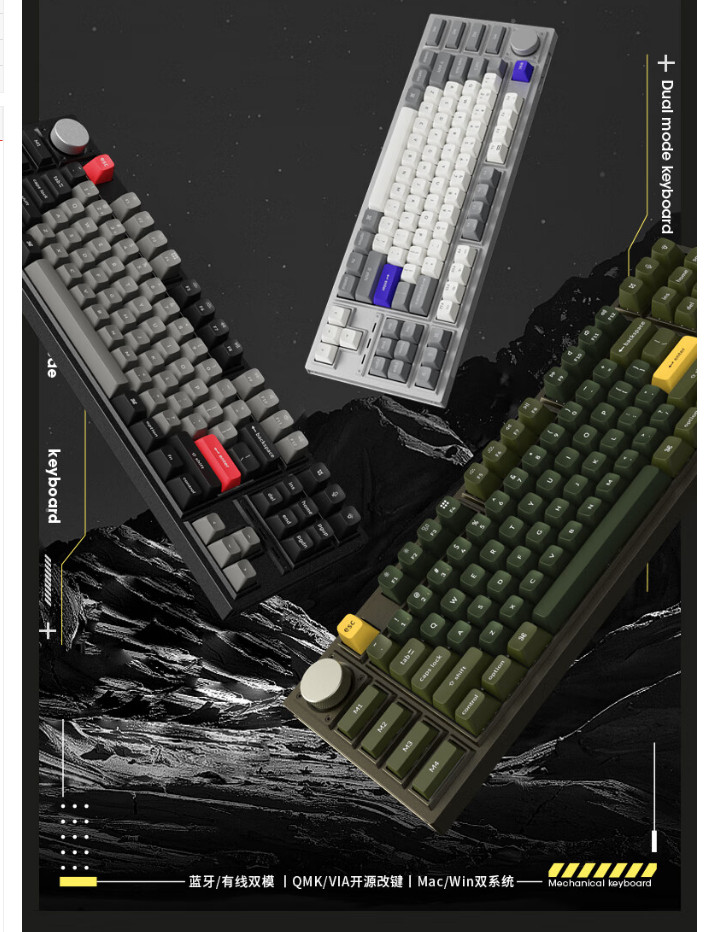
For advanced users seeking personalization, the customizability of the keyboard is an important consideration. For example, mechanical keyboards like NuPhy Air75 V2 can support the use of QMK or VIA open source software, allowing users to freely change key settings and even write macro commands. This means that people can not only perfectly adapt the Mac's default shortcut keys, but also create unique efficiency tools based on their own workflow.
Improved input feel
Many users choose external keyboards to obtain a more comfortable and precise input experience compared to the keyboard that comes with their Mac laptops. Whether it’s the clear sense of passage brought by a membrane keyboard like the Slim X3, or the crisp feedback given by a low-shaft mechanical keyboard, the intention is to improve the comfort and accuracy of long-term typing. The wide keycaps and reasonable spacing can also effectively reduce accidental touches.
For Mac, choosing a third-party keyboard can be regarded as a test of details. Have you ever been troubled by a shortcut key that cannot be mapped perfectly, or have you finally found a keyboard that can be called your "life"? You are welcome to share your exploration experience and usage experience in the comment area. If you find this article helpful, don't forget to like it and share it with more friends in need.