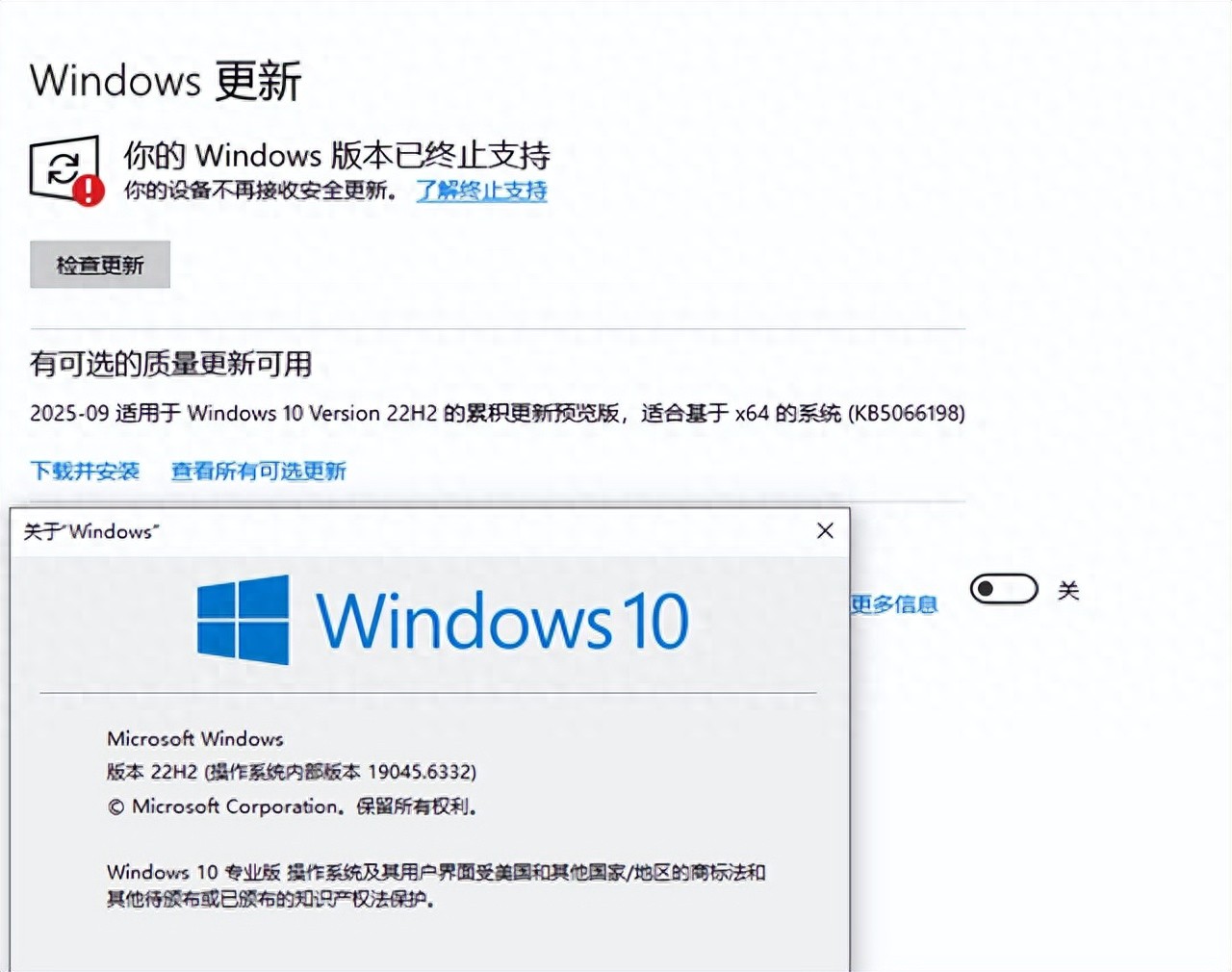

Win10 is about to stop providing security updates. What does this situation mean for hundreds of millions of users? Although the computer can still be used normally, even though the risks are quietly accumulating. Microsoft has given a deadline and upgrade path, but the reality of the hardware threshold has caused many users to get stuck at the first step.
Deadline set by Microsoft
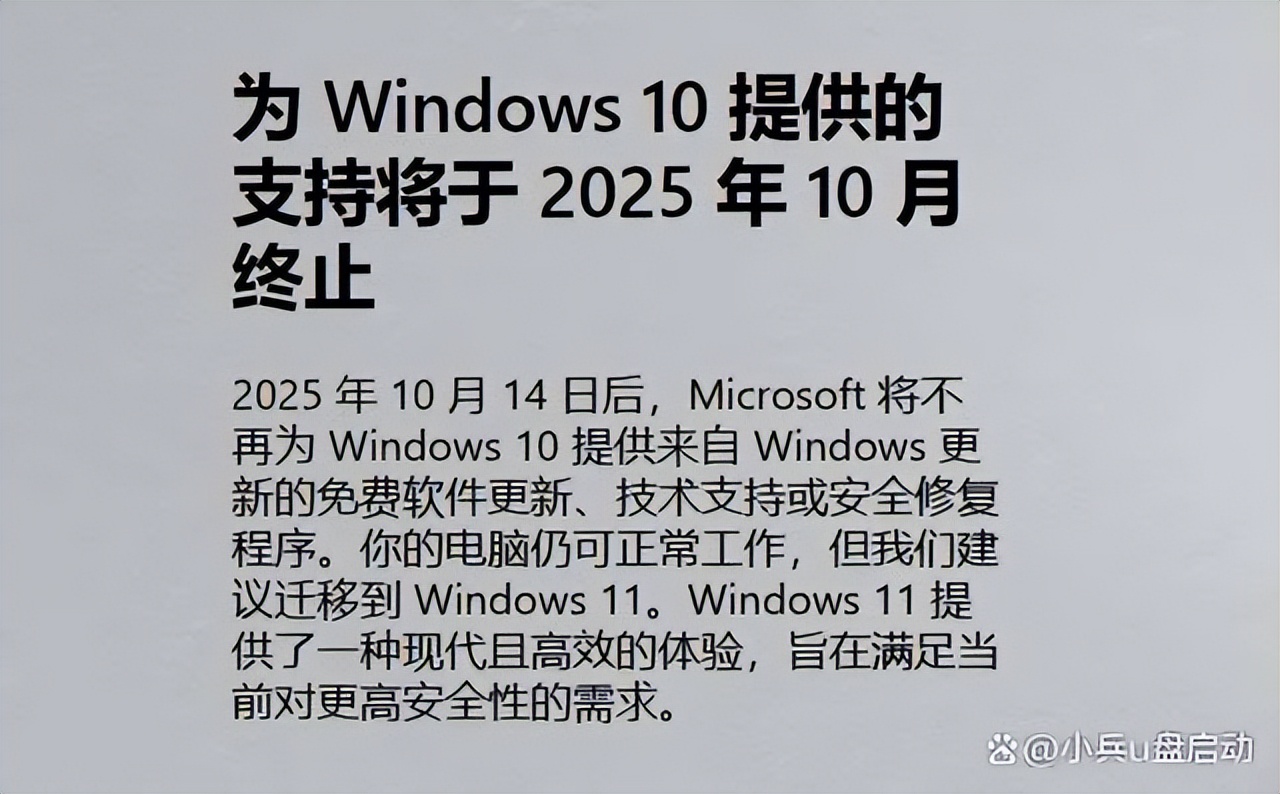
Microsoft has confirmed that mainstream support for Windows 10 will end on October 14, 2025. Starting October 13, 2026, this system will completely cease extended support. This means that your computer will not receive any security patches or feature updates in the future.
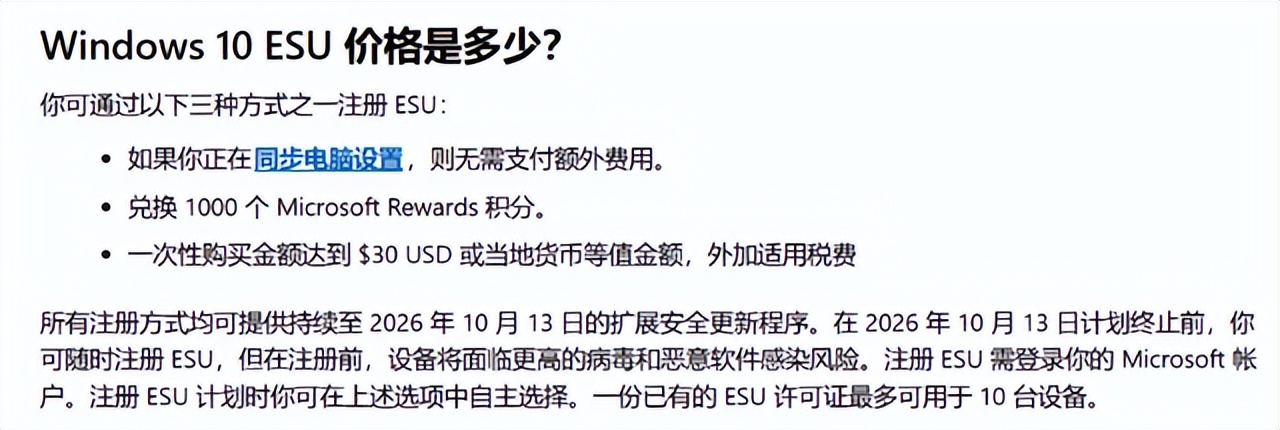
Although the boot function, office function, Internet access function, etc. of the operating system itself are not affected, the lack of security updates will make the computer highly susceptible to new viruses and network attacks. Microsoft recommends that users upgrade to Windows 11 as soon as possible to obtain continuous protection.
Three major benefits of Win11 upgrade
Continuous access to security updates is the primary benefit. Patches are released regularly in Windows 11. These patches can be used to fix system vulnerabilities and prevent hacker attacks. The second benefit involves improved system stability. After all, the new system is optimized for modern hardware, which can reduce blue screens and lags.
Let’s talk about the third benefit. This benefit is to gain new features. Microsoft will focus all innovations on Windows 11, such as AI assistant Copilot, better multi-tasking, etc. If you stay on the old system, it means that you cannot use these tools that can improve efficiency.
TPM2.0 becomes a key threshold
Microsoft has set very strict hardware requirements for Windows 11. The TPM 2.0 security chip is the core part. The full name of TPM is Trusted Platform Module. It is a hardware encryption chip with the function of protecting login credentials and encryption keys.
Most computers produced in 2016 and later have TPM 2.0 built-in. However, this may require the user to go to the motherboard BIOS settings and turn it on manually. If you purchased a computer before 2016, it is very likely that it does not support this standard.
Hard limits for CPU generations
In addition to TPM, processor generations are another difficult obstacle to overcome. Microsoft regulations require at least an Intel eighth-generation or AMD Zen 2 architecture or higher CPU. This restriction is due to security architectural considerations, as older processors lack necessary security features.
If your computer is equipped with an Intel seventh-generation or earlier processor, even if TPM 2.0 is turned on, the official installer will give a prompt that "this processor is not supported". This limitation has resulted in many computers that can still run Win10 smoothly being shut out.
Installation method to bypass detection
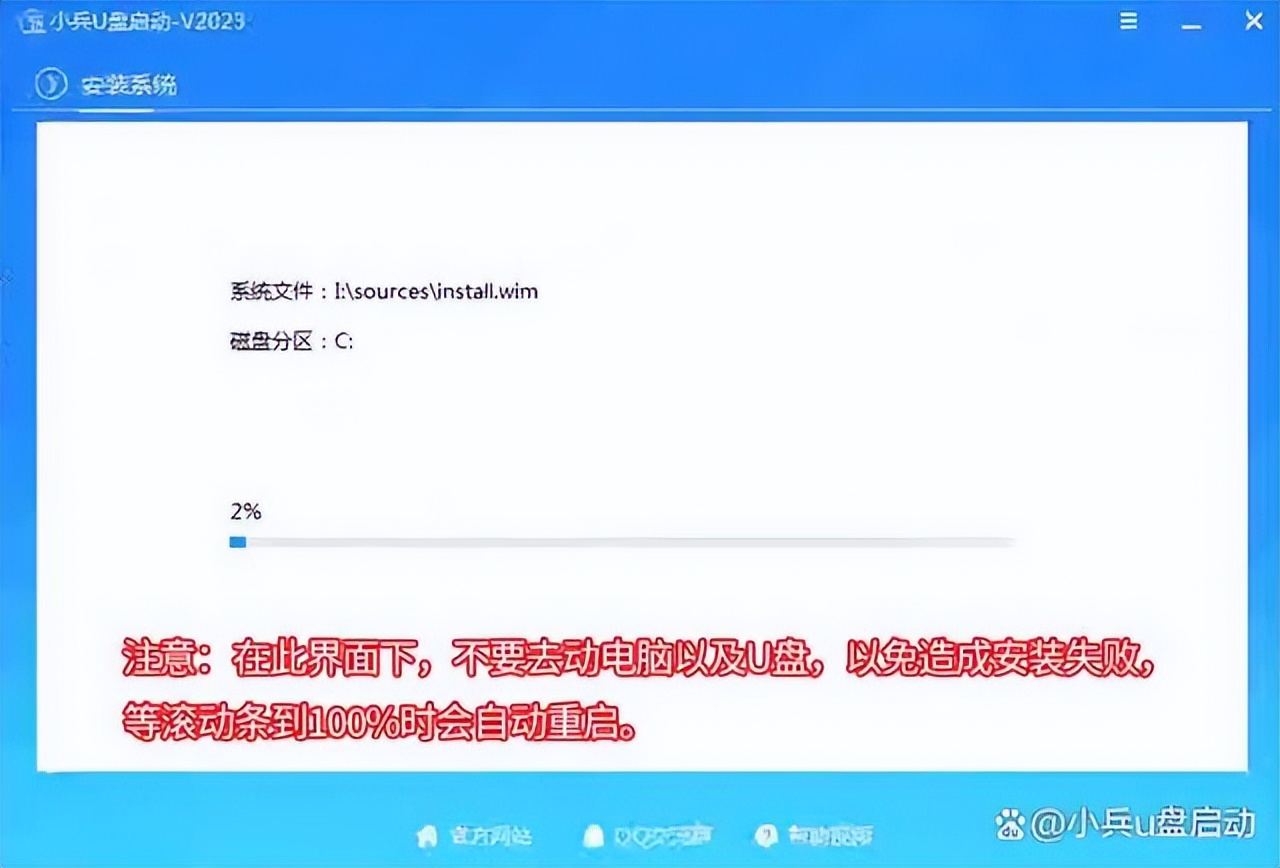
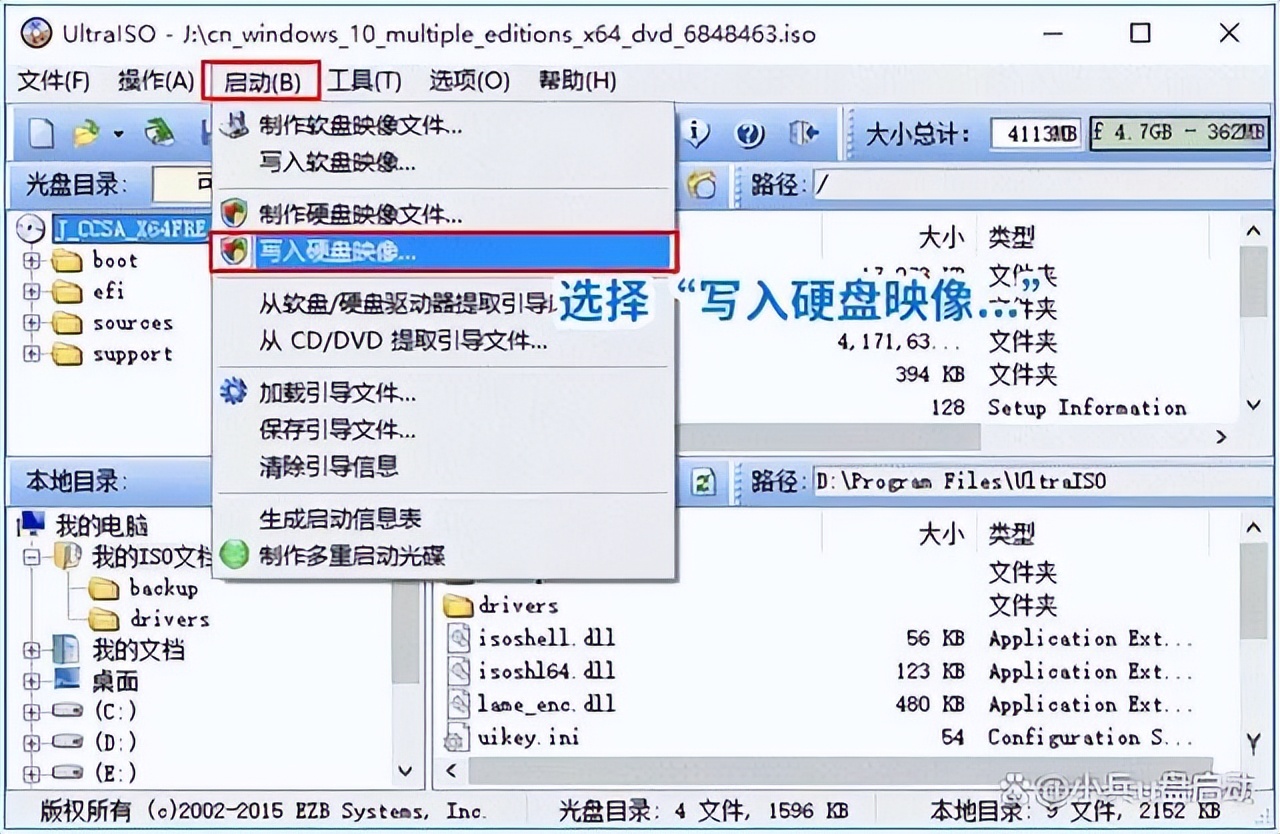
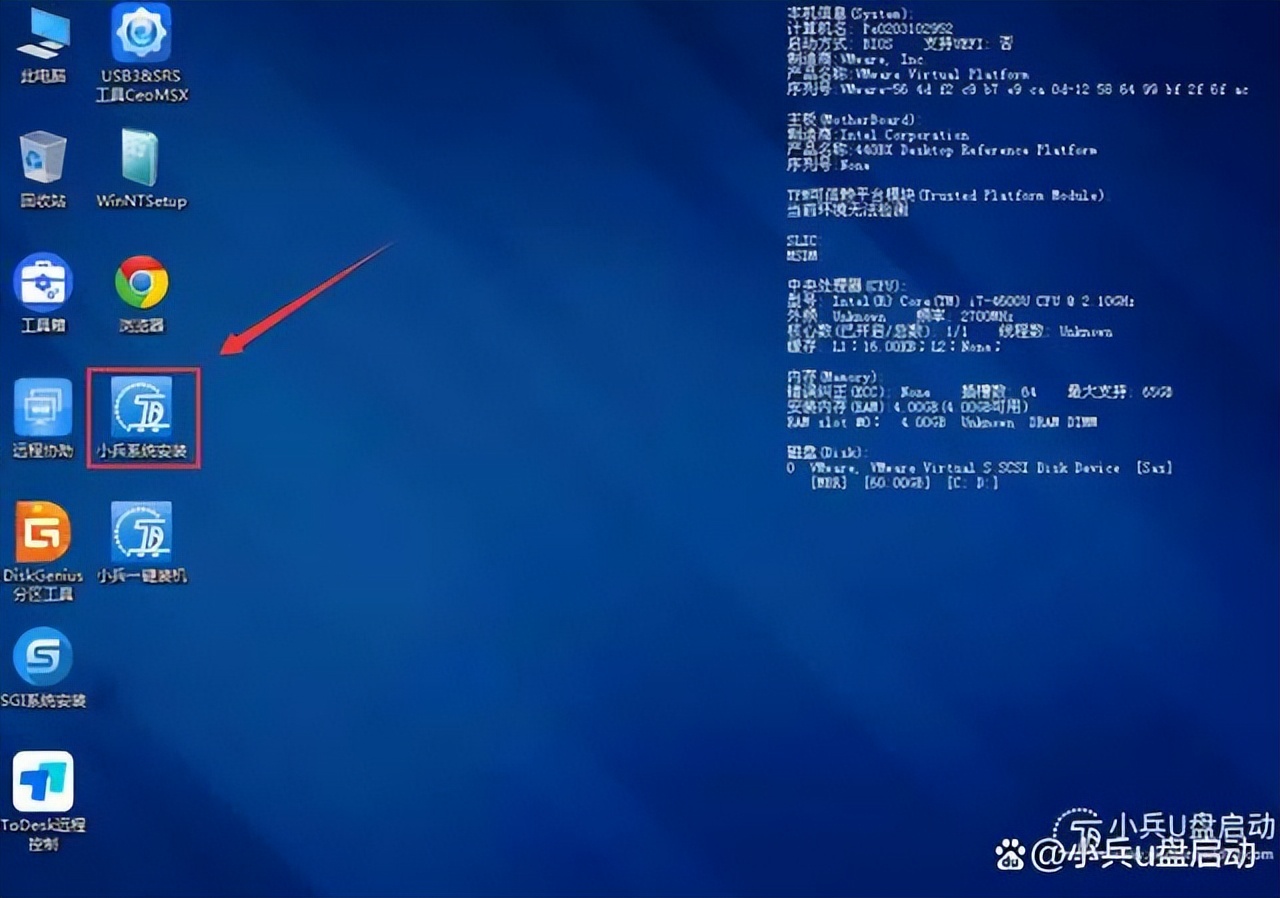
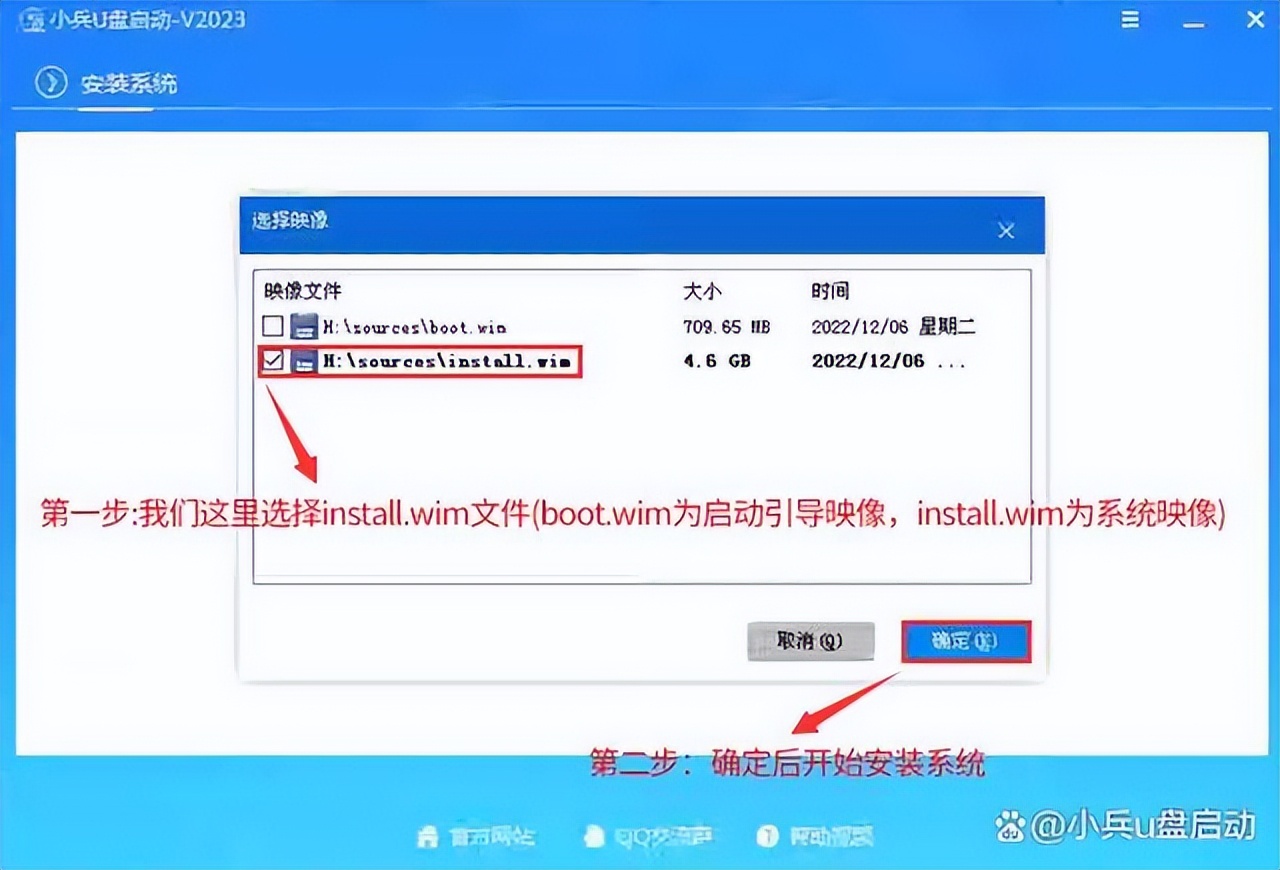
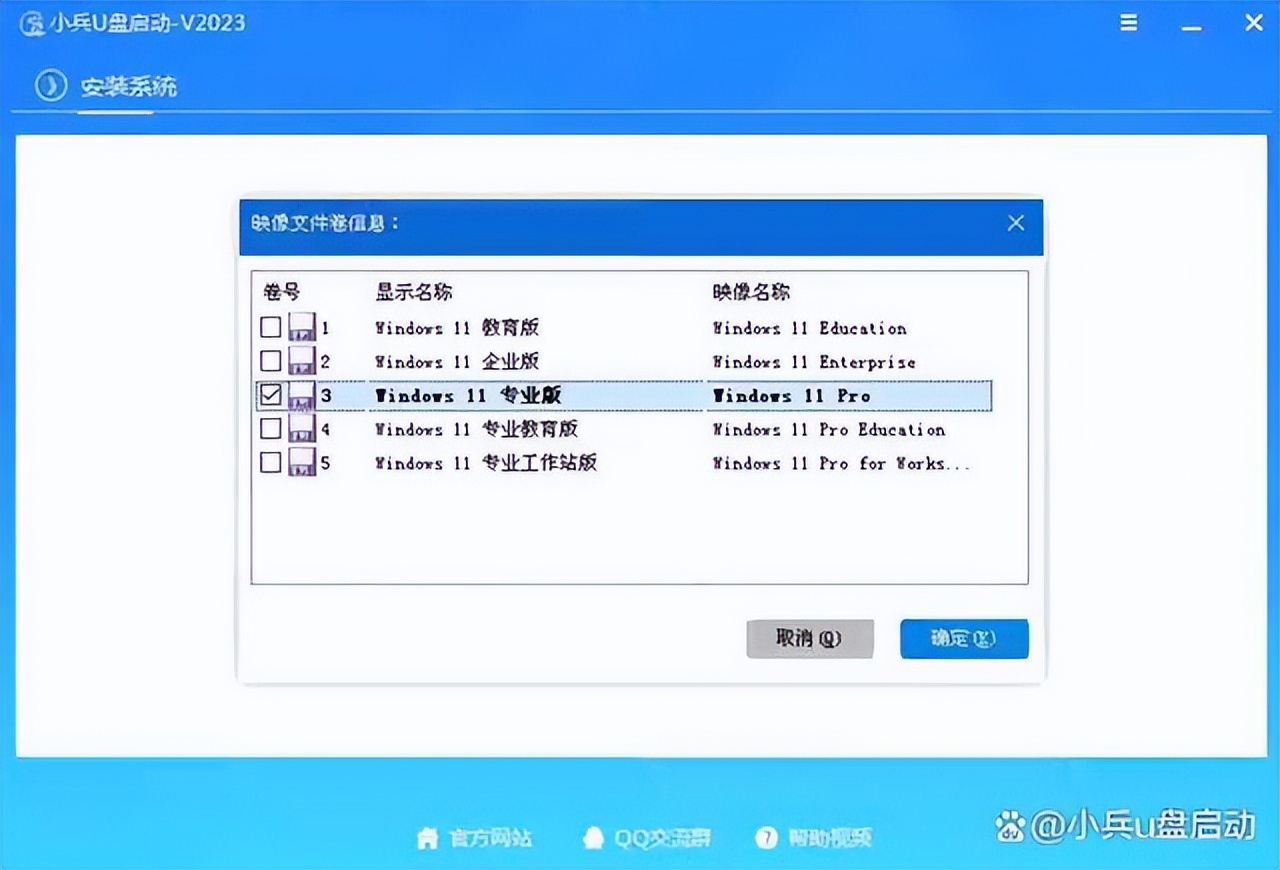
For computers that do not meet the mandatory requirements, there are technical means to avoid detection. A common method is to use a PE boot disk with a third-party installation tool to create a WinPE boot USB disk, enter the PE environment and run a tool like "Xiaobing System Installation".
When this tool deploys the system image, it will automatically bypass the TPM and secure boot detection links. The installation process is similar to the traditional method, but the system can start normally after it is completed. It's just that this method may not be able to use Windows Update to obtain subsequent online updates.
Weigh risks versus subsequent updates
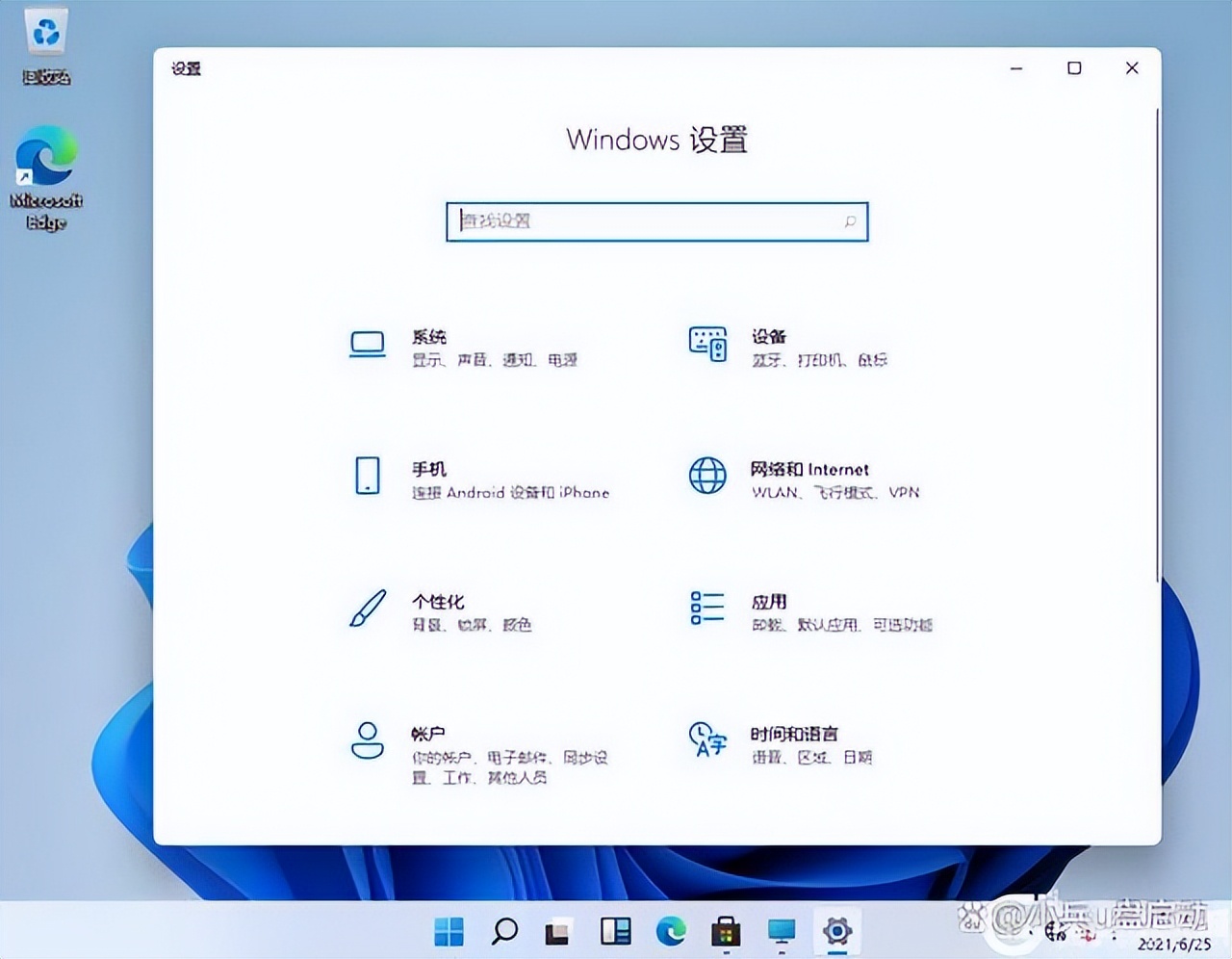
There is a certain degree of risk in installing Win11 using methods that are not officially adopted. The main limitation is that you may not be able to receive online updates from the system itself, which means that you still need to manually find and install security patches, thereby losing the convenience brought by automatic protection.
For computers with very low configurations, even if the installation is successful through forcible means, it is most likely due to driver incompatibility or lack of performance, resulting in an unsatisfactory experience. Before making a decision whether to upgrade, it is best to evaluate the actual hardware performance of the computer and your personal usage needs.

Is your computer on the upgrade list? Are you going to continue using the already unsafe Win10, or are you going to try to upgrade to Win11? Feel free to share your plans and problems encountered in the comment area.