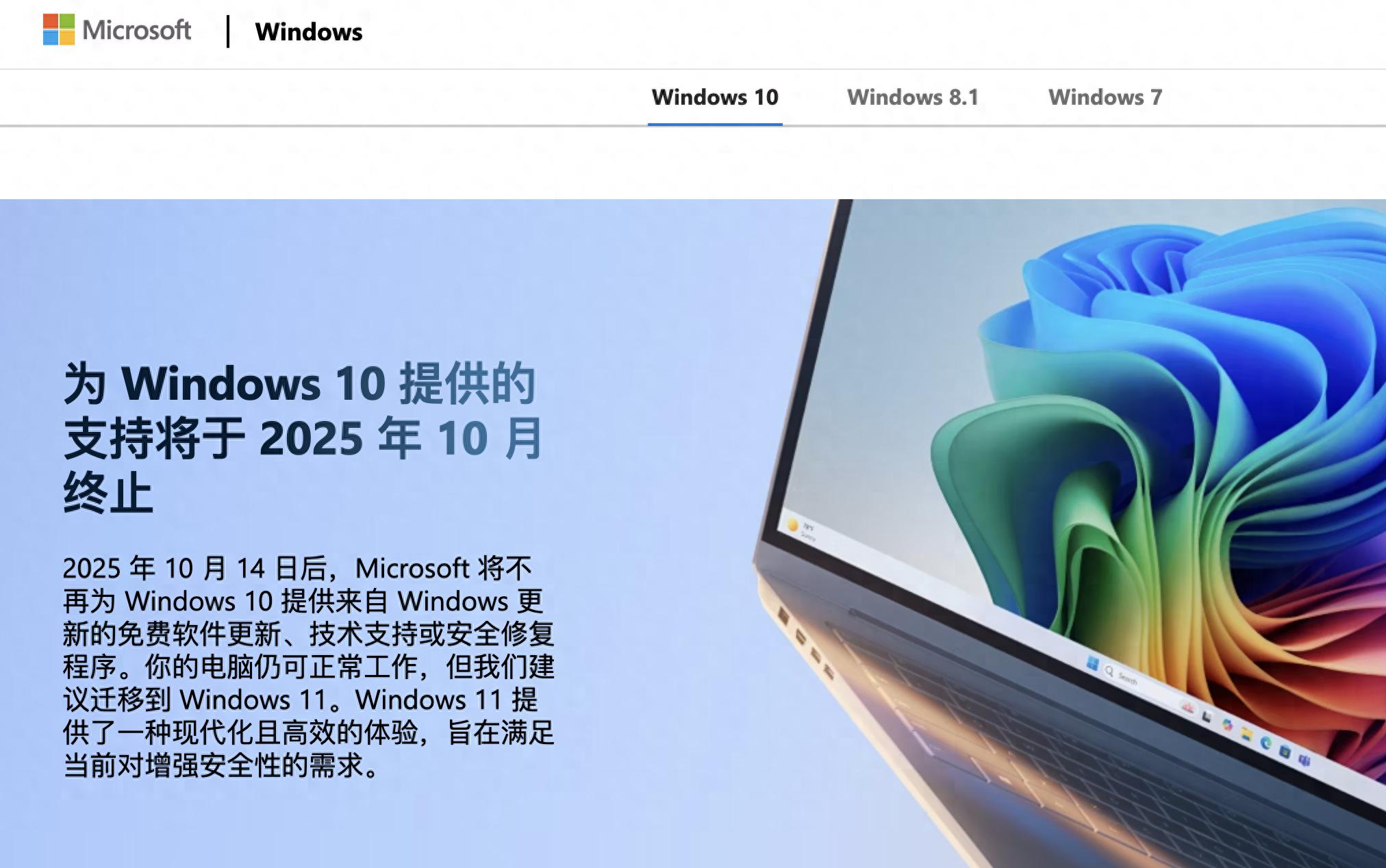
After the news that Microsoft stopped supporting Windows 10, for many computer users, it means that their old computers are very likely to be gradually heading towards security vulnerabilities. This matter not only involves whether hundreds of millions of devices can continue to be used smoothly, but also involves the issue of unnecessary expenses and the issue of electronic waste.
Core Impact of Support Ending

Starting from October 14, 2025, Microsoft will officially stop providing all technical support, feature updates and security patches for Windows 10. This decision has a direct impact on devices around the world that still run the system. Without security updates, your computer is like a house with open doors and windows, making it easier for hackers and malware to get in.
According to data provided by the British Statistics Agency, as of July 2025, approximately 43% of computers in the country are still using the Windows 10 system. Correspondingly, these computers involve 21 million users. Similar situations like this exist in many different regions around the world. This means that from that day on, a large number of computers will be in a state of losing the most basic layer of security protection.
Affected user groups
Both business users and individual users will be significantly affected. For ordinary home users, especially those using older computers, the immediate problem is that the device is likely to be unable to meet the upgrade requirements of Windows 11. The American consumer organization PIRG clearly pointed out that many devices that are in good condition will be forced to be replaced.
The risks encountered by enterprise users appear to be more complex. In addition to security threats, there may also be violations of industry data security compliance requirements. Microsoft executives clearly mentioned in the official blog that if enterprises operate on unsupported software, they are likely to encounter compliance challenges and even have an impact on commercial insurance.
User-selectable response paths
Microsoft has given two main ways for individual users. Computers that meet the hardware requirements can be upgraded to the Windows 11 operating system for free. The upgrade process can be achieved through the "Update and Security" option in the system settings. Generally, a stable network connection and sufficient storage space are required.
For those users who are unable to upgrade, or are unwilling to upgrade immediately, they can sign up for the extended security update plan. This plan will provide critical security updates to Windows 10 devices until October 2026. However, this service does not cover technical support and other feature updates.
Cost differences in different regions
During the implementation of security update plans in some regions, there are differences between different regions in terms of implementation methods and costs. Users in the European Union are now able to register for free and use this service. To qualify for free, it is required to update the system to the latest version and bind a Microsoft account.
Users in other areas have to pay fees. For individual users, the annual fee is roughly estimated to be US$30, or 1,000 Microsoft Rewards points can be used to redeem it. The corresponding cost for enterprise users is higher, about US$61 per year for each carrying device. The specific amount involved will be adjusted based on the different conditions in the region.
Potential security risks
Since security updates are stopped, the risk faced by the device will gradually increase over time. Network attackers will always develop attack tools specifically for system vulnerabilities that have ceased support. Since the beginning of 2025, there have been many incidents related to attacks on old systems around the world. These incidents have affected many industries such as the retail industry and the manufacturing industry.
Application software used by users on a daily basis may also gradually develop problems. As developers shift their development focus to the new system, the software on the old system may not be able to get new features, and there may even be compatibility issues. Some online services may restrict access to old systems in the future.
Environmental and cost considerations
Consumer organizations have strongly criticized this forced elimination strategy. Many computers that are still in normal use have to be scrapped due to the end of system support. This generates a large amount of electronic waste, and manufacturing new devices consumes resources and energy, causing additional burdens on the environment.
From an economic perspective, users are forced to upgrade or replace equipment, which indicates the existence of additional expenditures. The results of the survey show that only about one-seventh of users intend to directly purchase a new computer, and more people expect to extend the service life of existing equipment. However, this situation becomes difficult when security risks are faced.
When faced with the reality that Windows 10 support has been terminated, how do you think ordinary users should weigh security needs, economic costs and environmental responsibilities? Welcome to share your views in the comment area. If you think this article is helpful, please like it and share it with more friends.