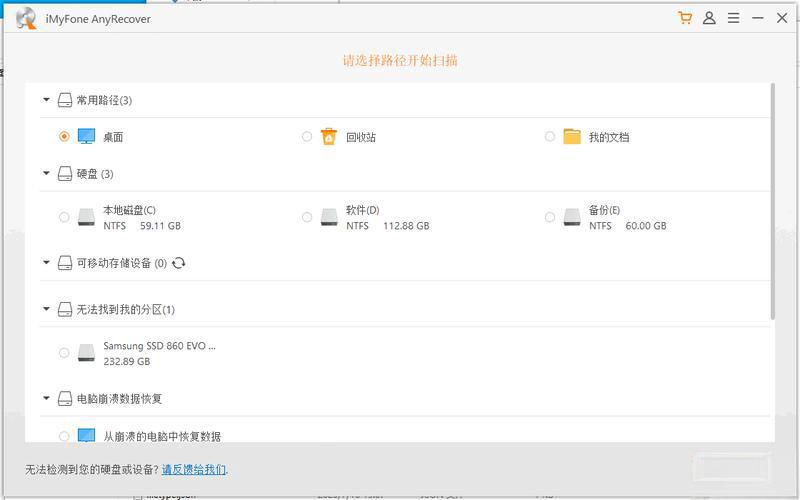
Many people think that mobile hard drive data recovery requires a professional background. However, in fact, for ordinary people, the key lies in choosing the right tools. There are many data recovery software on the market, and if you choose the wrong one, it may lead to permanent data loss.

Software selection is the key to success or failure
Even though the principle of data recovery is not complicated, most software scans the area marked as "deleted" on the hard disk. Then, different software has huge differences in algorithm depth, interface design and file repair capabilities, and it is difficult for ordinary users to distinguish clearly. If you try blindly, it is very likely to cause secondary damage to the file.
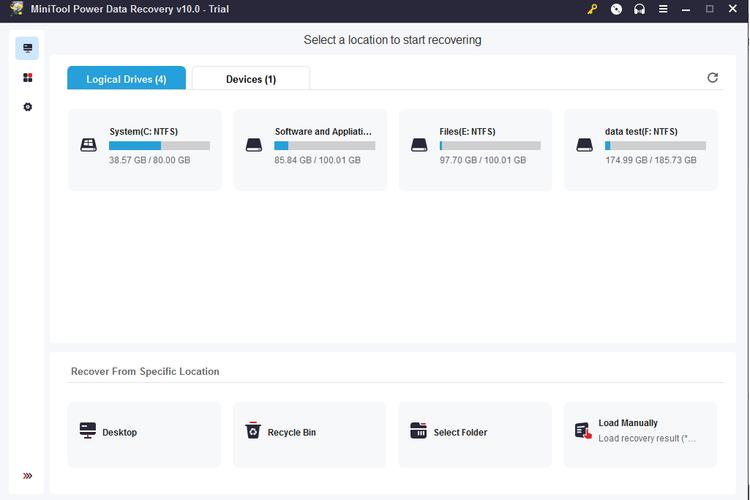
Therefore, it is extremely important to understand the unique advantages of each type of software. For example, some software performs well in dealing with accidental deletion, but other software is more effective in recovering a formatted hard drive. The first step in choosing is to find a targeted tool based on the specific problems you encounter.
Core inspection security and ease of use
For beginners, the security of the software must be at the forefront. There are some free tools that come bundled with malware or can damage the original disk during the recovery process. You should choose software that explicitly promises "read only, not write" to ensure that the operation will not cause additional damage to the hard disk.
The key is also ease of use. Complex parameter settings and terminology can make novices feel overwhelmed. The ideal tool should provide a clear wizard mode. For users, there are only three steps: select the disk, scan, preview and restore, and the entire process is intuitive and simple.
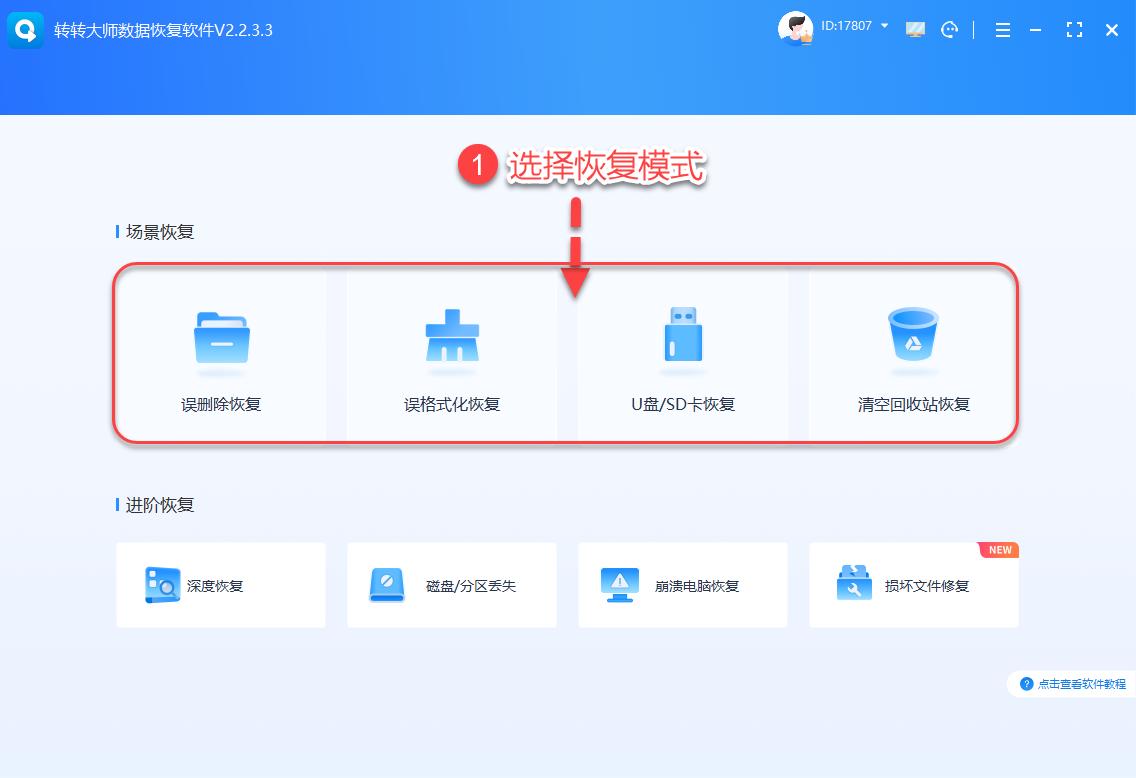
Handling different types of data loss
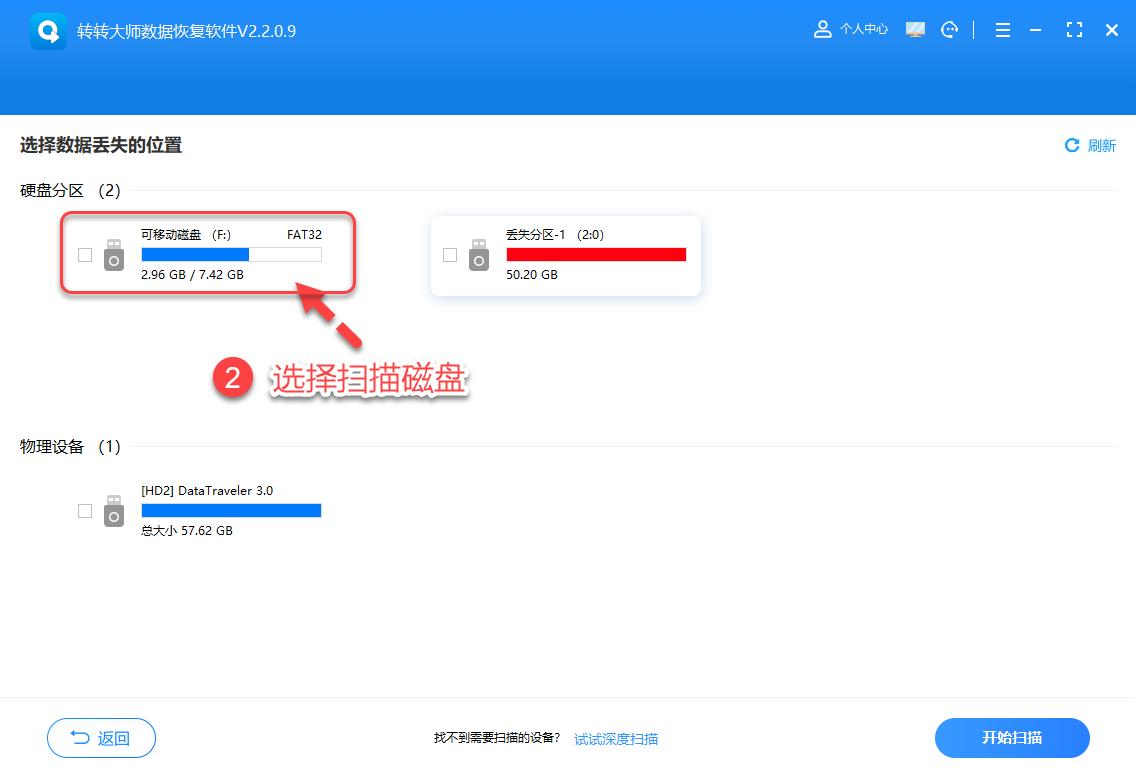
For common accidental deletion situations, the key is to act quickly. Once you find that the files are missing, you should stop using the mobile hard drive immediately to prevent new data from overwriting the old files. Using the quick scan mode at this time, you can usually retrieve recently deleted content within a few minutes.
The situation will become more complicated if the hard disk prompts that it needs to be formatted or the partition is lost. This usually involves partition table damage, which requires the software to have the ability to deeply scan and reconstruct partitions. This type of recovery takes a long time, but is extremely critical for completely retrieving data.
Dealing with file corruption and overwriting
For example, if the video cannot be played or the document is garbled, sometimes the retrieved file will be corrupted. Some advanced recovery software is equipped with a repair module, which can perform basic repairs for damaged files in specific formats, which is of great value in actual application.
The most troublesome situation is when the data is partially overwritten. This often happens when a new file is accidentally deleted and then saved. The files recovered at this time may be incomplete, but the deep mining algorithm of professional tools still has the possibility of retrieving part of the content, which is better than giving up completely.
How to choose between free and paid tools
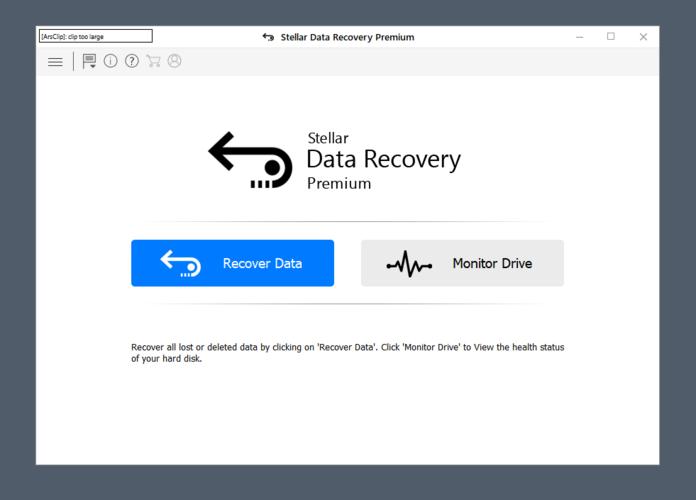
There are reliable free recovery software on the market today. These software can generally meet the basic accidental deletion recovery needs, so they have become a good emergency choice. However, their functions often have limitations, such as the number or size of recovered files, and they usually do not provide technical support.
Paid professional software is a safer investment for important data. They usually provide deeper scanning, have a wider range of file format support, have leading technical support, and have a higher success rate. The one-time investment is often worth it when compared with the losses caused by data loss.
Establish awareness that prevention is better than recovery
No matter how powerful the software is, it may not be able to guarantee 100% recovery. Therefore, developing the habit of regular backup is the fundamental solution. You can use the backup function of the operating system itself, or use software that automatically synchronizes to the network disk, and set it to be implemented weekly or monthly.
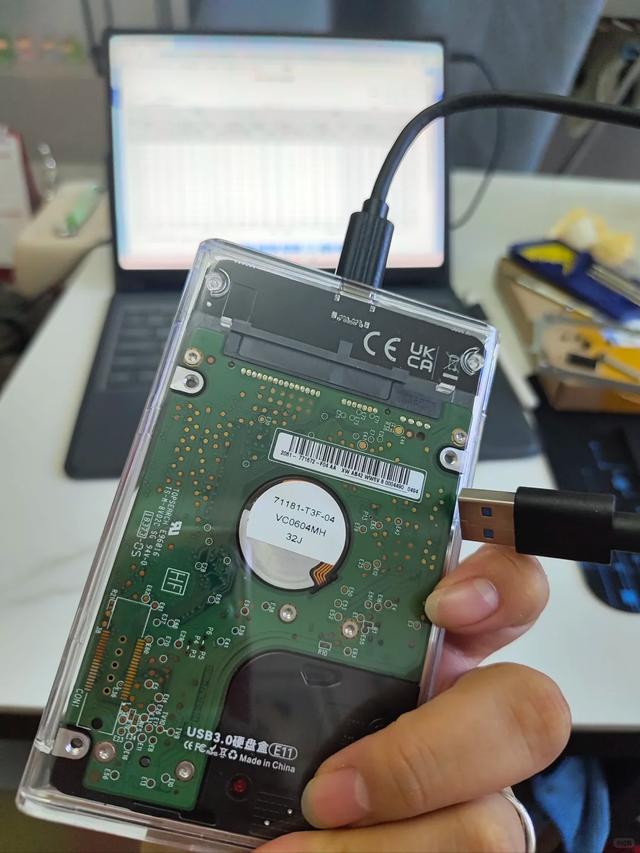
Physical protection is very important for fragile devices such as mobile hard drives. Avoid dropping and bumping, unplug the cable after it is safely ejected, and keep the power on during data transmission. These good habits can greatly reduce the risk of data loss.
Have you ever had such an experience, that is, after reading this, the data cannot be recovered due to improper operation? Welcome to the comment area and share your story.