

Many people who use computers are very likely to encounter troublesome situations such as data loss, and choosing the right recovery tool can generally save a lot of repair costs and time. There are a large number of software on the market with different functions. Some are powerful and professional, and some are easy to use as a selling point. It is very necessary to fully understand their features.
Functional advantages of Zhuanzhuan Master data recovery
The file types and formats recognized and supported by this software are extremely complex and diverse. Whether it is various types of documents that you will use during work, or personal photos and videos, or even compressed packages and database files generated by the output of some professional software, there are corresponding opportunities to help you recover them. This is of considerable practical value for users who often need to deal with mixed types of files.
Its operation process is designed to be quite intuitive. For example, to retrieve an accidentally deleted file, you only need to select the corresponding mode, and then click on the hard drive partition where the file was originally stored. The software will quickly scan and clearly list the found files. The user can directly preview the image or document content, and then restore it after confirming that it is correct.
R-Studio’s ability to deal with complex situations

R-Studio is suitable for handling more difficult data disasters. It has the ability to deeply analyze damaged file systems. Even if the hard disk partition table is damaged or encounters a serious virus, there is still a chance to read the data. This software will still be one of the professional tools used by many data recovery service providers in 2024.
It has an important security function called "disk mirroring". You can first create a complete copy of the problematic hard disk. All recovery operations are performed on the copy. This can effectively prevent operations on the original failed disk from causing further damage to the data, adding a double guarantee to important data.
Puran File Recovery is free and convenient
There is a software that is completely free and requires no installation. It is a green software. You can put it in a USB flash drive and carry it with you. In an emergency, you can run it directly on your computer. In situations where a file is accidentally deleted and needs to be retrieved immediately, this out-of-the-box feature is of great value and is quite valuable.
Although the software is free, it has complete basic functions. It can perform quick scans and deep scans, and present the results according to file type classification. Users can use the preview function to view the contents of images and text files, and then restore them after confirming that they are what they need, avoiding blind operations.
Recuva’s modular operational design
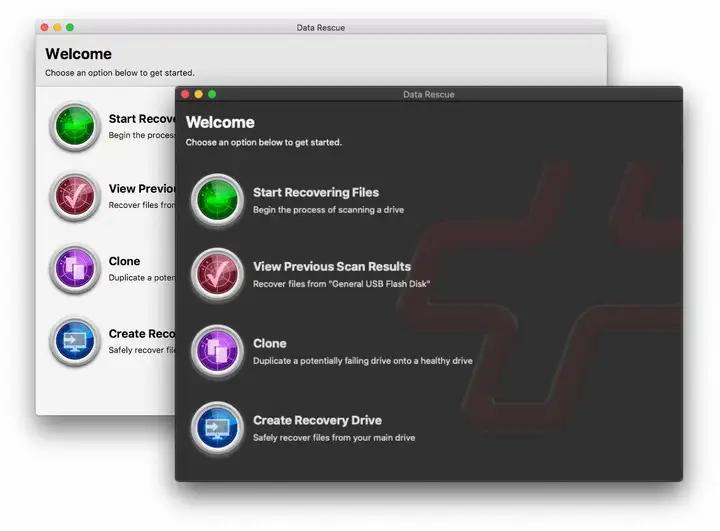
This software uses modules differentiated by scenarios. Users can select the corresponding recovery module based on the specific reasons for data loss, such as accidental deletion, formatting or partition damage. This design makes the operation more targeted and improves recovery efficiency.
After the software starts the selected module, it will guide the user to select the drive where the lost data is located. Then it will perform an intelligent scan, and then use its own algorithm to try its best to reconstruct the file directory. After the scan is completed, the user can use various filtering conditions, such as file type, modification date, etc., to quickly locate the target.
Ease of use features of Wise Data Recovery
True to its name, the most notable feature of this software is its simplicity. Its interface is very simple, usually with only one main scan button and a disk selection list. For those users who are not familiar with computer operations, they can immediately know how to operate it after opening the software, and there is basically no need to learn the cost.
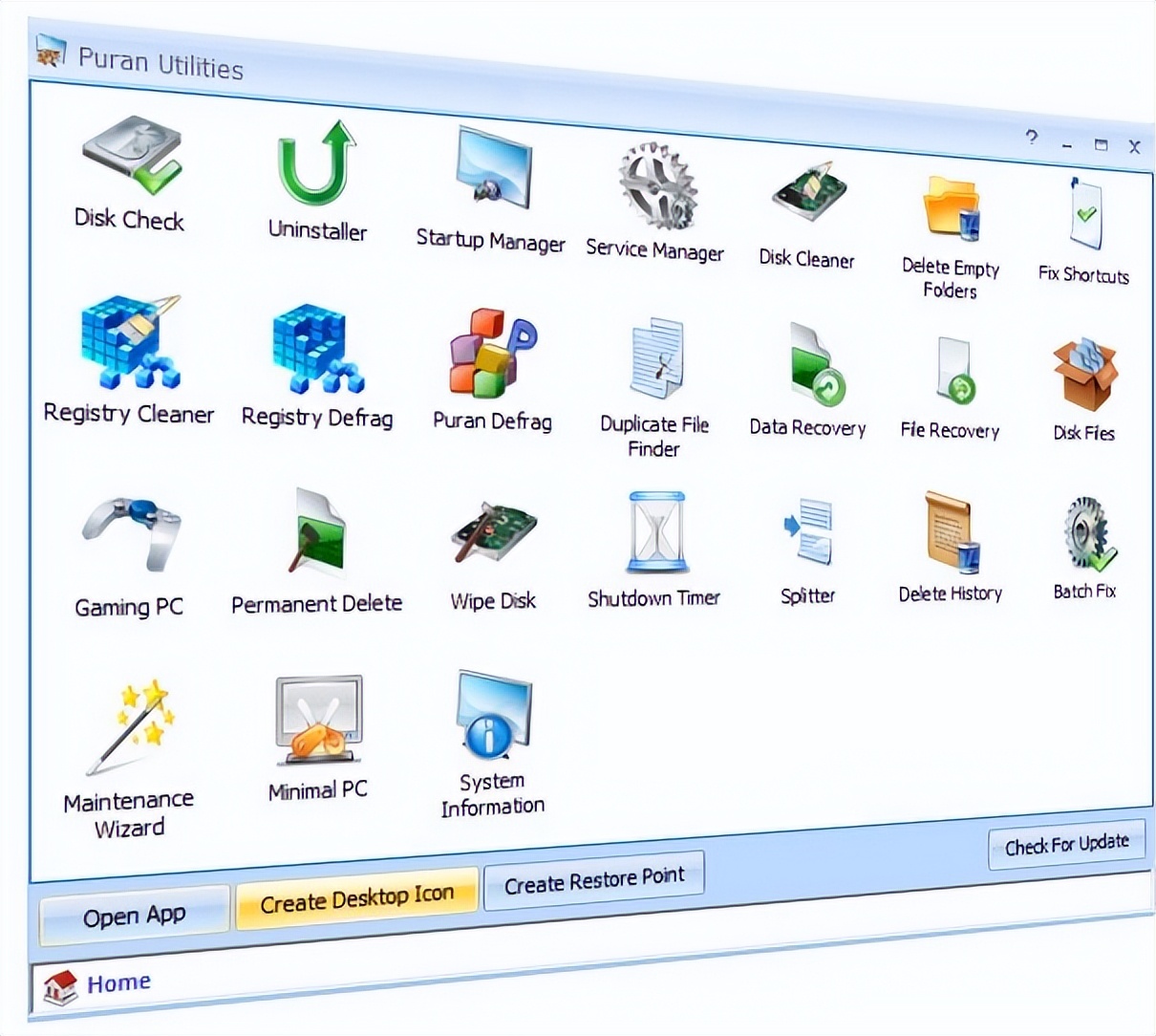
The software scans very quickly, especially for smaller documents such as documents and images that are involved in daily life. The scan results will clearly list the file name, path and recovery status rating. The user only needs to check the files that need to be restored, specify a safe and stable location that is not the original lost partition, and click Restore to complete the operation.
How to choose tools according to your own situation
For the majority of accidental deletions that occur every day among ordinary users, simple and easy-to-use tools such as Wise Data Recovery or Recuva are sufficient. They have a high recovery success rate and a small number of operation steps, which can solve the problem in just a few minutes, preventing you from being helpless due to overly complex software.
If you encounter serious situations such as the hard disk not being recognized or being prompted to format, you should consider professional tools like R-Studio, or directly seek help from offline data recovery services. At this time, if you blindly use simple software to scan continuously, it is very likely to cause irreparable secondary damage to the damaged hard disk.
Have you ever lost your most critical files due to operational errors in the past? How did you successfully retrieve them? You are welcome to share your experiences and insights in the comment area. If you find this article helpful, please give it a like and support.