
If you encounter a prompt that the hard disk needs to be formatted, do not click "OK" because such an operation will make data recovery difficult. A large number of people have put work information or family memories accumulated over the years in danger due to incorrect operations. In fact, in most cases, there is a possibility of recovery.
Common causes of mobile hard drive failure

Problems with mobile hard drives are often related to physical damage or logical errors. Physical damage includes accidental dropping, water intrusion, or long-term use in high-temperature and humid environments. Loosening of the interface caused by repeated plugging and unplugging, and head damage caused by unstable power supply also fall into this category.
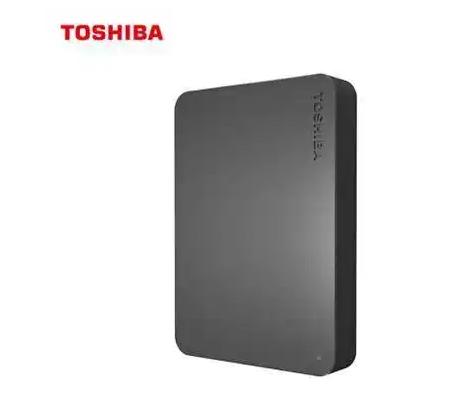
Logical errors are mostly caused by software, such as unwarranted damage to the file system, viruses deliberately damaging the partition table, or forcibly unplugging the cable during data transmission. When you see a Windows system pop-up window that prompts "needs to be formatted" or "the file directory is corrupted", it is basically a logical failure in the partition table or boot record, and it is not that the disk is physically damaged in reality.
Key taboos before data recovery
If you notice that the hard drive cannot read data, the first thing you need to do is the "three no's", that is, do not format it, do not save new files, and do not repeatedly try to power on. Special attention should be paid to not saving the recovered data directly back to the original failed disk, as this will cause secondary overwriting, which will permanently destroy the original data.
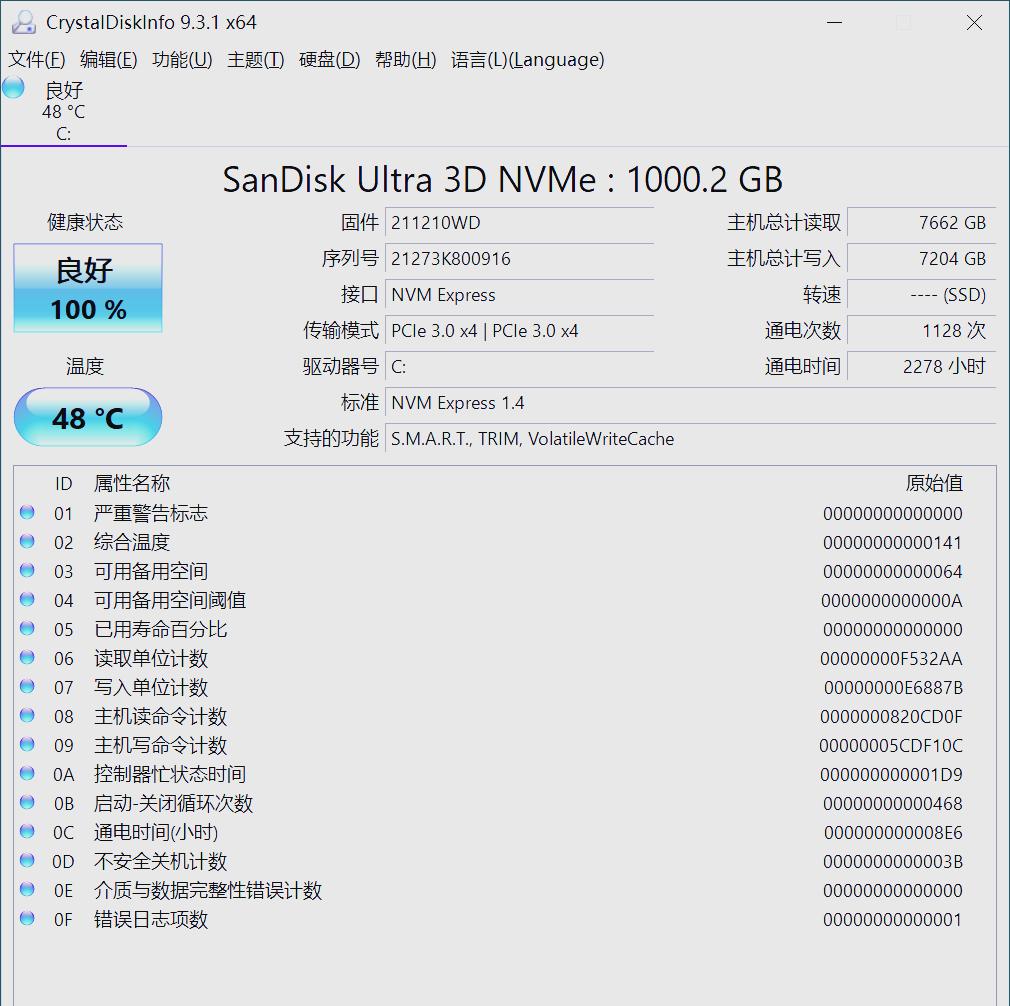
The first correct step is to stop all writing activity immediately and then safely remove the drive. You can try to change a high-quality data cable and connect it to another USB interface on the computer (ideally the motherboard's native interface) to eliminate false faults caused by insufficient interface or power supply.

Choose the right data recovery software
There are a large number of recovery software on the market, and these software focus on different functions. For those failures that manifest as partition loss or formatting prompts, you need to choose software that has in-depth scanning and partition reconstruction functions. Such tools can avoid the path of the damaged file system and directly read the data contained in the bottom layer of the disk.
The quick scan mode of many free software is sufficient for simple accidental deletion or emptying of the Recycle Bin. When choosing, you need to pay attention to whether the software supports your hard drive file system format, such as NTFS, exFAT, etc., and make sure it supports mechanical hard drives and solid-state drives.
Free and paid software practical operation
Free software like Recuva has a simple interface and has the advantage of fast scanning speed, which is suitable for the operation steps of recovering ordinary files that have been deleted recently. However, it has certain limitations in supporting more severe logical damage or large files, and the recovered videos may not be playable.
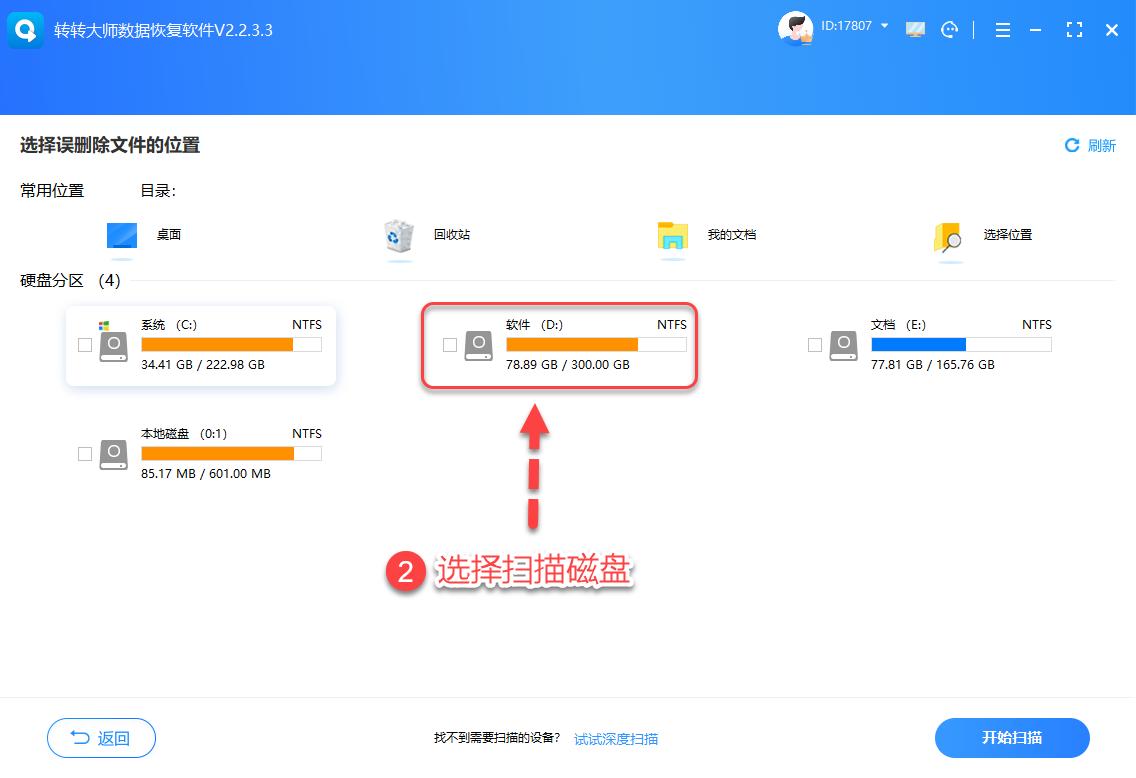
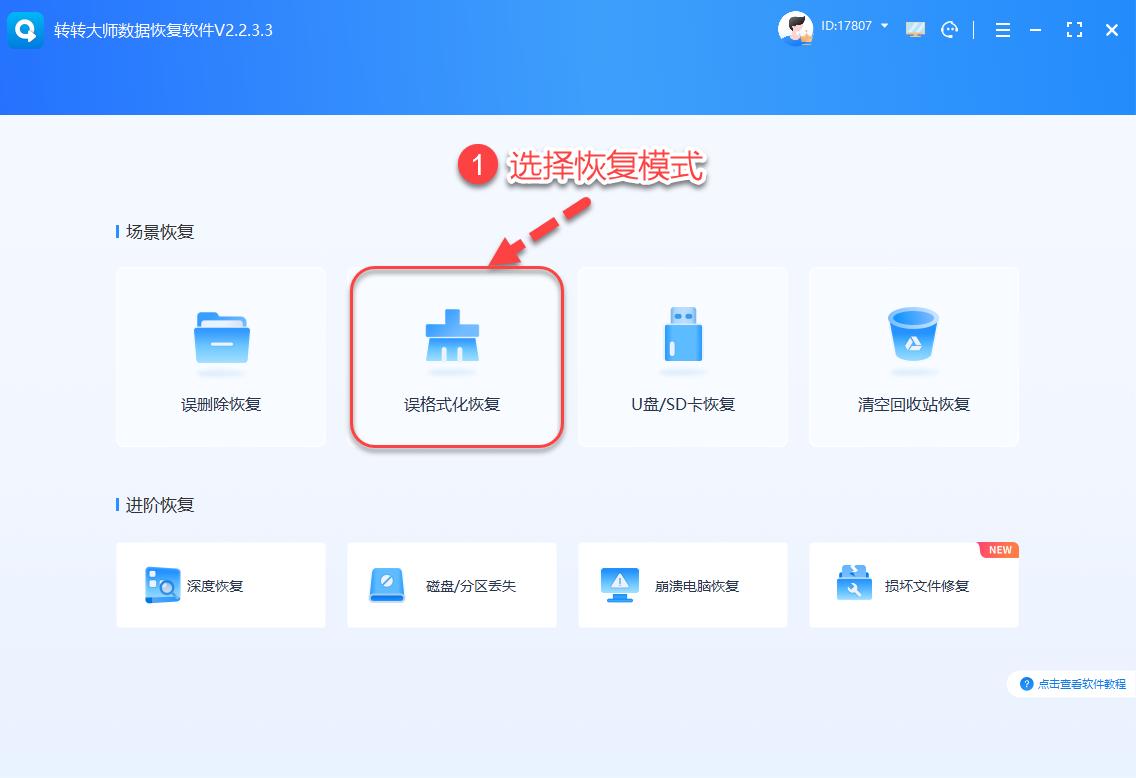
Paid professional software has stronger features. For example, it can support accurate file preview, can also recover RAW formats, and can rebuild partition tables. The general process of using this software is to first select the failed disk, and choose between "misformatted recovery" or "deep scan" according to the specific situation. After the scan is completed, filter by file type to preview, and after confirming that there are no errors, restore the file to another safe storage device.
Differences between mechanical hard drive and solid state drive recovery
After deleting the data in the mechanical hard drive, the file mark will be removed, but the actual data will still remain on the disk until it is overwritten, so the success rate of recovery is relatively high. Its physical structure also results in the possibility of professional recovery even if part of the head is damaged.
There is a solid-state drive that supports TRIM instructions and a garbage collection mechanism. When a file is deleted, the main control may quickly erase the corresponding flash memory block in order to increase the writing speed. As a result, the probability of complete data erasure will become greater. Therefore, after the solid-state drive data is lost, the urgency of recovery operations is much higher than that of a mechanical hard drive.
Establish effective data backup habits
The most efficient "recovery" is to prevent it before it happens. Critical data should be operated according to the "3-2-1" backup principle: there must be at least 3 copies, using 2 different storage media, and 1 copy must be kept off-site. For example, there is one copy stored locally on the computer, one copy stored on the mobile hard disk, and another copy stored in the cloud.
If there are important items in the mobile hard drive, they can be synchronized and backed up regularly to another hard drive or NAS. At the same time, it is necessary to develop a habit of "ejecting first and then unplugging" to avoid forcibly disconnecting when the data transfer indicator light is flashing, and this is a common human reason for file system damage.
Have you ever had a frightening moment when data was lost? What method did you rely on to successfully recover it or did you have no choice but to accept the loss? You are welcome to share your own experience. If you think these methods are effective, please like and support so that more people can see it.