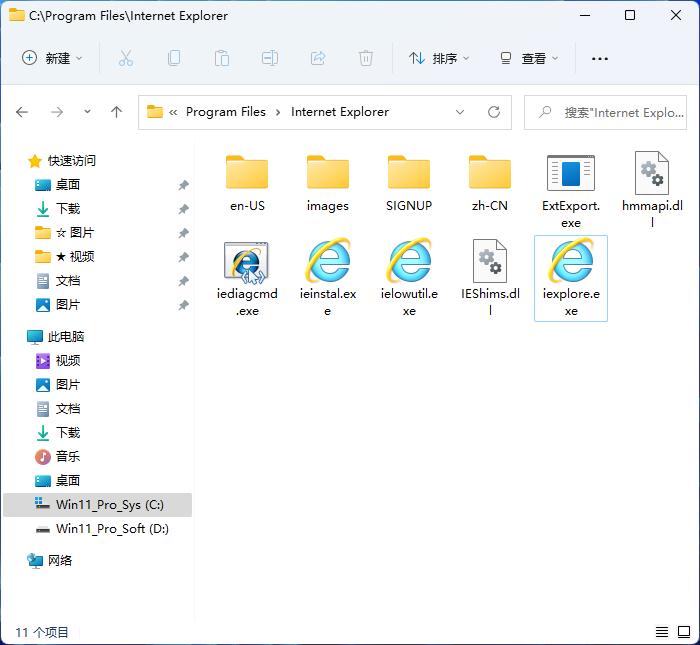
Since Microsoft stopped providing support for Windows XP, a huge security gap has been created, and users who rely on this old system are exposed to growing risks.
Why the threat of zero-day attacks is on the rise
When a software vulnerability is discovered but an official patch has not yet been released, the attack launched by hackers is a zero-day attack. In the past, Microsoft would release security updates to all systems, including XP, to seal these vulnerabilities. But now, the official patch channel for XP has been permanently closed, which means that newly discovered vulnerabilities will not be fixed by Microsoft.
When attackers exploit new vulnerabilities in XP system components such as IE, tens of millions of computers still using the system will be left unprotected. As a result, zero-day attacks against XP may become more frequent and targeted because hackers know that these attacks will be effective for a long time.
IE browser becomes the main entry point for attacks
The web browser is the most important tool used by users to connect to the online world. Due to its deep integration with the Windows system, the IE browser has always been a target of hackers. By convincing users to visit malicious web pages, attackers can exploit browser vulnerabilities to gain access to computers.
In the absence of patches, continuing to use the IE browser in the XP system is extremely risky. A seemingly normal web browsing behavior is very likely to cause the computer to be remotely controlled, data to be stolen, or the system to be locked. Therefore, one of the most direct ways to reduce risks is to stop using IE.
Limitations and Risks of Third-Party Support
Some security companies claim to continue to provide limited protection for XP, such as using intrusion detection rules to block known attack patterns. However, this kind of protection has obvious limitations. It cannot repair the underlying loopholes in the system from the root. Instead, it is like putting a film on a broken window.
Delivering security to others is like relying on third-party protection. Its protection effectiveness and response speed cannot be compared with Microsoft's original support. Once a new, undocumented zero-day attack appears, these protections are likely to be ineffective and users will still be at risk.
Other high-risk software threats
In addition to the system itself, various old application software running on the XP system are also major hidden dangers. For example, Adobe Flash Player has experienced serious security vulnerabilities many times in history. These software may have too many outdated versions or have stopped updating, and they already have a large number of known but unpatched vulnerabilities.
Even if users are very careful when surfing the Internet, it is still possible for attacks to be carried out through infected documents and malicious advertisements. Once a file or web page containing malicious flash content is opened, the attack is likely to achieve its intended strategy and succeed in achieving its goal. So, it's very critical and important to evaluate and update or eliminate these high-risk software that can cause damage. This is a matter of great significance and value.
Enhance system protection with EMET
The Enhanced Mitigation Experience Toolkit (EMET) provided by Microsoft is a useful security tool that can forcibly enable multiple high- and low-level security protection technologies for various applications, including older versions of IE, such as data execution prevention and address space layout randomization.
Although EMET cannot fix the vulnerability itself, it can greatly increase the difficulty of exploiting the vulnerability. For those users who must temporarily use XP, installing and correctly configuring EMET is an effective and complementary measure to mitigate the risk of zero-day attacks. It can set up an additional barrier, preventing many attack codes from successfully running.
Build comprehensive security habits
Whether security can be guaranteed depends on the user's own habits. The first principle is to keep all supported software absolutely up to date. This includes office software, PDF readers, players and other software. Secondly, security software with modern features produced by reliable manufacturers should be selected, and the virus database must be ensured to be updated in real time.
Users must take the initiative to pay attention to the dynamics of security and understand the techniques used in current popular attacks. Always be highly vigilant about email attachments, links, and software from unclear sources. It is necessary to back up critical and important data regularly and store them on offline devices. Only in this way can the loss be minimized even if the system is invaded.
Are you still using some old software or systems that have stopped being supported? For the sake of safety, what changes would you be willing to make? You are welcome to share your views in the comment area. If you find this article helpful, you can like it and share it with people who may need it.