Recording files placed in the computer suddenly disappear. Whether it is caused by a software crash or misoperation, it is a headache. Those audio materials may contain key meeting minutes, creative materials, or personal memories, which would be really troublesome if lost. Faced with such a situation, many people's first reaction is to panic, but in fact there are reliable ways to find them back.

Advantages of professional tools
The most effective and guaranteed way to recover lost recordings is to use specialized data recovery software. This type of tool is designed according to various data loss situations. It can perform a deep scan of the hard drive to find audio file fragments that have been deleted or cannot be directly accessed by the system. Compared with manually searching the computer, the software scans in a more comprehensive range, and the success rate is much higher.
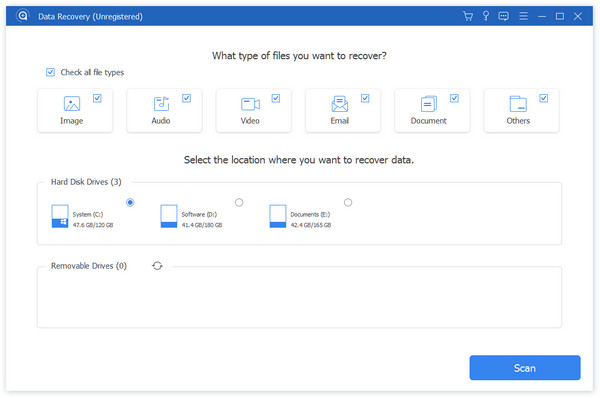
Many recovery software on the market support preview functions. After the scan is completed, you can see the results classified by file type on the main interface of the software. At this time, you only need to select the type "Audio" in the filter bar. Such a step can help you quickly locate the desired recording among massive files, preventing you from wasting time on irrelevant files.
Scan mode selection
When starting to recover, all you have to do is select the hard disk partition where the file was before it was lost. The software generally provides two modes: "quick scan" and "deep scan". The quick scan has a very fast speed and is suitable for operating on files that have just been deleted. If the quick scan fails to find the target, you should turn on the deep scan.
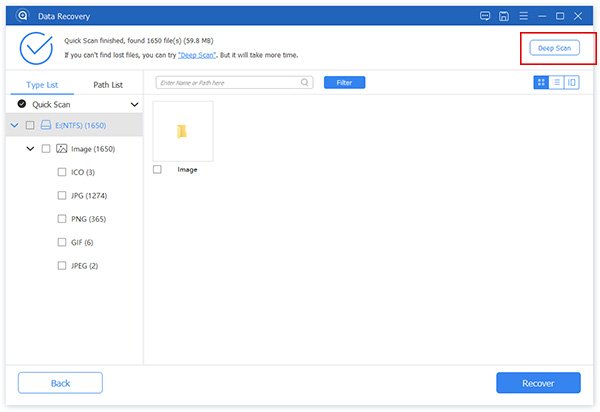
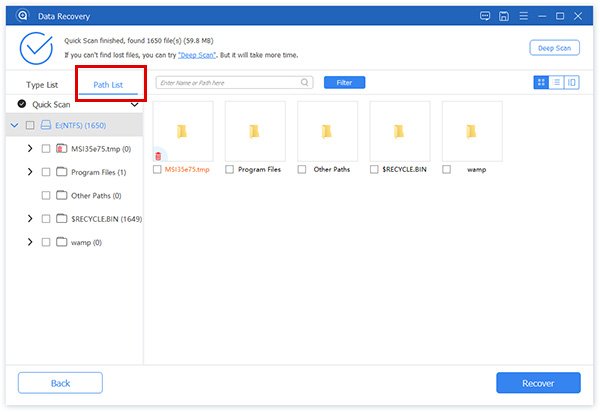
Deep scanning will conduct a comprehensive and thorough analysis of the disk storage area sector by sector. This process takes a long time, but it can detect more residual data traces. It is especially suitable for file loss caused by formatting, virus attacks, or partition damage, and is the key to retrieving "old files".
Precise positioning and recovery
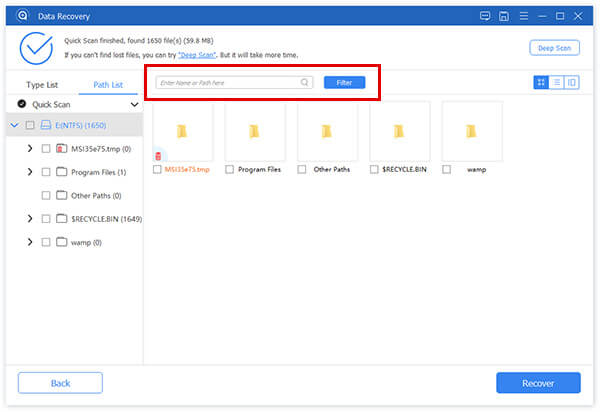
The file list is scanned and you can filter the results by entering the file name of the recording or some keywords. When the suspected target is found, remember to use the preview function of the software to listen to it to confirm that it is exactly the recording you are looking for before proceeding to the next step.
After verifying until there are no errors, check the box before the file name, and then click the button marked "Restore". The software will send you a prompt message asking you to choose a safe storage path. Remember, never save the file back to the original lost partition, otherwise the data will be overwritten. When the recovery operation is completed, the software will usually automatically open the save folder, making it easier for you to check.
Take advantage of the system’s built-in features
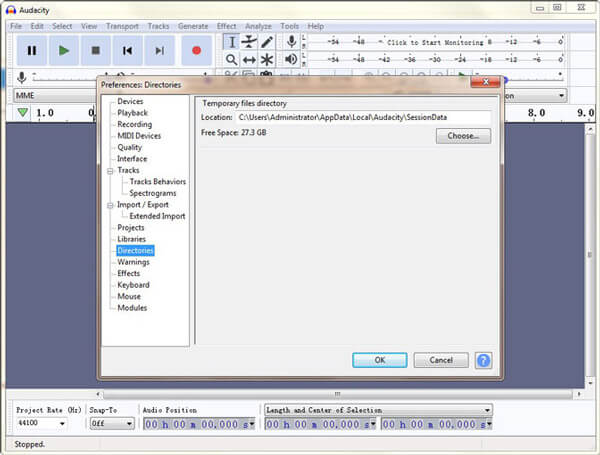
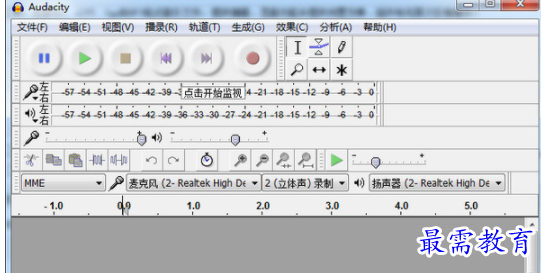
In addition to third-party software, some audio editing programs also have emergency recovery mechanisms. For example, when the program crashes unexpectedly and then restarts, the recovery panel may automatically pop up, prompting that there are unsaved projects that can be restored. You only need to click a button such as "Restore Project" to get back the latest work results before the crash.
For some software, you can try to find settings related to "Autosave" in its "Preferences" menu, or find settings related to it in the "Options" menu. After these functions are turned on, the program will periodically save temporary project files to a specific folder, which provides a safety net against unexpected situations.
Manually find temporary files
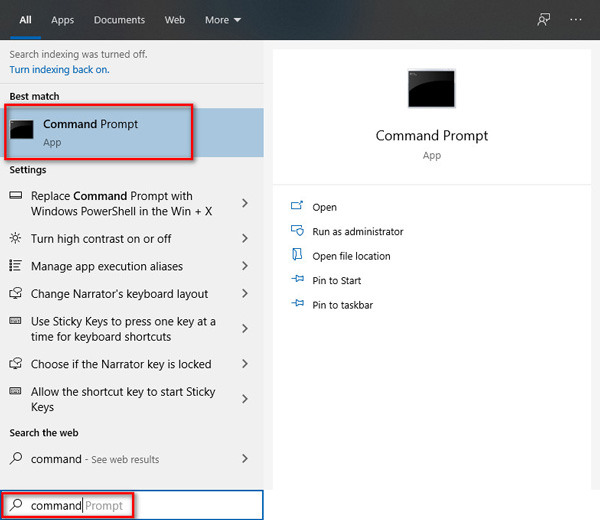
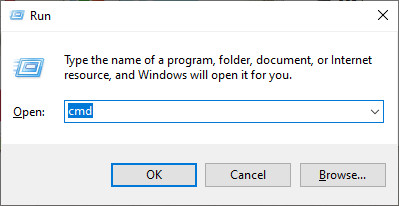
If the software does not automatically recover, you can try to manually find temporary files. The location of the temporary folder will vary depending on the operating system and software. It is usually in the software-related folder under the user's "AppData" or "Documents" directory. You can use the search function of File Explorer to search based on the audio file extension or software name.
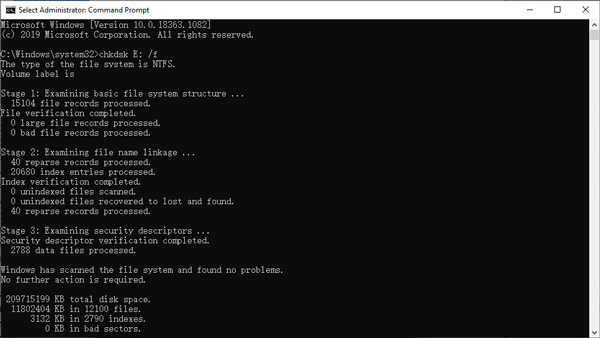
After discovering the temporary file, the extension it has may be very strange. You can try to open it directly using audio playback software or original editing software. If you cannot open it directly, occasionally change the file extension to the common ".mp3" or ".wav", and the file can be recognized and played normally.
Develop data protection habits
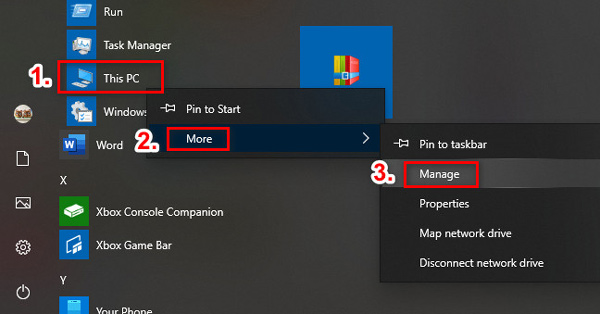
It is more important to prevent loss than to restore it afterwards. It is recommended to develop a habit of regularly backing up important recording projects. The backup can be done on different media such as mobile hard drives and cloud disks. For ongoing projects, frequently use "Ctrl+S" to save manually.
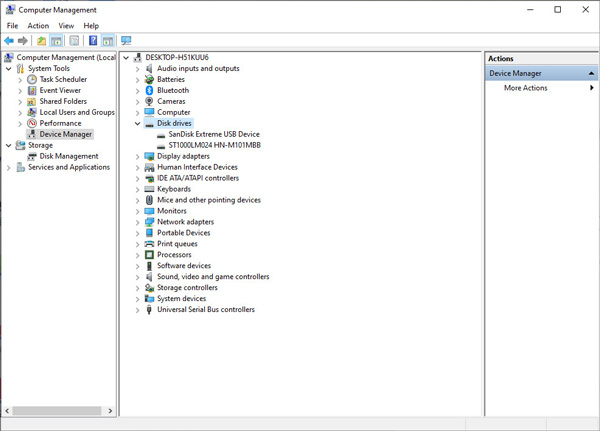
At the same time, deletion operations should be approached with caution. Before emptying the Recycle Bin or formatting the storage device, you must confirm again that there are no important files in it. A simple backup habit can often avoid complex data recovery projects in the future.
Have you ever experienced successfully recovering important recording files? What methods do you usually use to protect these audio data from being lost? Share your experiences and tips in the comment area, you are welcome.