

For design students and practitioners, choosing a suitable laptop is the first step to ensure work efficiency and creative output. This importance is comparable to mastering the software itself. There are so many options on the market, and the configuration parameters are dizzying. Which features are truly non-negotiable for designers?
Operation requirements of 2D vector design software
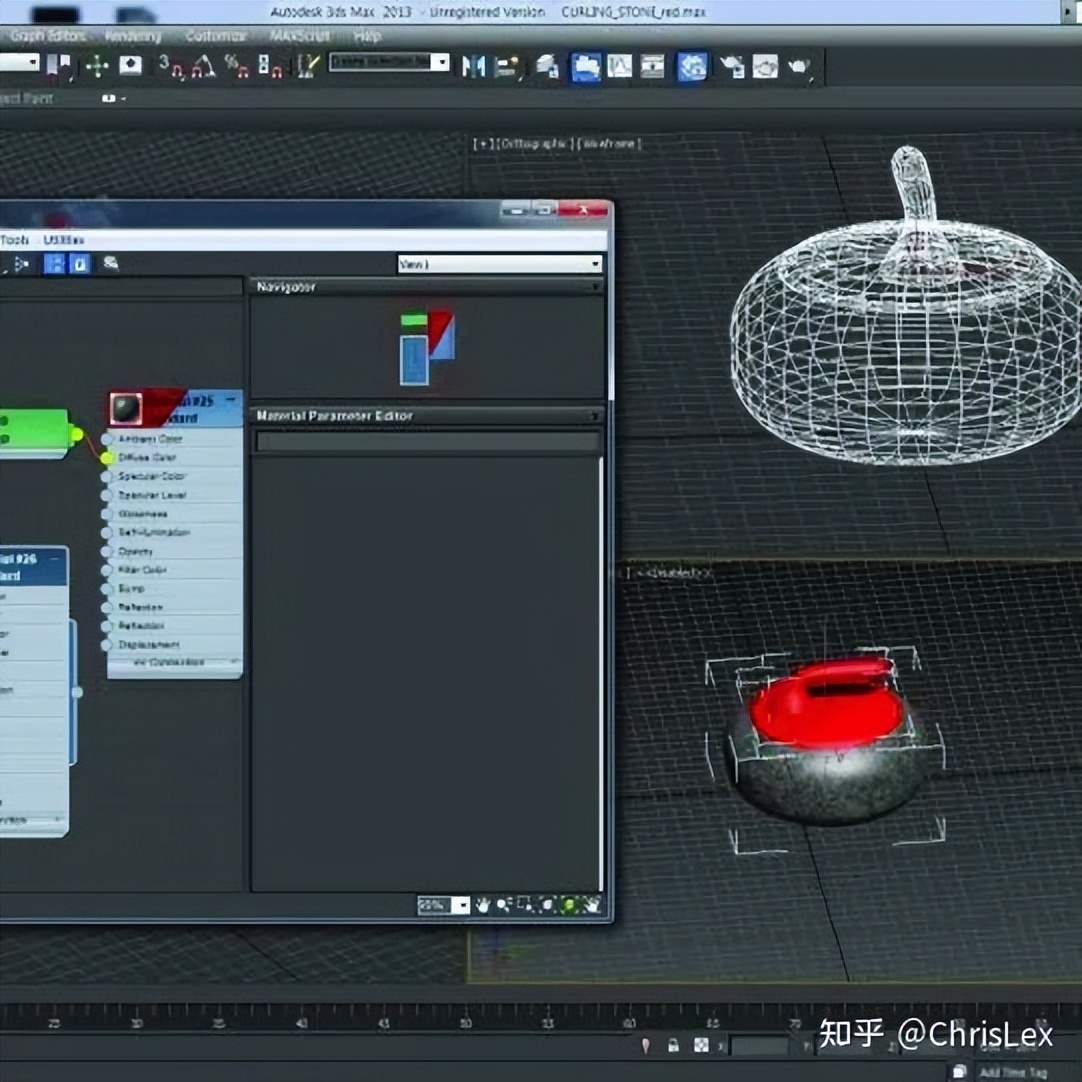
In the field of graphic design, vector drawing software is widely used, and in the field of fashion design, vector drawing software is also widely used. This type of software does not have high requirements on the 3D performance of the graphics card. However, it relies heavily on the single-core computing power of the CPU to process complex paths and layer operations. Moreover, when compositing multiple layers or opening multiple design files, a large amount of memory will be quickly occupied. 16GB of memory has become the starting configuration for running this type of software smoothly. If you often deal with large posters or multi-page albums, it is recommended to upgrade the memory to 32GB. The software itself and project files are installed on the solid-state drive. This will greatly shorten the startup time and significantly reduce the waiting time when loading and saving files. This is precisely the most direct investment to improve daily work efficiency.
3D modeling and industrial design software
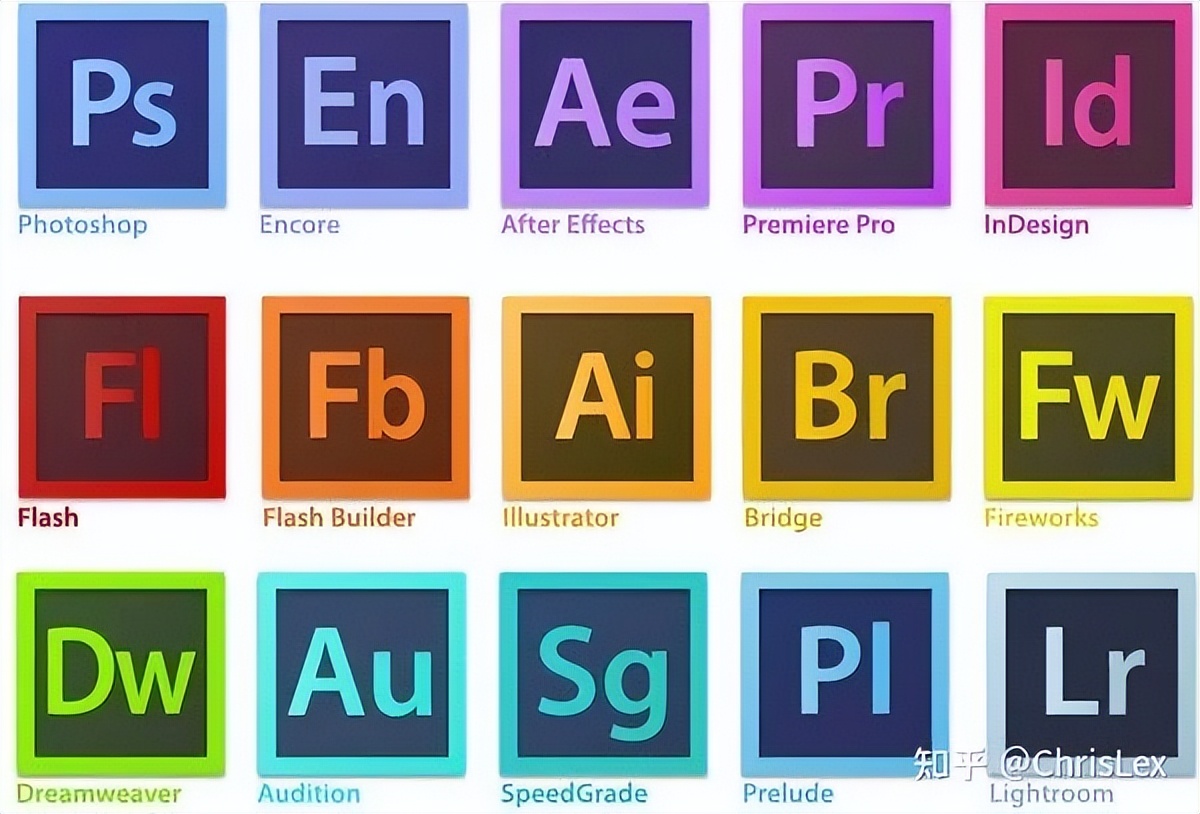
For product appearance, architectural or industrial parts design, 3D modeling software is needed. These software can build and operate 3D models in real time, which consumes a lot of computing resources. The graphics card has become the key. It is not only responsible for smoothly rotating, scaling, and previewing the 3D model in the viewport, but also because the number of its GPU cores directly affects some real-time rendering and display effects. It can be seen that it is very important to configure a powerful independent graphics card. When choosing, you should not just focus on the video memory capacity, but also examine the core architecture of the graphics card that has been optimized for professional applications and driver certification.
Multi-task parallelism and large scene processing
A designer's workflow rarely has a single situation. A typical scene may start 3D modeling software, image processing software, web browsers and multiple reference documents at the same time. This multi-tasking parallel situation puts great pressure on the memory capacity. When processing large-scale architectural scenes covering millions of polygons or When working on extremely complex assembly models, 16GB of memory may be exhausted quickly, causing the software to freeze or even crash directly. Therefore, for professional design purposes, a memory configuration of 32GB or higher can provide more room for multi-tasking to ensure smooth workflow.
Dependence of rendering calculations on hardware
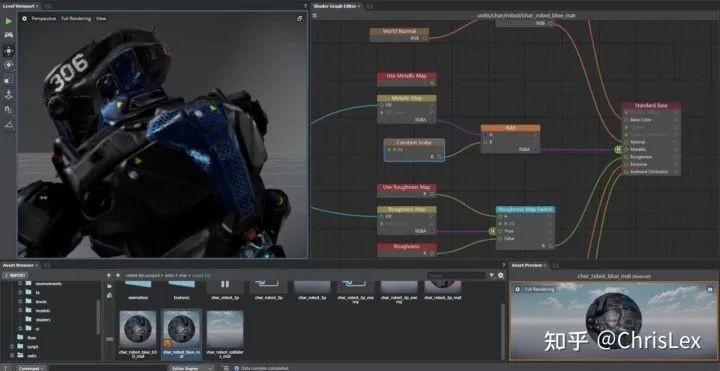
Rendering is the process of converting a three-dimensional model into a final realistic image or animation. This is the most severe test for computer hardware. Rendering is mainly divided into two categories: CPU rendering and GPU rendering. The CPU renderer depends on the number of processor cores. A CPU with more processor cores and more threads will generally have a faster rendering speed. As for the GPU renderer, it relies on the parallel computing power of the graphics card. At this time, a high-end professional graphics card can significantly shorten the waiting time. Before choosing a laptop, you should be clear about the type of rendering engine you most commonly use, and use this to decide whether to prioritize investing in a multi-core CPU or a high-performance graphics card.
Screen quality and visual accuracy
The laptop screen is specially used by designers as a window for judging works. Its quality is directly related to the accuracy of the color of the work. Because IPS panels have a wide viewing angle and better color reproduction capabilities, they have become a priority for design work. Screen resolution also needs to be paid attention to. On a 15.6-inch screen, 1920×1080 (1080P) may cause the icons and text interface to look crowded, while 2K (2560×1440) or higher resolution can give a more delicate display effect and a more spacious work area, making it easier to view the details of the design.
Interface expansion and mobile portability
When regarded as a productivity tool, the external expansion capabilities of notebooks should be taken seriously. It is often necessary to connect tablets, mobile hard drives, external monitors and camera card readers. The rich interfaces (such as multiple USB-A, Type-C, HDMI, including SD card reader slots) can avoid the tediousness of relying on docking stations. At the same time, design work is often related to client communication and remote meetings. A well-positioned camera with clear picture quality has become indispensable. Those design methods that place the camera at the bottom of the screen or directly cancel it will cause a lot of inconvenience in actual work. When purchasing, you must carefully consider the trade-offs and find a balance between portability, performance, and scalability.
When you choose a laptop for design, which hardware configuration item is your top priority? Is it a larger-capacity memory, a graphics card with stronger performance, or a screen with accurate colors? Feel free to share your personal opinions and experiences in the comment area.