When processing large numbers of images on a computer, repetitive operations such as resizing and converting formats are time-consuming and frustrating.
Comprehensive functionality supports multiple formats

This software has the ability to process most image formats on the market, including commonly used JPEG and PNG, as well as professional RAW, PSD, etc. Users no longer need to prepare multiple tools for pictures in different formats. Only one software can solve most of their needs from daily to professional.
It pays special attention to the support of professional formats and provides detailed parameter adjustment options for different formats. This means that users can accurately control the output quality when converting formats to prevent important image details from being lost during the conversion process.
Efficient batch processing capabilities
The key advantage of the software is its ability to perform batch processing, which allows users to add hundreds of pictures or even an entire folder at a time. Whether you want to adjust the size uniformly, or you want to convert messy formats into the same format, you can do it with one click after adding files.
This batch operation greatly saves the time spent on manual processing of single sheets. For those of you who are photographers, this feature can compress what would normally take hours into just a few minutes. The same is true for e-commerce practitioners. The same is true for those who often need to organize picture materials.
Flexible customization options
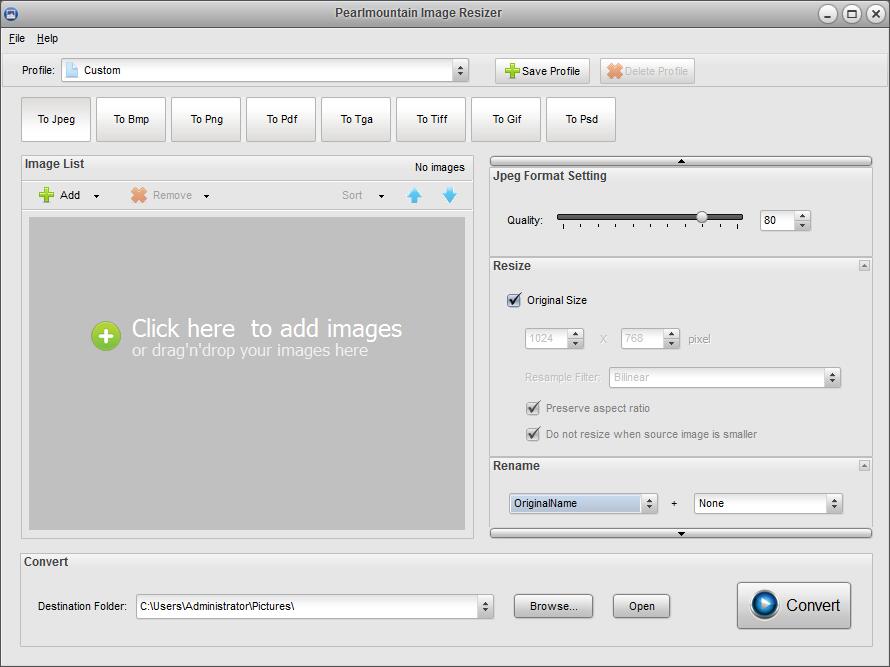
Users can fully customize the output before conversion or adjustment. For example, when converting JPEG, you can drag the slider to precisely control the compression quality and find the best balance between file size and image clarity.
Users can flexibly adjust the size of the image by themselves. They can not only perform scaling operations based on percentages, but also directly set the pixel values of length and width. At the same time, it also supports batch renaming, so that the output files maintain a clear and standardized naming order.
Convenient configuration file function
The software has a configuration file function. Users can save a set of commonly used conversion settings (such as format, size, quality parameters) into a plan. The next time they process the same type of task, they can directly load this configuration file without having to set it up again.
There is such a function, which is extremely practical for users who need to perform the same processing flow regularly. It ensures the consistency of operations and avoids deviations in results caused by fuzzy memories or errors in operations.
Simple and easy to use interface
Although it has a variety of professional functions, its interface design is very intuitive, and even new users can quickly start operating it. Buttons such as "Add File" and "Convert", which are mainly used for operations, are all placed in conspicuous positions. They have clear logic and follow this logic step by step to guide the user to successfully complete the tasks that need to be processed.
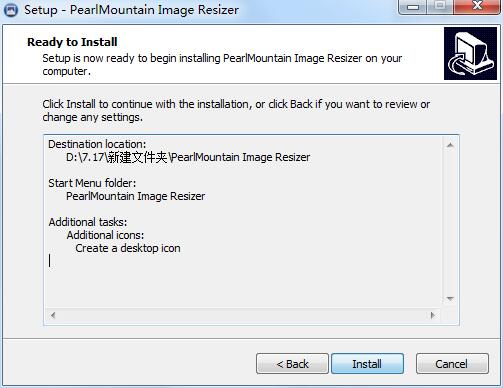
There are no complicated menus or obscure jargon, and all setting options are clearly explained in text. Even those who are new to batch processing of images can master the basic operations within a few minutes and start working immediately.
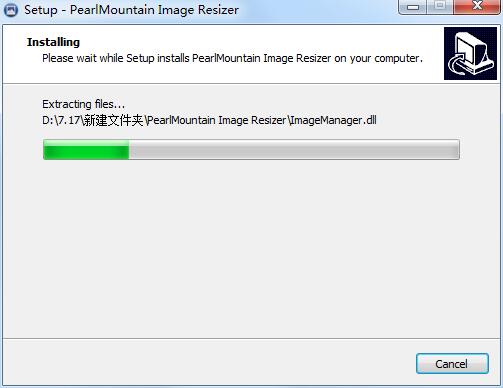
Safe, free and no extra burden
This software is a free tool with no trial period restrictions and no function locks. Users can use all functions with peace of mind, without worrying about payment reminders popping up suddenly or software expiration issues.
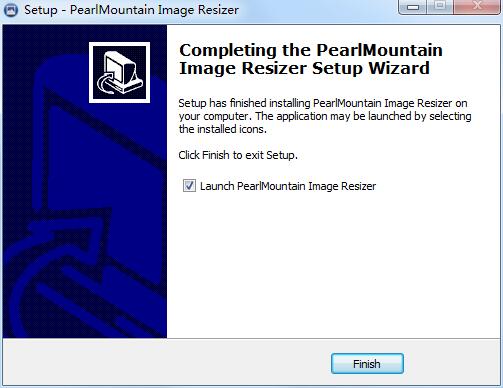
On a more critical level, it doesn't cover content of a malicious nature such as ads, spyware, or even viruses. The installation package downloaded from the official website or through formal channels shows clean and pure attributes. No matter during the downloading process or the installation process, other unnecessary software will not be bundled, thus ensuring the security of the computer system.
When dealing with countless product pictures, the situation is urgent. Have you encountered a situation where you are trapped in many complicated operations? Welcome to share your past experiences or ask questions in the comment area.