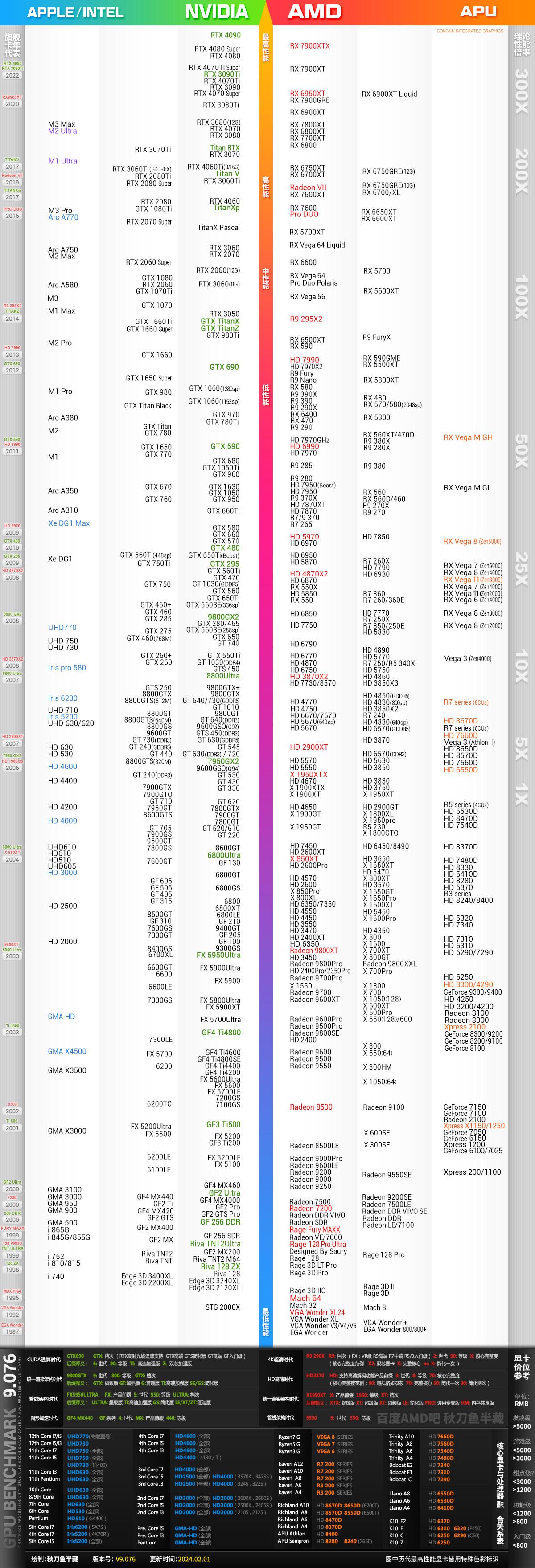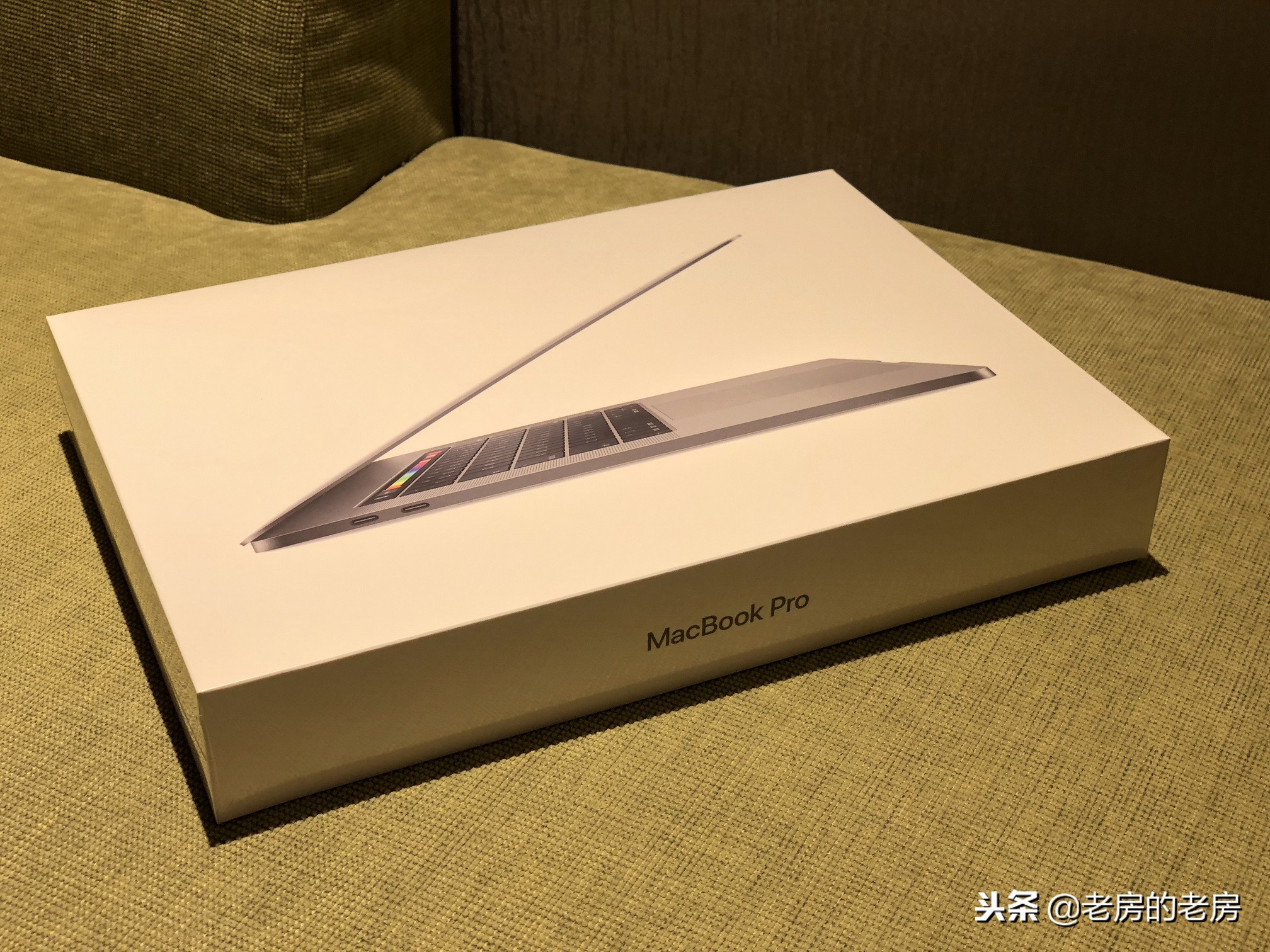
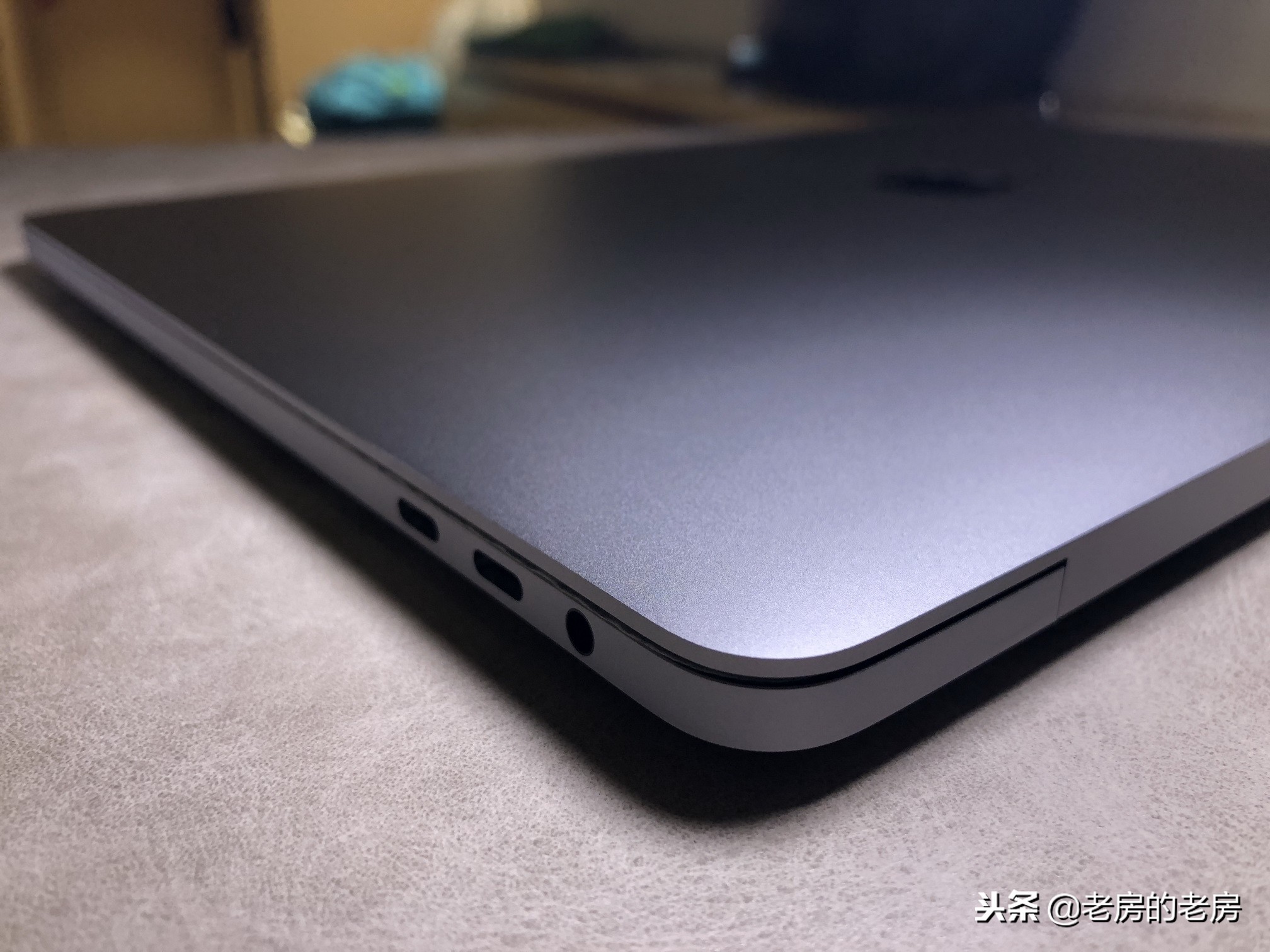
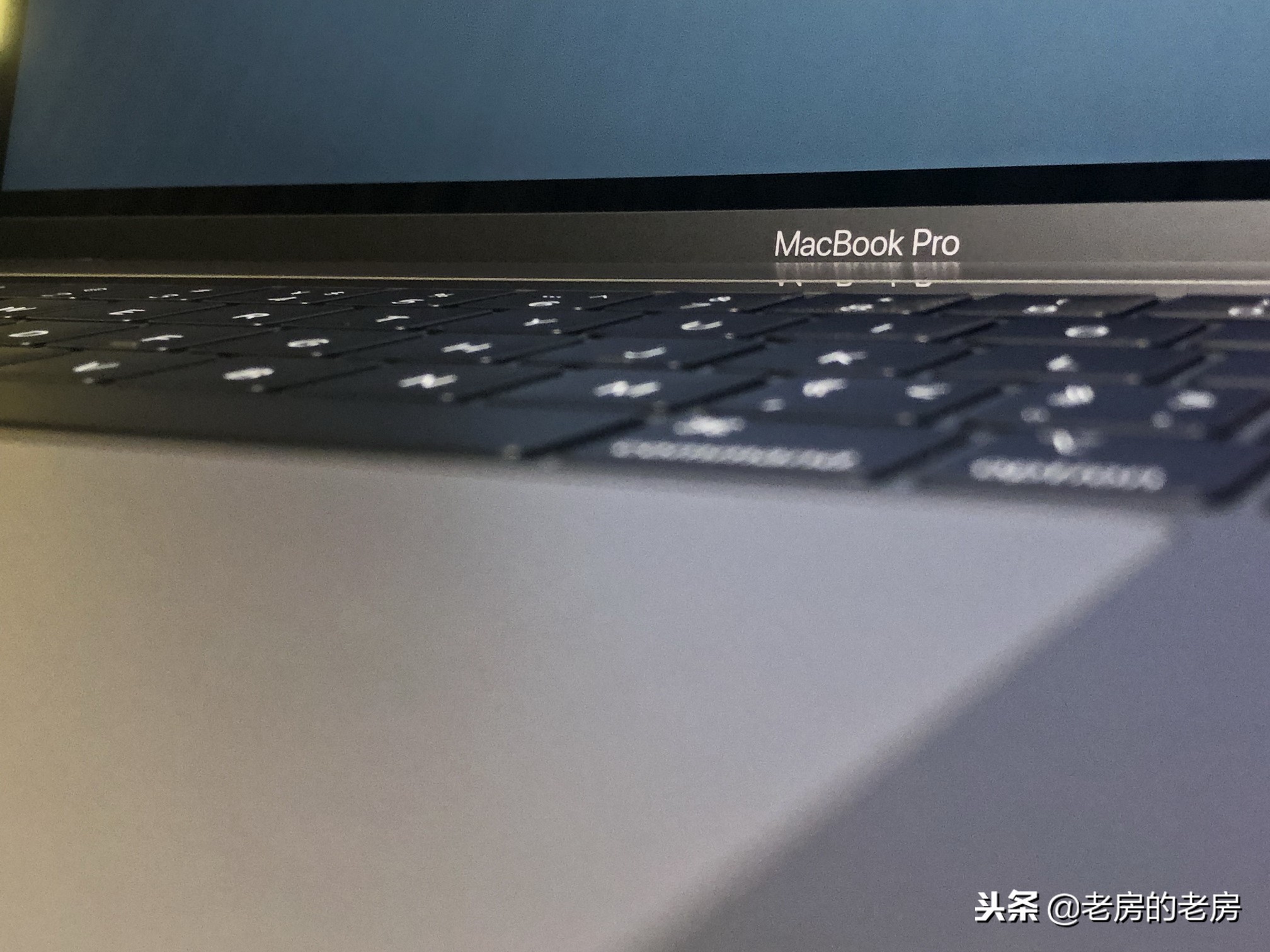
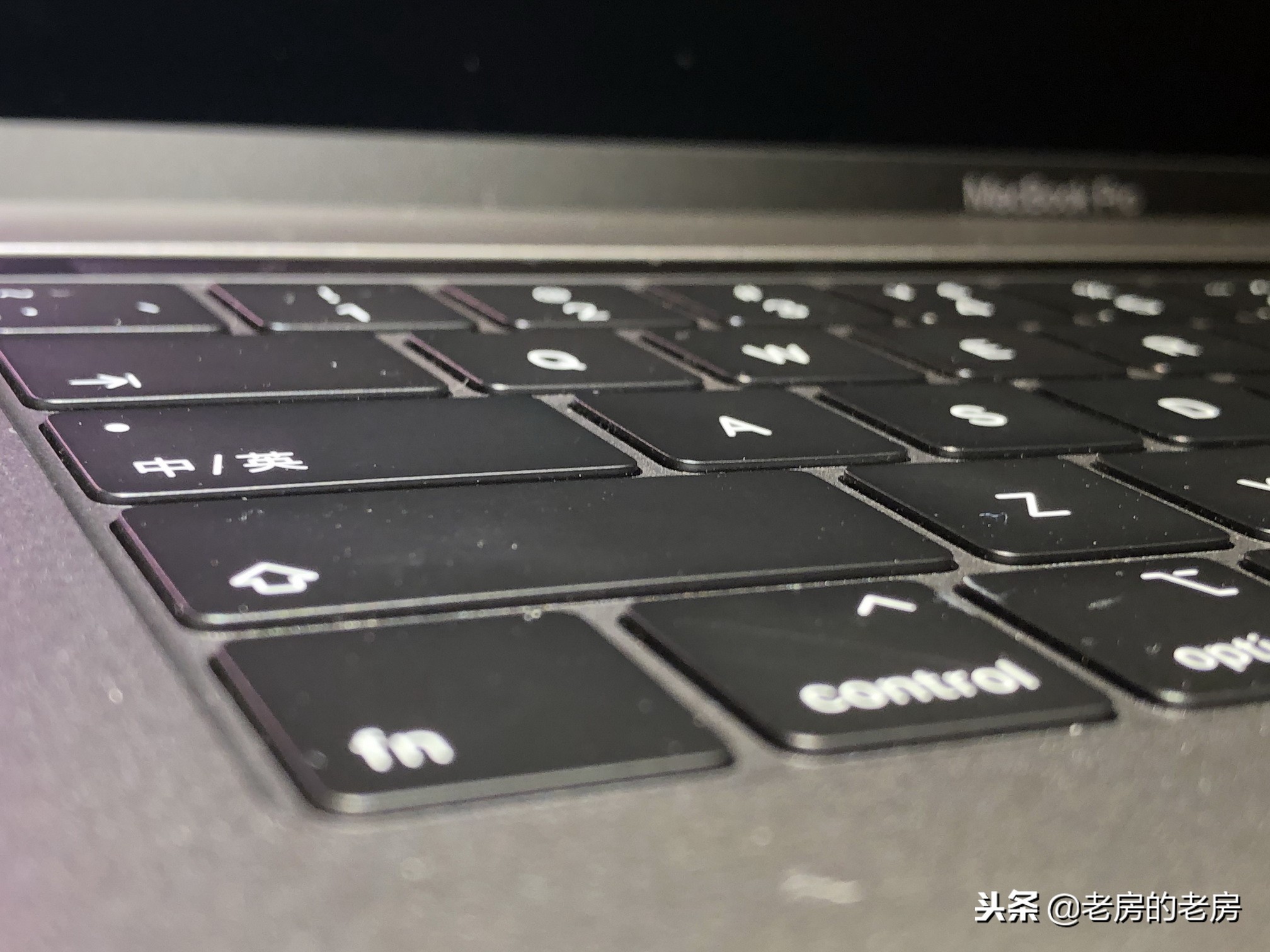
After many years, opening a brand new MacBook Prp again is a very unique feeling. For those users who are accustomed to the operating logic of older versions of Mac systems, it may take some time to adapt to some of the detailed changes in the new system.

Changes in system operation

Directly upgrading from the Snow Leopard system or Lion system to the version launched in recent years, the difference in the operation experience process is extremely obvious. In the past, a small number of gesture operations that could be achieved by relying on instinct may have been adjusted or removed in the new system.
For example, in early macOS, you could easily move forward and backward between the upper and lower folders of the Finder by gently swiping left and right with two fingers on the trackpad. This feature has a significant effect on improving file management efficiency. However, it has not been retained in subsequent system updates, causing some old users to find new operating habits to replace it.
A leap forward in hardware performance
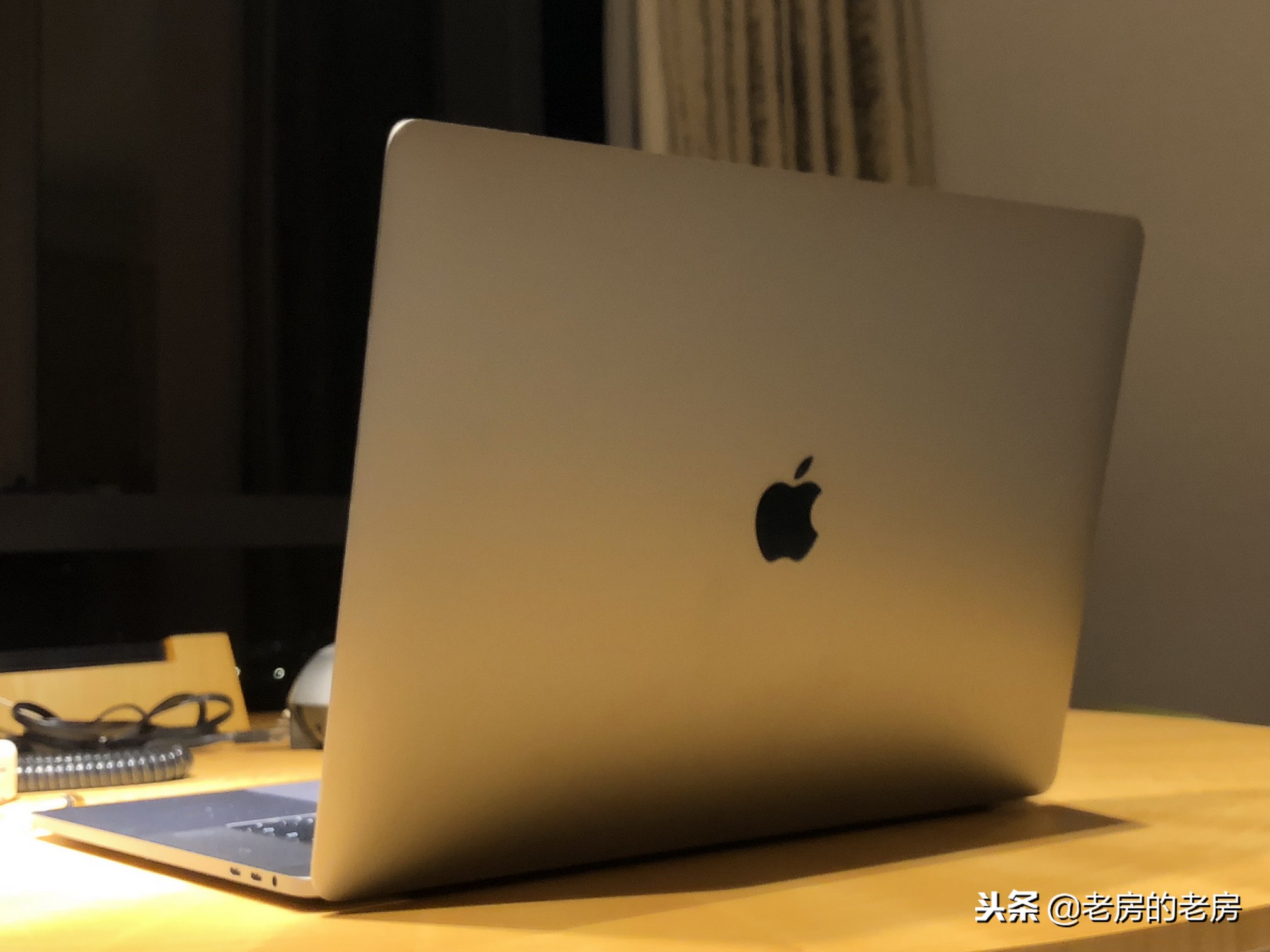

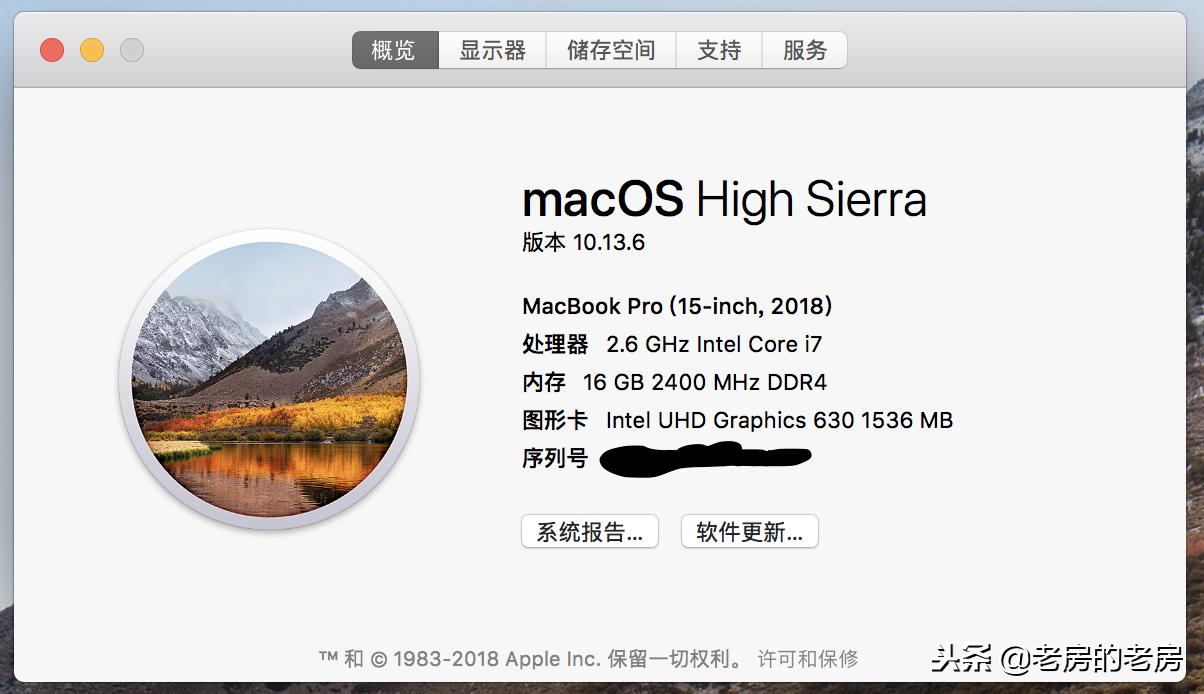
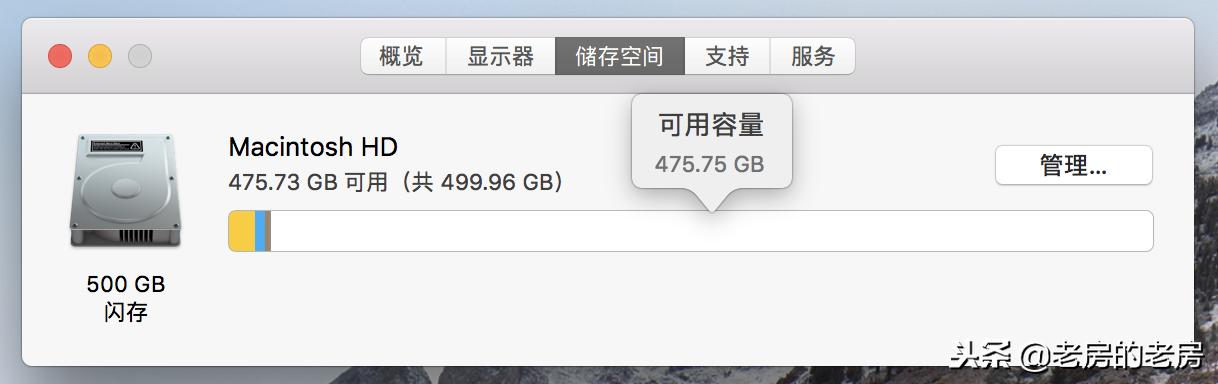
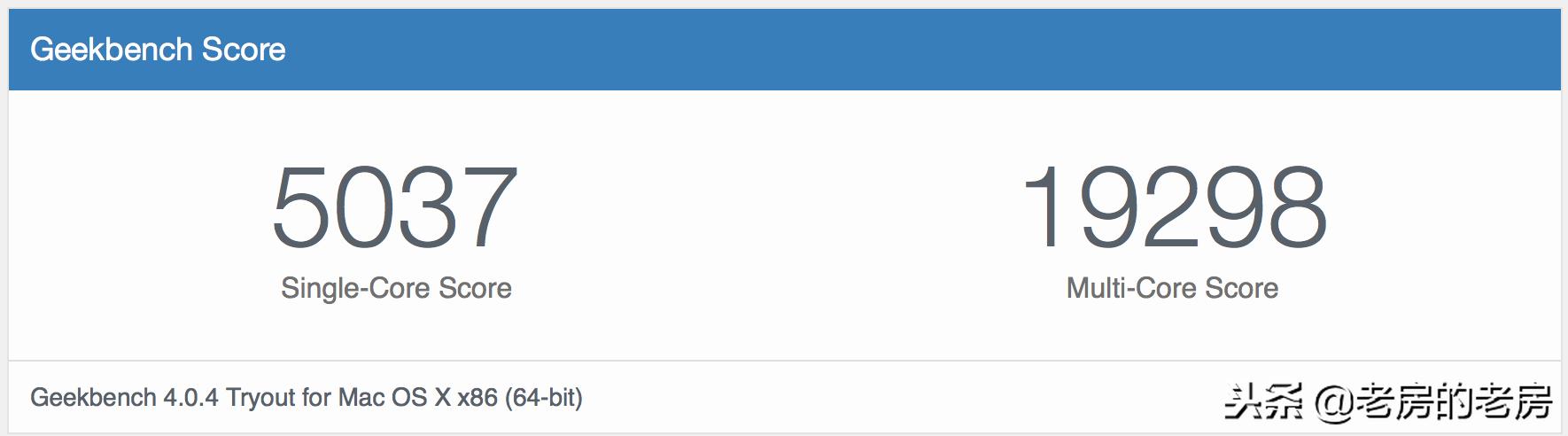
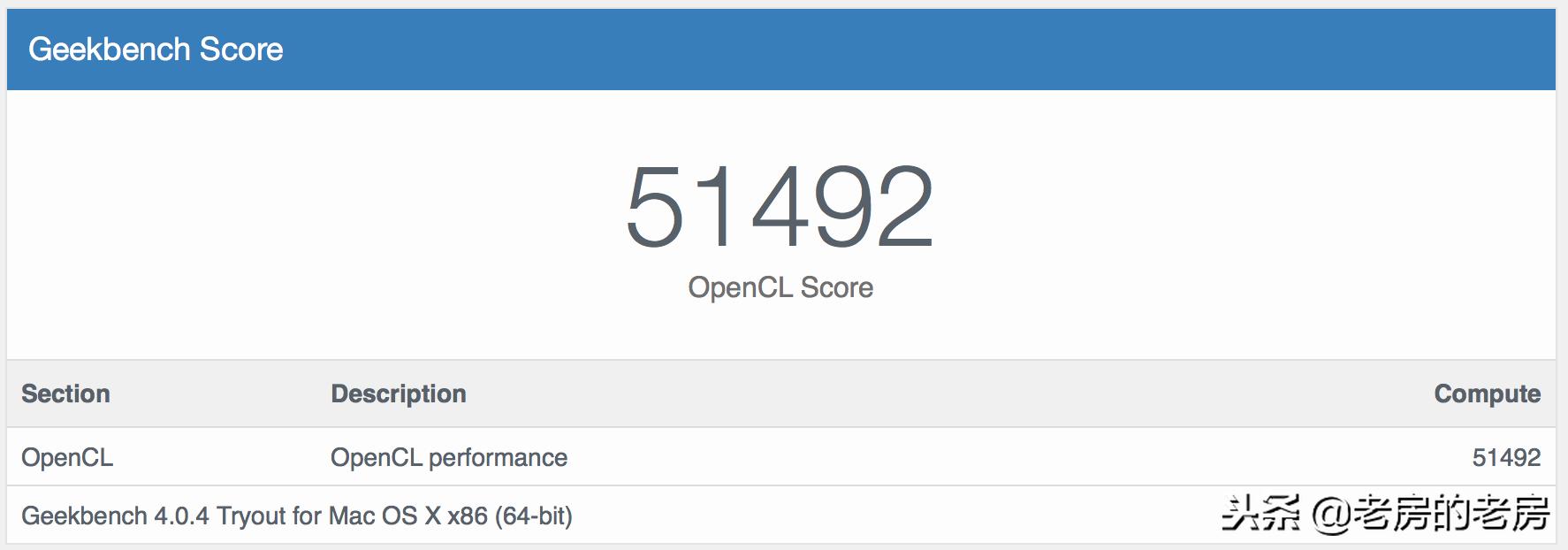
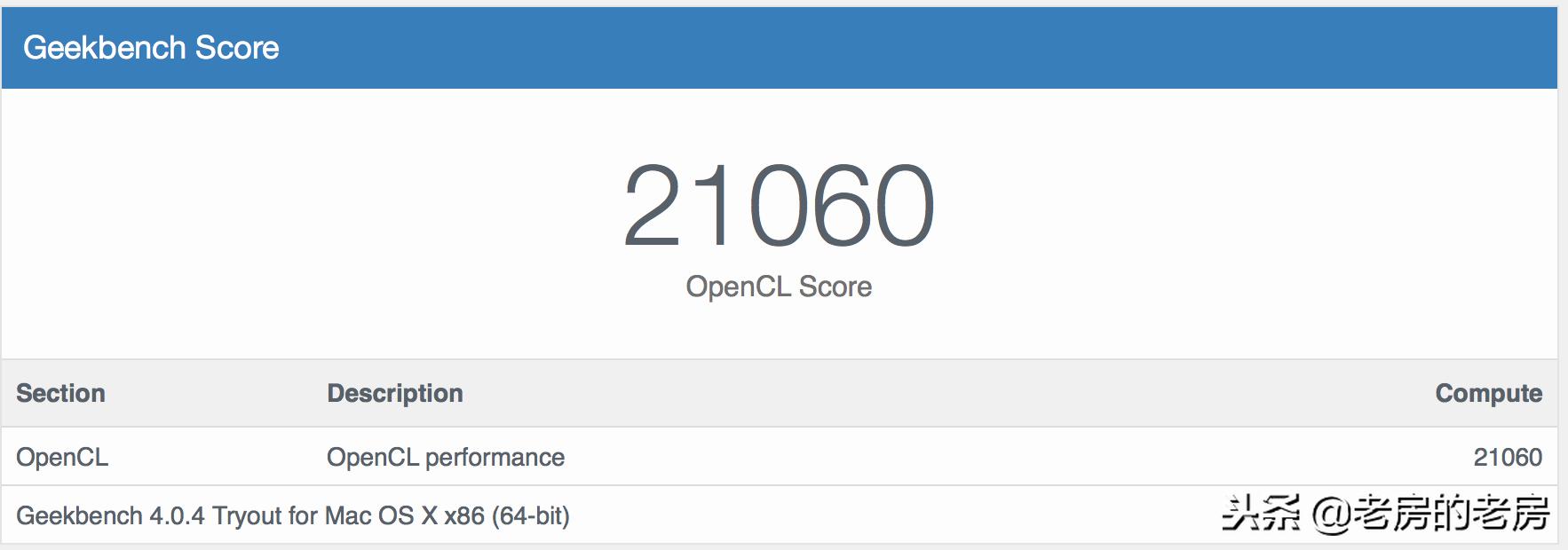
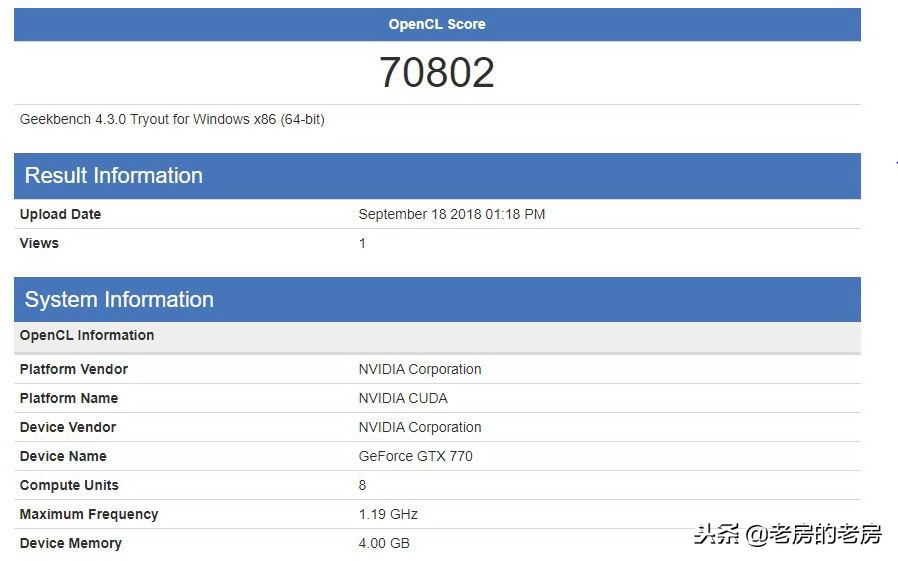
The 2018 MacBook Pro is equipped with Intel's eighth-generation Core i7 processor, which has brought significant performance improvements. For the i7-8850H six-core processor, its base frequency is 2.6GHz, and it can easily achieve results close to 19,000 points in various performance tests.
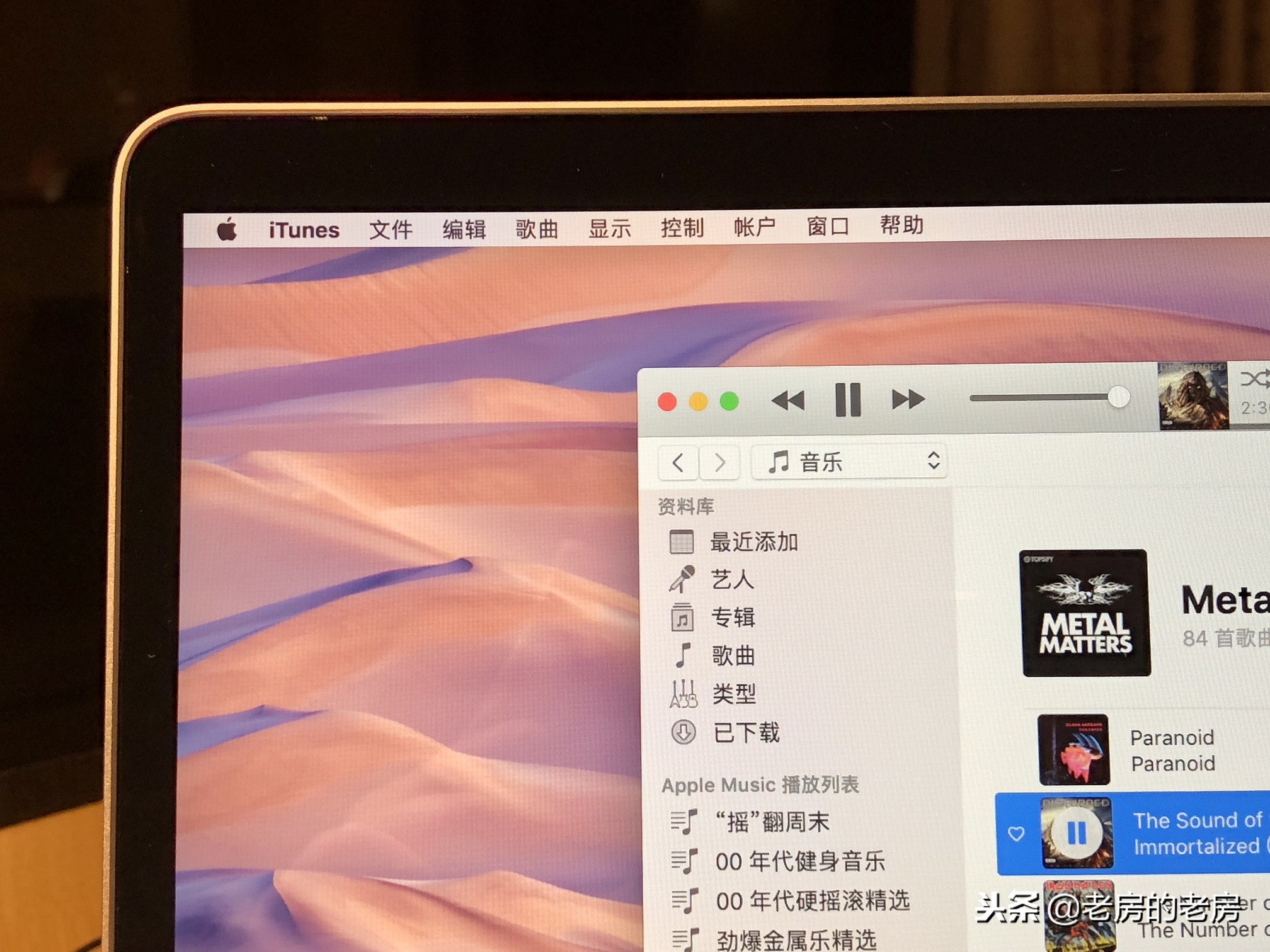
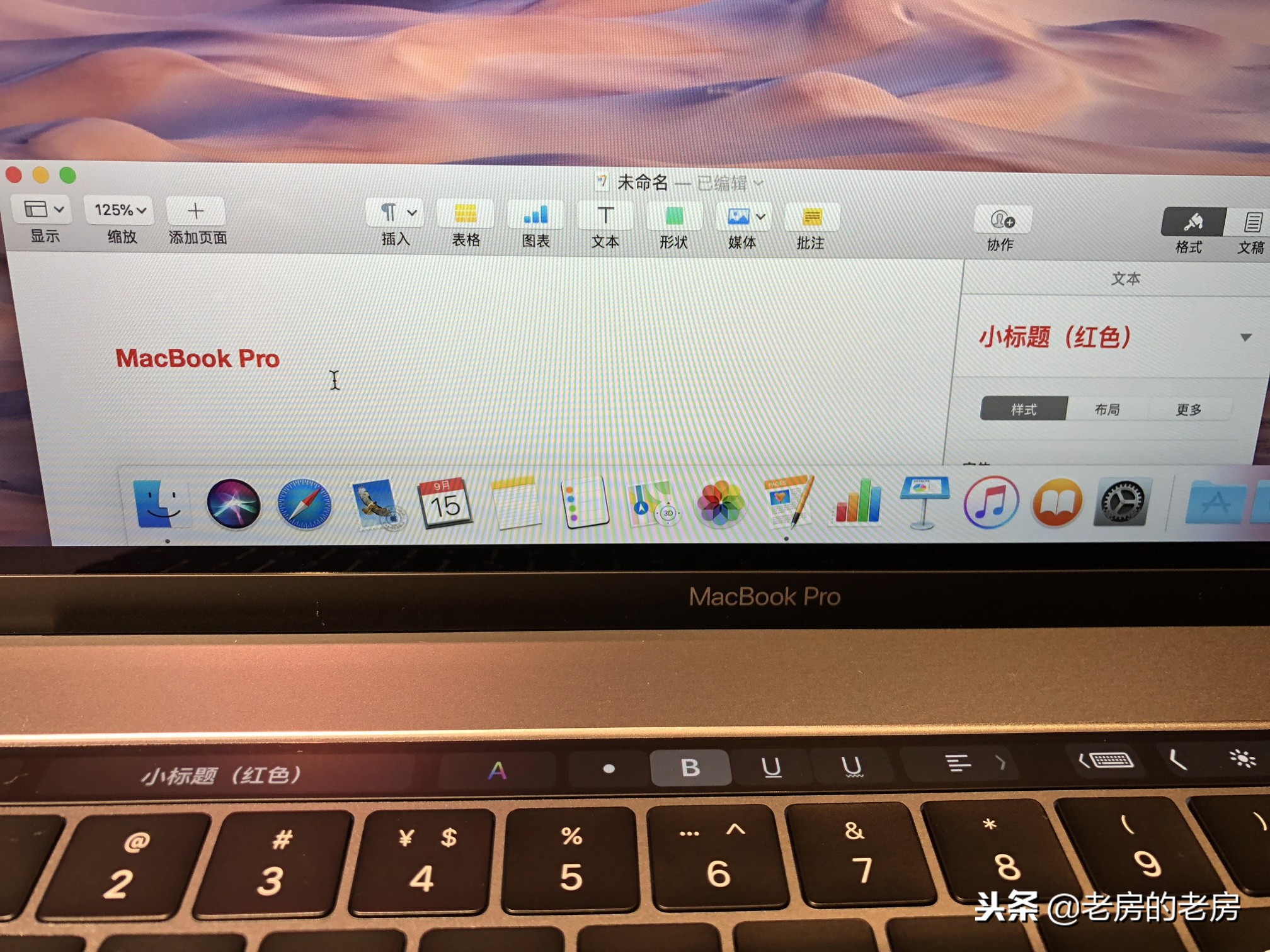
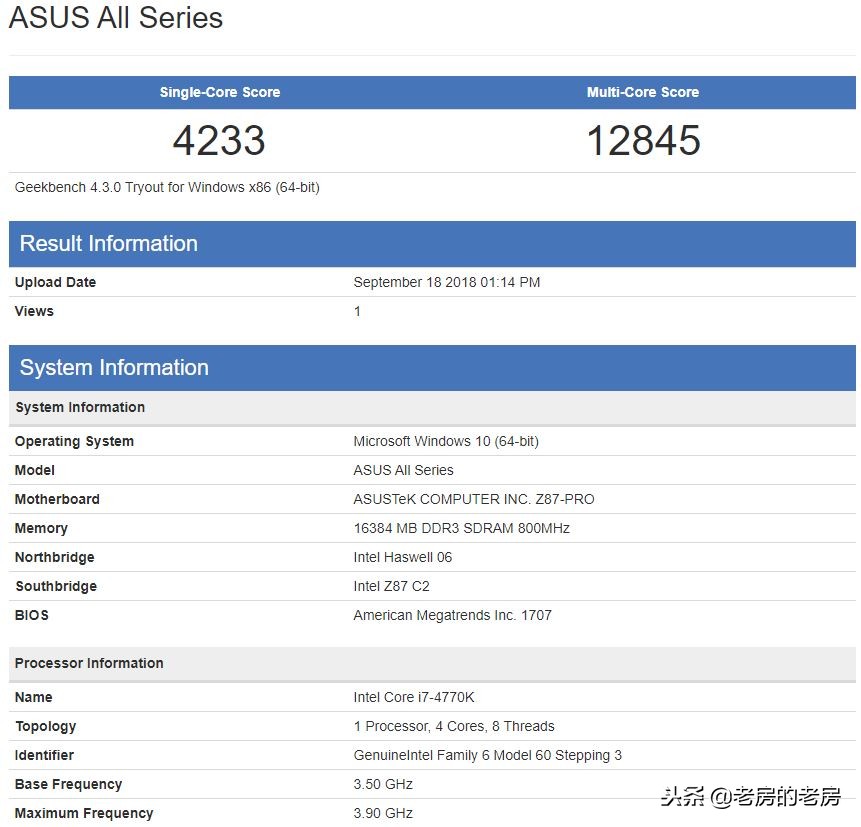
A few years ago, there was such a high-end desktop configuration, such as a computer equipped with a quad-core i7-4770K processor. At that time, it could obtain a high score of about 12,000 points. However, with the new generation of mobile processors that have emerged in recent years, its performance advantages no longer exist. This very intuitively reflects how rapidly computing hardware has developed in recent years.
Actual experience of running the game
Take the strategy game "Civilization 6" as an example. This game is well optimized for the Mac platform and is a commonly used choice when testing machine performance. The game comes with such a benchmark tool that can quantitatively compare the operating efficiency of different devices.
The test conducted on "AI round processing time" is closely related to the computing power of the CPU. On the 2018 MacBook Pro, the average round time is about 17.82 seconds. In terms of the huge amount of calculations in the late game, the performance achieved at this speed is already quite smooth and sufficient to meet the needs of most players.
The current state of cross-platform collaboration
In today's situation, the compatibility between different operating systems and software ecosystems has been greatly improved. The most common graphic documents encountered in daily work can be edited between the mac OS platform and the mainstream office software on the Windows platform. It is basically unlikely that serious formatting problems will occur.
This progress is due to the gradual unification of industry standards and the conscious adaptation of software developers. In this way, it reduces the cost incurred by users when switching between different devices, so that work efficiency is no longer restricted by platform barriers, which fully reflects the actual benefits brought by openness and cooperation.
Software ecology and functional features
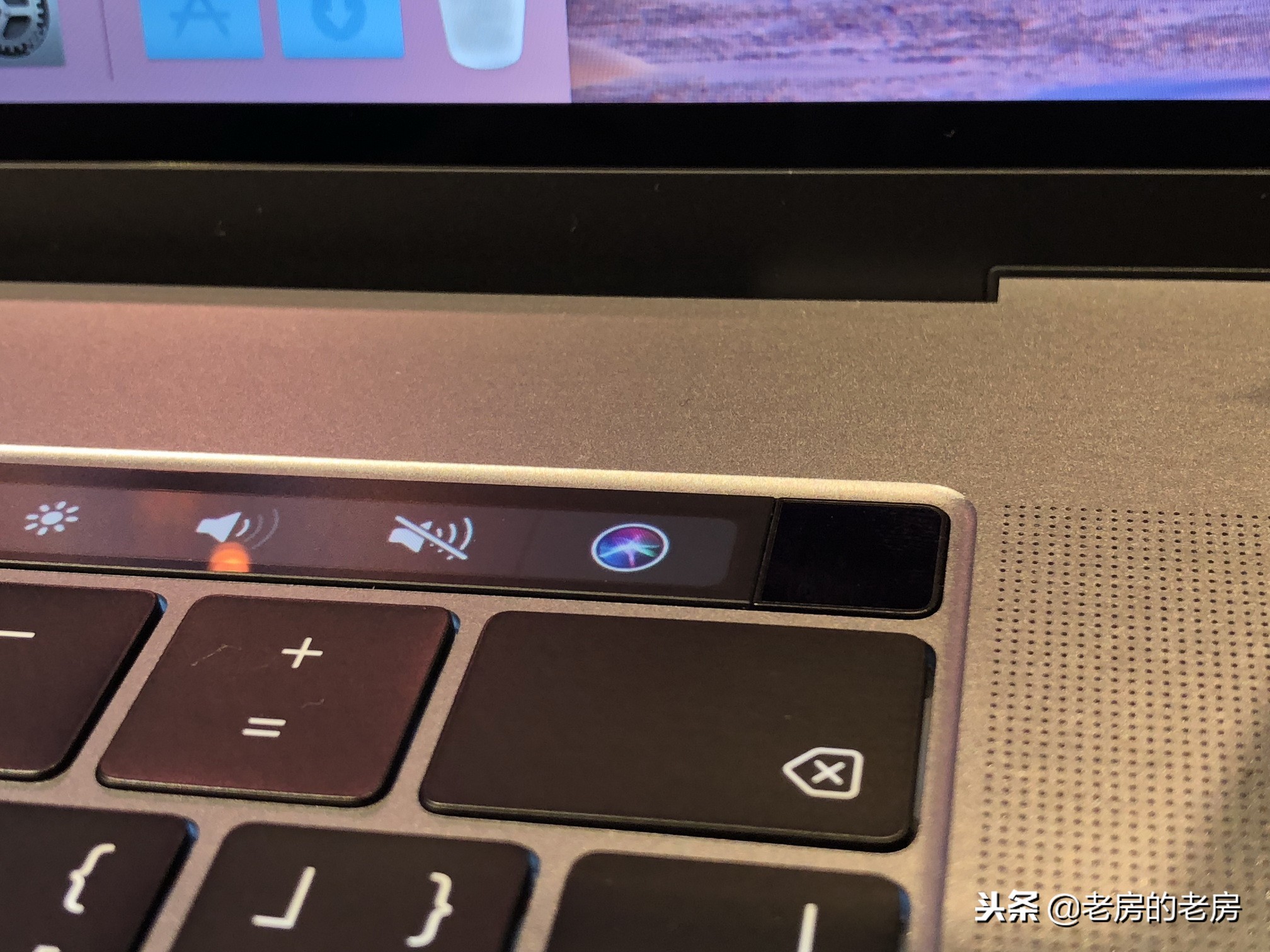
The Mac operating system has its own rich and unique software ecosystem. Some common functions on Windows systems may be achieved in a more elegant way on the Mac platform. For example, using some productivity tools with powerful functions and rich plug-in libraries, users only need to tap the "+" sign to add the shortcut operations they need, and they can connect the detailed workflows of multiple applications in an automated form, full stop.

The file synchronization tool provides more flexible options. Users can choose to synchronize only specific folders, and supports collaborative operations with multiple devices and multiple users in the cloud. Although it may be affected by the network environment, its design concept is dedicated to improving the continuity of multi-device work.
Updated details of system functionality

The updated macOS in recent years has introduced some features borrowed from iOS in order to improve the consistency of the experience. A dark mode option for direct switching has been added to the system settings, and native mobile applications such as "Stock Market" and "Voice Memo" have also been added.

When managing files, the new "stack" function on the desktop can sort messy files by type, date, etc., keeping the desktop clean. In addition, the system finally supports editing immediately after taking screenshots in its native state, and allows users to take photos directly from an iPhone logged in with the same Apple ID and then transfer them to Mac. These subtleties make the workflow smoother.
When you recently replaced your computer or upgraded your system, what were the changes that surprised you the most or required you to adapt? Feel free to share your experiences in the comment area. If you think this article is helpful, please give it a like and support.