
In the current era of over-complex information, finding a few software that can actually improve efficiency and not just add unnecessary burden is a difficult challenge in itself. The list listed below collects tools that are not mainstream but can solve actual pain points, and may help you open up new working ideas.
New options for document collaboration and content management
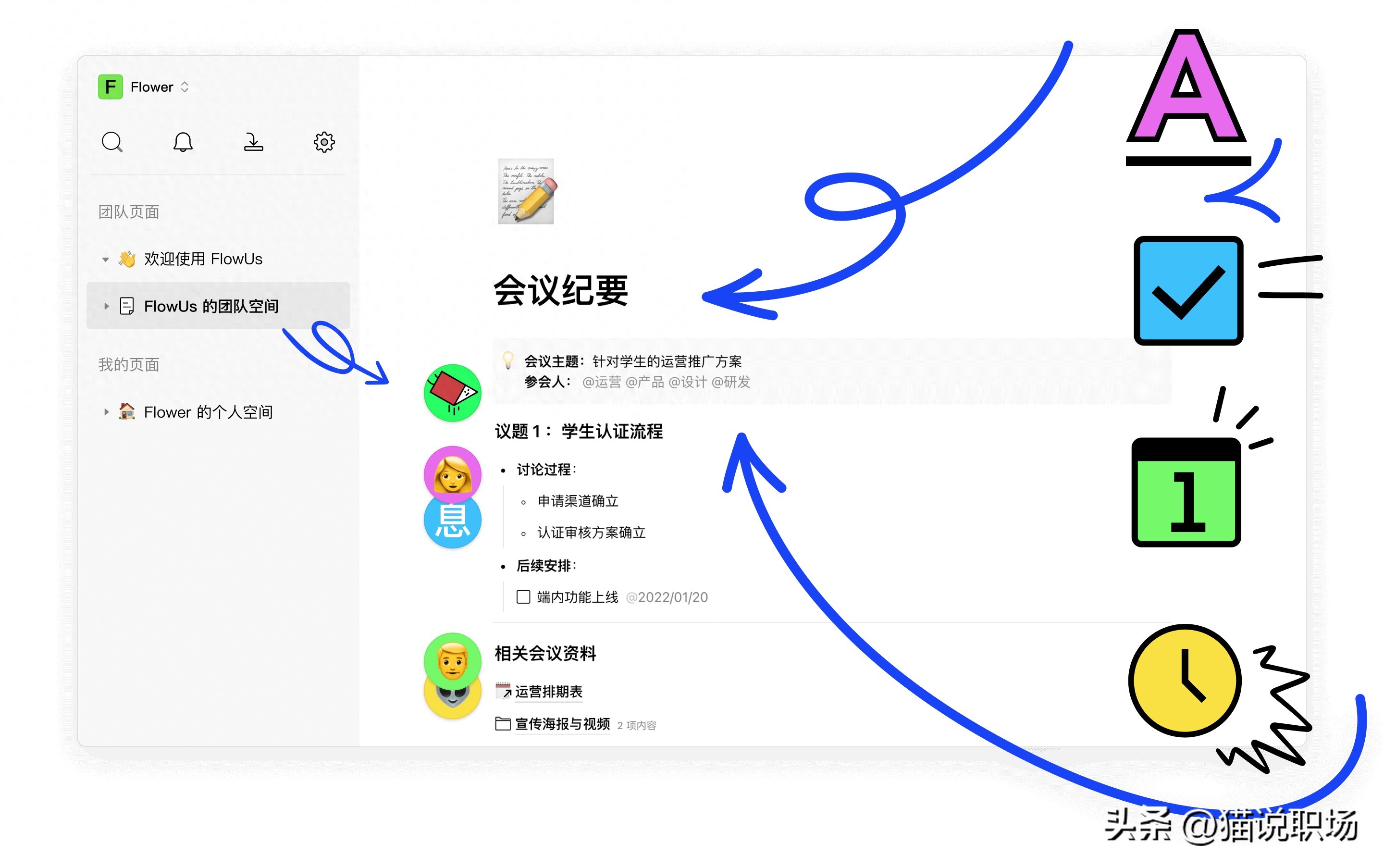
There is a domestic product that integrates the capabilities of online documents, forms, and lightweight content management systems. It is lighter and lighter than traditional collaboration tools. Its interface design is in line with modern aesthetic standards, and it is particularly convenient when sharing content externally. For teams that have the need to manage knowledge bases, produce standard operating procedures, or output course content, this tool can implement creation activities, collection processes, and publishing processes within a single platform.

It is particularly suitable for educational institutions or content teams. It can integrate scattered documents, collection tables, and display pages into one, so that users can build a structured knowledge system without switching back and forth between multiple software, and can easily and conveniently share content with students or readers. This integrated design reduces the complexity of the tool chain, making it easier to focus on the content itself.
Build an office system without code

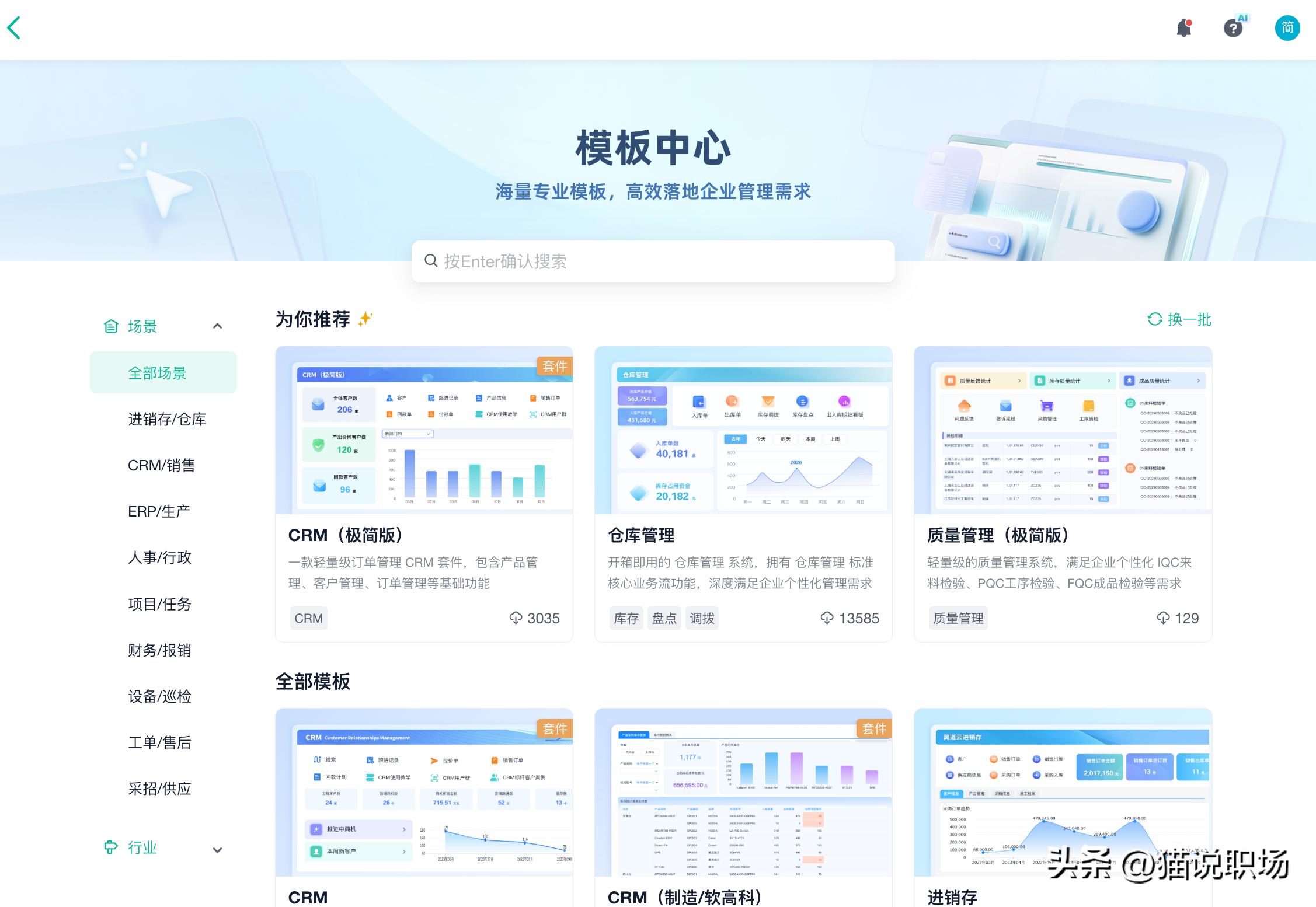
For those office workers who do not have a programming background, Jiandao Cloud has prepared a visual construction platform. You can use drag-and-drop components to independently create data collection forms, approval process dashboards, or customer relationship management systems. Its core value is that it allows business personnel to quickly respond to management needs and build digital tools by themselves.
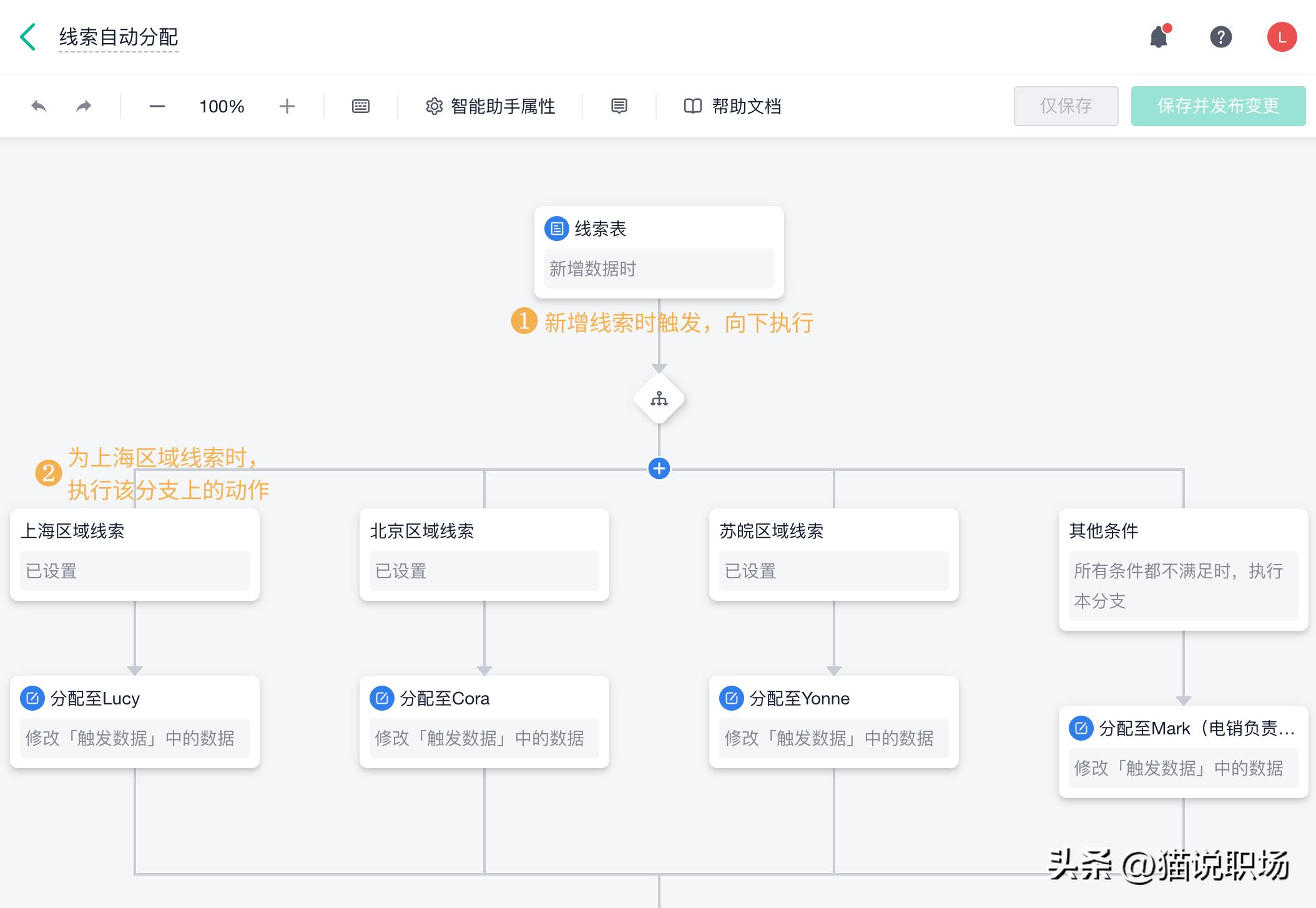
For example, the sales team can use it to customize the process for customer follow-up, and the human resources department can structure the onboarding approval chain. All collected data can automatically generate visual reports and dashboard-like statistical charts belonging to different departments. Such a process does not require the participation of technical development personnel at all, which obviously reduces the constraints faced by enterprises in carrying out digital practices and the expenses required.

Local file search accelerator
When faced with massive files, the file search function that comes with the Windows system often seems to be inadequate. Everything is a software that can completely change this situation. It achieves near-real-time search feedback by building an index database of local files.
Whether there are hundreds of thousands or millions of files in your hard drive, the moment you type keywords into the search box, relevant results will be displayed immediately. Such an improvement in efficiency is of great significance to people who often need to find historical documents, design materials or code files, and can save a lot of time wasted in searching for them.
Browser Automation Assistant
Repetitive operations on the browser, such as logging in to the system every day to take screenshots, and regularly collecting web page data, can all be handled by browser automation tools. This type of tool allows users to use a graphical interface to arrange operation steps and simulate people's clicking behavior and input behavior on the browser.
At nine o'clock every morning, you can set it to automatically open a designated internal report web page, capture key data graphs and save them on the network disk, and even send update notifications to the team chat group. This is like equipping you with a tireless digital assistant, freeing manpower from boring processes.

Clipboard History Enhancement Tool
Normally, copying and pasting can only process one item of content at a time, which is quite inefficient when there is a need to frequently excerpt and piece together information. Clipboard history management software can record all the texts, images, and file paths you have copied, thereby forming a history list that can be searched.
When you need to reuse a piece of information that you have copied previously, you only need to call up the history panel, search and click. You can quickly complete the paste action without having to switch back and forth between different windows to perform the copy operation again. The advanced function also supports classification and saving of commonly used content and setting of quick paste shortcut keys, which plays a great role in improving the efficiency of information transfer.
One-stop PDF processing solution
Processing PDF documents is a common office need. However, many online tools are either very expensive or have security risks. There is a PDF toolbox that has comprehensive functions and runs locally, so it is very practical. It can easily complete tasks such as merging multiple documents, splitting specific pages, and converting file formats.
In addition to these basic functions, individual toolboxes can also provide the ability to directly edit the text inside the PDF, add annotations, adjust page order and other advanced capabilities. If you have such a tool, it means that you no longer need to look for temporary solutions to PDF modification problems. All operations can be completed locally and safely.
What is the inefficiency that you suffer from the most during your daily work? Is it that document management is in a chaotic state, is it that process approval is slow, or is information integration taking time? You are welcome to share your pain points in the comment area. Maybe the tools in this list can inspire you. If you find it useful, please like it and share it with your colleagues who are pursuing efficiency.