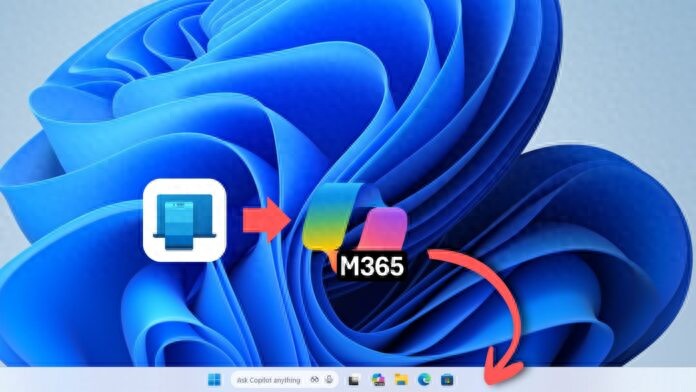
How can we continue the work on the mobile phone smoothly on the computer? Microsoft is responding to the above problems with a new feature. The emergence of this new feature brings the linkage between Android and Windows a step forward.
Microsoft's new features

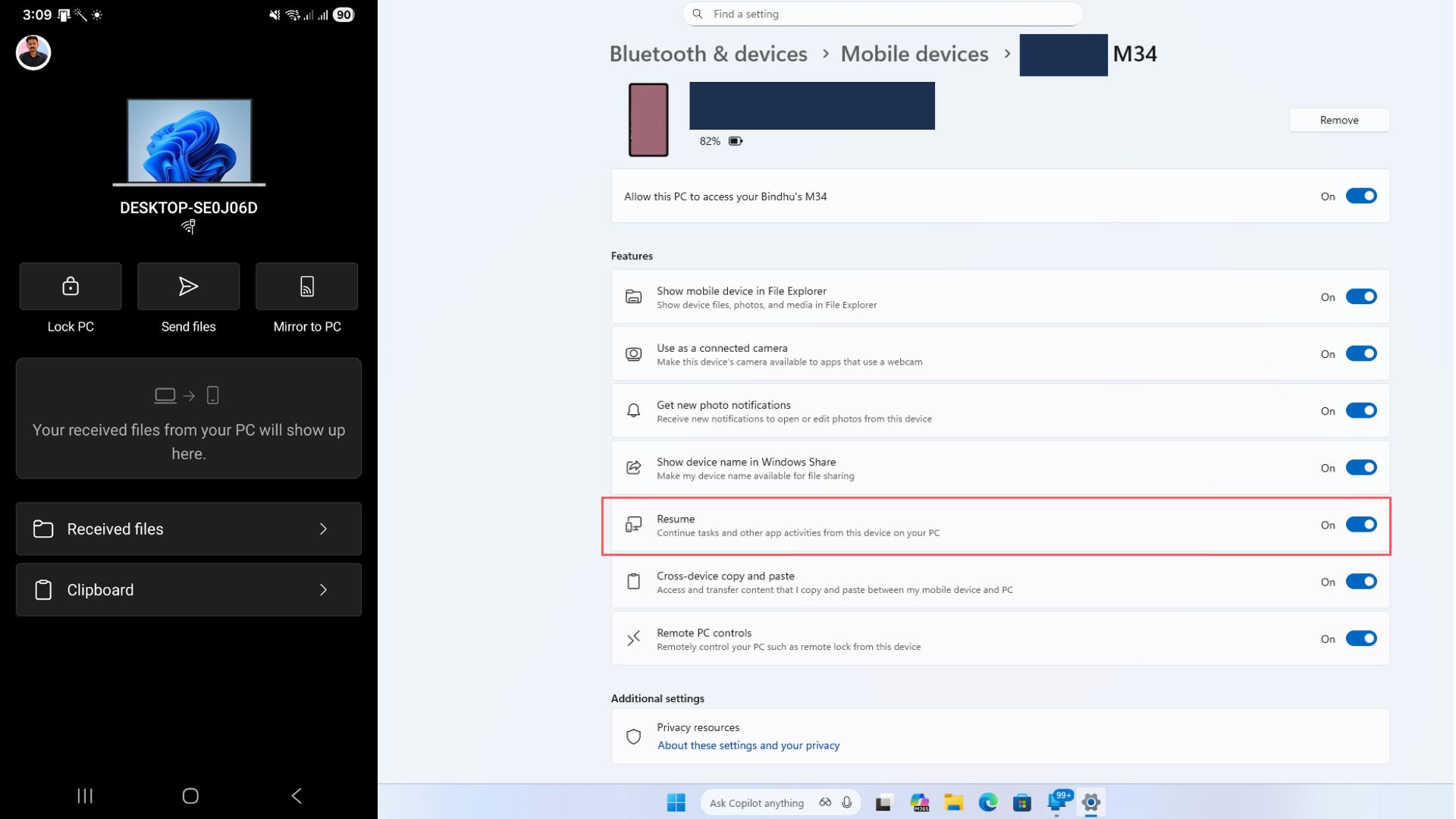
In November, Microsoft introduced a feature called "Cross-device resume" for its beta version of Windows 11. Its main goal is to allow users to start an activity on an Android phone, such as browsing the web or processing documents, and then switch to their Windows computer to continue completing it with one click. The launch of this feature is not accidental. As early as August this year, Microsoft had already taken the lead in supporting cross-device resume of music playback. This time, it has extended the baton to a wider range of productivity tasks. This shows that Microsoft is building its cross-device experience layout step by step, with the goal of eliminating the sense of separation between mobile and desktop.
Currently supported core scenarios
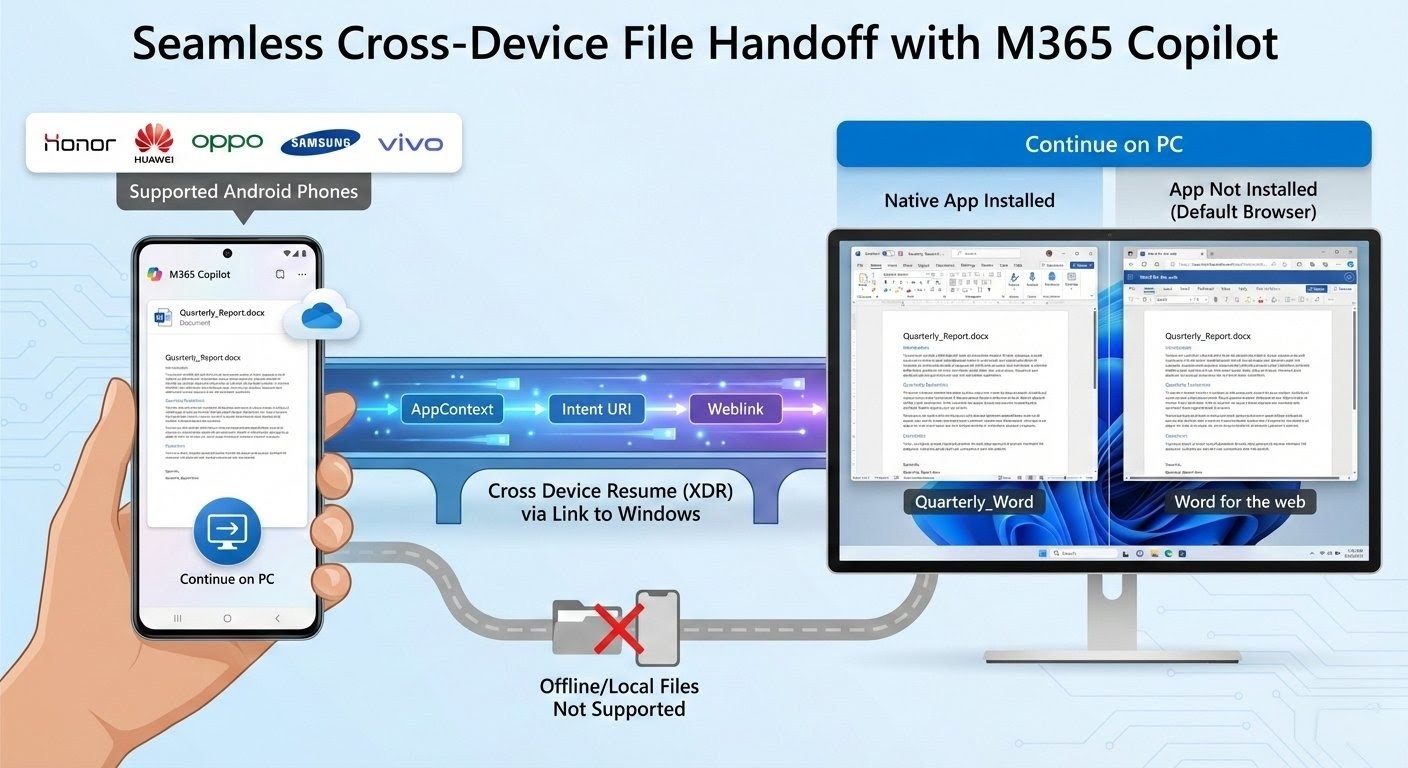
At present, the practicality of this function is mainly demonstrated in supporting Microsoft's own online office service. When users use the online version of Outlook, Word or Excel on a compatible Android phone, once they switch back to the computer, a recovery icon will pop up on the computer's taskbar. Click this icon, and the computer will automatically open the corresponding online document page, allowing the editing work to continue. It should be noted that if the corresponding Office application is installed locally on the user's computer, the system will give priority to opening files in the local software, which can give a more complete functional experience. Otherwise, the online version will be opened via a web browser to ensure continuity of tasks.
The backbone of technology implementation
This function seems simple, but it is supported by a technical framework built by Microsoft. The core of this technical framework is two components, one is the "Connect to Windows" application that needs to be installed on the mobile phone, and the other is the "Continuity Software Development Kit" provided by Microsoft. When the user performs an operation on the phone, the compatible application will package the key information of the currently running activity, such as application type or content link, into a data block. This data block is sent to the paired computer in real time via the Connect to Windows application.
There is a background service that always resides on the computer side, which is specifically responsible for receiving data packets sent from mobile phones and parsing these data packets. When this service identifies the web link or application command in the data packet, it will instruct the operating system to open the corresponding desktop software or browser page. The entire process is designed to be completed automatically and reduce the user's manual operations as much as possible. The key to this link is that data packets can be transmitted and parsed in a standardized manner, which is the technical basis for cross-device collaboration.
Realistic challenges brought by the Android ecosystem
Even if the technical approach is clear, Microsoft faces greater practical obstacles than Apple when implementing this feature. The biggest obstacle comes from the "fragmentation" of the Android ecosystem. Unlike Apple, which manages hardware and software in a unified manner, there are many brands of Android phones, and the system versions and customized interfaces vary greatly. This means that mobile phone manufacturers have to carry out targeted changes and adaptation work at the lowest level of their own systems to make the functions run smoothly. Such a high threshold means that currently only some models of a few brands can support this function, and users report that there is still room for improvement in the stability and smoothness of their experience.
For many application developers, the access process is relatively complicated. The current open scope of relevant application program interfaces is limited, and integration requires additional workload, which affects the popularity of third-party application support. At the same time, this feature currently does not support iOS devices at all, which also limits the breadth of its user coverage.
Future development path
If it wants to truly compete with Apple's "relay" feature, Microsoft will have to implement a series of measures to break through existing bottlenecks. First, it is necessary to greatly simplify the process for developers to integrate SDKs and reduce the technical threshold for third-party application access so that more applications can support cross-device recovery. Second, it is necessary to establish in-depth cooperation with more mainstream Android phone manufacturers to make this feature one of the standard configurations of their systems, thereby expanding the scope of device support. Third, you may have to consider exploring the possibility of interacting with iOS devices, although this seems more difficult at the moment. Whether Microsoft can build an ecological alliance strong enough to span different platforms will be a key factor in the success or failure of this feature.
What it means to ordinary users
What is the ultimate value of this feature for everyday users, which is to improve the coherence of work and life. You might as well try to imagine that while commuting, you use your mobile phone to check a work-related document and make some comments on it. When you return to the office, the same page is ready on the computer desktop waiting for you to continue processing. A seamless switch like this can effectively save the time spent searching for files and synchronizing progress between different devices. Although it is still in its early stages and the scenarios it supports have certain limitations, it points to a future where the barriers between devices are gradually dissolving. As technology matures and the ecosystem is optimized and improved, experiences similar to those across devices are expected to become the norm in our digital lives.
Which tasks are most frequently encountered in daily work and require switching between mobile phones and computers?