As a communication software for the people that has been around for more than 20 years, QQ can evoke memories and discussions of a generation every time the interface changes. Recently, its desktop version has undergone a large-scale update, which once again inspired users to pay attention to the future development direction of this "veteran" software.

Reinvention of the classic interface


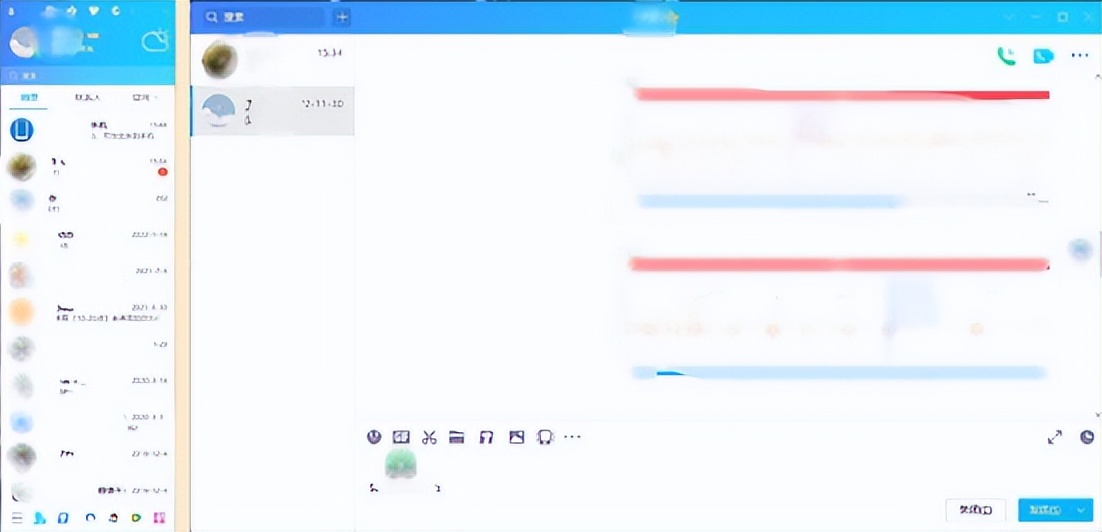
The most intuitive change in the new version of QQ is the interface. It bids farewell to the classic strip design that has lasted for many years and adopts a more modern layout. The visual presentation of the chat window has become more refreshing. After some readjustment of the density of relevant information, it will be more comfortable to read.

For old users, it may take some time to adapt initially, but the overall interaction logic maintains consistency. Among the core chat functions, such as sending messages and transferring files, the operation paths are generally the same as in the past, ensuring that users can seamlessly transition to the new version.


Integration of group chat functions
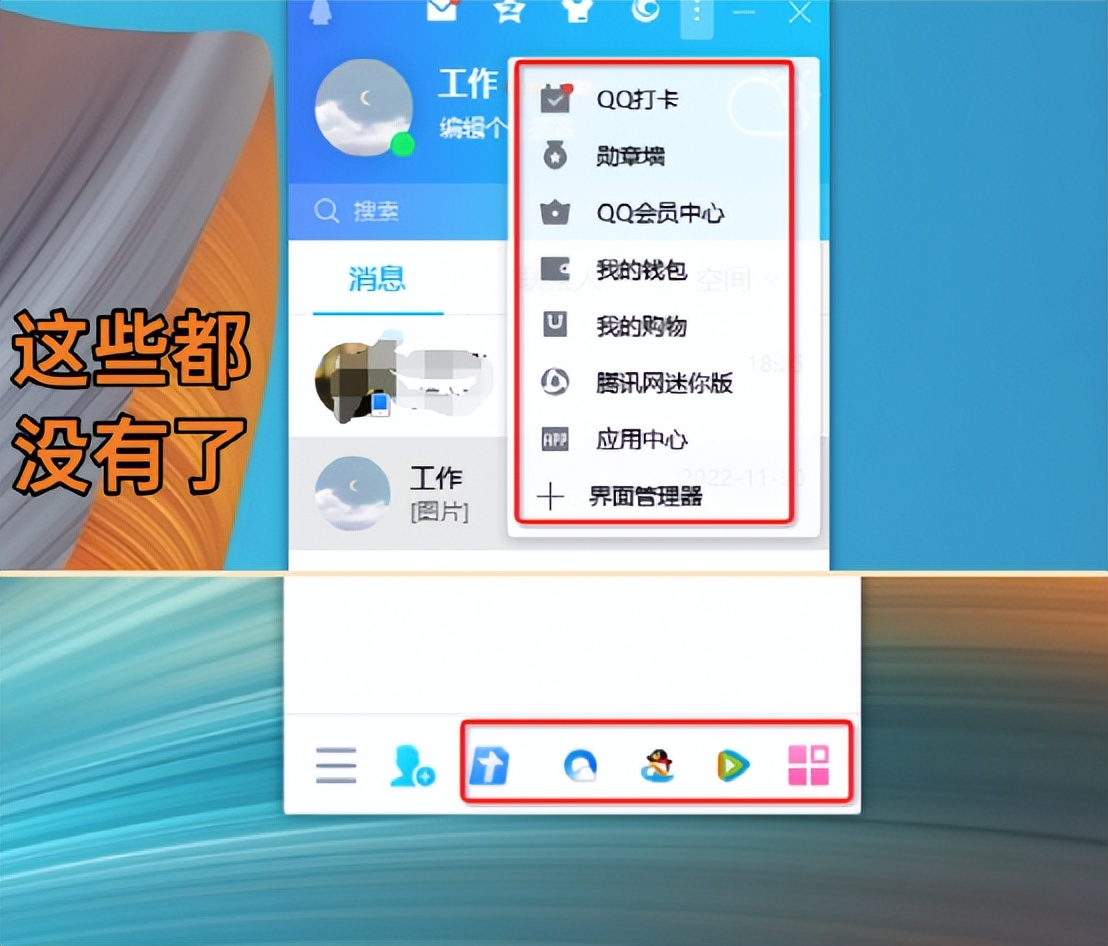
Regarding group chat, the new version of QQ has integrated and optimized the functional entrance. Applications such as group files and group photo albums that used to be scattered throughout the interface are now all collected into specially set submenus. In this way, the main part of the group chat window becomes more focused, thereby reducing distractions caused by irrelevant elements.
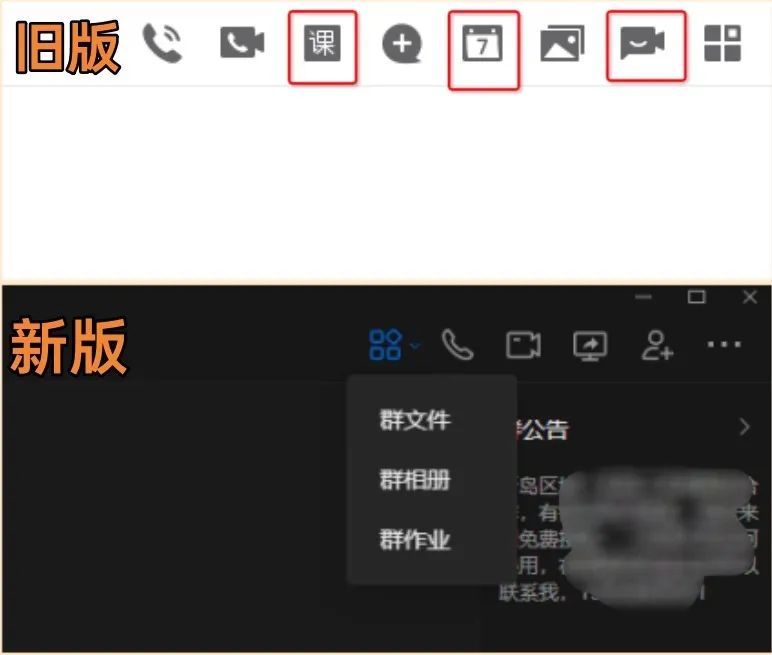
At the same time, some relatively infrequently used group functions, such as early group calendars, group live broadcast rooms, etc., have been removed or hidden in this update. The purpose of such simplification is to focus on the core communication and sharing needs of group chat, thereby improving the practicality of the function.

Windowing of external functions
For extended functions in platform areas such as Small World, QQ Space, and mailboxes, the new version of QQ uses an independent style window loading format. When the corresponding icon is clicked, the system will quickly pop up a new content window, instead of jumping to the original main interface.

This design creates clearer module distinctions and avoids interface clutter during function conversion. In actual experience, the content loading speed of the new window has been significantly improved compared to the old version, reducing the user's waiting time.

Setting menu slimming down
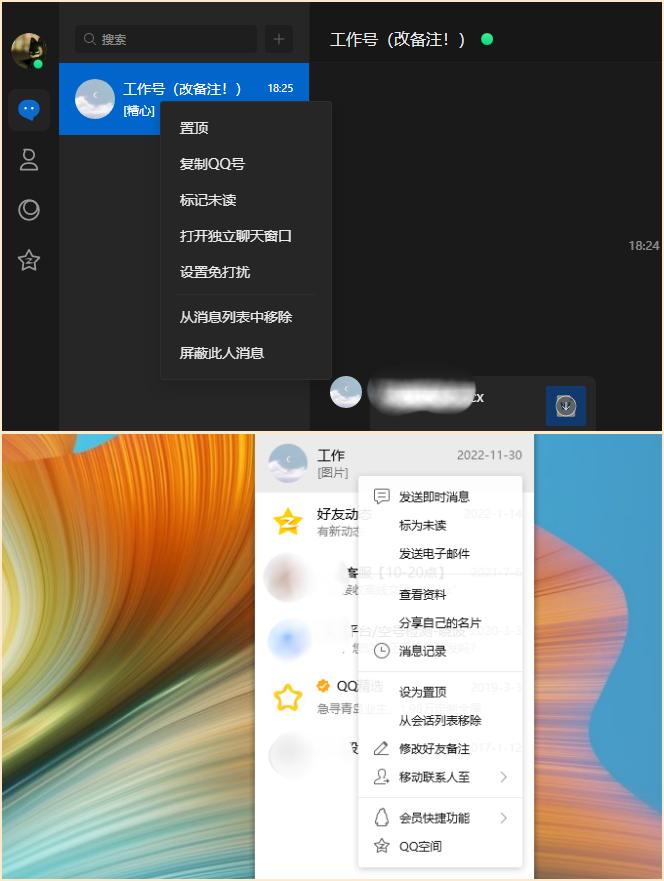
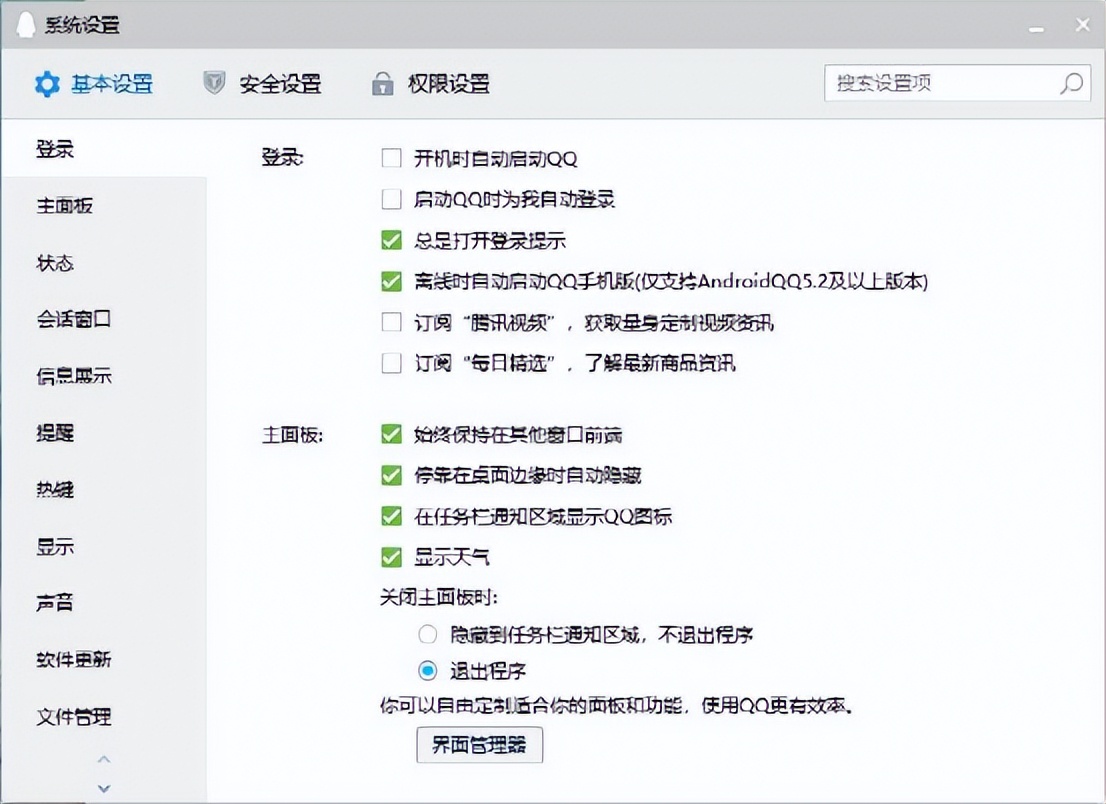
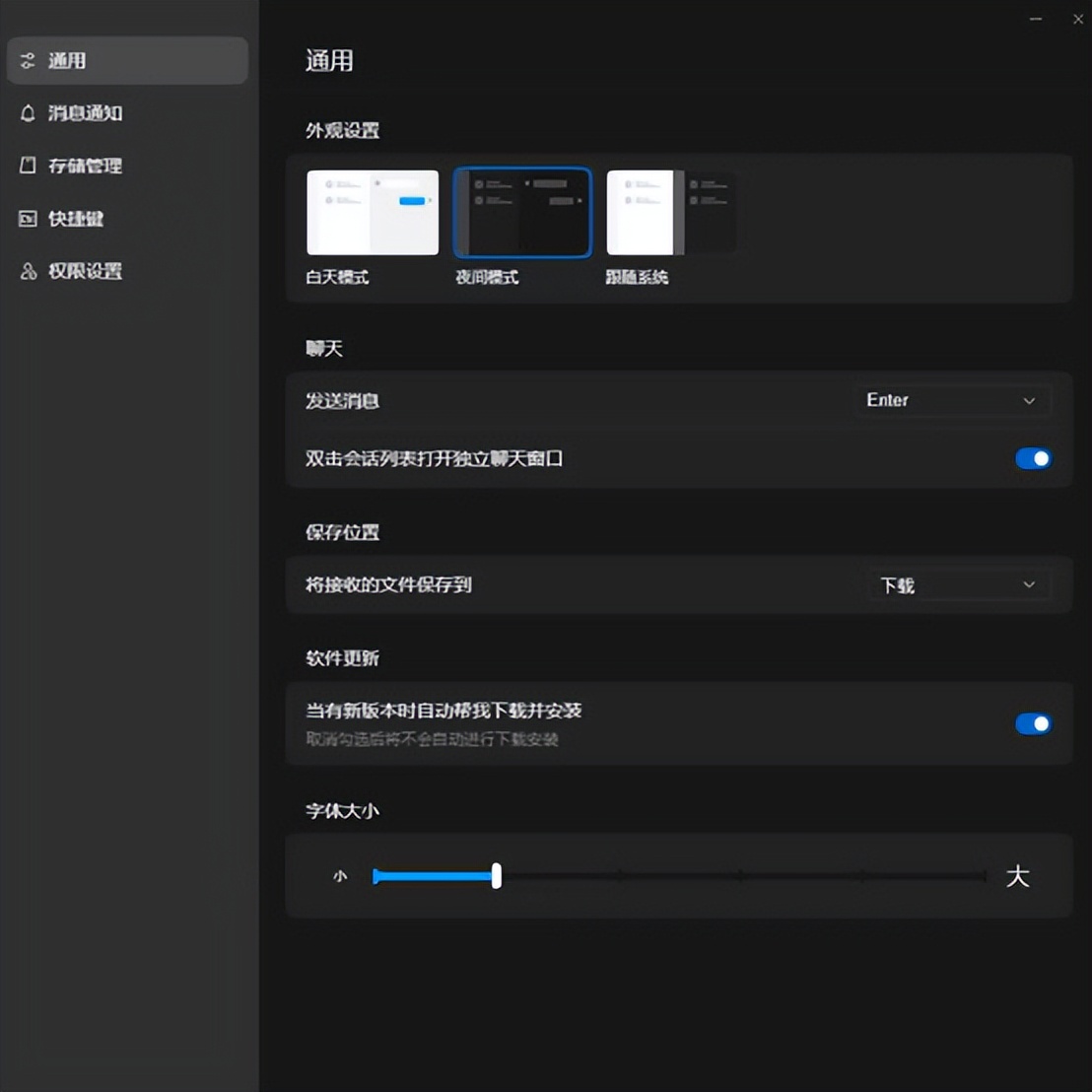
Because the setting items of the old version of QQ were very complicated in classification and had a large number of options, which caused users trouble. Many settings hidden deep in submenus may have never been clicked by users from installation to uninstallation. The new version has greatly simplified this situation.
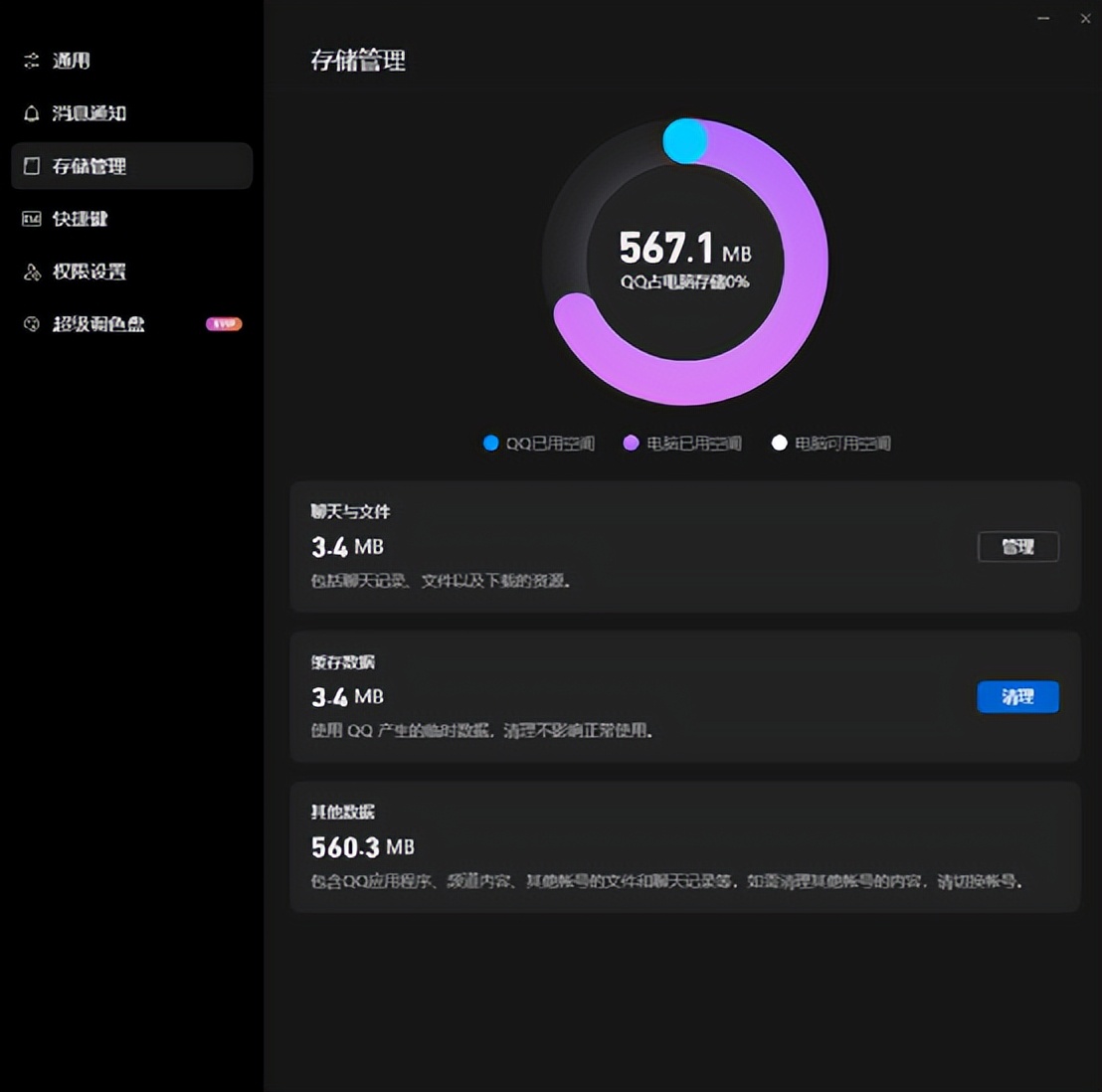
It reorganizes the setting logic, puts the most core and commonly used options in the front, and merges or removes a large number of redundant configurations. In addition, the new version adds the function of understanding storage space management. Users can intuitively check the disk capacity occupied by QQ and clean it up. Such a change is really very practical.
Unification of cross-platform technologies
The deeper significance of this update lies in the unification of the technical architecture. The new version of Windows QQ is in the same line as the new Mac version and Linux version of QQ released last year. They all use the same underlying technical framework. This resolves the long-term pain point of experience fragmentation due to different platform versions being developed by different teams in the past.
Because of the same set of code, in the future, the Windows desktop can achieve synchronous iteration and feature updates, the Mac desktop can also achieve synchronous iteration and feature updates, and the Linux desktop can also achieve synchronous iteration and feature updates. When users switch between different operating systems, they will get a highly consistent core experience, and will no longer worry about the lack of functionality on a certain platform, or the long-term stagnation of a certain platform.
The source of product vitality
Judging from this update, QQ has been able to continue to operate for more than 20 years and has always maintained vitality. The most important point is its ability to continuously evolve and evolve. It has never just stayed at the original positioning level of "online chat room", but has continuously integrated various new functions, such as efficient cross-device message synchronization function, convenient screenshot tool, powerful group management mechanism, and audio and video interactive gameplay that contains rich and diverse gameplay.
These iterations have always revolved around a key point, namely: reducing communication costs and improving social and collaboration efficiency. Whether it is for work communication or for chatting between friends and family, QQ can always provide the corresponding tools. This is probably the reason why it has gone through several technology cycles and is still widely used today.
Do you think this update of the QQ desktop version presents a "concise and efficient" trend, or is it a "functional castration" situation? Do you still frequently use the computer version of QQ? You are welcome to share your personal opinions in the comment area. If you find the analysis useful, please also give a like to support it.