
From object-oriented Java development to the iOS field based on Objective-C or Swift, for many developers who want to improve their personal work efficiency in an all-round way, or start carefully building tools, it is not only full of attractions, but also accompanied by a certain learning threshold.
Core tools for iOS development
The software development kit, also known as the SDK, is the basis for iOS development and is provided by Apple. It covers the compiler, debugger and the most critical system API. This set of tools is the cornerstone of building any application that can run on the iPhone or iPad.
If you have the SDK, it means that you have the permission to call the iOS device hardware and software services. For example, in this case, you can let the application access the camera to take photos, or use network functions to send data to a remote server. These capabilities are all achieved through the APIs in the SDK. They are the bridge between your code and the iOS system.
Understand the role of API
This is a set of ready-made functional instructions, which is called application programming interface or API for short. When using iOS for project development, the corresponding system API has clear and systematic definitions on how to operate the various functions of the device. Developers do not need to know the detailed operating conditions of the camera when it is actually working, as long as it calls the API function that appropriately corresponds to it.
As project complexity increases, relying solely on the system API provided by Apple may not be enough. At this time, you need to introduce third-party libraries, and these third-party libraries also rely on their own APIs to provide additional functions, such as processing complex animations or network requests. All these related contents need to be configured and introduced separately in the project.
The value of integrated development environments
Integrated development environment, also known as IDE software, is the key and necessary software to improve coding efficiency. In the field of iOS development, Xcode is responsible for fulfilling these roles. It integrates code editor, interface design tools, debugger and project management functions into the same window.
Although it is theoretically possible to write applications using only a text editor and SDK, modern application development involves a large number of files and resources. Xcode can help you manage these contents efficiently, can automatically complete the code, and can quickly locate errors, thus greatly reducing the difficulty of project management.
The starting point for building a development environment

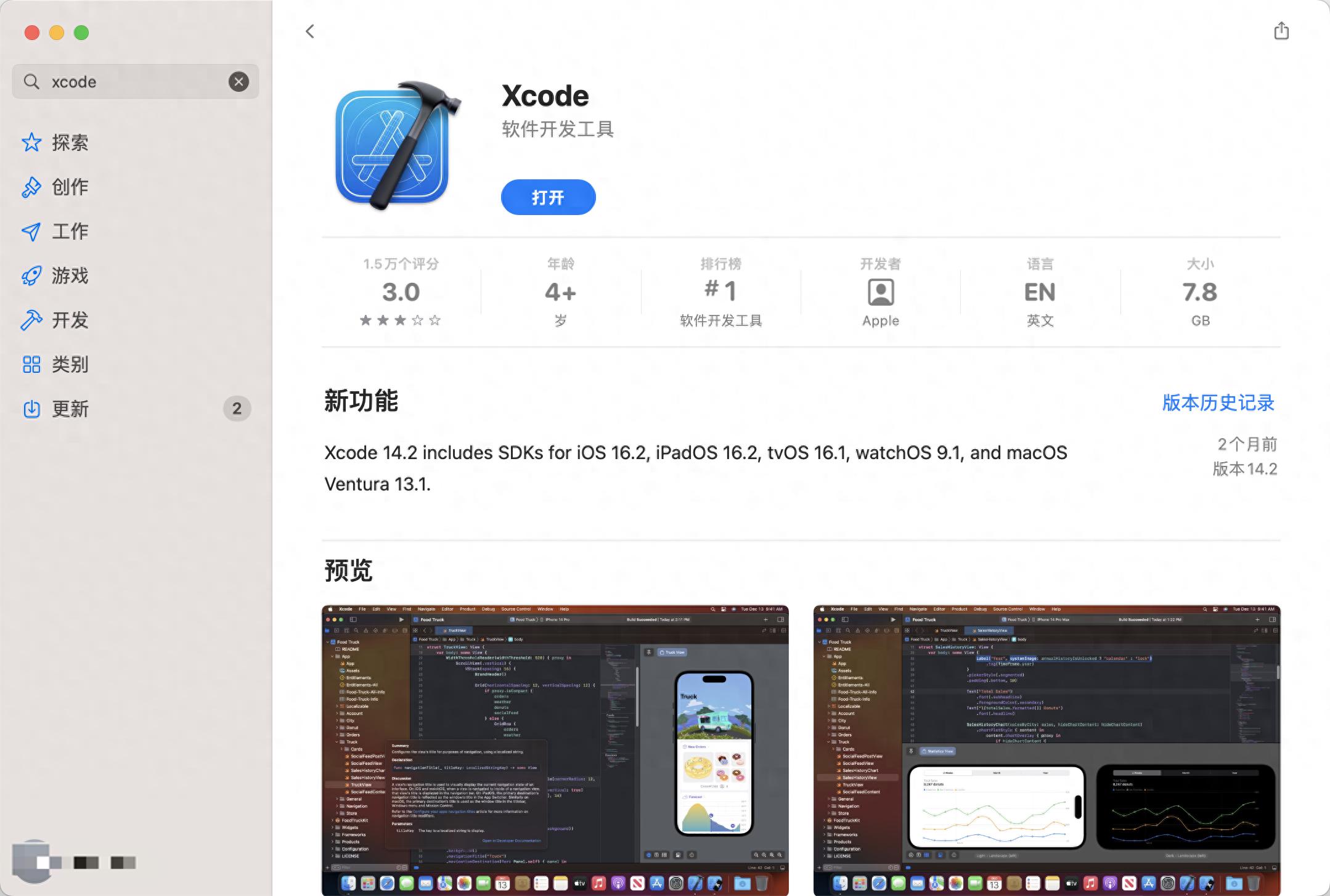
The process of setting up an iOS development environment is very straightforward. You must first have an Apple computer, whether it is a MacBook Air series or a Pro series. Then, search for "Xcode" in the App Store that comes with the system.
After knowing Xcode, click "Get" to install. This installation package is large in size and covers the complete SDK, simulator and development tools. After installation, you can find and open it in the "Applications" folder.
Create your first demo project
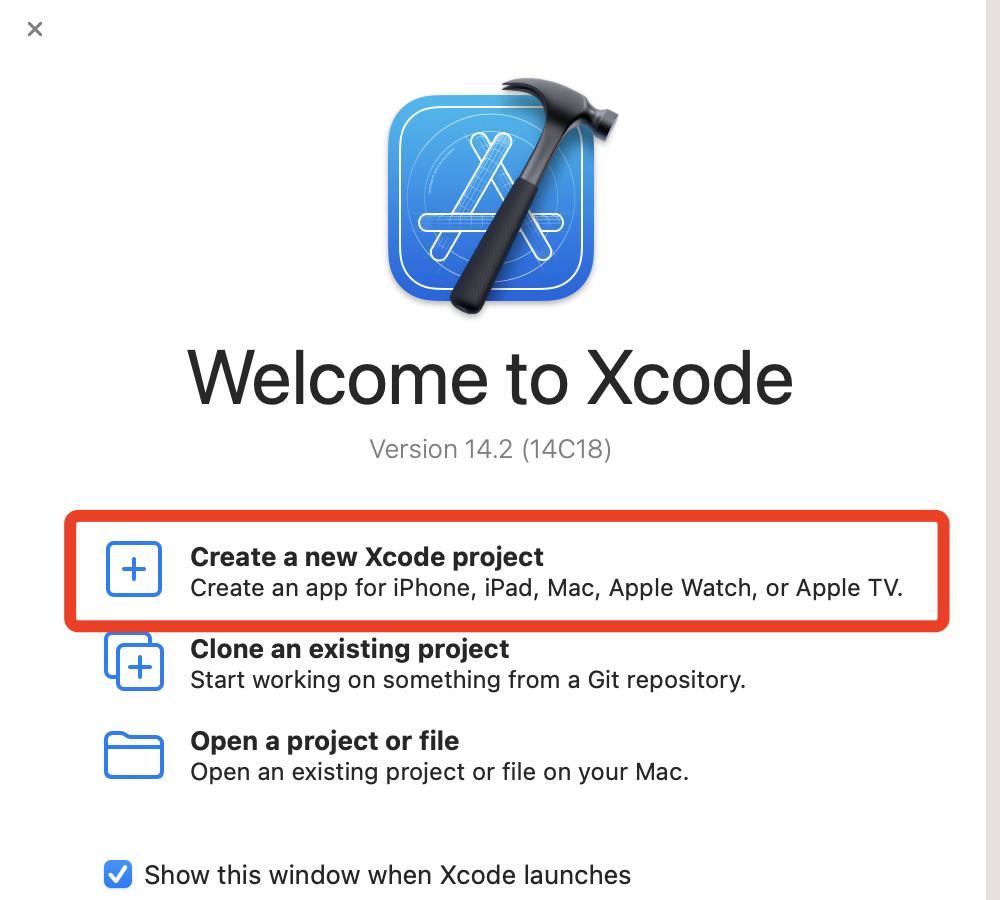
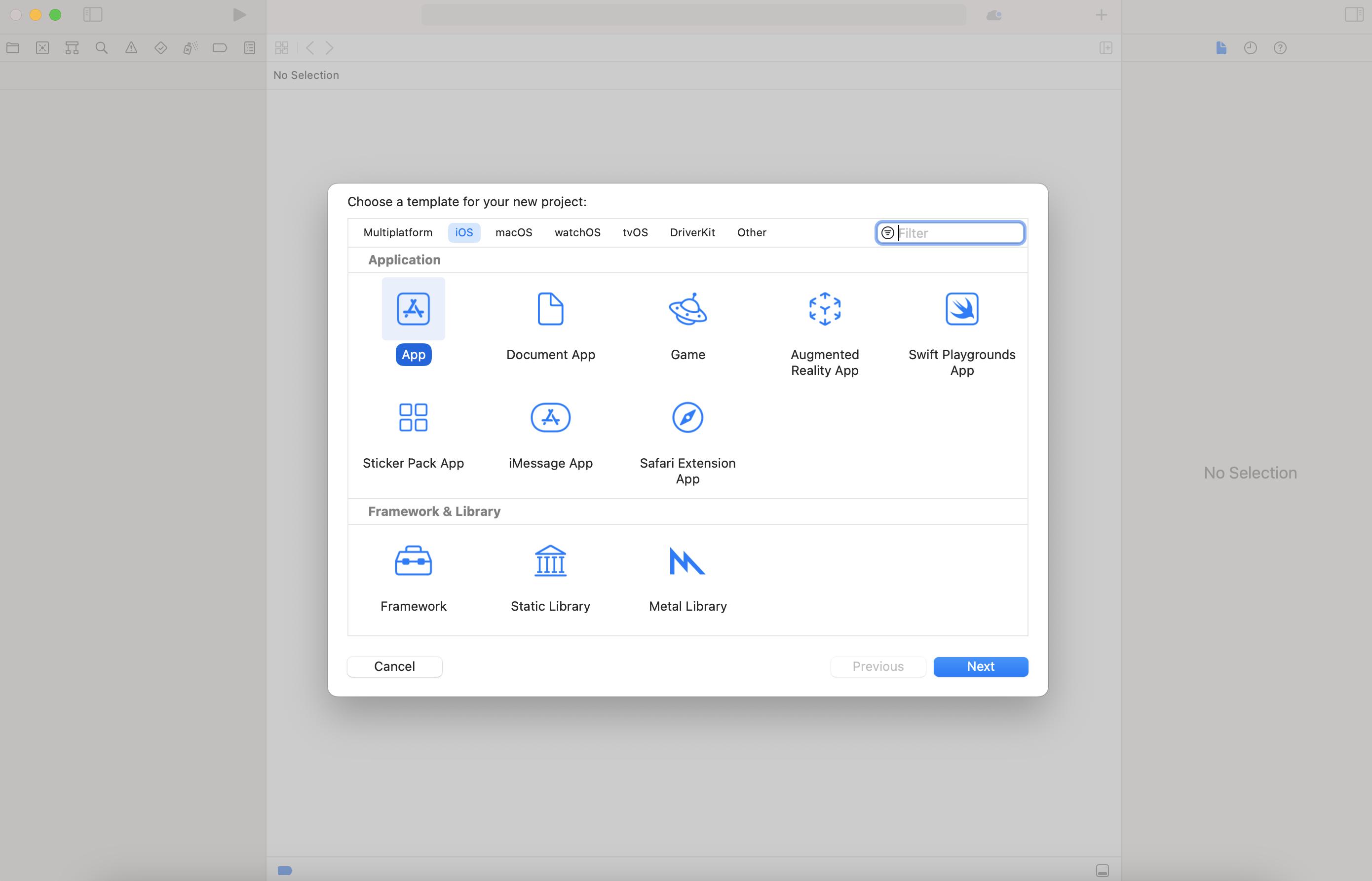
First open Xcode, then select "Create a New Xcode Project" to start. At the top of the new window, select the "App" template in the "iOS" platform, which will create the most basic application architecture.
You should name the project, such as "MyFirstApp", fill in the organization identifier, and click Next. After selecting the save location, Xcode will generate an initial project that can be run, which already covers some basic code files and configuration files.
Project structure and follow-up learning
In the generated project structure, you can mainly see Swift files used to write program logic, and storyboard files used to design user interfaces. When you click the run button, your application will start in the simulator and a blank page will appear.
This is only the first step in a long journey. Later you have to learn the syntax of the Swift language and understand the life cycle of the view controller. And you must master the use of drag-and-drop controls or writing code to build interactive interfaces. These contents will gradually become clear during practical experiments.
As a developer who has transferred from another platform, what do you think is the biggest difficulty in thinking change or adaptation in the process of learning iOS development? You are welcome to share your experience in the comment area. If you find this article helpful, please like it and support it.

