What mobile phone photography pursues is realism and professional effects. However, many original camera software are either beautifying beyond the limit or have simple and crude functions. There is a camera application launched by a technology giant. Because of its unique imaging algorithm and simple design, it has quietly become popular among photography enthusiasts. The experience it provides may be able to resolve the above pain points.
Interface design is minimalist and intuitive
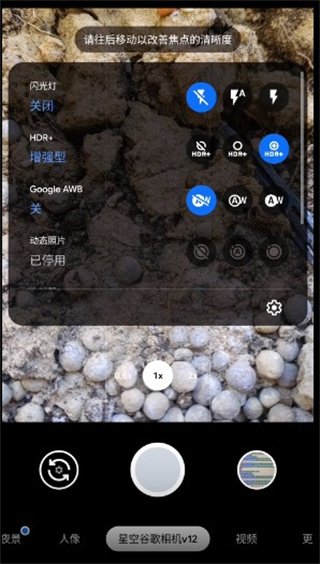
Google Camera has an extremely simple interface. When you open the app, the most conspicuous thing is the huge circular shutter button in the center. Other setting options are cleverly hidden in the side menu. This unique design allows users to quickly focus on the shooting itself, thereby reducing the interference caused by irrelevant elements.

The tones used in the overall aspect are mainly dark as the main body. On this basis, the icons with gray characteristics are used to display functions. Even in an environment illuminated by strong light, they can still be clearly distinguished. Such a visual design not only reduces power consumption, but also creates a professional shooting atmosphere. All core functions, such as switching lenses and adjusting zoom, can be quickly completed with the help of intuitive corresponding gestures.
Algorithm-driven image quality improvement
This application has core advantages, which focus on its computational photography algorithm. The algorithm uses multi-frame synthesis technology to capture multiple photos at the moment the shutter is pressed, and then synthesizes an image. This image has richer details and less noise, which is crucial for improving the imaging quality of night scenes and backlight environments.
HDR+ technology, which can preserve details in highlight areas and shadows at the same time, can prevent photos from being overexposed or dead black. When shooting moving objects, it can effectively reduce motion blur. These algorithms run by themselves in the background, so users can improve image quality without having to have complicated settings.
Multiple featured shooting modes
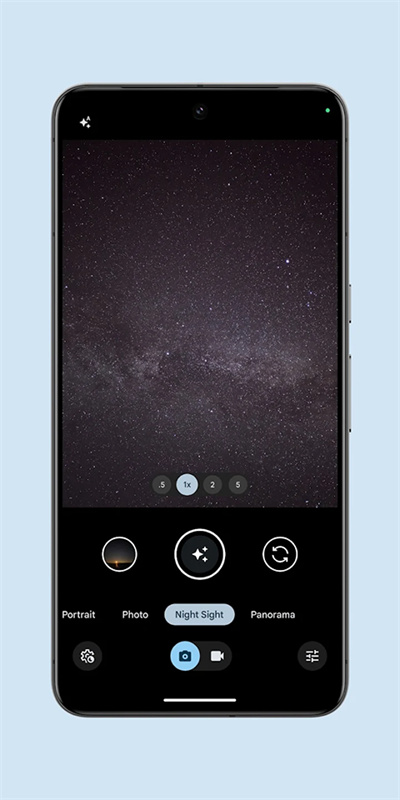
In addition to basic shooting, the application has a variety of practical modes built into it. For example, the "Night Vision" mode uses multi-frame synthesis over a long period of time to greatly improve the brightness and clarity in dark light environments. Regarding "Portrait Mode", it can accurately identify the edges of the subject and achieve a natural background blur effect.
Within the scope of video shooting, it has the ability to quickly switch to time-lapse photography or slow-motion mode, and can intelligently recommend an appropriate frame rate based on the shooting scene. The added "audio zoom" function can simultaneously enhance distant sounds when zooming in, thereby enhancing the immersion of video recording.
Powerful zoom and balance functions
The new version has significant improvements in the zoom function. In the photo mode, the user can use the dial above the shutter button to quickly switch between the corresponding ranges of 1x and 2x optical zoom. The same is true in video mode and night scene mode. In the portrait mode, 1x and 1.3x focal lengths are provided to choose from, which can achieve the purpose of shooting a wider angle of view.
The application introduces a function called "3D Level", which helps users move in multiple dimensions during shooting to achieve a horizontal and vertical position. In architectural photography or situations where precise composition is required, this function is very effective and can prevent photos from being skewed.
No permissions required and free to use
A significant highlight of this application is that it is very friendly to ordinary users. It does not need to obtain ROOT permissions for the mobile phone. It can be installed and put into use after downloading it from the official application store. This avoids complex operations and potential security risks, and all core shooting and algorithm functions are provided free of charge.
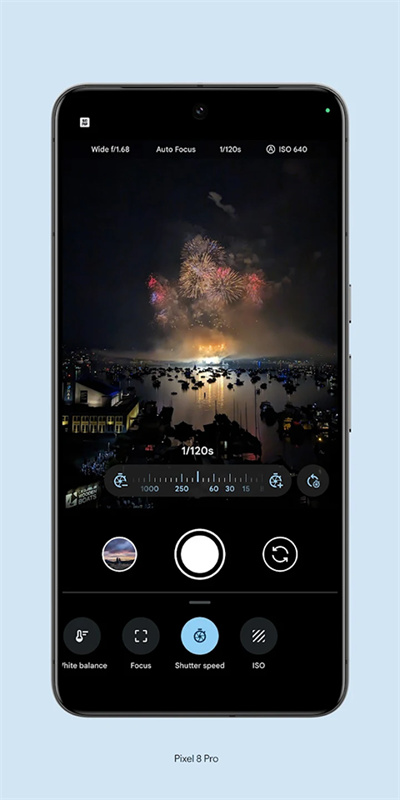
There are no intrusive advertisements within the application, and there is no forced bundling and promotion of other software. It has powerful tools for photo post-processing, such as participating in related operation adjustments, performing cropping actions, and basic filters, which are also covered in the free function category. This situation provides users with a one-step solution from the beginning of shooting to the completion of the editing process.
Adaptation and installation guide
Even if the application is natively adapted to Google's own mobile phones, due to the transplantation by developers, it can now run on many mainstream Android brand mobile phones, such as some models of Xiaomi OPPO. Users have to find the corresponding adapted version to install according to the actual model of their mobile phone.
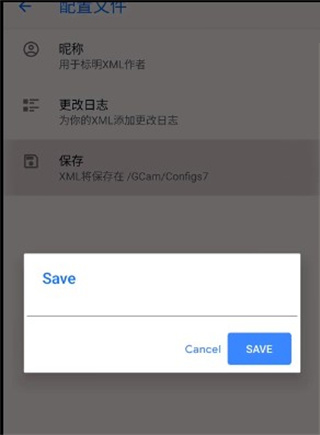
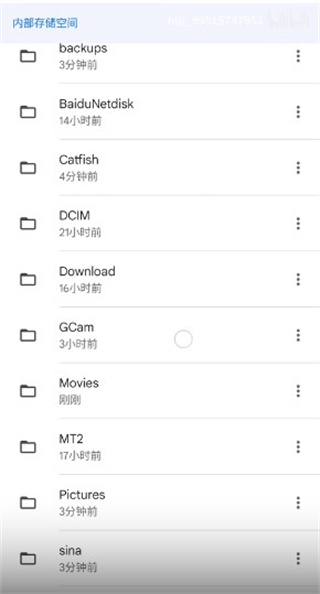
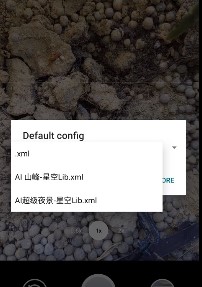
After installation, users can use the file manager to introduce specific configuration files into the application's settings directory to unlock more advanced features or obtain better compatibility. The entire process has detailed tutorials in relevant technical communities, and ordinary users can complete it by following the steps.
What do you value most about mobile phone photography? Is it the ultimate sense of reality? Is it playability with rich and diverse features? Or is it simple and easy to operate? You are welcome to share your own opinions in the comment area. If you think this article is helpful, please like it and support it.