After Microsoft announced that it would stop providing support for Windows 10, the first reaction of many users was concern, and they even considered hurriedly upgrading the system. In fact, this situation is far less terrible than it sounds.
What End of Support Really Means
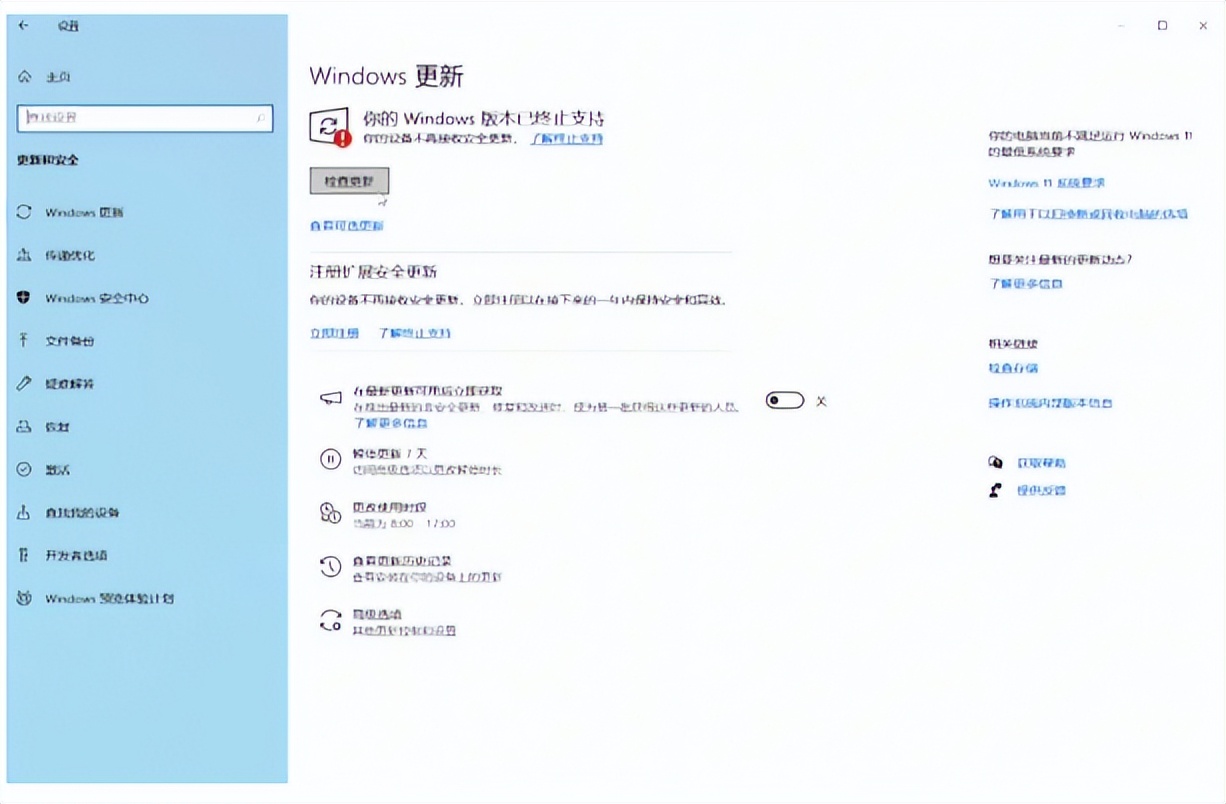
Starting from October 14, 2025, Microsoft will stop supporting the scope, which means that for individual users, it will no longer provide free security updates, functional patches, and technical assistance. This situation does not mean that your computer will immediately become paralyzed or unable to boot. The system itself will maintain its current state and operate according to normal conditions.

The most important point is that there has been a change in where security updates are obtained. The software giant Microsoft provides enterprise customers with paid security updates and other related services. For personal users, there is also a path to seek extended updates with a one-year period, and there are even ways to obtain them for free. Therefore, the expression "stop" is more towards the end of free services, but it is not the absolute end of the system's life.
How big is the security risk?
Newly discovered security vulnerabilities will not receive official free patches after security updates are stopped. This sounds like a serious security risk, however, for the average home user, the actual threat is overestimated. Most cyber attackers target profit-making, and large enterprises and government agencies are their main targets.
The costs of harming individual users are high and the gains are small. As long as users adhere to some basic rules, such as not touching suspicious website links, not downloading software programs from unknown sources, and updating browsers and anti-virus software in a timely manner, the risk can be significantly reduced. In the past ten years or so, many users have used Windows XP systems that have long stopped updating for a long time. This is an obvious example.
Who is least affected
In fact, there is a group of users who will hardly suffer any negative effects, and may even be happy to see things develop in that direction. Many users are already very disgusted with the frequent automatic updates of the system, because these automatic updates sometimes cause compatibility issues or cause interface changes, which in turn have a negative impact on the user experience.
For such users, the system entering that "quiescent" state becomes a stable situation. , the office software, professional tools and games they often use are all maintained in versions with the best compatibility. There is no need to worry about software crashes due to new updates. In a productivity environment where stability is valued above all else, this is not an advantage.
Upgrade recommendations for new hardware users
If you purchased a new computer two years ago or later, or have installed a device equipped with the latest generation CPU and graphics card, it is highly recommended to directly pre-install or upgrade to Windows 11. The new system has better scheduling optimization for the large and small core architectures of the 12th generation, 13th generation and later Intel Core processors.
At that time, Windows 11 had more complete driver support for new gaming technologies such as DirectStorage and automatic HDR, as well as the latest Wi-Fi and Bluetooth protocol stacks. If you forcibly install Windows 10 on old hardware, it is very likely that the performance will not be fully released, and the driver may even fail to be installed.
Sticky strategy for old hardware users
For those who have used older computer equipment that appeared before 2021, continuing to use Windows 10 is often the wiser choice. The hardware drivers in these past devices have been optimized and adjusted for many years on Windows 10, and their stability and compatibility have reached the best state.
If you rush to upgrade your system to Windows 11, you are very likely to encounter situations such as driver incompatibility, performance degradation, or certain functions, such as some old printers and scanners, that can no longer be used normally. As long as the machine can meet various daily needs, maintaining the current status is the most worry-free and lowest-cost solution. There is no need to purchase additional new hardware for upgrades.
How to continue using it safely
After you make the decision to continue using Windows 10, you can take some proactive steps to strengthen your security. The first thing to do is to ensure that you use a trustworthy third-party security software and keep its virus database updated in real time. Secondly, browsers should be strictly managed and use ad blocking and script management extensions.
The most critical security habits lie in the users themselves. They should avoid using administrator accounts to carry out daily activities, create a standard user account for the system, and regularly back up important data to a mobile hard drive or the cloud. As long as these are achieved, the system will still be able to provide reliable services in the next few years even after support is stopped.
What do you think about Microsoft ending support for Windows 10? Do you plan to continue using your existing system, or are you planning to upgrade to a newer version? Feel free to share your choices and reasons in the comment area.