The old headache for many Android users is that the more junk files are cleaned up on their phones, the more junk files they get and the storage space is never enough. Android Cleaner is an app that attempts to provide a more thorough solution through garbage rules updated in the cloud and user participation in audits.
The core mechanism and permission requirements of the application

All the garbage cleaning rules of this application are not fixed and built-in. Instead, they are stored in the cloud and can be synchronized in real time. Many of these rules are largely derived from the discovery and uploading behaviors of users during actual use. They will only be included in the rule base after review. The purpose of this is to deal with the continuous emergence of new applications and the junk formats they generate.
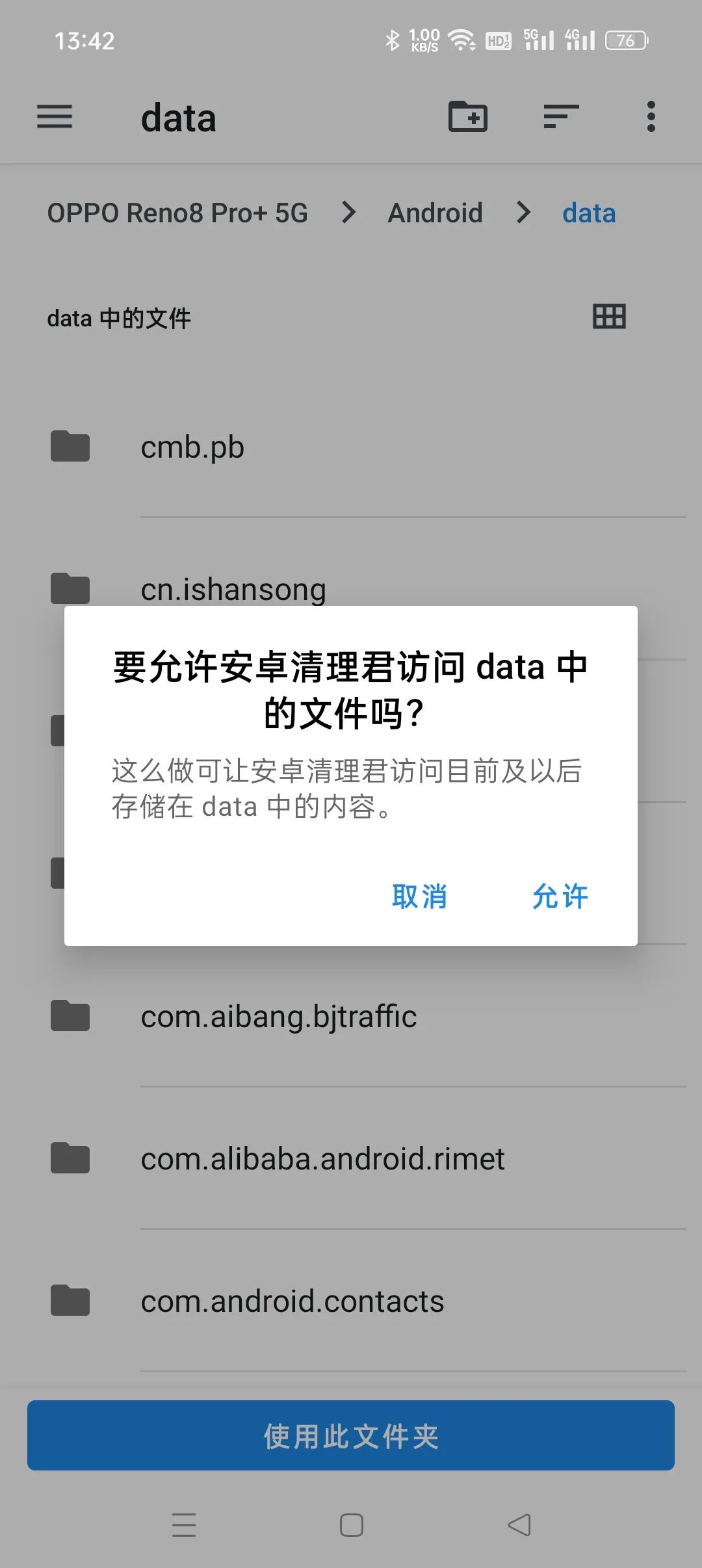
When the application is run for the first time, it needs to obtain file management permissions, as well as key permissions such as reading the application list. For phones with Android 11 and higher, users must additionally authorize it to access the system data directory. This is necessary to deeply clean some application caches. These permission requirements are higher than ordinary cleaning tools, which also demonstrates its design intention for deep cleaning.
Features: Preventing garbage generation
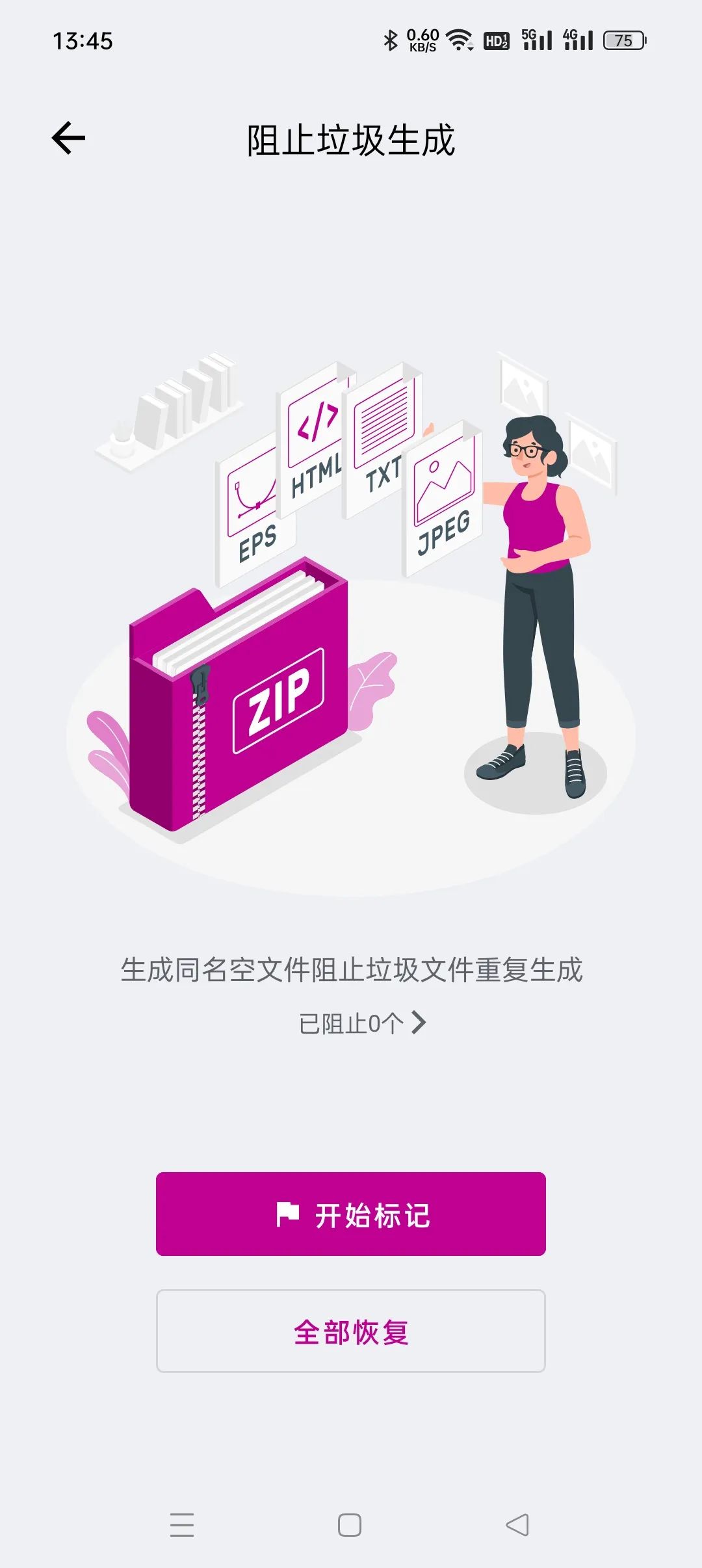
Some newly installed applications may accumulate several GB of cache files in a short period of time. This is usually caused by the application continuing to download the same material repeatedly. In response to this situation, the tool has a special function that can use technical methods to generate empty files with the same name, thereby preventing applications from continuing to generate the same junk files.
This method does not directly delete existing files, but intercepts them from the source. It can effectively curb the endless expansion of certain application caches, especially for certain video, social or shopping applications, which can save users a considerable amount of storage space.
Featured function: Duplicate and similar file cleaning
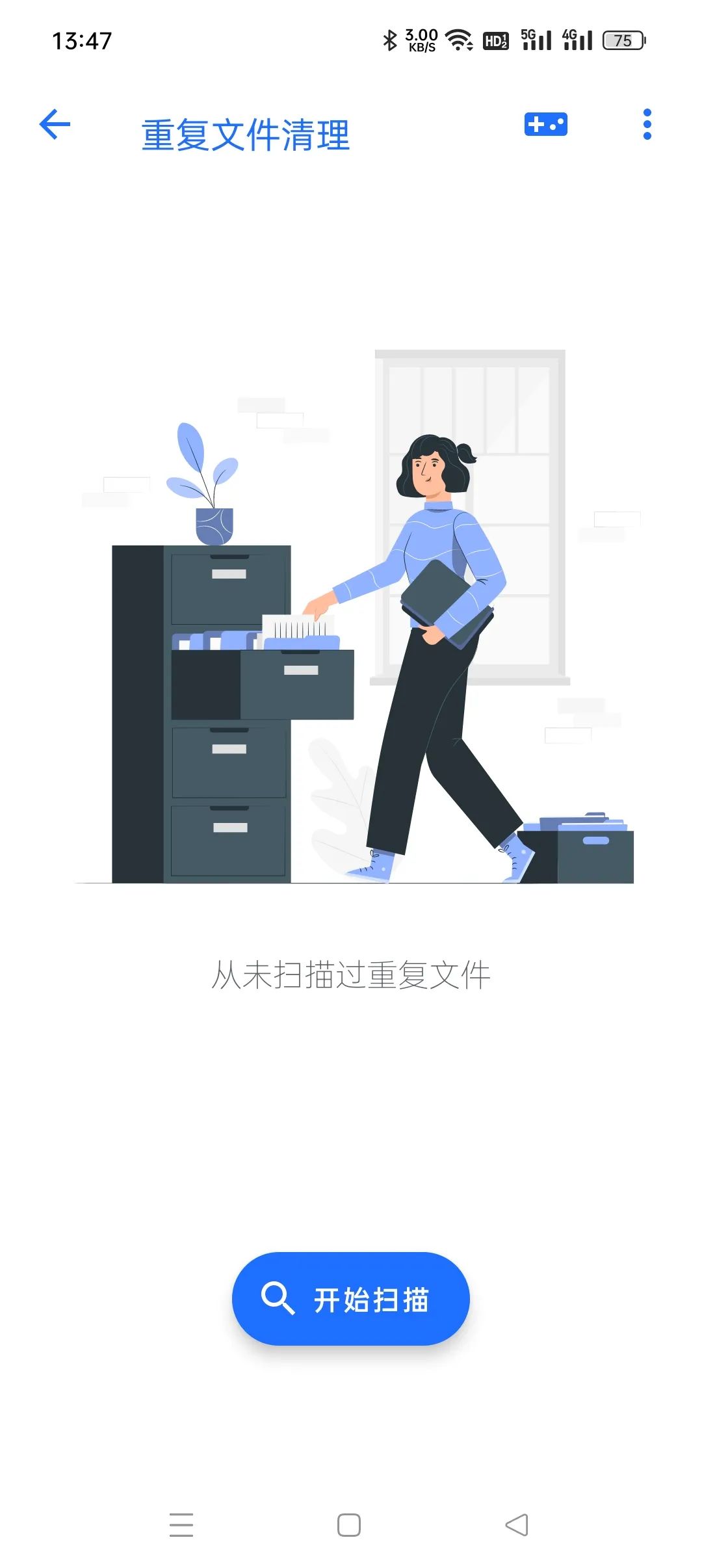
In daily use, duplicate files are a huge source of space occupancy. For example, repeatedly saving the same image received on WeChat, or saving the video again and again when converting it to GIF, will result in many files with the same file name or different content. The tool's duplicate file removal function can scan the entire file, compare the file contents, and accurately find these copies.
In the case of picture files, it also provides a more intuitive "similar picture cleaning" function. Through image recognition technology, even if the file names and formats are different, visually highly similar pictures can be found. This facilitates users to perform batch cleaning, thereby further releasing the storage pressure in the mobile phone album.
Featured Speaker Maintenance
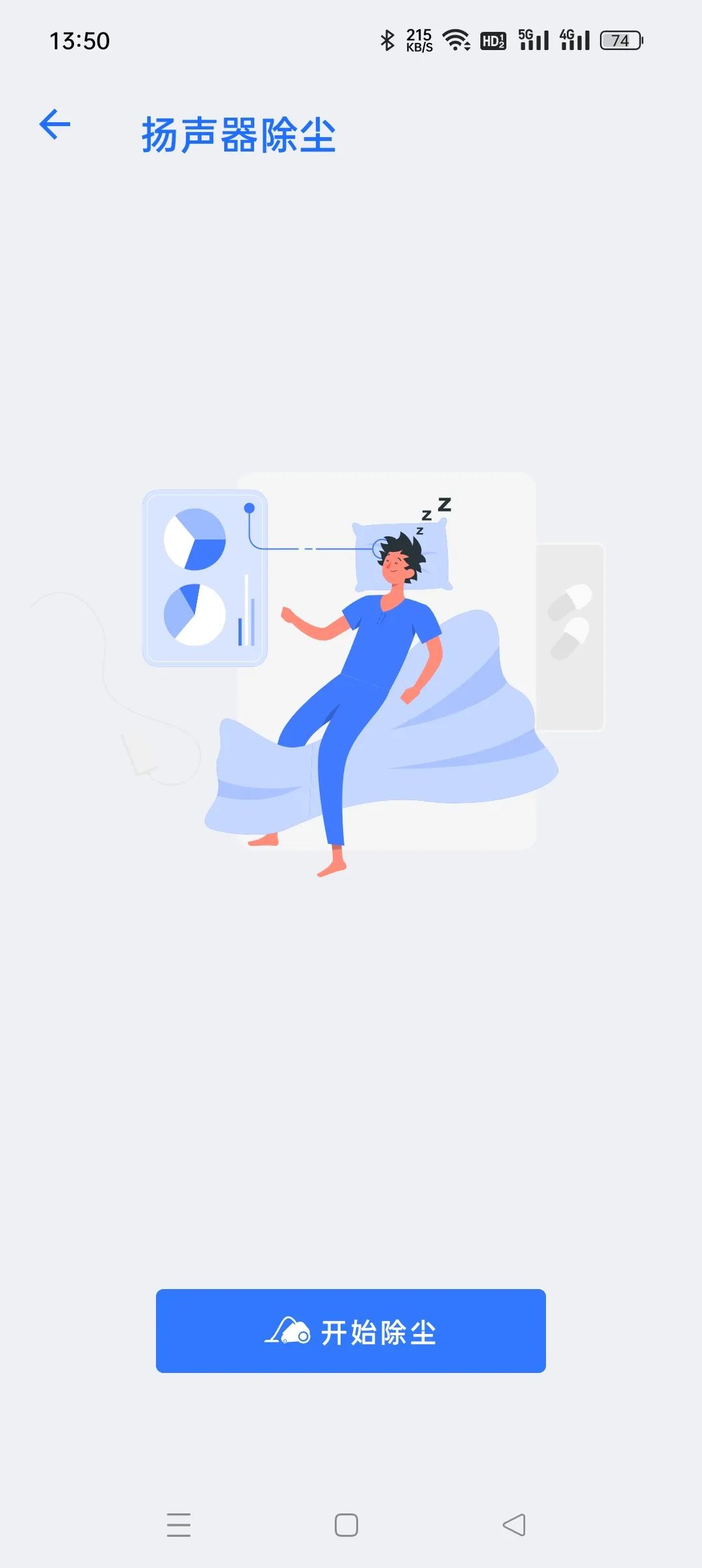
In addition to file management, this application-wide functionality incorporates a series of small tools for hardware maintenance. For example, there is a function referred to by professional terms called "speaker dust removal". It uses the speaker to emit sound wave vibrations at a specific frequency state, and attempts to use the above state to vibrate away the dust particles accumulated in the internal area of the speaker opening, thereby improving the quality of the external sound.
There is also a function called "mobile phone dehydration", which also achieves its purpose by playing a specific set of sound wave frequencies. Its purpose is to use vibration to drain out the water droplets that may remain inside the speaker or earpiece of the mobile phone, thereby reducing the problem of damage to the call sound quality or noise caused by water intrusion. This function has certain emergency response properties.
Installation package size and function integration
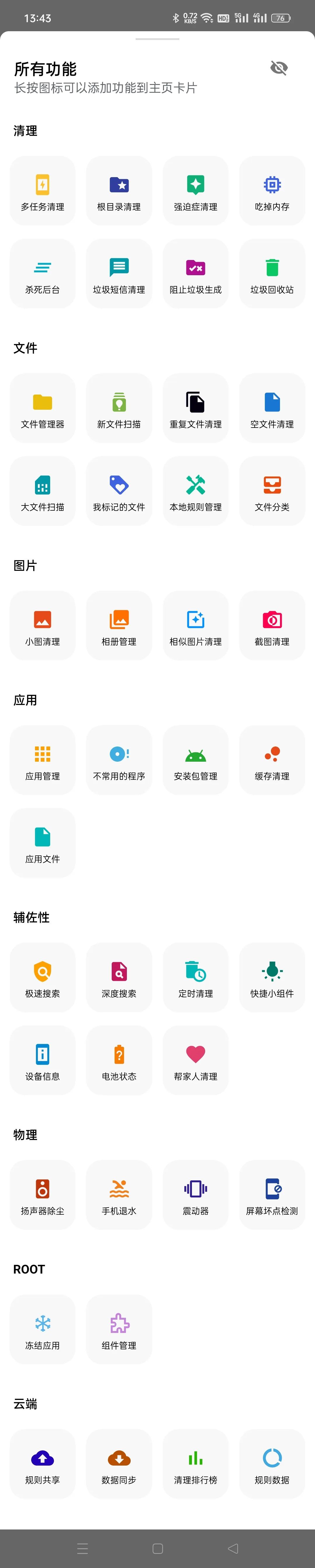
Although this application has complex functions, its installation package size is controlled within 7MB. It integrates more than 40 functions such as file cleaning, storage analysis, and device maintenance into one application, trying to replace multiple tools with a single function and achieve "one-stop" mobile phone optimization management.
Adopting such a highly integrated idea reduces the management costs for users to install multiple applications. For users who do not have sufficient storage space or do not like to install too many applications, this "small size and multi-function" feature has a certain appeal.
Dependencies and potential considerations for cloud rules
The effectiveness of an application's deep cleaning output is highly dependent on the update rate and accuracy of its cloud rule base. Rules are uploaded by users and then reviewed. Although this situation can respond quickly to emerging situations, it also puts forward higher requirements for the rigor and security performance of the rules. Those inappropriate rules may lead to the possibility of mistaken deletion of important data.
Giving an application relatively high system permissions also has potential risks, and users must fully trust the application developer. While pursuing the cleaning effect, how to balance permissions, security and privacy is an issue that every user must carefully weigh before using it.
As for you, which method do you usually use to manage the storage space of your mobile phone? Do you rely on the tools provided by the system itself, or do you prefer to use third-party applications that can perform in-depth cleaning? You are welcome to share your experience and opinions in the comment area. If you think this article is helpful, please give it a like and support.