Within the field of professional design, every major update of software tools affects the nerves of countless practitioners. The addition of new functions often means changes in workflow and improvements in efficiency.
Software positioning and core value

The core typesetting application carefully built for printing and digital publishing is the Chinese version of Adobe InDesign 2025. Its main role is to help designers, publishers and related practitioners to efficiently complete the complete process from design conception to final release.
This software can process layout content presented in a variety of media such as printed matter, web pages, and tablet applications. Its professional features are reflected in the fact that it provides design tools and also has built-in pre-press checking functions, which can effectively reduce output errors to ensure the quality level of the final production of publications.
Deep integration and ecological synergy
One of the software's strengths is its close relationship and high integration with the Adobe Creative Cloud ecosystem. It can work seamlessly with brotherly software such as Photoshop and Illustrator, and can also share resource libraries and color profiles, greatly simplifying the material transfer process during multi-software collaboration.
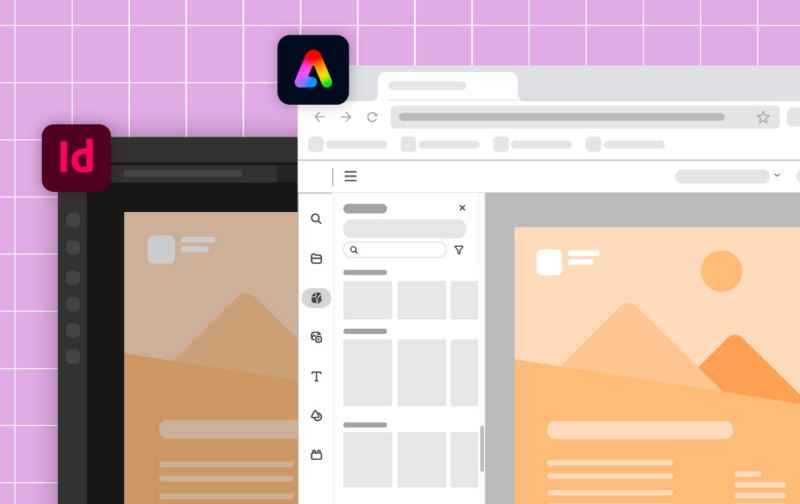
It is this deep integration that allows designers to directly insert and edit PSD or AI source files in InDesign, and the modifications can be updated in real time. This avoids the tedious process of repeatedly exporting and importing between different applications, effectively maintaining the highest quality of design elements, thus providing a solid guarantee for the consistency of brand vision.
Intelligent image processing innovation
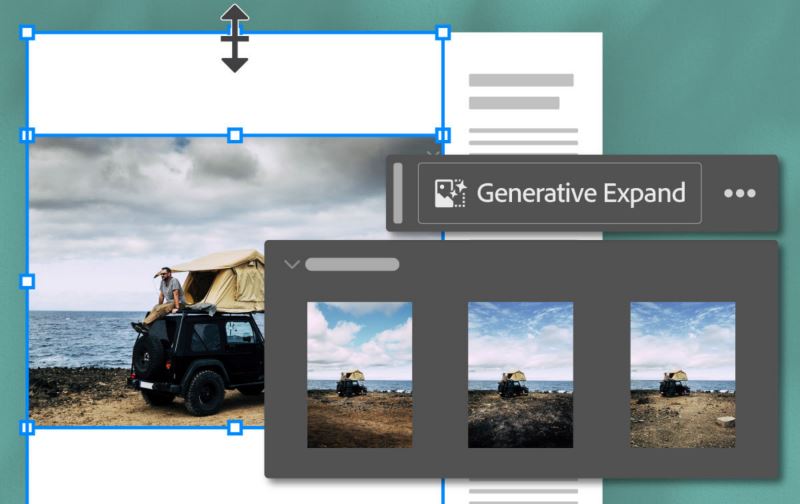
The 2025 version introduces an intelligent image editing function based on generative artificial intelligence. Users can now automatically expand the canvas range of the image outward through simple operations. The software will intelligently analyze and fill in the pixels in the missing area to complete complex background synthesis.
This function is particularly useful in the following scenarios, where you need to adapt to a new layout or adjust the composition. For example, if a picture needs to be put into a wider layout, it has to be repaired manually according to the traditional method. However, now using AI, it can automatically create an extension that is consistent with the original image style, greatly improving the efficiency of picture processing.
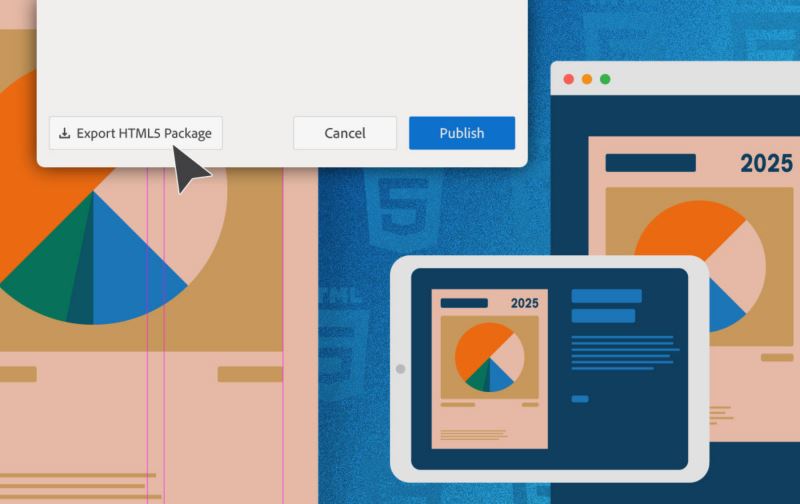
Text-driven idea generation
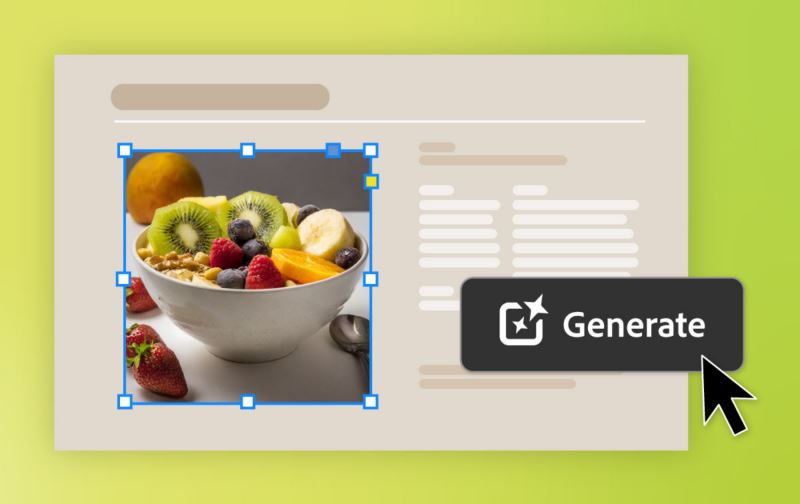
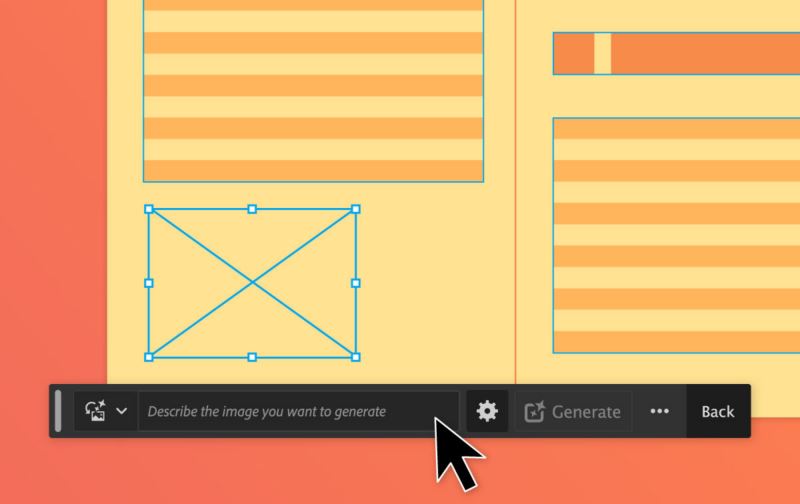
The newly added "text to image" function directly introduces AI creative capabilities into the typesetting process. For designers, as long as they enter descriptive text prompts in the dialog box, the software can generate new image materials based on these prompts as a supplement to the layout design.
Here, a new path is paved for quickly obtaining inspiration pictures, creating placeholders, or generating simple illustrations of a specific style. Users can upload reference images to guide the generated style, or use many built-in artistic effects, making the route of creative ideas toward visual presentation more direct.
Document interaction and format expansion
The software enhances the ability to interoperate with other document formats. Now, users can bring Microsoft Word documents into InDesign with one click, and edit or lock the text style and layout before giving it to collaborators to ensure that brand guidelines are strictly followed.
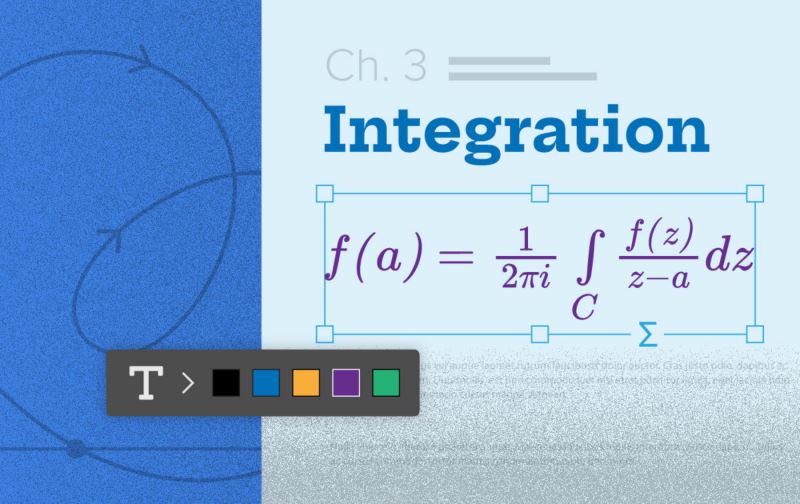
Another key point is that it can support adding mathematical expressions to the document. Users can insert LaTeX code in the form of SVG vector graphics, and adjust the font and color directly in InDesign, so that it can perfectly match the overall design style. This is of great significance for the typesetting of scientific publications.
Cloud collaboration and workflow optimization
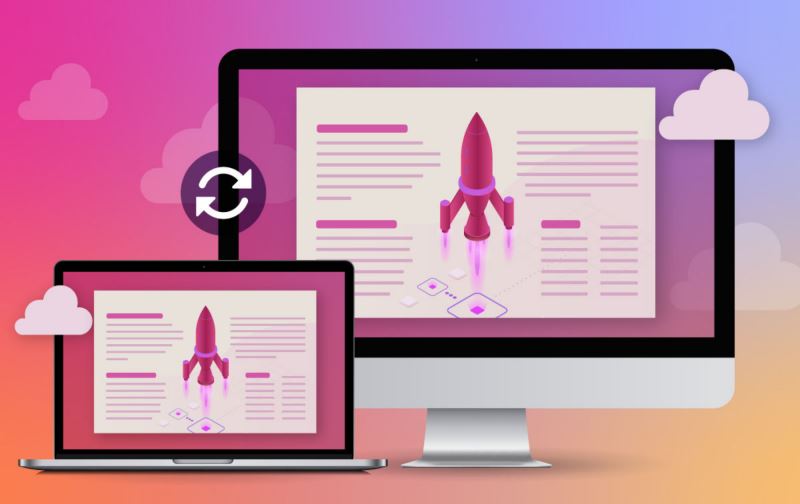
Cloud documents have significantly enhanced workflow. Users can save documents to the cloud and call on team members for real-time collaborative editing. Documents can be shared with public links or regulated organizational permissions, making it easy to conduct review and feedback at any time and anywhere.
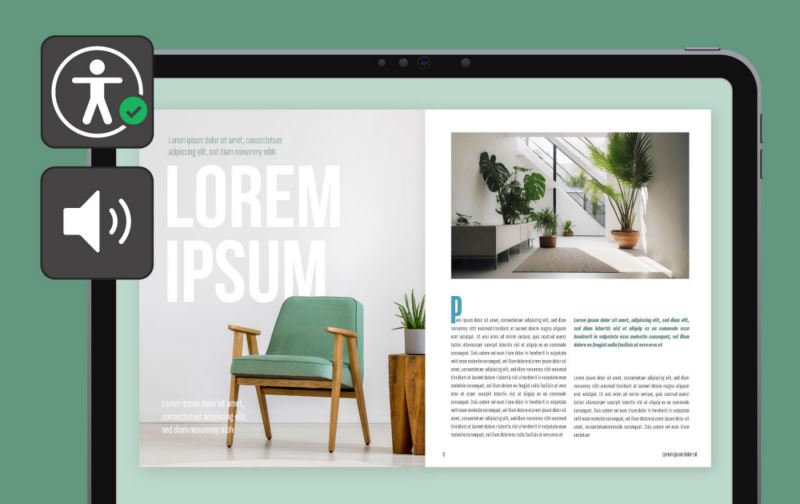
The interface and work efficiency have been improved. The new contextual taskbar can recommend related tools based on the current operation. At the same time, the software has improved the accessibility settings of elements such as page breaks and tables, optimized panel management, and also allows plug-in data to be stored persistently, providing better support for long-term and complex projects.
For designers who are thinking about upgrading, in addition to paying attention to new functions, how can these intelligent tools be combined with traditional design experience to truly unleash their potential?