Translation, this act, recording, doing this, sorting out, doing this, these seemingly simple operations, however, often interrupt our ongoing work flow. Are there some tools that can truly understand the habits we have, making efficiency improvements invisible but real?

Supports multiple translation methods
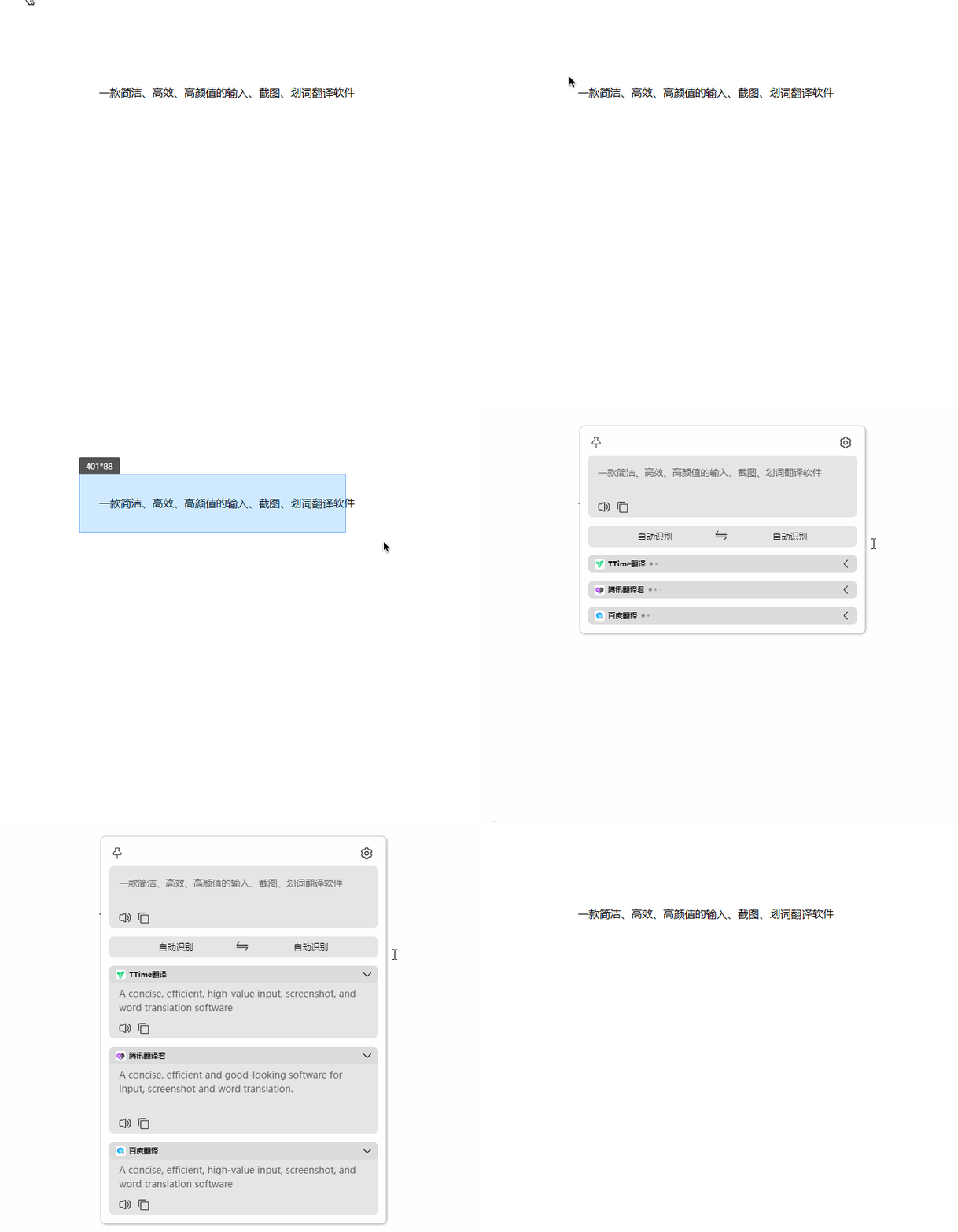
TTime provides a variety of translation portals. In addition to directly entering text, you can take screenshots at any time, or select text on the screen to start translation. For users who require frequent operations, a floating window that always resides on the screen reduces the translation action to one click.
The software also considers the needs of text recognition. It has an OCR function. This function can not only process screenshots, but it can also run silently in the background and can automatically recognize and translate newly acquired text in the clipboard. What this means is that when you copy the text while reading foreign language materials, the translation result may be ready.
Suitable for Chinese people’s input habits
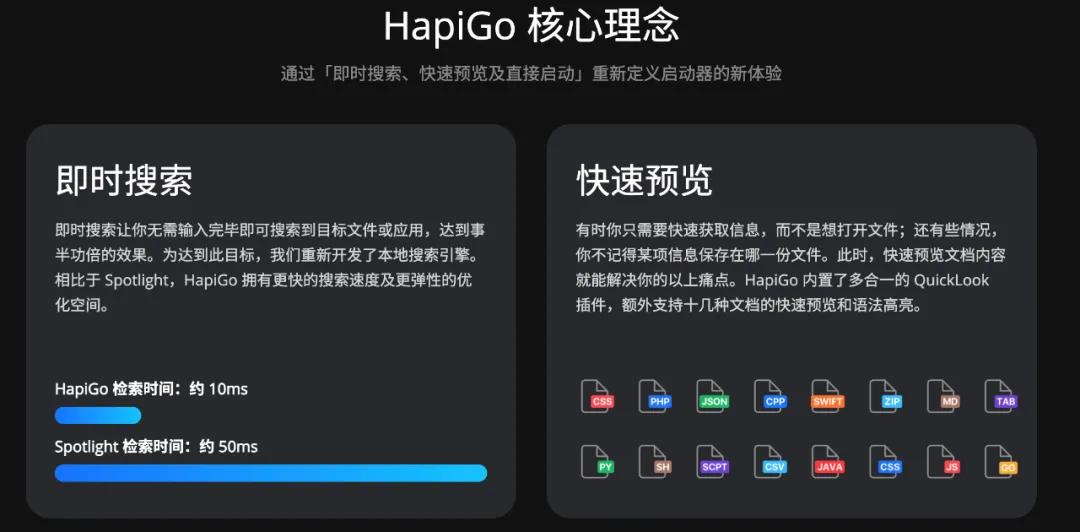
This software fully considers the usage environment of Chinese users in every detail. A typical example is its pinyin search function. When searching for files or performing internal searches, you can directly use Chinese pinyin. The system can recognize smoothly and without any obstacles. The experience it brings is very friendly to Chinese users.
Such an in-depth adaptation to local habits reduces users’ adaptation costs. The developers did not simply copy the logic of foreign software, but optimized the core interaction links such as the input method, so that the overall operating efficiency can be compared with the fluency in the English environment.
Efficient management of clipboard
Marcy is dedicated to solving the exact need of clipboard management. It is quietly installed in the system status bar and quietly records all the content you have copied, including text, pictures and even files. You can use shortcut keys to call up the history records at any time to search and paste.
The design concept is to be light and non-intrusive. The software is developed using the native system interface. There are no advertisements or pop-up windows. You can quickly find content copied a few minutes ago or even earlier, achieving "copy and paste" across time periods, which is a great help for writing reports or organizing data.
Completely free flowchart tool
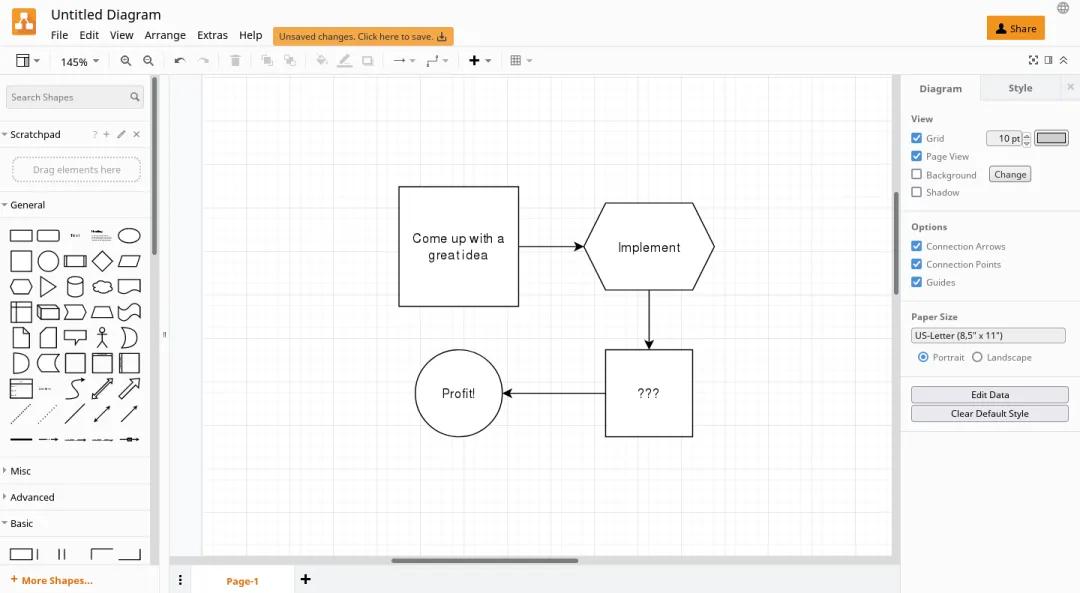
When drawing flowcharts or architecture diagrams, Draw.io is a trustworthy option. Its core advantage is that it is free and has a wide range of functions. It provides versions for Windows, macOS and Linux to ensure that it can be used on different devices.
The software has a rich graphics library, ranging from basic process shapes to professional network device icons. It also supports online editing and sharing for team collaboration. The drawn diagrams can be exported to many formats or saved directly to the cloud disk, thus eliminating the financial burden of paid software.
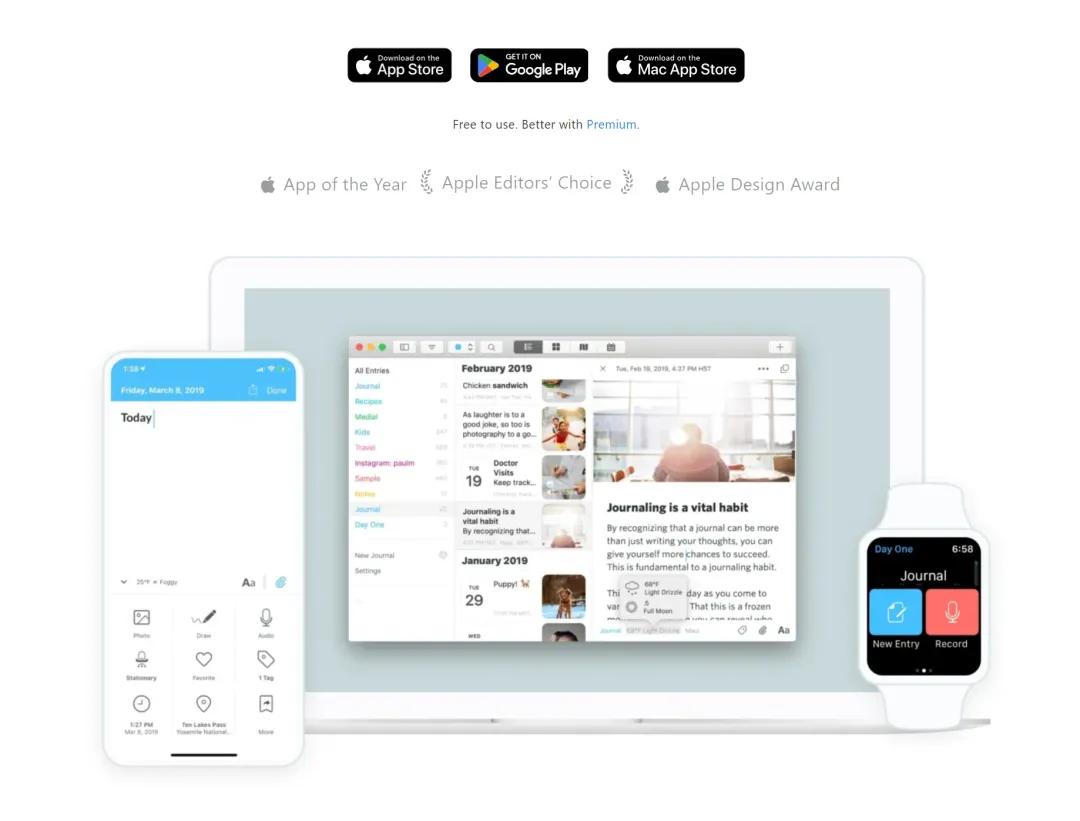
A diary application synchronized across all platforms
Day One takes diary digitization to a whole new level. It allows you to record at any time on your mobile phone, tablet, or computer. All content is automatically synchronized with the cloud. The form of recording is not limited to text. You can also insert photos, recordings, and even handwriting.
This application organizes diaries in the form of timelines, map views, etc., thereby helping you review your life from different dimensions. It focuses on privacy and security, and also supports local encryption and biometric unlocking. For users who plan to continue recording their lives, such convenience and security are key.
Accurately find duplicate files
Cisdem Duplicate Finder is specially designed to clean up disk space. It can deeply scan the specified directory of the computer. It will compare the file content rather than just the file name. It can accurately find the exact same duplicate items, whether they are documents, pictures or videos.
After the scan is completed, the software provides flexible filtering and deletion options, sorting by file type, size or date, and can confirm one by one or delete them in batches. It also intelligently marks system backup files that may not be needed to help users safely release storage space.
In your daily work, which efficiency bottleneck troubles you most often? Is it the understanding of information between different languages, the organization of fragmented content, or the clearing of messy files? Feel free to share your relevant experiences in the comment area. If you find these ideas helpful, please give them a like and support.