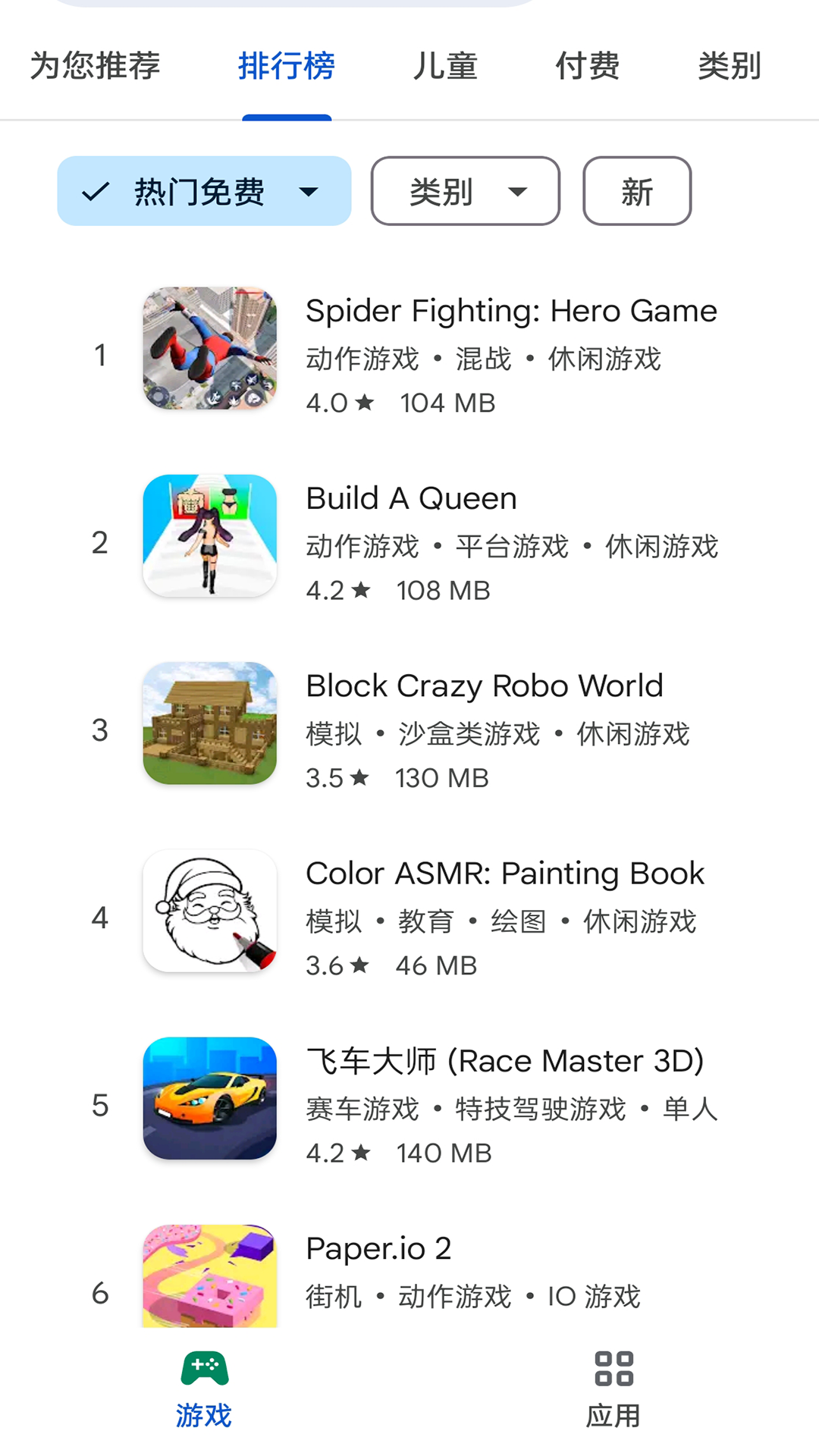
There are many Android users who usually think of the Google Store at the first moment when they want to download foreign applications and games. However, during the actual use, they often encounter the embarrassing dilemma that they cannot be opened at all.
Official channels and access problems
On Android devices, the Google Play Store is the official app market, providing apps and games from developers around the world. It is different from the app stores that come with various domestic mobile phones. Its content library is global, especially for some professional tools and popular games. Version updates are usually faster and more complete. However, due to regional restrictions on network services, there is no way to directly connect to its servers in mainland China, which has become the primary obstacle for users.

Many users cannot find this application in their mobile phone settings. The reason is that the relevant Google mobile service framework is usually removed when the National Bank version of Android phones leaves the factory. Without this basic component, even if you install the Google Store installation package through other channels, the application will still not start and run normally, and will crash or black screen.
Huge global resource library
The number of applications in this store is extremely large, with the cumulative number exceeding three million, covering the categories of games, productivity tools, educational software, and so on. It not only provides applications, but also is a comprehensive digital content platform that integrates subscription services such as movies, books, and music. For example, users can purchase or rent the latest movies, or subscribe to a large number of genuine e-books.
This is a treasure trove for those who love gaming. For many internationally popular mobile games, their first versions and test versions will be prioritized on this platform. Expansion pack updates and activities for some major games are often pushed out through this store to ensure that players can experience the latest content as soon as possible.
Security audit and privacy protection
As an official market, Google has a strict automatic security scanning mechanism and manual review mechanism for every application uploaded here. This system will detect whether the application contains malicious code and whether it excessively requests permissions. This builds a security line of defense for users to a certain extent and reduces the risk of downloading rogue software.
Google has implemented an app privacy label policy, and the policy requires developers to clearly list the user data they collect, including location, contacts, photos and the like. In this way, users can clearly understand this information before downloading, and then decide whether to implement the installation behavior based on their own conditions, which undoubtedly strengthens the protection of personal privacy.
Version compatibility and device differences
The mobile system version is closely related to whether the application can be installed and run normally. In this case, the Android system version is updated relatively quickly. If the version of the Google Store or its service framework is too low, it is very likely to conflict with the new system, causing the application to crash. At this time, users must regularly update such basic service components to maintain a stable state.
If different mobile phone manufacturers carry out customized modifications to the Android system, this will also affect the compatibility of Google services. Some manufacturers have deeply modified the bottom layer of the system, which may cause some unpredictable conflicts with Google services. In comparison, if you buy a mobile phone released in an overseas market, the probability of problems in this regard will be much smaller.
Alternatives and Usage
For most domestic users, it is not practical to directly use the Google Store. Therefore, all major domestic mobile phone brands have built their own app stores, such as Xiaomi App Store and Huawei App Store. These stores provide a rich variety of applications that have been optimized according to the domestic network and environment, and can generally meet daily needs.
If there is a real need to use specific foreign applications, some third-party application markets provide ways to obtain them. However, when using these channels to download applications, users must be extra vigilant and carefully check the publisher and user reviews of the application to prevent downloading application installation packages that have been tampered with or bundled with malware.
Look objectively and choose according to needs
For most ordinary users, whether they should bother to configure the Google Store must be judged based on their actual needs. The applications provided by domestic app stores have more advantages in terms of functionality, localization level and download speed, and can fully cover daily scenarios such as social networking, shopping, payment and entertainment.
Users with truly professional needs, such as overseas gamers, scientific researchers, or cross-border business people, may need to use specific international versions of applications. For this group of people, it is necessary to know the relevant configuration methods and usage rules. At the same time, it is also necessary to realize that there may be practical problems such as unstable network and inconvenient payment.
When you are looking for a certain foreign application, will you choose to try to configure the Google Store, or will you just search for similar alternatives in the domestic store you usually use? Welcome to share your own experiences and opinions in the comment area.