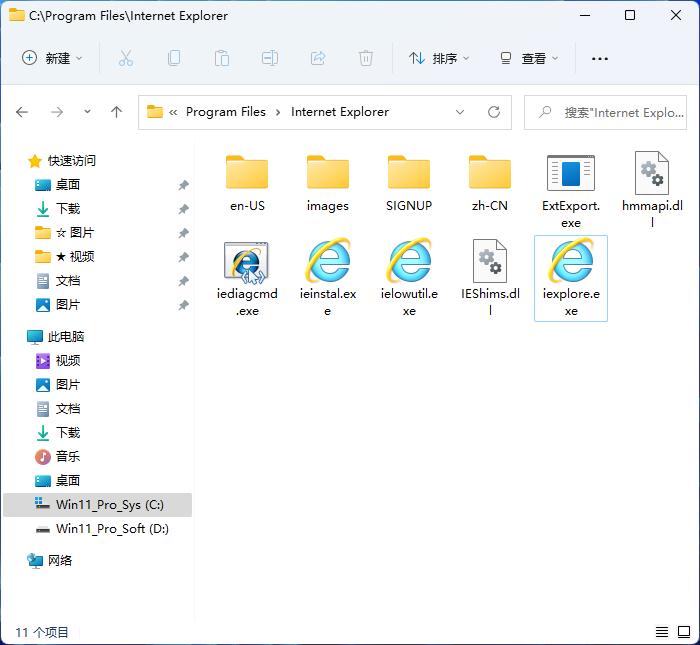
Microsoft announced that the IE browser will officially cease use in June 2022. This decision means the end of a 27-year Internet time period. For many enterprises and individual users, this change is a challenge, but it is also an opportunity to embrace a more secure and efficient network experience.
Final timetable for IE retirement

Microsoft accurately issued a warning through the Windows Message Center in May 2021. The specific date was fixed at June 15, 2022. After this day, all IE11 desktop applications built into Windows 10 and above systems will completely stop supporting it. When users try to start IE again, the system will automatically redirect them to the Edge browser. This move is not sudden. Microsoft announced its preliminary plan as early as August 2020, giving the market a transition period of nearly two years.
This announcement is mainly for enterprise users who are still using old versions of web applications. Microsoft emphasizes that the elimination of IE is due to the inevitable needs of security and technological development. The old browser kernel cannot withstand modern network threats, and its performance is far behind the current standards. The purpose of this clearly stated "death notice" is to prompt all relevant parties to take action as soon as possible.
Edge's built-in IE compatibility mode
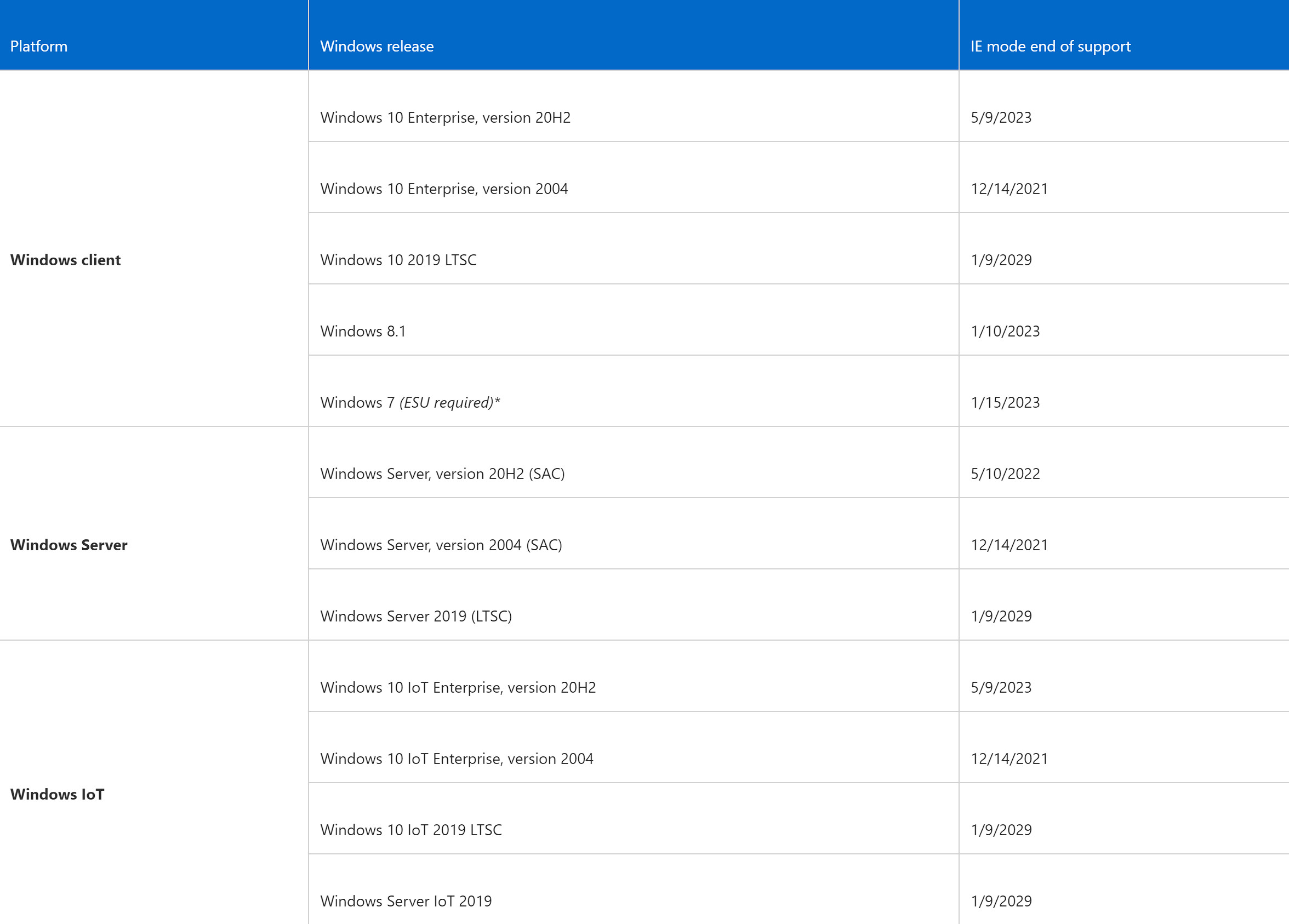
For users who are worried that their old business systems cannot run, Microsoft has provided a solution. The new version of the Edge browser integrates a compatibility feature called "IE Mode." This mode allows users to directly open web pages or internal applications that rely on IE-specific technologies in Edge without having to launch IE separately.
This mode is not a simple simulation. It actually embeds an optimized and encapsulated IE rendering engine in Edge. When a user visits a specified website, the browser will seamlessly switch to this engine to ensure that the function is in a normal state. Enterprise IT administrators can use Group Policy to batch configure which sites automatically enable IE mode, thus simplifying the deployment and management process.
Migration challenges for enterprise users
Many large institutions, especially in the fields of finance, government and education, still use internal management systems built with IE technology. These systems were often developed more than a decade ago and are closely tied to older technologies such as IE's ActiveX control. To fully replace or upgrade these systems, it takes a lot of time, a lot of money, and a lot of manpower, which has become the biggest practical obstacle to the process of eliminating IE.
Some small and medium-sized enterprises have also encountered similar problems. Their portals, tax filing systems or supply chain platforms may only be compatible with IE. Since Microsoft has joined forces with a number of technical service providers to provide migration toolkits and consulting services, they must complete all assessment, testing and migration work before June 2022. However, the actual implementation process is still full of challenges, which has become the focus of many IT departments that year.
Edge browser market positioning
Microsoft has set Edge as the modern successor to IE, and has also made fundamental changes to its core. In 2019, Microsoft announced that it would abandon its self-developed EdgeHTML engine and instead adopt the Chromium open source project with the same origin as Google Chrome. This change caused Edge to immediately align with the mainstream of the market in terms of compatibility and performance, and also gained support from more developers.
Because it is the default browser for Windows 10 and 11, Edge quickly gained users by being pre-installed on the system. At the same time, Microsoft actively launched macOS, iOS, Android and even Linux versions, achieving cross-platform coverage. Its market share increased from less than 2% in early 2020 to more than 10% in 2022, making it the second largest desktop browser in the world.
Actual impact on average users
For the vast majority of individual Internet users, the impact of the retirement of IE is very small. Many people have already switched to using Chrome, Firefox or the new version of Edge. Websites that are used daily, such as social media, video platforms and online shopping websites, already support modern browser standards. Users will not notice any changes at all, because the system will automatically guide them to use the faster Edge.
The main impact occurs in certain specific scenarios. For example, some elderly people are accustomed to using IE to access bank offices or government websites, so they need to learn to use a new browser. In addition, some public computers owned by schools or libraries may need to update their settings. Overall, this transition is transparent and positive for individual users, who can directly obtain a safer and smoother online experience.
The future development direction of browsing technology
The end of IE is not only the end of a product, but also the end of the "single browser" era. The future network experience will rely more on cross-platform, cloud synchronization and intelligence, like Edge's deep integration into Microsoft 365 services, and emphasis on privacy protection functions, such as tracking prevention.
The browser is gradually evolving into a center that integrates work and entertainment. Microsoft has added unique features such as vertical tabs, collections, and read alouds to its Edge browser to differentiate it from Chrome. Its development focus is no longer just about rendering web pages, but focusing on improving productivity, protecting user data, and achieving differentiated competition under open network standards.
Has your company or school completed the comprehensive migration from IE to modern browsers? What was the biggest difficulty encountered during the process? You are welcome to share your own experiences in the comment area. If you think this article is helpful, be sure to like it and support it.