We obviously want to obtain global applications without any hindrance, but we are always hindered by the regional restrictions set by the App Store. This is really a difficult situation that many Android users will encounter.
Why do we need to cross regional restrictions?
The applications listed on the Google Store in different countries are different. For example, some streaming services or banking applications are only available in specific areas. If you travel or work abroad, you may find that the applications that you can use before cannot be downloaded or updated in the new place. This restriction is derived from the developer's licensing agreement and regional laws and regulations, and is not a simple technical barrier.

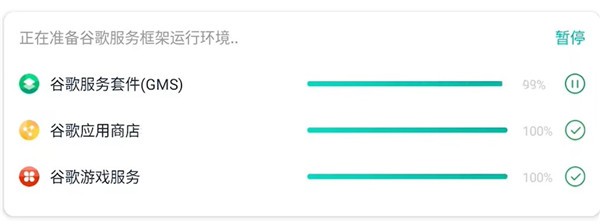
To start solving this problem, you must first check whether the phone has basic conditions. Many domestic brand mobile phones do not have complete Google mobile services pre-installed when they leave the factory, which includes the core Google service framework. Without it, it would be a problem for the Google Store to even open normally. Users mostly need to download and install these basic components manually through available websites.
Prepare Google Service Framework
Implementing the installation of Google Services Framework is the first step, but the operation is not always smooth. In view of the differences in Android system versions and systems customized by mobile phone manufacturers, it takes some patience to find a completely suitable installation package. On the occasion of 2023, there are still many users seeking help in community forums regarding installation failures. After completing the installation, you must grant the necessary permissions in the phone's settings, and ensure that the framework service runs normally in the background.
After that, open the Google Store app and focus on the regional settings in the account information. This area is often tied to the payment information address you filled in when you first activated your account. Simply changing the network location with the help of a virtual private network may not directly change the area displayed in the store. The key lies in where the account information is located.
How to switch account region
If you want to change your store region, you generally have to change the country/region settings in your Google payment profile. This operation and development process has clear and unambiguous rules. Firstly, it is clear that there must be a local valid payment method, and secondly, there have been no frequent regional changes in the past year. For user groups who just want to download free apps, this is likely to create a barrier, prompting people to look for other solutions.
A commonly seen flexible solution is to directly register a new Google account, select the target country during the registration process, use this new account to log in to the mobile phone and store, and with a stable local network connection, you can access the application library in that region. However, managing multiple accounts will be a little more complicated.
Handle store and service exceptions
Occasionally, even if all settings are correct, the Google Store or Play Services may not be able to connect, keep crashing, or update unsuccessfully. At this time, you can try to enter the application management page of the mobile phone settings, find "Google Play Store" and "Google Play Services", and perform the actions of clearing cache and clearing data respectively.
Clearing the data will reset the application to its original state, which may require you to log in to your account again, but this can solve many thorny problems caused by incorrect updates or misconfigured configurations. If the problem persists, you can consider selecting "Uninstall Updates" on the app information page to return the store version to factory status.
Take advantage of the store’s discovery capabilities
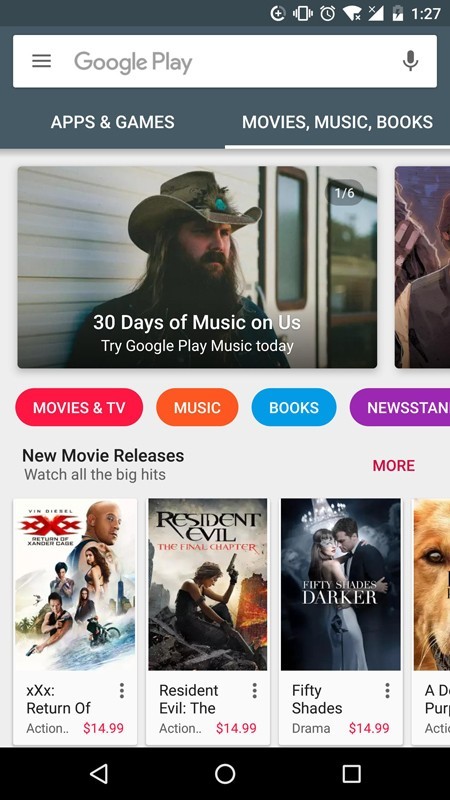
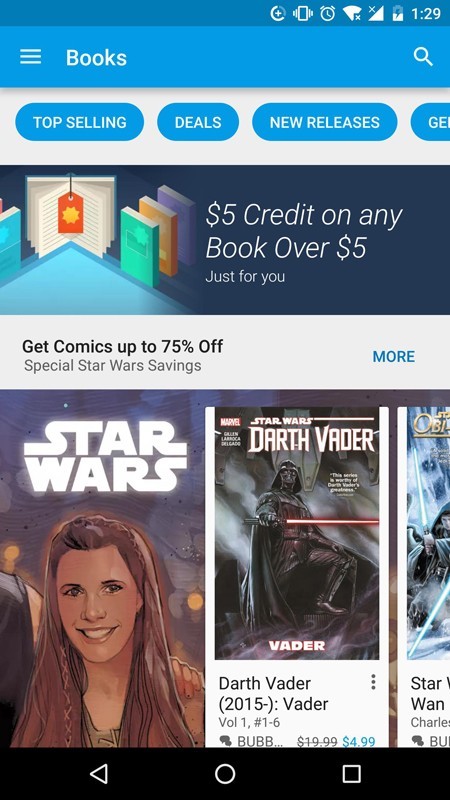
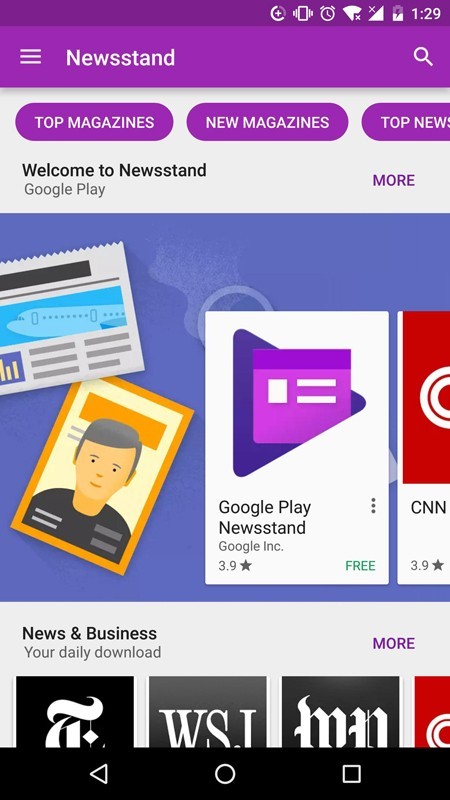
The content organization method of Google Store is worth exploring in depth after a successful visit. Its "ranking" function, in addition to direct search, is divided into popular best-selling lists and rising popularity lists, and this is a window for discovering global trending applications. The editorial team will also manually compile special collections such as "Indie Game Masterpieces" or "Remote Work Tools" based on seasons, festivals or major events.
The quality of such manually selected collections is often higher than recommendations based solely on algorithms. For developers, the store also provides an "open testing" channel, allowing some users to experience applications that have not yet been officially released in advance to help collect feedback. Users can use the installation-free function of "Click and Play" to quickly try out mobile games, and then decide whether to download them.
Ensure a stable access environment
A continuous access experience relies on a stable network connection. In some network environments, simply switching Wi-Fi or mobile data may not be enough. Using reliable virtual private network tools can help connect to Google servers in the target region more stably, thereby ensuring download speeds and application updates can proceed smoothly.
Have you tried any useful methods in the past to download apps from a specific region? You are welcome to share your experience in the comment area. If you feel that this article is helpful, please give it a like and support it.