
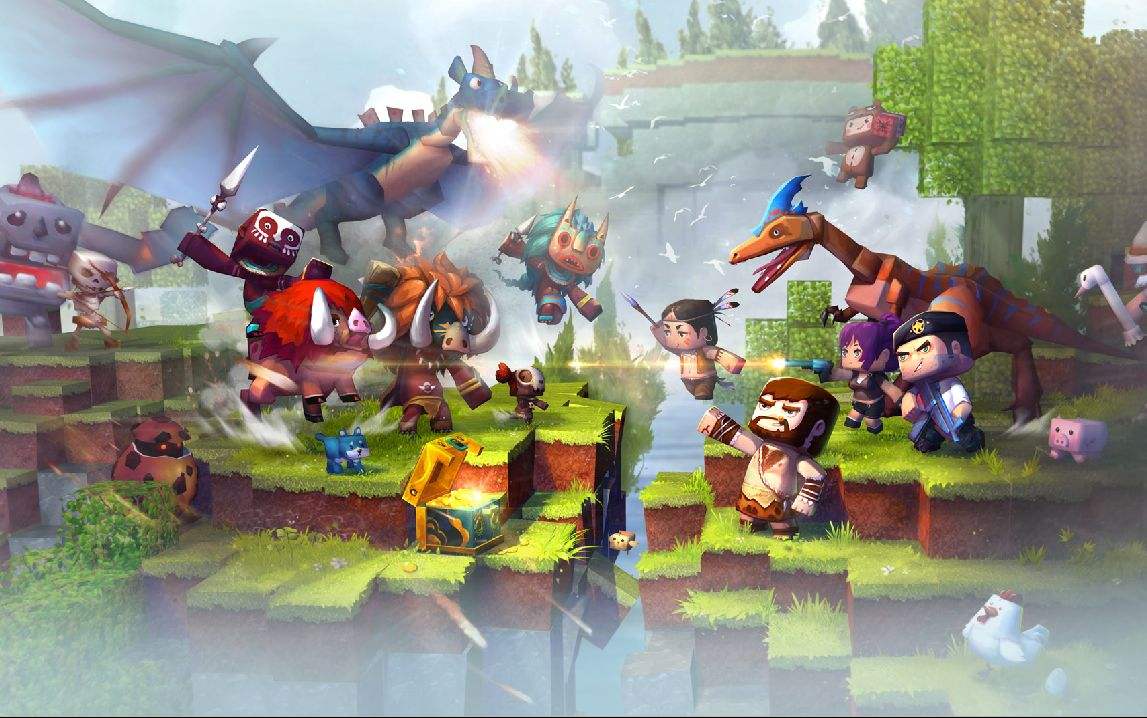
In the field of home entertainment, smart TV games are gradually evolving into a new hot focus. A sandbox game with special functions is emerging, which allows children and adults to immerse themselves in creation together. This game undoubtedly accurately hits the core pain points of current large-screen entertainment.
Big screen immersive new experience
In the past, the world was built on the small screen of a mobile phone, and the field of view and details were restricted. However, in the Mini World TV version, the game screen is completely adapted to the large screen of a smart TV. The scene looks larger, and the textures of blocks and creatures become clearer. This visual improvement makes it easier for players to devote themselves to the construction process. Especially when carrying out large-scale projects, the overall plan becomes clear.
Based on the horizontal screen display characteristics of TV, the game interface has been redesigned. For key construction toolbars and status information, place them at the edge of the screen to ensure that the core game area is not blocked. In this way, on screens of 55 inches or larger, players can get an immersive experience as if they were planning an area in their own living room.
Operation adaptation and optimization

Using a TV remote control to play sandbox games may sound inconvenient. The development team has specially created a logic specifically for large-screen control, simplifying related actions such as movement, selection, and construction into a combination of direction keys and confirmation keys. After optimization, even new players can master the basic operations within a few minutes.
For older players who are already used to using a keyboard and mouse, the game also supports connecting wireless peripherals. You can complete extremely detailed creations on your tablet, and then switch to the big screen of your TV to appreciate the results. This kind of data synchronization across devices ensures that the creation process is continuous and will not be interrupted due to device replacement.
Content inheritance and expansion
The game completely inherits the core gameplay of the PC and mobile versions, as well as massive resources. Regardless of the basic blocks, props, or the rich ecology of animals and plants, they are all completely preserved. Worlds and archives created by players on other devices can be seamlessly loaded on the TV, and unfinished projects can be continued.
At the same time, the TV version has added some special content for family entertainment scenarios, such as challenge levels suitable for multi-person collaboration and special map templates showing grand landscapes. These contents make full use of the display advantages of the large screen and provide new options for family gatherings and parent-child interaction.
Multi-person interaction and social interaction
The game supports online multiplayer mode. Family members or friends can use their mobile phones as controllers to step into the same big-screen world together. This design makes collaborative construction and adventure extremely intuitive, and everyone can start discussions at any time and plan together by pointing to the blocks on the screen.
The TV terminal is connected to the same built-in creative workshop community. Players can conveniently browse and download architectural blueprints and game maps uploaded by other users, experience roller coasters created by others on the TV, or decipher mazes. The shock is far greater than that of small-screen devices, and it can also inspire their own creative inspiration.
Continuous updates and security
The update plan for the TV version is independently formulated by the development team, and new blocks, new skins and new gameplay that are suitable for the large-screen experience will be released regularly. For example, in the autumn 2025 update, a "skyline" building component optimized for TV viewing will be added, as well as a more ambitious terrain editor.
In view of the large number of children among family users, all community content and online rooms that can be accessed in the game have undergone strict review. The system will automatically filter bad information, and also has a convenient parental control switch that allows parents to manage their children's play time and social functions to ensure a healthy environment.
Endless possibilities for creativity
It is such a game. Its core value is that it provides creative tools with almost no threshold. Players do not need to learn complicated programming. With the help of simple placement processes and combination methods, they can build castles, farms, and even simple mechanical devices on the TV. This sense of accomplishment with instant feedback is precisely the key to attracting users of all ages.
It is not just a game, but a platform jointly created by families. At noon on weekends, the whole family can gather together and decide to build a theme park or plan a city together. This process not only exercises children's spatial thinking and planning skills, but also creates unique family memories.
For you, have you ever tried to collaborate with your family on a creative thing on the big TV screen? How is this experience different from playing on a small screen? If you are willing, please share your experience in the comment area. If you think this article is helpful, please like it to support it.

