

Microsoft is finally no longer satisfied with the small-scale attempts at AI in the Edge browser. This time it directly launched a new model, trying to recalibrate the way we interact with web pages, and directly broke into the extremely competitive AI browser market.
A core shift in the paradigm
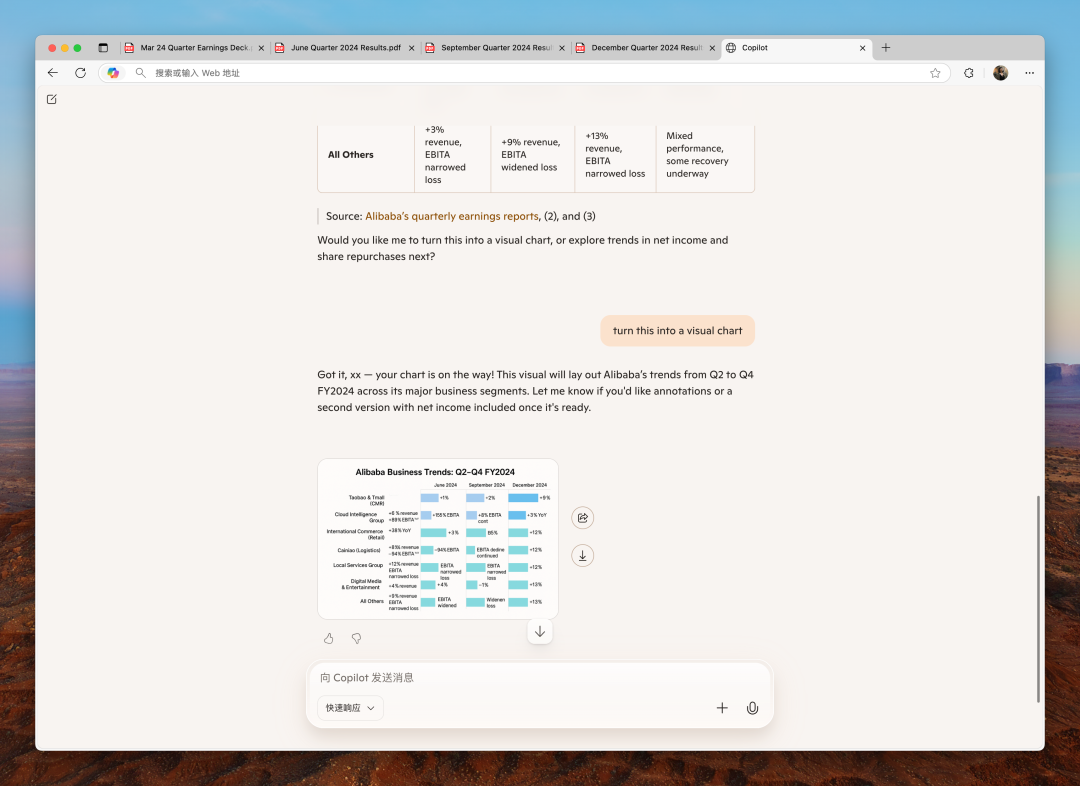
In the past two years, Edge's AI functions have generally existed in the form of a chat sidebar, and users have to actively call it. The biggest difference in the new model is that AI changes from "passive response" to "active understanding." It can directly read the content of the web page you are currently opening. Whether it is a long technical document or a video on Station B, AI can try to interpret the core content or generate a viewing outline.

This is no longer just a conversation, but is committed to making AI an intelligent co-pilot when you browse the web. Microsoft used the grand description of "a turning point in network interaction" in its official announcement. Its core intention is to integrate AI more deeply into the browsing process itself.
Interface and interaction innovation
When the user turns on this mode, the most intuitive change is the browser homepage. The original traditional new tab page is replaced by a centrally located dialogue input box. Microsoft defines it as the starting point that integrates dialogue, search and navigation. In this place, you enter keywords, and you can choose to call Bing for traditional search, or directly talk to AI to get answers.
This design blurs the boundary between search and dialogue, and attempts to provide a one-stop entrance to obtain information. The concept is that no matter what the user is looking for, they can start from this unified entrance, and use AI to judge and provide the most suitable response method, simplifying the steps of the operation.
Comparison with domestic products
Similar functions are not new in the domestic market. The Quark browser owned by Alibaba has long ago recommended AI "word reading" and web page summary. It has the ability to transform complex pages into a concise reading mode. ByteDance's Doubao can also analyze the video content of Bilibili and extract the key points. Baidu's search browser uses a dual-screen display method, with one side showing traditional search results and the other side showing an AI dialogue interface.
From the perspective of basic functions alone, the new model launched by Microsoft has many similarities with these pioneers, both of which combine the reading comprehension capabilities of large language models with browser scenarios. This undoubtedly shows that enabling AI to understand web content has become an evolutionary direction that the industry has reached consensus on.
Exploration of proactive capabilities
A further attempt at a new model is the "AI paging" function, which can automatically analyze all tabs opened by the user and intelligently group them according to the theme content. For example, it will automatically group the hotel pages, guide pages and air ticket pages about a certain travel destination into one group.
This shows the potential of AI browsers to develop in the direction of "active agents". It no longer only responds to user instructions, but tries to predict user needs in advance, proactively manage browsing sessions, and help users free themselves from information overload. This automated organizational capability is the key to distinguishing it from early simple conversation functions.

The reality and controversy of AI browsers
Although the concept is attractive, current AI browsers still face many challenges, the most prominent of which is privacy and security issues. To enable AI to read and understand web content, it usually means that the user's browsing data needs to be sent to the cloud for processing. Not all users are willing to hand over their browsing history, especially those pages that may contain sensitive information, to AI companies.
The boundary between functional practicality and gimmickry still needs to be clarified. Many webpage summary functions may not be faster than quickly browsing the full text, and automatic grouping may also cause misjudgments. What users need is intelligence that actually saves time and effort, not new complex functions that increase learning costs.
Future competition and integration
The development path of AI browsers is intersecting with the concept of "AI agents". The underlying technologies of the two are similar, and both are committed to helping users achieve tasks more autonomously. There were experimental projects at the beginning of the year, allowing AI to learn to control web page elements to complete tasks such as booking tickets. This has blurred the boundaries between browsers and agents.
With the addition of Microsoft, market competition has become more intense. Whether Edge can rely on such a model to shake up the market structure is still uncertain. In the past, its AI functions did not bring obvious growth results. The success of the browser relied more on the overall balance of ecology, performance and user experience. AI is an important addition, but it may not be a decisive factor yet.
In your opinion, for an ideal AI browser, which of your troubling problems needs to be addressed first: Is it able to achieve a more accurate summary of web page content, is it equipped with a more intelligent automatic operation function, or is it able to achieve absolute protection of privacy without any omissions? You are welcome to share your inner thoughts and insights in the comment area. If you agree with the views of this article, please give it a like and support.

