The focus of digital enthusiasts has once again become the latest Samsung system update trends. This early leak of One UI 8.5 revealed many functional innovations and interfaces that users have long awaited, indicating the coming of a more personalized interactive experience.
The customization revolution of quick panel
The leaked information shows that users can move freely, adjust the size, and even remove any shortcut switch. What this means is that commonly used functions such as Wi-Fi or mobile data buttons can be enlarged and displayed according to personal habits, thus making the panel more suitable for actual use needs. For a long time, Samsung users have been calling for increased flexibility in the shortcut panel. Now it seems that One UI 8.5 finally seems to be able to meet this demand. It allows users to create a unique operating interface according to their personal usage habits, thereby significantly improving the freedom of interaction.

In addition to switch customization, the panel supports horizontal layout switching and vertical layout switching. In different usage scenarios, such as when holding with one hand or operating with two hands, this provides users with more reasonable layout options. In the Android camp, this kind of in-depth customization capability is gradually becoming a new competitive point. Samsung’s follow-up at this time will undoubtedly enhance the attractiveness of its system.
Smooth upgrades to animations and visual effects
In the test version, animations such as application opening, quick switch transitions, real-time notifications, and component loading are all smoother and more natural. Operation feedback has become more real-time, reducing the sluggishness that may have occurred in the past, making the overall interaction experience smoother. This improvement in fluency is directly related to the user’s touch screen experience hundreds of times a day.
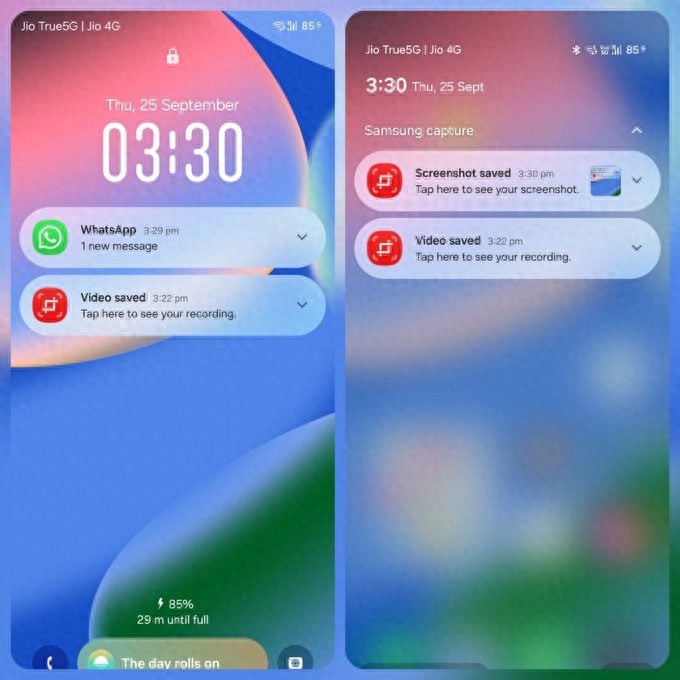
Lock screen notifications will use a new frosted glass visual effect, which enhances the layering of the interface and adds a modern feel. The software update interface has been simplified. It uses the One UI 8.5 logo and a colorful dark background as the main presentation. Only a "Check for Updates" button is retained, and other options have been moved to the "More" menu, making it visually more refreshing and intuitive.
Intelligent optimization for predicting return gestures
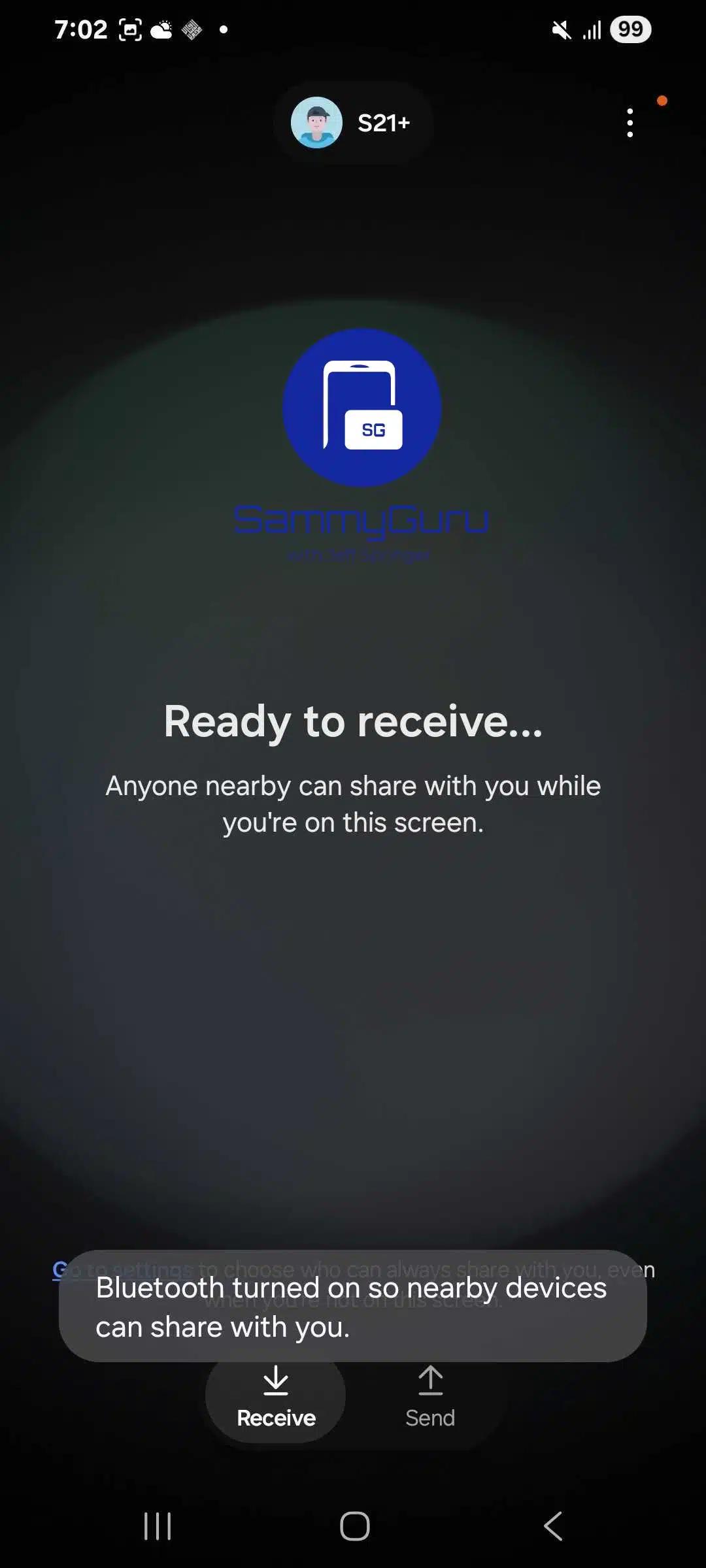
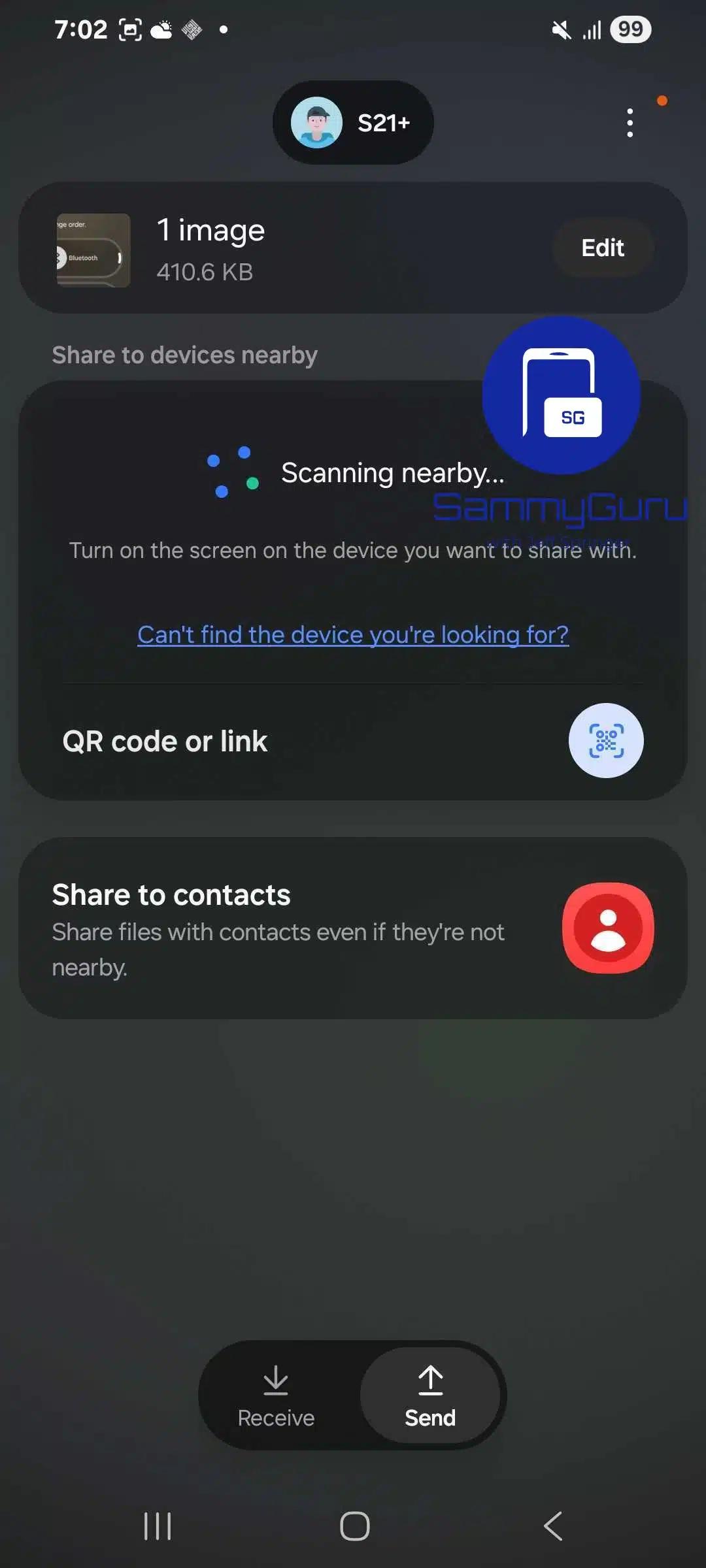
An important interaction optimization is the predictive return gesture that is turned on by default. When this gesture is enabled, users can preview the page they are about to enter before swiping back. This situation can effectively reduce the probability of misoperation and prevent applications from being closed due to gesture judgment errors that lead to unintentional exits. This feature draws on the strengths of other Android customization systems.
It is extremely suitable for gesture operations for full-screen mobile phones, and provides clear path guidance when jumping between deep pages in the application. In view of the current situation of increasing mobile phone screen size, this kind of visual feedback can help users carry out gesture navigation behaviors with a more confident posture, thereby improving the efficiency and accuracy of one-handed operations.
Visualization of system components and storage displays
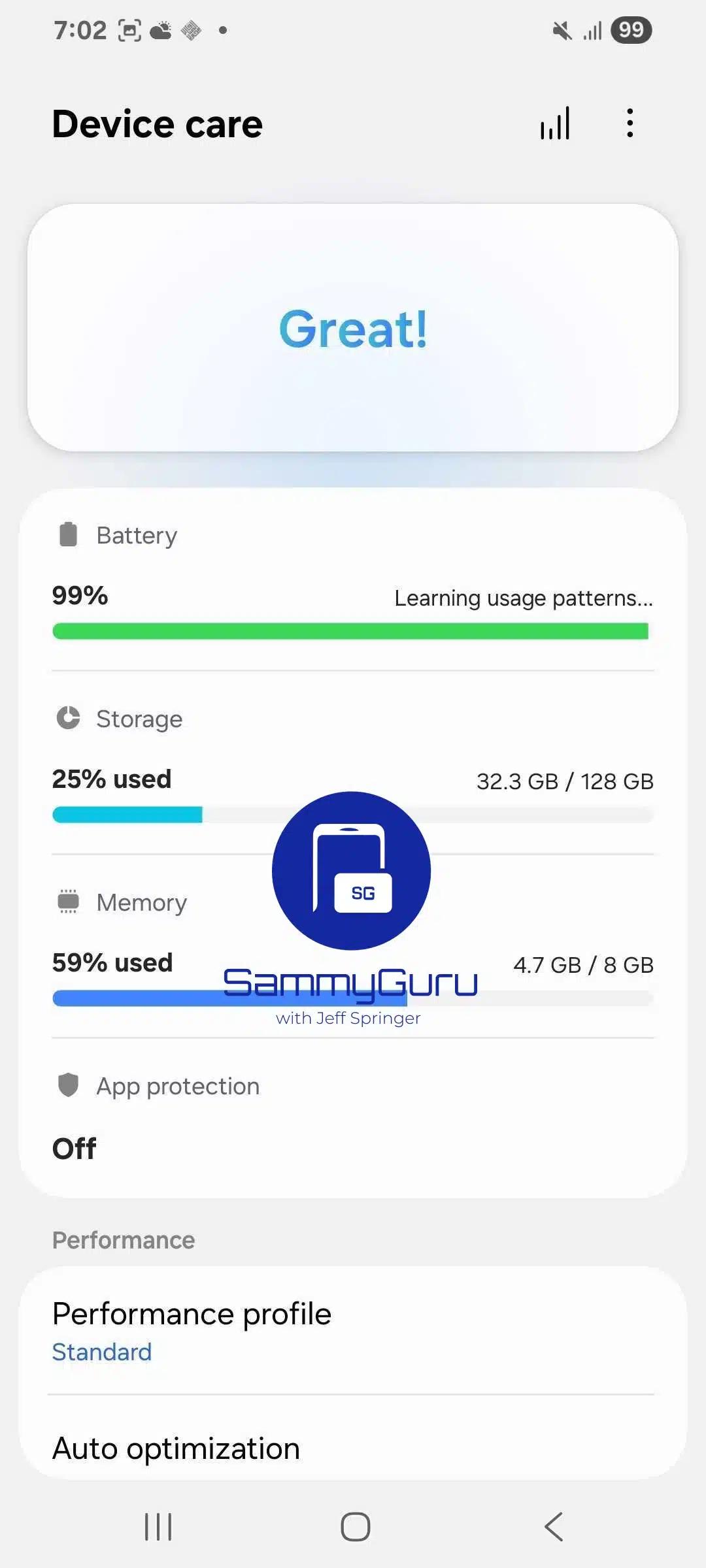
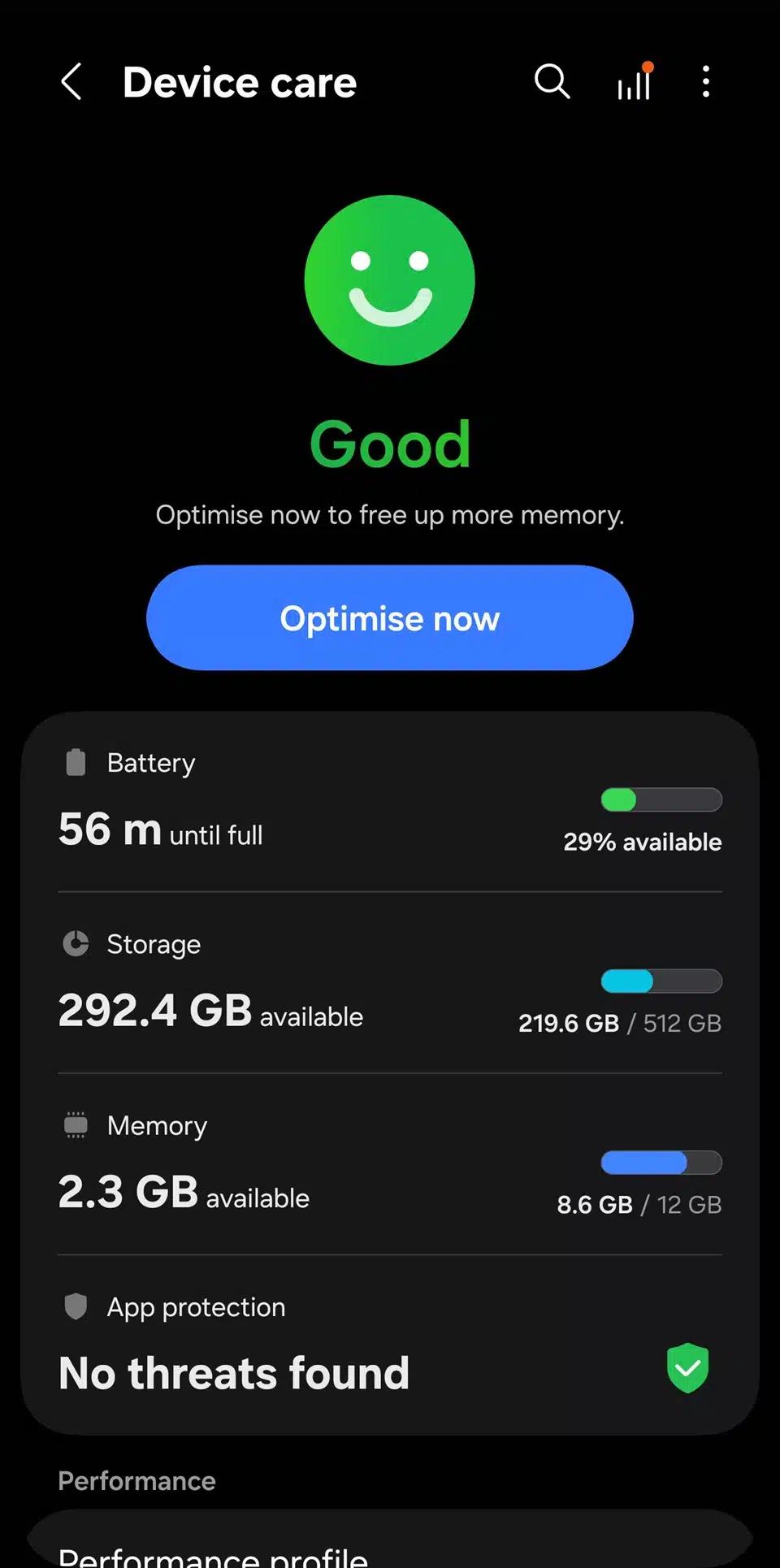
The storage information presentation form in the system settings has undergone significant changes. In the past, it only displayed the remaining space of storage or memory. The new version will highlight the used space in the form of a percentage, and is paired with a wider and more conspicuous status bar. This allows users to understand the current status of the device at a glance and facilitate timely cleanup of files.
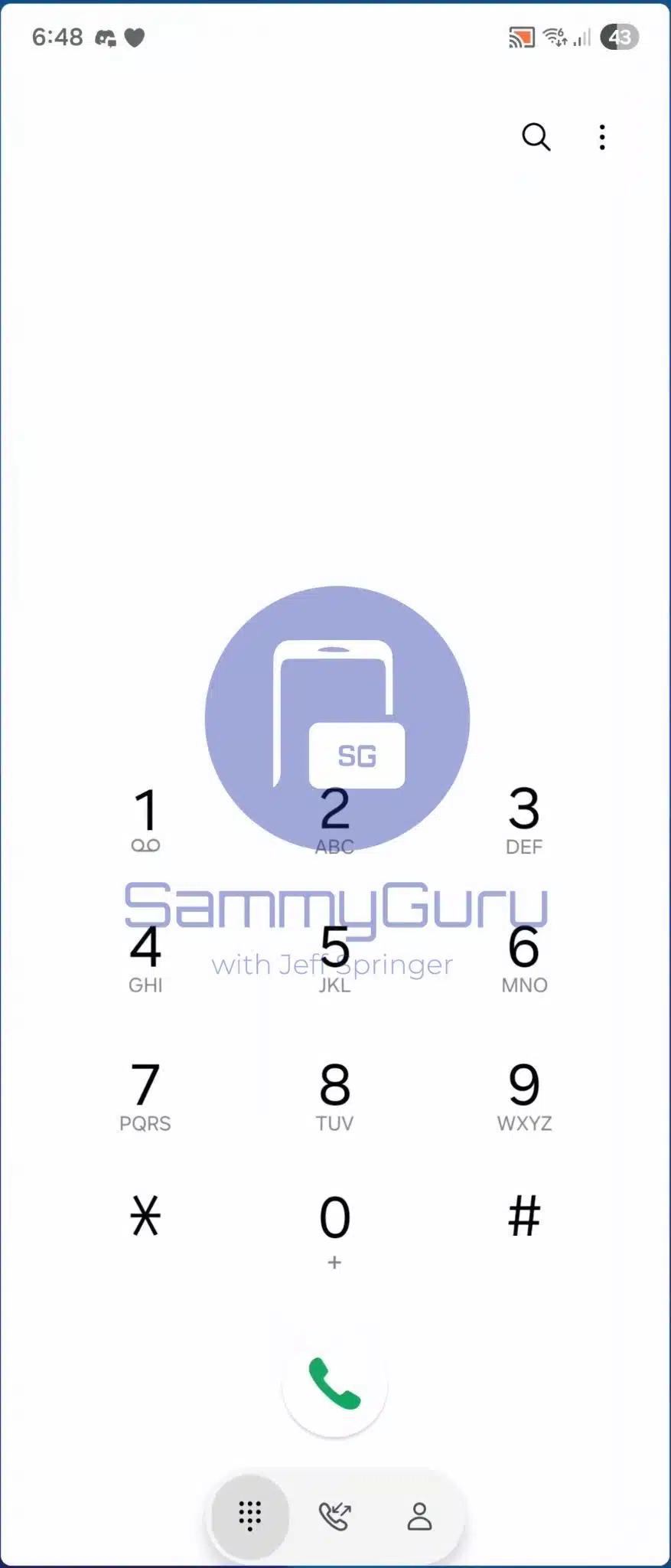
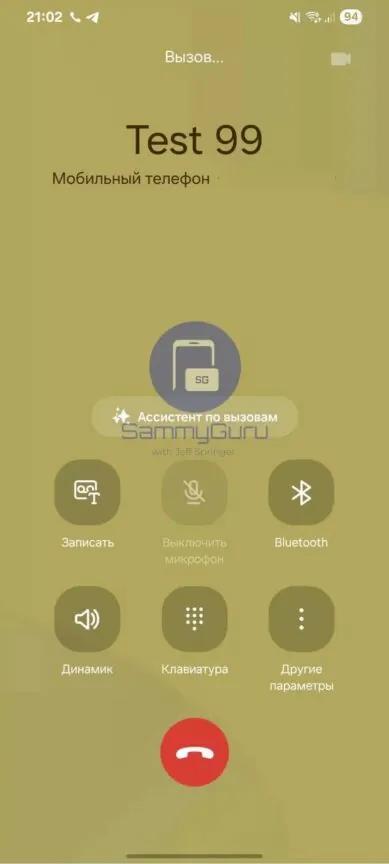
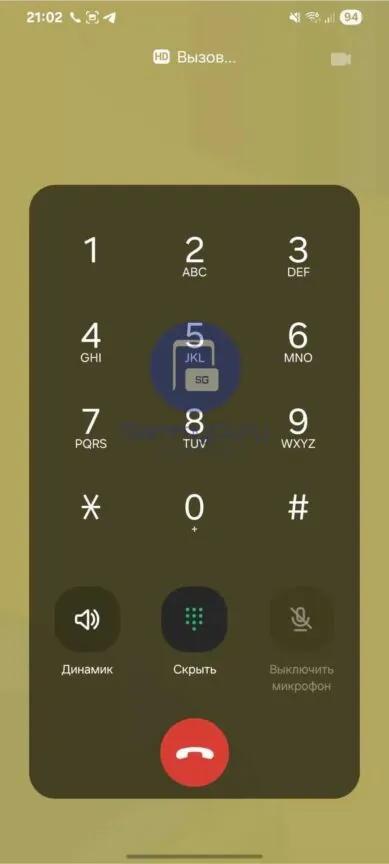
The layout of the call screen has been adjusted, no longer using a single translucent overlay, but instead equipped with independent rounded square buttons for each function. The style of these buttons will extend to the dial pad interface during calls, maintaining the consistency of the visual design and improving functional recognition.
AI function integration and cloud service changes
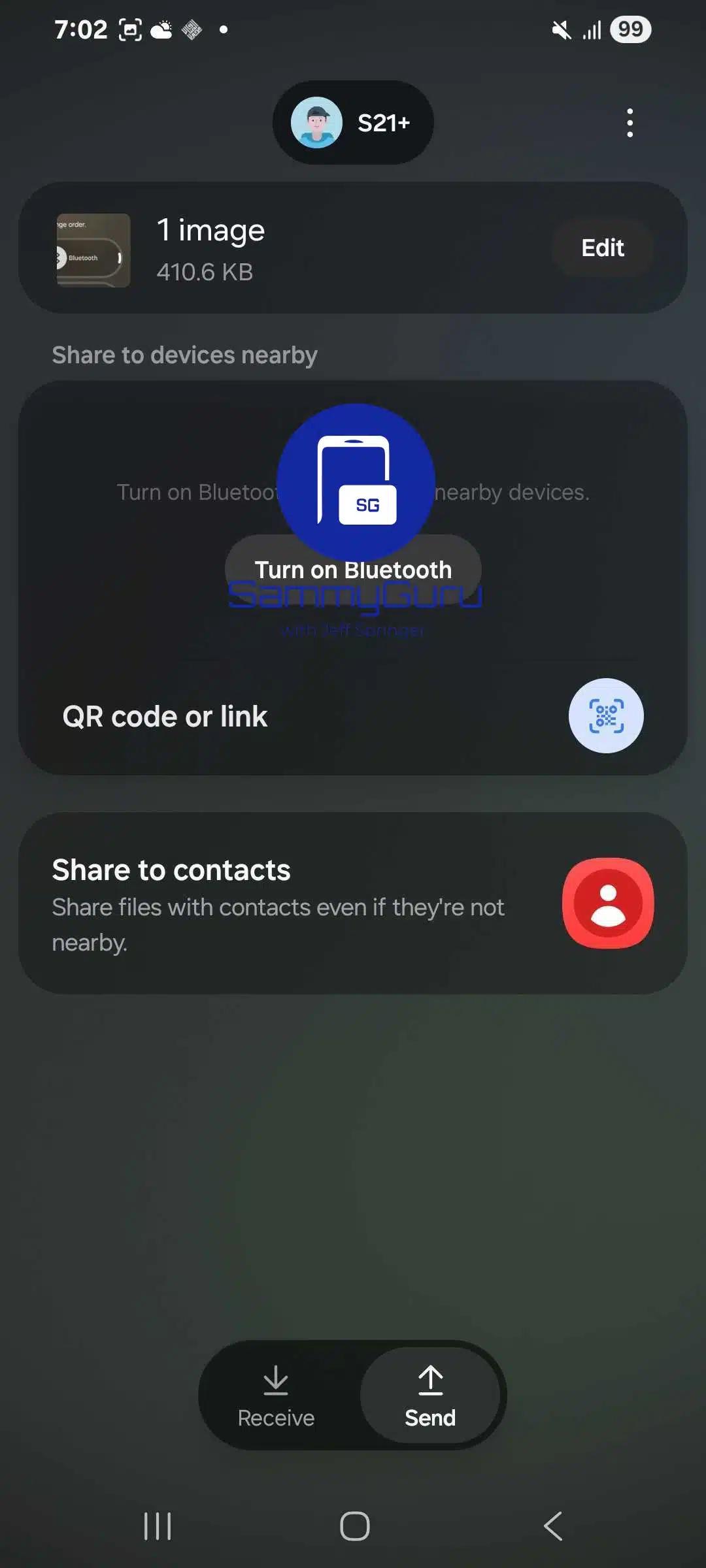
What attracts the most attention here is the newly added AI launcher shortcut, which allows users to ask questions directly to the AI on the home screen and get short answers. The leaked test build shows that this feature may be integrated into the system launcher, with the purpose of delivering concise and friendly answers to users in three sentences.
Before this, the photo backup in Samsung Gallery mainly relied on the OneDrive service provided by Microsoft. However, the latest system code showed that this cooperation is about to end. Samsung Cloud used to be a service commonly used by users for backup, but it was phased out step by step two years ago. This change may mean that Samsung has to make adjustments to its cloud storage strategy.
Specific improvements to the app interface
The interface buttons applied to the gallery are larger, making them easier to click. The latest photos or video previews will be displayed on the album cover. The display method of photo albums has also changed, and the layout has become clearer, making it easier for users to quickly browse and manage massive media files. The camera interface has also been optimized, and the location and size of key function buttons are easier to operate.
The difference is that these new features are currently only available in early test firmware, and Samsung may still make modifications or cancel some existing features before it is officially released. The pictures and videos shared by technology media who are good at reporting major events in the industry on September 25 show these improved conditions! However, the final experience you can obtain still needs to be based on the officially launched version as the standard.
After seeing the new features revealed in One UI 8.5, which feature do you most expect to be retained in the official version and finally applied to your own mobile phone? You are welcome to share your opinions in the comment area. If you find this article helpful, don’t forget to like and forward it.