For those users who are accustomed to operating on Windows systems, when they first switch to macOS, the "rudimentary" functions of the right-click often cause them to feel inconvenient and even affect work efficiency.

The inherent logic of Mac right-click
The design concept of macOS focuses on simplicity and global consistency. Its right-click menu is what people call the "context menu", and its functions are unified at the system level. For example, in the Finder application interface, the right-click menu mainly provides basic operation options such as opening, moving, and copying. However, functions such as creating new files are not directly integrated into it. This design reduces the complexity of the menu, but it abandons some of the operating intuition that users bring from the Windows system.
In terms of file management, macOS relies more on drag-and-drop operations and shortcut key combinations. For example, to achieve the "cut" function like Windows, users must first use Command+C to copy files, and then use Option+Command+V to move them to the target location. This set of logic has learning costs for new users, especially when organizing a large number of files, and the steps are a bit complicated.
Super right-click function breakthrough
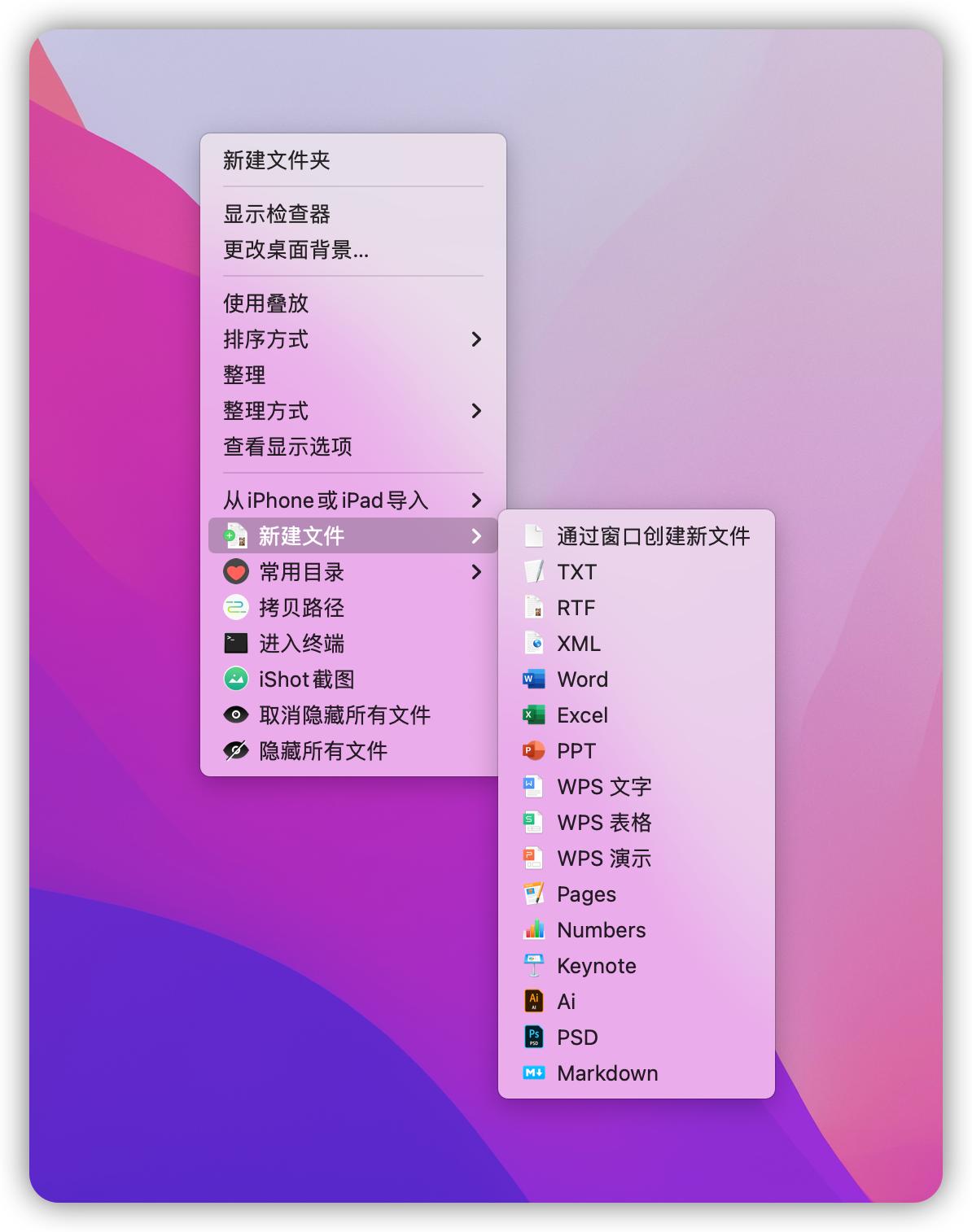
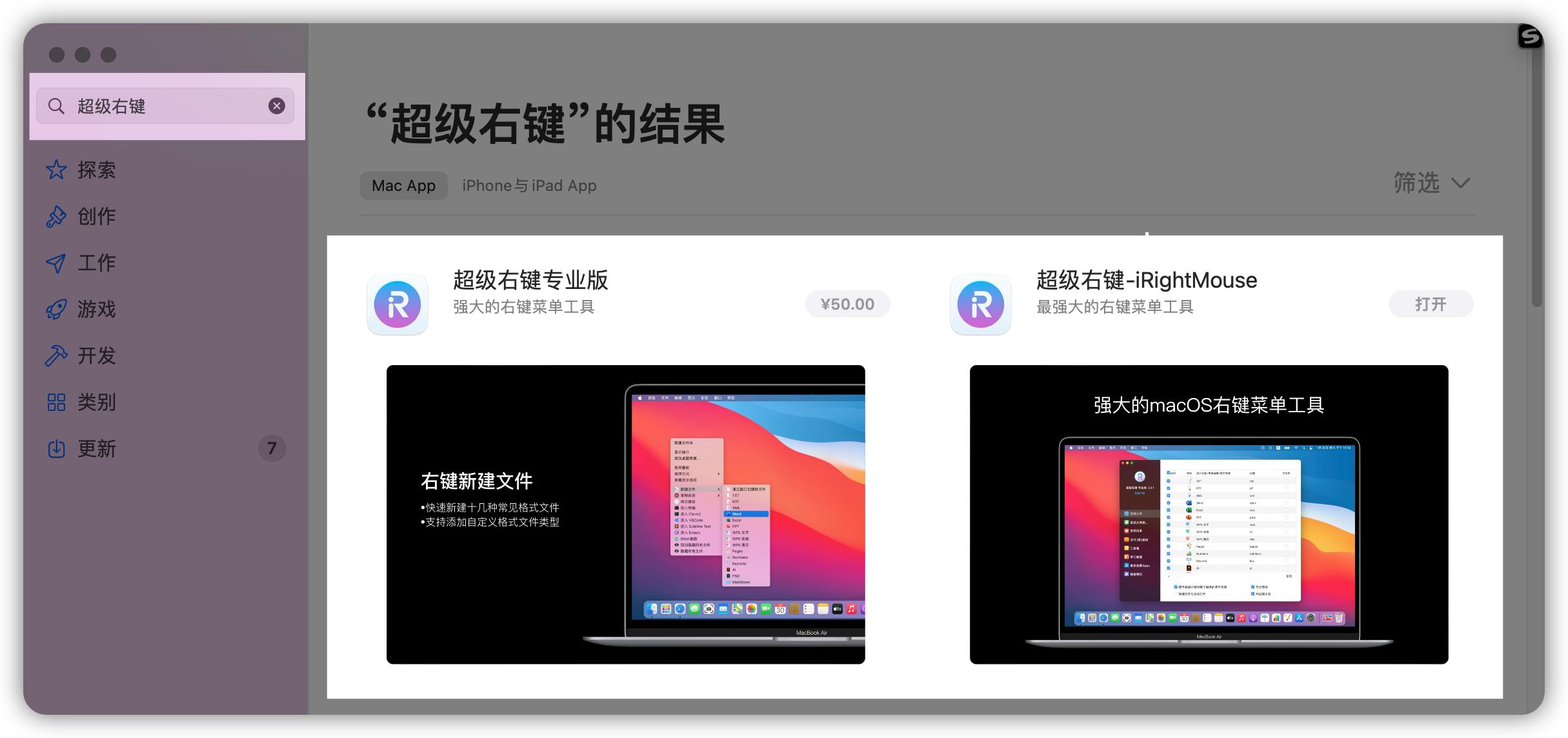
The core value of tools such as "super right-click" lies in bridging the gap between system design and user habits. By injecting new options into the system right-click menu, it directly achieves the function of creating new types of files (such as Word, Excel, PPT, TXT, etc.) by right-clicking on the desktop or in a folder, eliminating the need to open the corresponding application first.
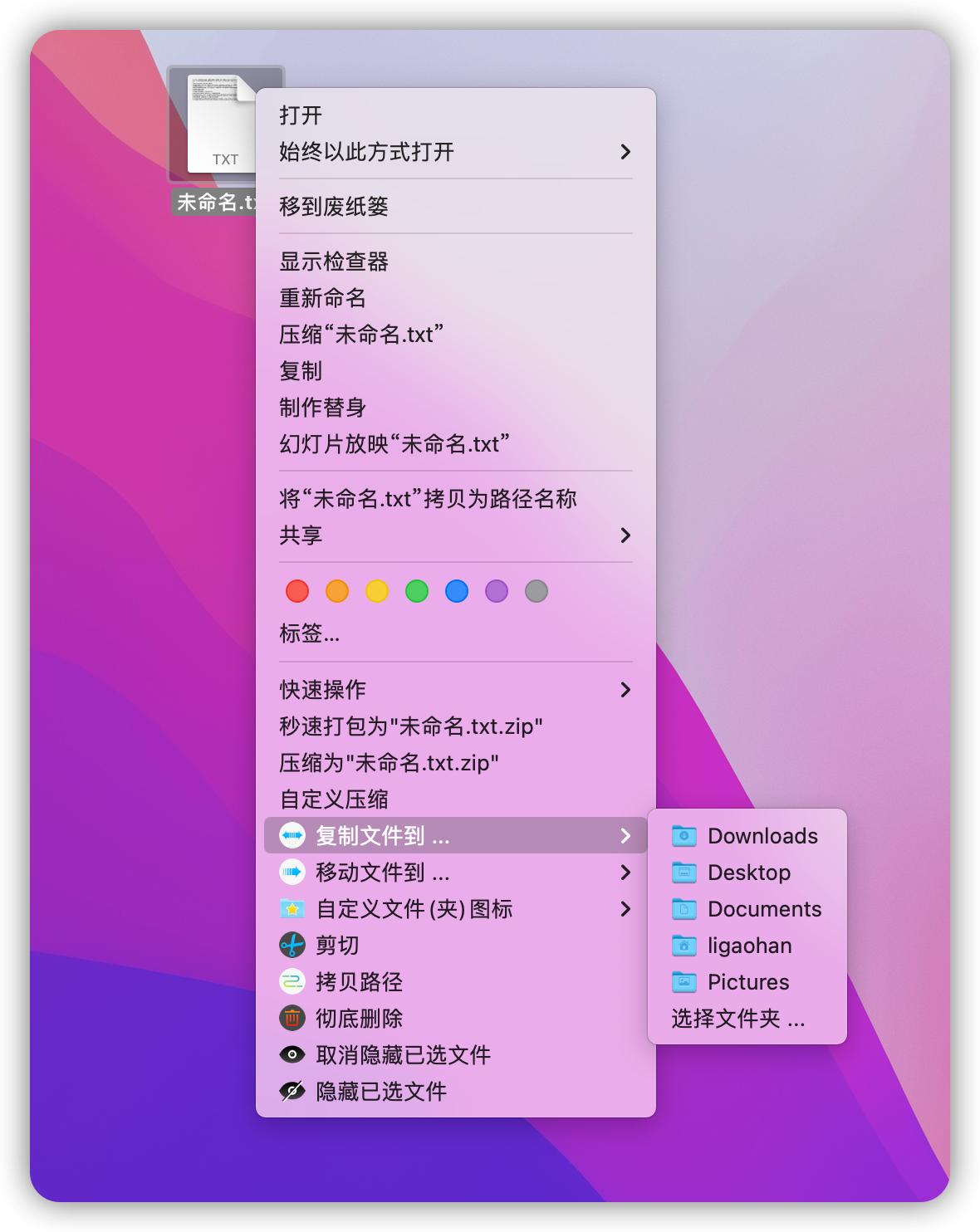
It also integrates more than ten functions with practical effects, such as the ability to quickly copy file paths, the ability to hide or display files with one click, the ability to quickly open commonly used directories, etc. These functions may seem small on the surface, but they can significantly reduce the number of clicks and the time spent on path finding during daily operations, turning the right-click menu into a personal workbench with efficient features.
Pain points of font management
People who are keen on design work and content creation often face the situation of using many fonts. However, managing fonts is really a troublesome matter. Font files must be downloaded manually, and then installed and called in the design software. The font book management function of the system itself has certain limitations. Once hundreds of fonts are installed, not only will the system itself be slowed down, but it will also become extremely difficult and troublesome to find and preview specific fonts, making it inconvenient to operate.
What is even more troublesome is that commercial fonts have strict copyright regulations. Users who download fonts from websites where they cannot tell where they come from are extremely vulnerable to the risk of infringement of rights. This risk may lead to legal disputes for individuals or companies. Therefore, a font management solution with security features, compliance with regulations and efficiency has become an urgent need for many professionals.
Solution for word by
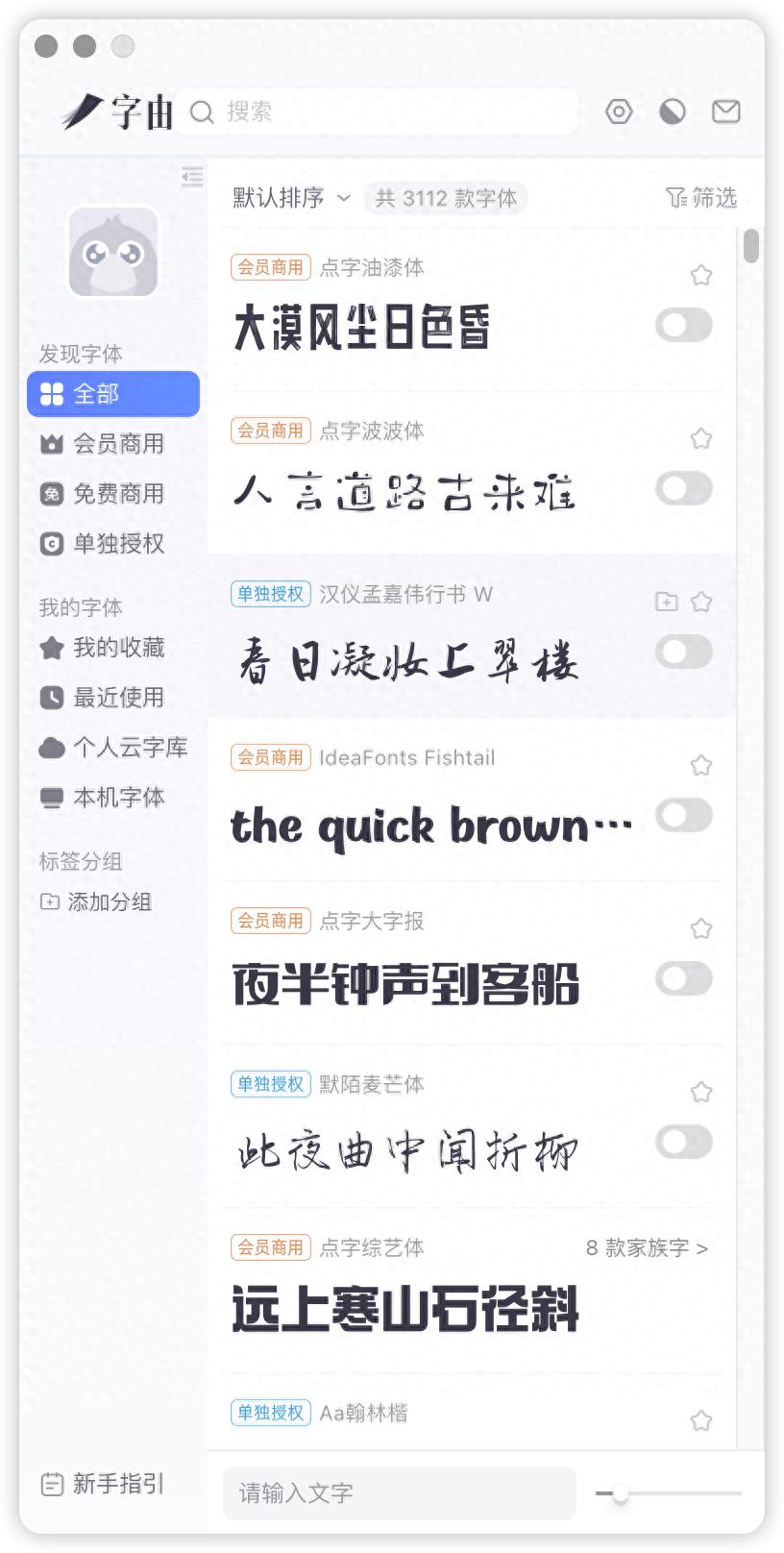
In response to the above pain points, the "Ziyou" software provides an integrated solution. It integrates massive font resources into one application. Users do not need to search everywhere, but can quickly filter and preview fonts based on dimensions such as style, purpose, language, brand, etc. This solves the problem of difficulty in finding fonts and inconvenient previewing.
When the user selects a font and then clicks it to be used, "Ziyou" will automatically complete the entire process from downloading to installing into the system, and the user can call it immediately in the design software. All fonts are authorized to ensure legality of use. The software can also activate or disable management operations for installed fonts to prevent the system from lagging due to too many fonts.
A complementary combination of productivity tools
In actual work, efficiency tools such as "Super Right Click" and "Ziyou" can complement each other. For example, use "Super Right Click" to quickly create a PSD file in the project folder, and then use "Ziyou" to call the appropriate commercial fonts for design with one click in Photoshop. The entire process is seamlessly connected, reducing the interference caused by switching back and forth between different interfaces.
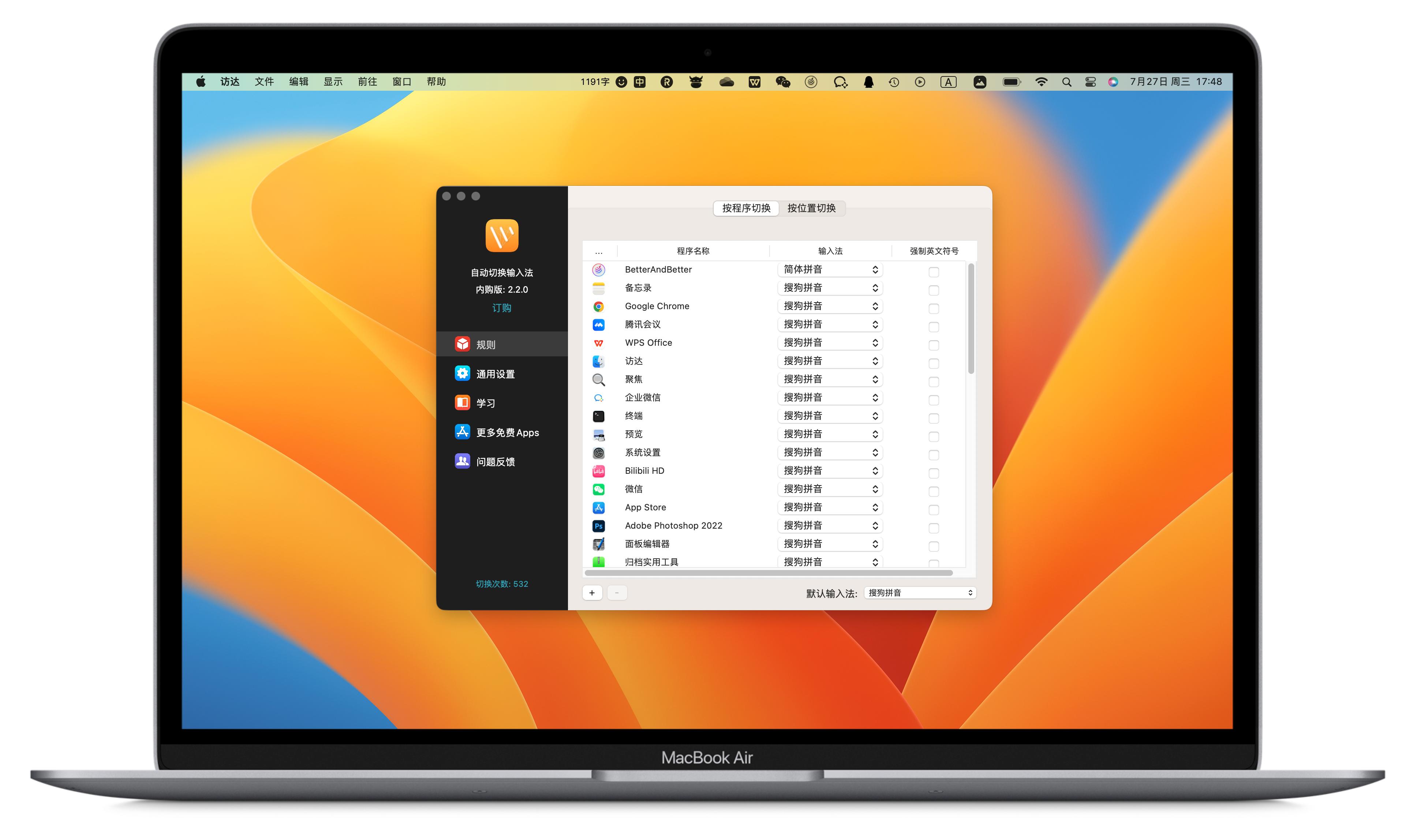
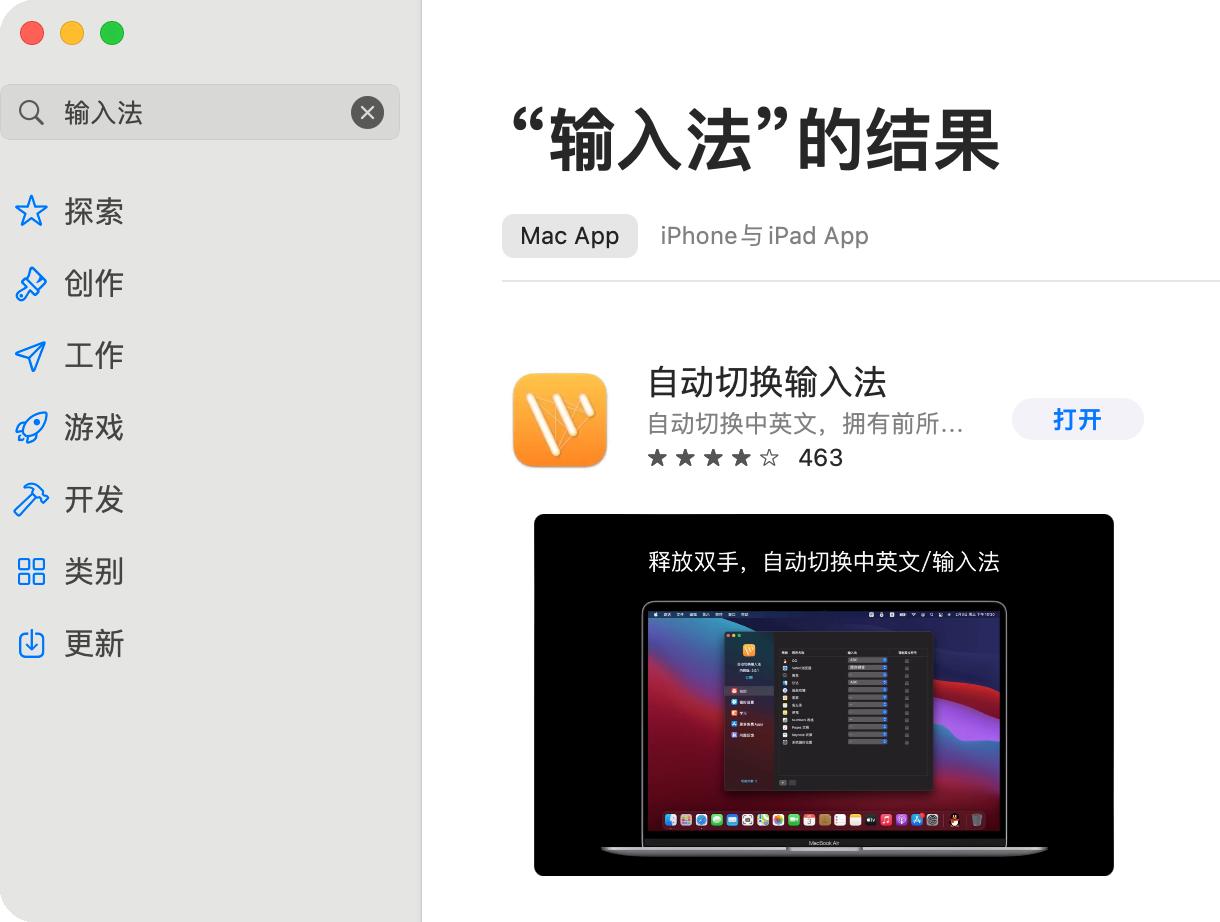
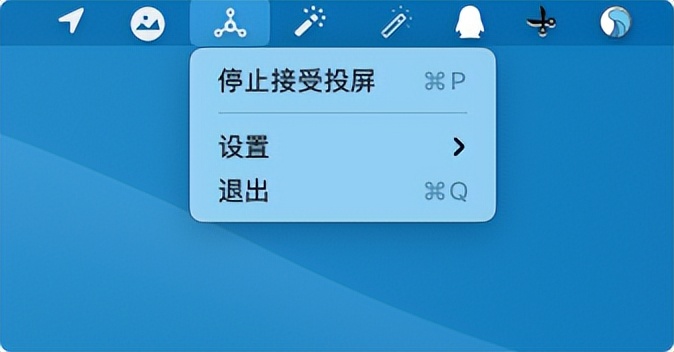
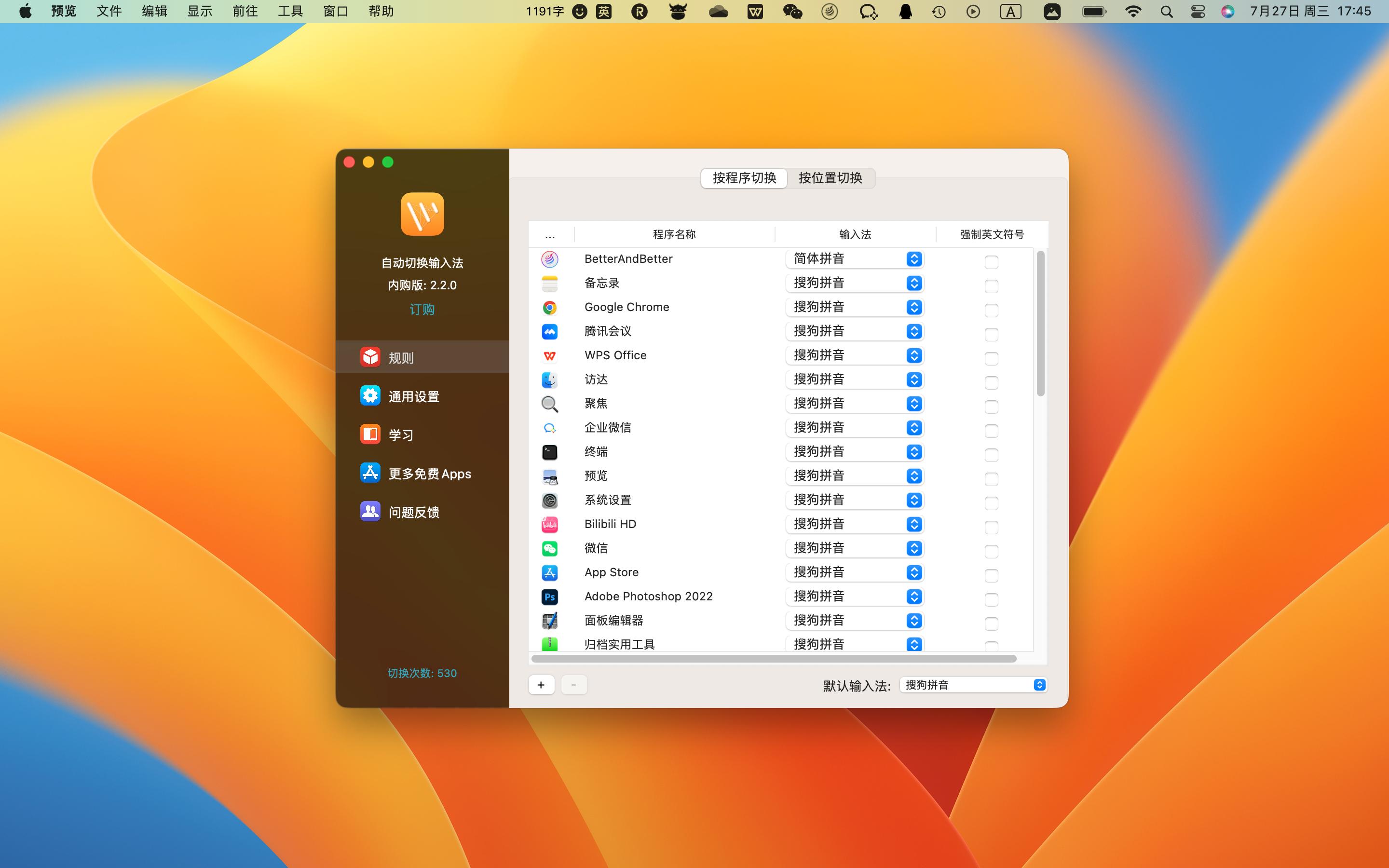
For more advanced users, you can also use screen projection tools (such as Scrcpy), input method automatic switching tools (such as automatic input method switching), key display tools (such as KeyCastr), etc. This set of tools jointly builds a highly personalized and smooth Mac working environment, allowing the computer to adapt to people's habits instead of letting people adapt to the computer.
A rational perspective on tool selection
However, blindly installing a large number of efficiency tools is very likely to cause problems. There are many kinds of background programs that occupy system resources, which in turn affects the battery life and smoothness of the target Mac. At the same time, some tools require system-level permissions, which poses certain privacy and security risks. When users are faced with a choice, they should give priority to products manufactured by open source or reputable developers.
The most critical thing is that the core of the tool is to improve efficiency, not to evolve into a new burden. Users should evaluate their actual work processes and select one or two tools that can best solve the core pain points. For example, people who are not engaged in design work may not need "Ziyou" at all, while those who work in copywriting may find "Automatic Switching Input Method" to be a magical tool.
In the pursuit of efficiency, do you have a Mac efficiency artifact that "once used, you can never return to the previous state"? Welcome to share your unique treasure tools in the comment area. If you feel that this article has been helpful to you, don’t forget to like it and share it with more friends.