
Complete Guide To VPN Proxy Master Remote Networking Settings Under Windows System Firewall
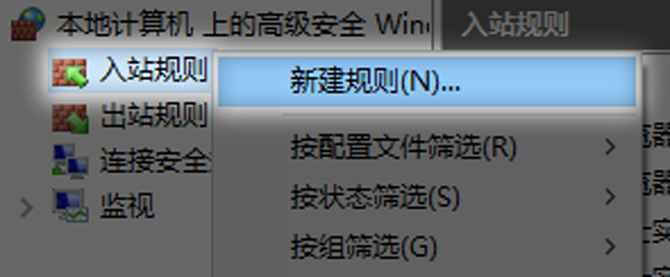
Set inbound rules to allow the port to pass through the firewall, taking WEB service port 80 as an example: 1. Set inbound rules and click "Advanced Settings" on the firewall settings interface. Right-click on "Inbound Rules" and open "New Rule"

