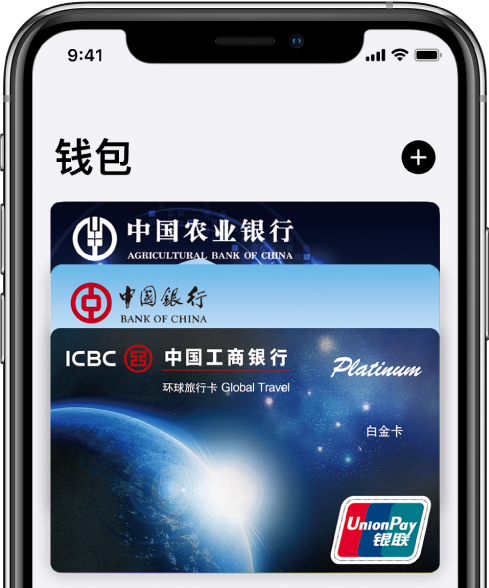
Add your debit, credit, or gift card to Wallet on iPhone, then pay securely with Apple Pay in stores, on public transportation, in apps, and on the website.
- In the Devices and Printers window, find the printer you want to set as the default. - In the list on the left, find the printer you want to set as the default. Setting the default printer is a relatively simple process, but in a multi-printer and network environment