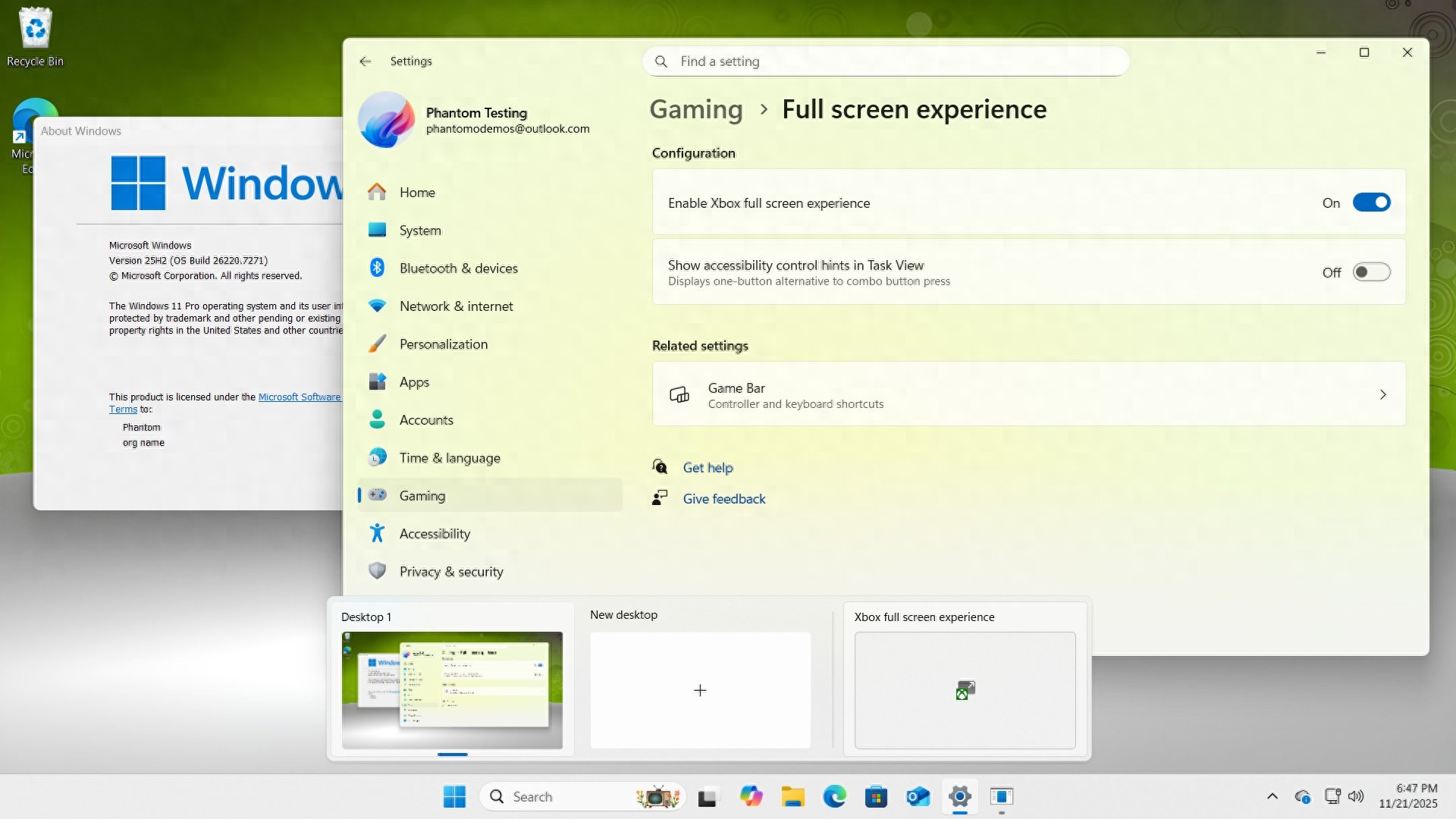
A company called Microsoft is conducting a test for Windows 11 PCs. The content of this test is a function, and this function was originally exclusive to handheld consoles. This matter has created a possibility for players to bypass official restrictions and experience the new interface in advance.
What is the Xbox full screen experience?

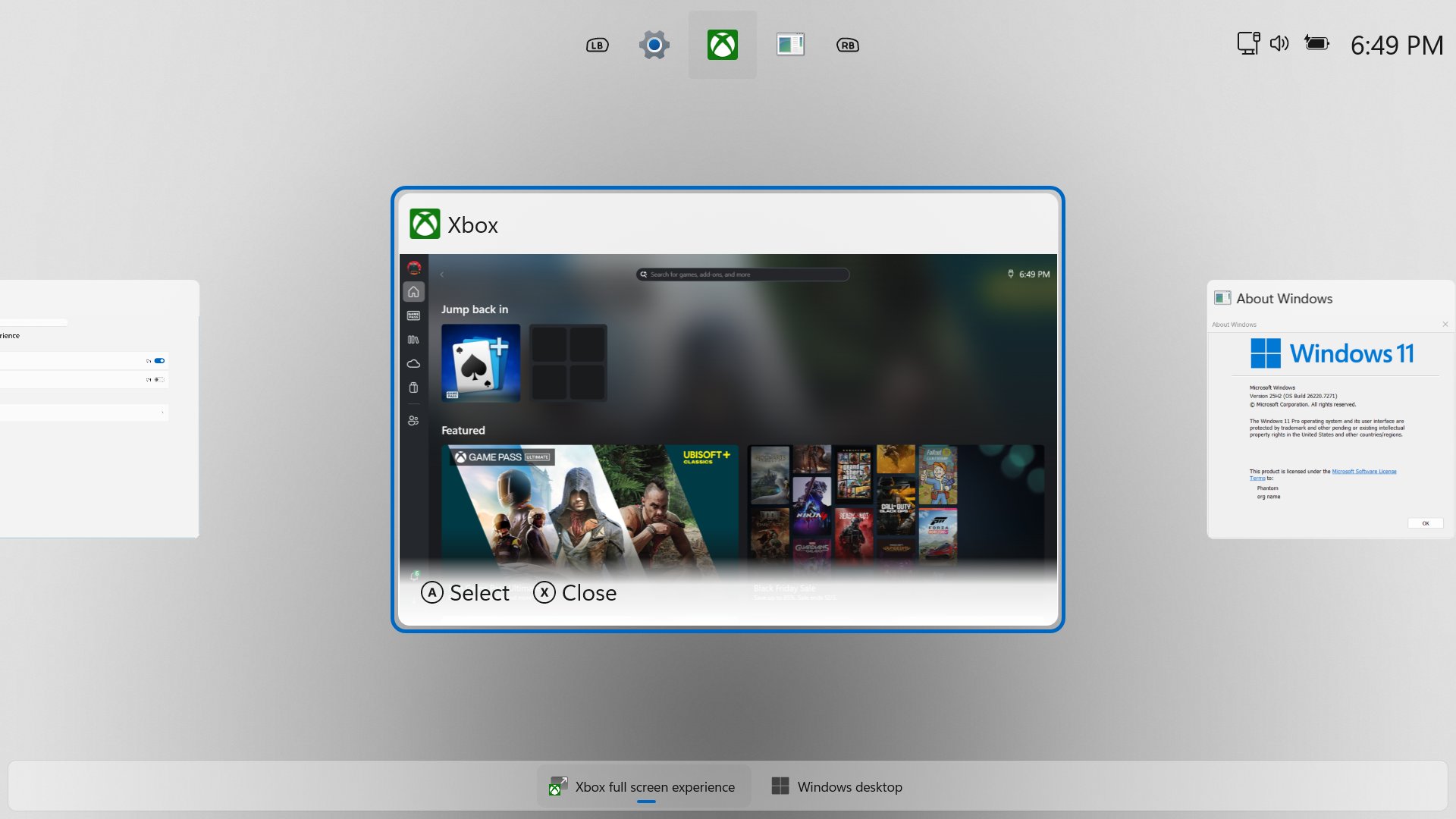
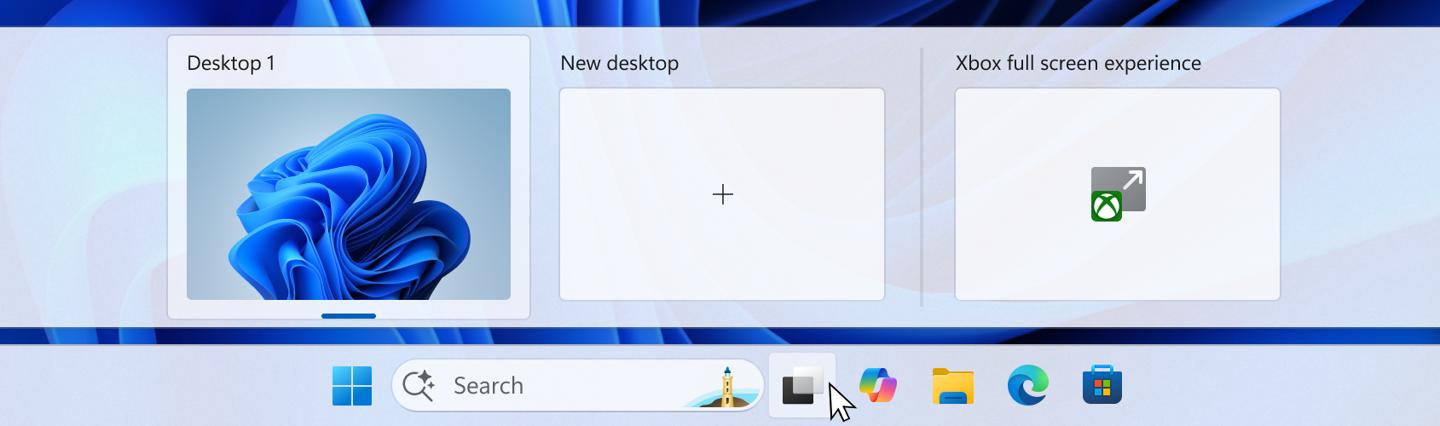
The Xbox full-screen experience designed by Microsoft, referred to as FSE, is not an independent application, but a display mode deeply integrated into the operating system. When the player connects the game controller, its core purpose is to provide a fully focused gaming environment.
This interface will block the regular icons on the desktop, the taskbar, and various system notification pop-ups. The entire screen will be used to display the installed game library and applications. Its layout and operation logic are modeled after the main interface of the Xbox game console, which is particularly friendly for users who use PCs to play on TVs or large screens.
Official advancement steps for the feature
Microsoft is deploying this feature by adopting a phased and device-type strategy. Initially, this feature was specially developed to optimize a handheld gaming experience for Windows 11 handheld devices such as ASUS ROG Ally and Lenovo Legion Go. Later, Microsoft opened this experience to all handheld devices running Windows 11.
From the end of 2024 to the beginning of 2025, Microsoft began to expand this feature to traditional PC devices. First, it pushed a test version to some members of the Windows Insider project in the developer and tester channels. The currently known test version is Build 26220.7271. This version already contains the complete code for this feature, but the default state is hidden.
Why do you need third-party tools to enable it?
Although there is a function code in the system, Microsoft does not provide a direct switch to turn it on in the settings. The general reason for this is that the function is still in the testing and evaluation stage. There may be stability or compatibility issues, and the number and scope of experience users need to be controlled.
In Windows development, this kind of "hidden function" is not uncommon. The purpose of third-party tools is to modify specific system configurations or registry keys to activate options that already exist but are hidden by Microsoft. These tools essentially provide a "switch" for advanced users, allowing them to take advantage of features that have not been officially released at their own risk.
Detailed explanation of specific operation steps
If users plan to try it, they must first ensure that the system version is at least Build 26220.7271, and this generally requires Windows Update to install security updates for November 2025 and later. The version number can be viewed in "Settings" > "System" > "About".
The preparation work is to download the third-party enabling tool called "ViveTool" from a reliable developer community page. After downloading, you must unzip it to a simple folder without Chinese characters or spaces, such as "D:ViveTool". After that, you must run the command prompt as an administrator, and use the "cd" command to navigate to the directory where the tool is located before you can execute subsequent commands.
Actual usage experience after activation
After the computer is successfully activated and restarted, if the player connects a machine that can produce a controller and other controls that meets the matching adaptability to the computer device through a wired or wireless method, the system will give a corresponding prompt. At this time, you can press the shortcut key composed of the Win plus F11 keys installed on the keyboard, or manually switch in the game bar settings operation interface to enter the full screen mode for an immersive experience.
When this mode is turned on, the entire screen will transform into a game center with a dark background. All installed games and some media applications will be displayed in large icons, and can be browsed and launched smoothly by using the direction keys and A/B keys of the controller. This interface optimizes the navigation logic of the controller and reduces the complicated operations of finding games on the desktop and start menu.
Potential risks and precautions
There is a certain degree of risk in modifying the system through third-party tools. If the operation is improper, it is very likely that the system settings will become chaotic and abnormal. For individual functions, conditions may occur, and in the worst cases, the system may become unstable. Microsoft officials will not provide technical support for functions enabled through non-official channels.
Since this feature is still in the testing phase, it may encounter game compatibility issues, UI display errors, or conflicts with other software. Before users take the plunge, it is best to create backups of important data. If you encounter a serious problem, you may need to use system restore or reset to recover.
For those PC players who pursue a pure gaming experience, such a console-based interface is indeed a trend worth looking forward to. Do you think that the PC operating system moving closer to the game console interface will improve the experience, or will it lead to the loss of the openness and flexibility advantages of the PC platform? You are welcome to share your personal views on this in the comment area. If you think this article has a certain purpose, please like and support it.