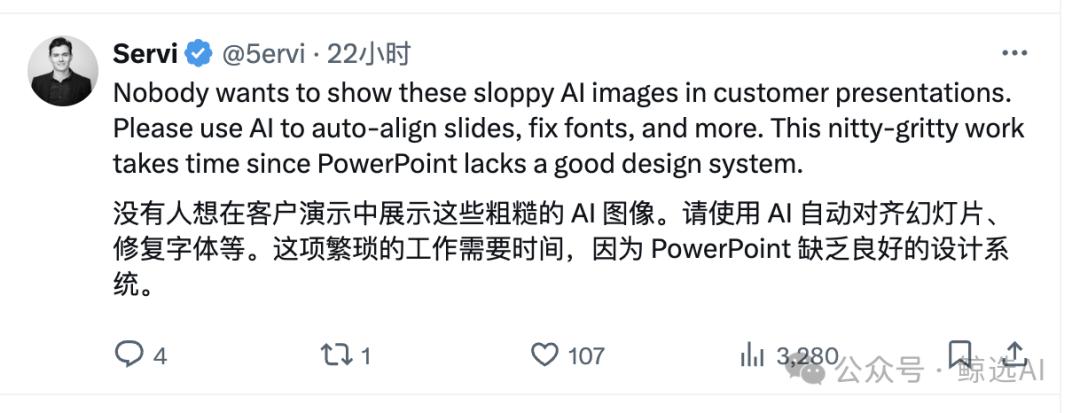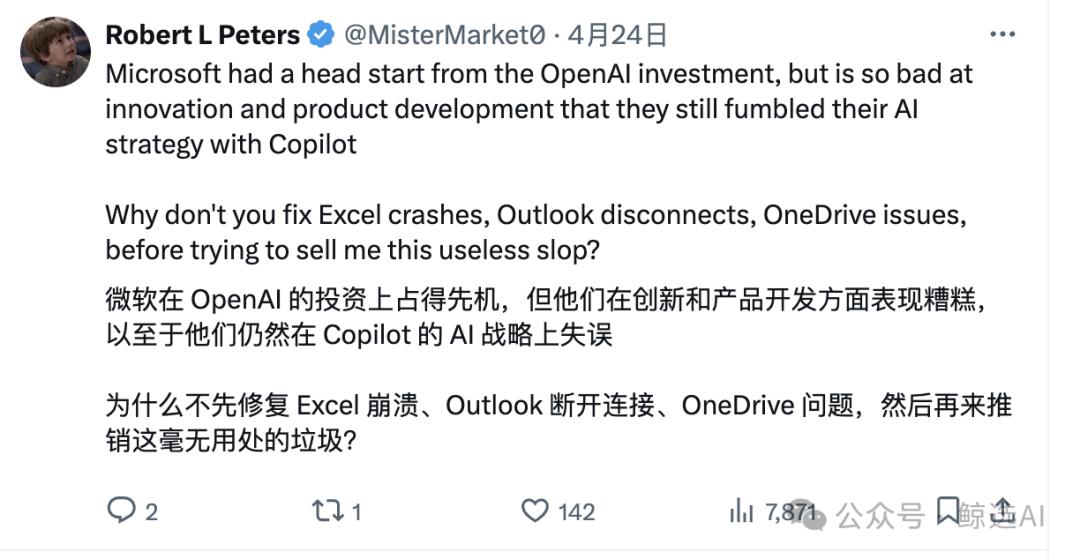
Microsoft has recently made a major update to its office software and wants to deeply integrate AI into the bottom layer of the system. However, this change, which has been given great expectations, has unexpectedly attracted widespread complaints from users.
The core content of Microsoft’s AI update
The purpose of Microsoft's update this time is to make it a system-level AI assistant. It is no longer limited to a single application, but it is trying to connect its own products such as Word, Excel, and PowerPoint, and even wants to integrate third-party tools such as Slack and Jira. Its core part is a new intelligent search function, which can find information across different applications, whether it is local documents or online meeting minutes.
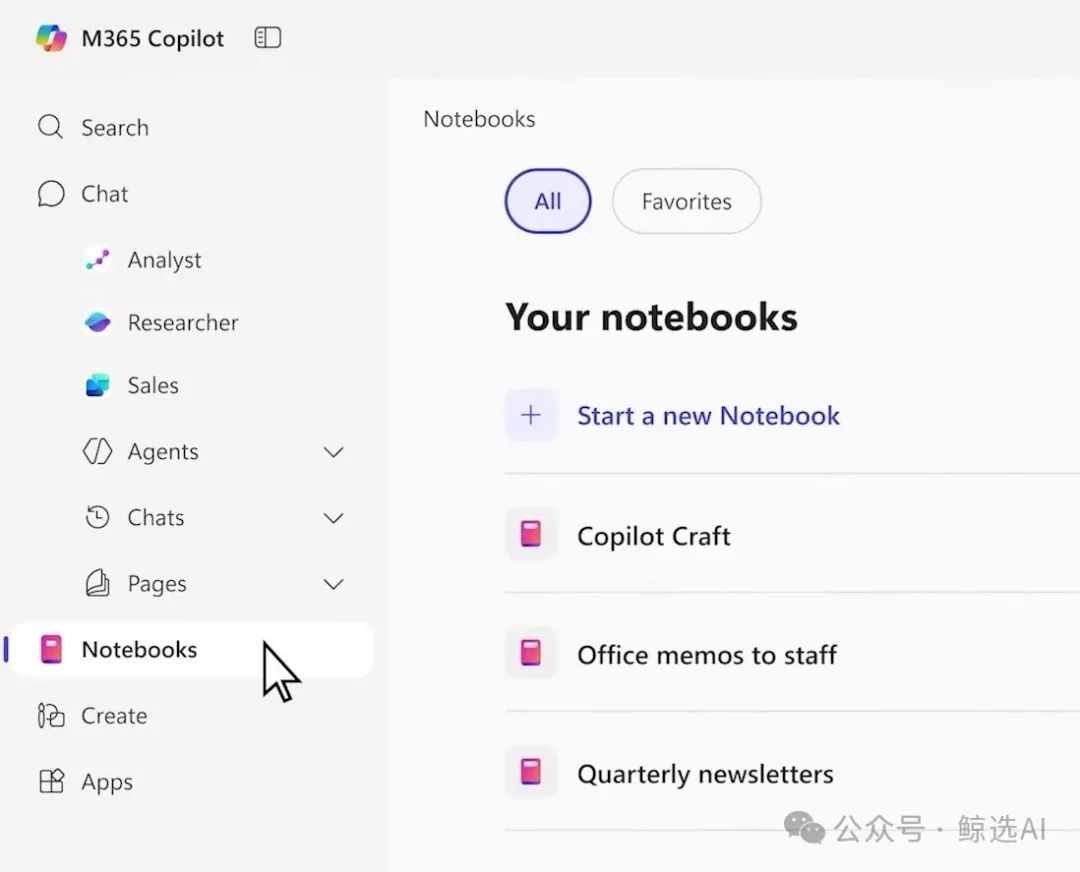
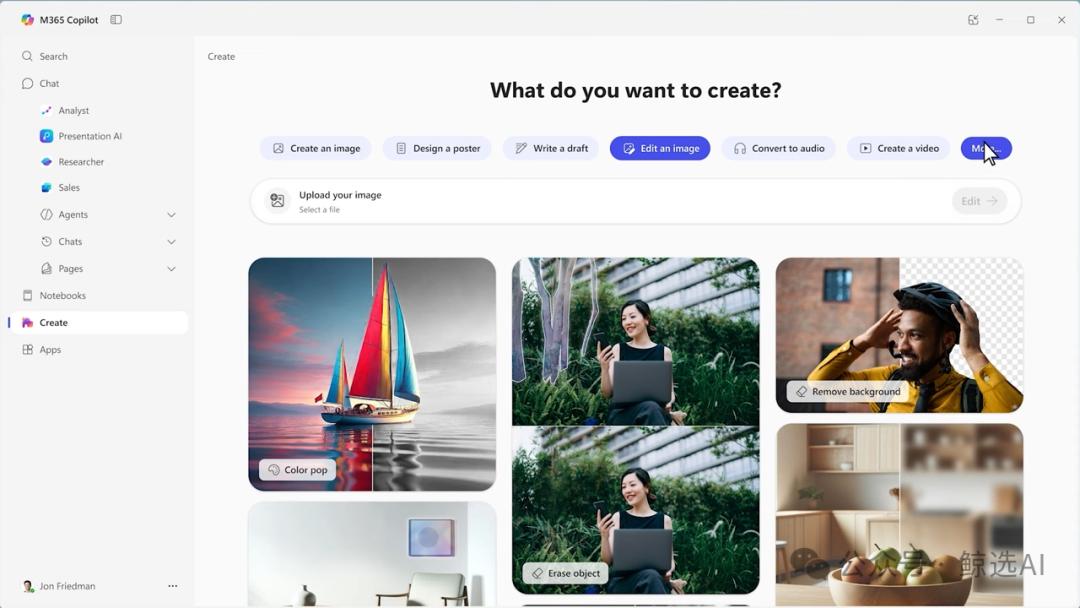
Another important point is the idea of a "multimodal workspace". AI has the ability to process content in a variety of different formats, such as automatically converting key points of documents into audio briefings. Microsoft has also enhanced its capabilities in visual content generation, where users can directly create pictures or simple video clips. These changes demonstrate Microsoft's desire for AI to become a core hub of users' digital workflows.

Key reasons for user dissatisfaction
Many users are dissatisfied. The reason is that there is a gap in expectations. What they originally expected was an improvement in the functionality of traditional office software, such as smoother collaboration or more complete editing tools. They were not forced to add new AI features. Users felt that these AI features failed to accurately resolve high-frequency pain points in daily work, but instead increased the complexity of operations.
Another shortcoming is the lack of integration. Although the promotion emphasizes "system level" and "family-wide integration," in actual experience, the linkage between AI and the Windows system itself, as well as with other Microsoft products such as Teams, still seems stiff and fragmented. Users feel that the AI function seems to be added later and is not a native integration design.
Multimodality and the ambition of AI agents
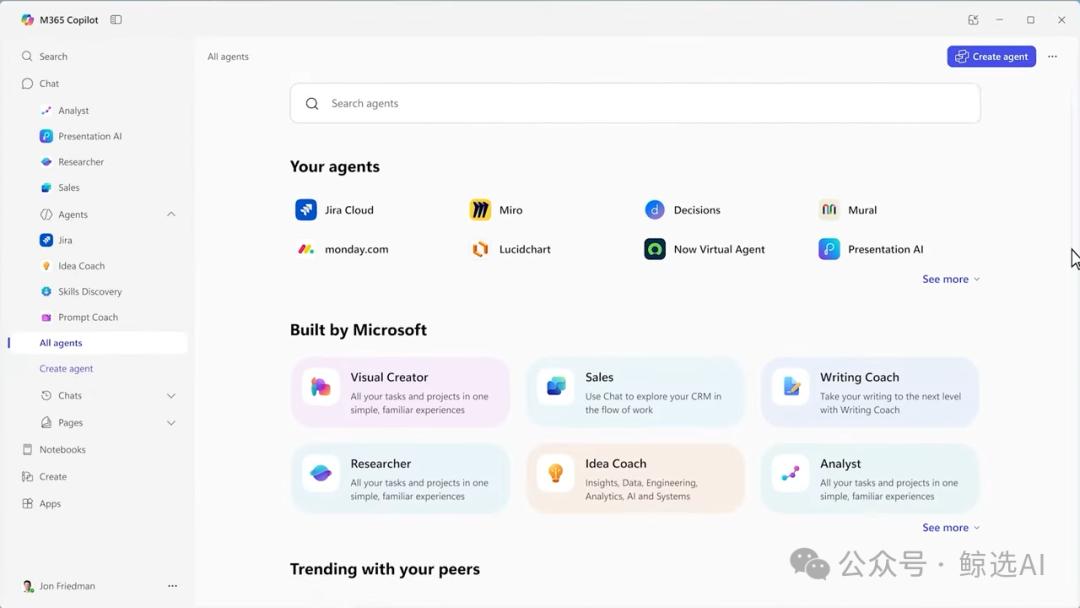
Microsoft's ambition is to go beyond simple interactions. It is working to inject AI Agent capabilities into it, which means that AI can carry out multi-step reasoning, actively collect information from the network and enterprise data sources, then analyze and summarize it, and finally generate insightful reports. This is similar to the concept of "AI space" launched by other platforms.
Its goal is to deal with the processing of "heterogeneous data", whether it is web articles or PDF documents! Or meeting minutes, etc., artificial intelligence can recognize them, then re-integrate them, and transform them into the required modality according to the instructions given by the user, just like the situation where the core data in a market report automatically generates a PPT for presentation. This means that the transition from "productivity tools" to "intelligent work partners" is marked.
The gap between ideal and reality
However, the ideal is quite full, but the reality is really skinny. You know, as a mature software with a huge user base, its bottom layer is a traditional software framework. Introducing complex AI models and real-time networking functions on top of this is destined to be a slow and complicated process, which can easily lead to bloated software and reduced response speed.
Specific functions are also directly pointed to by user feedback. For example, some users complained that the quality of its image generation is not good, or the function of converting PPT to video looks fancy but has no practical value. They prefer that AI can do the basic work first, such as automatically aligning the elements in the slide, unifying the document font format and repairing it. These piecemeal tasks often take a lot of time.
Microsoft’s long-term strategic layout
In terms of company strategy, Microsoft CEO Nadella's intentions are clear. It stated in 2024 that future operating systems will blur the boundaries between local and cloud computing. This update is the presentation of this idea, which aims to use AI to seamlessly integrate work and consumption scenarios and provide continuous and personalized services with long context memory.
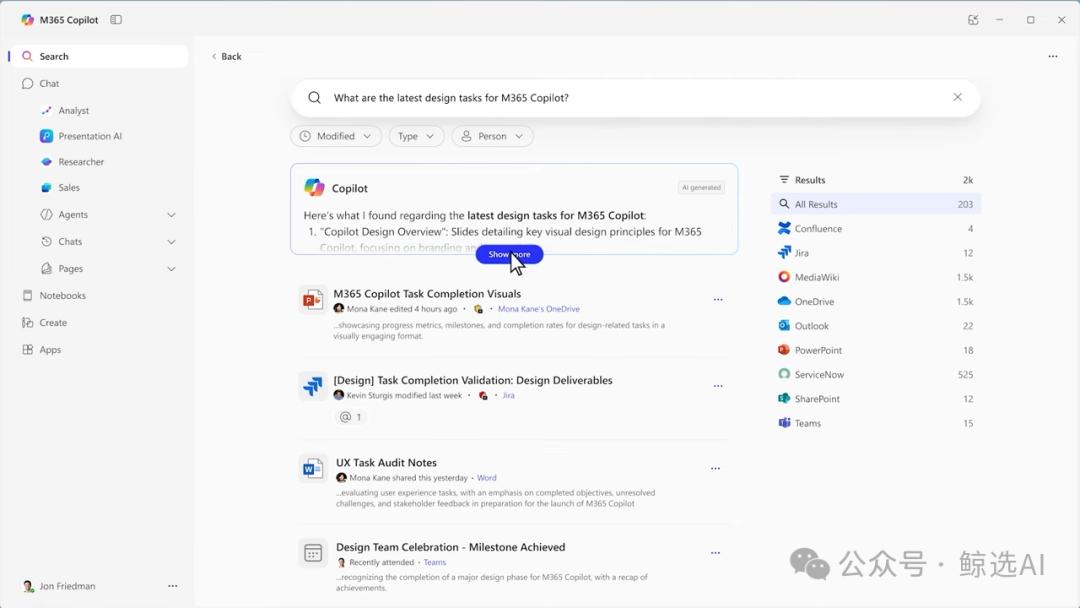
This move is also a key step for Microsoft to stabilize its dominance of office software in the AI era. Facing competition from other emerging AI productivity tools, Microsoft must integrate its platform advantages with AI capabilities to create a moat. Therefore, even if the initial experience is not good, Microsoft still has sufficient motivation to continue investing and iterating.
Challenges and future prospects
The core challenge facing Microsoft is how to balance innovation and user experience. Forcibly pushing immature features will damage user trust. It needs to listen more carefully to the real needs of users and apply AI capabilities to improve the efficiency of existing workflows, rather than simply pursuing show-off skills.
At first glance, although there are many problems, in comparison, Microsoft has actually taken substantial and effective steps in integrating system-level AI. Compared with some other giants, it is still at the concept stage. Under such circumstances, Microsoft's exploration has leading significance. In the future, competition will be determined by who can solve existing vexing problems faster, making AI truly indispensable.
In your opinion, what is the current pain point that the AI assistant in office software should first start to solve in a specific job of yours? Feel free to share your opinions in the comment area.