
Selecting a suitable Java reporting tool has a direct impact on the data processing efficiency and cost control of the enterprise. However, the characteristics of various tools on the market are very different, which often makes developers confused.
Advantages of Business Reporting Software
The core value lies in the stability and security reflected in this type of business. To ensure stable integration with enterprise-level Java applications, professional teams usually provide long-term technical support and version updates. For example, many critical systems in the financial and telecommunications industries will prioritize such tools to ensure 7×24 hours of service continuity.
Data security management and control software with complete functions is a commercial type. On the one hand, it has basic permission management, and on the other hand, it provides functions such as operation audit logs, data desensitization, and watermarks. For those industries that need to comply with strict data regulations, such as the medical field and government affairs field, these characteristics are fundamental and cannot be ignored. They are indispensable.

The flexibility of open source reporting tools
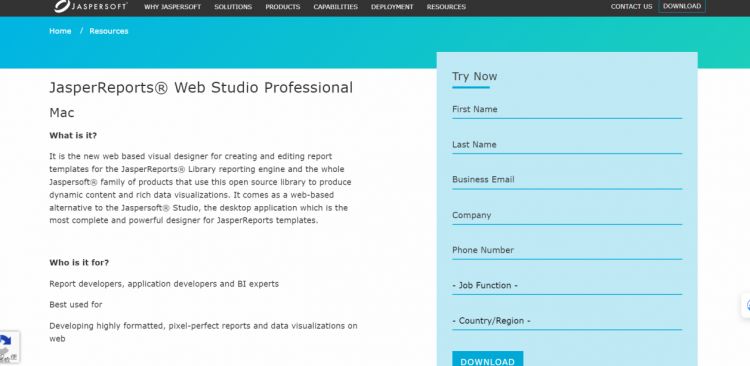
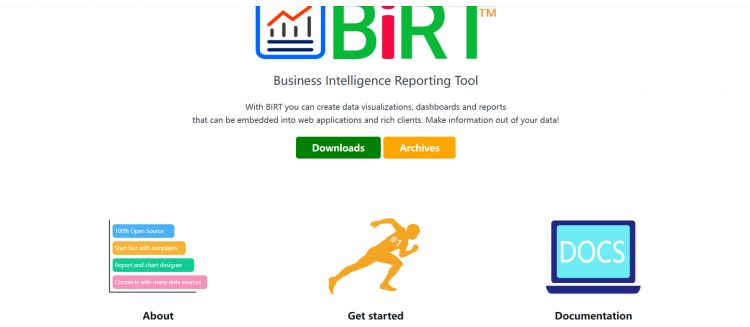
Developers can directly access and modify the source code of open source tools represented by BIRT. This open source tool provides developers with extremely high customization space and can adjust the behavior of the report engine according to the specific needs of the project. This flexibility is especially useful in scenarios that require integration with special hardware or legacy systems.
Another major advantage of the open source model is the support provided by the community. Developers around the world work together to contribute code, fix bugs, and develop plug-ins, thus building a vibrant ecosystem. This allows tools to quickly adapt to new database versions or meet emerging needs in output formats, ultimately reducing the risk of the technology falling into a locked-in state.
Visual design interface comparison
Designers of commercial software generally pursue user experience. The interface is intuitive and drag-and-drop operations are performed smoothly, which can significantly lower the threshold for business personnel to create simple reports. They have built-in wizards and template libraries that make creating charts and tables in common formats very efficient.
The designer functions of open source tools may be relatively basic and more inclined to the developer's mindset. Although the core design work can be achieved, certain compromises may be made in terms of UI aesthetics and interaction fluency. If users want to achieve complex layouts or interactive effects, they often need to manually write or adjust template files in XML format.
Data source connection and integration
The widely recognized Java reporting tools can use JDBC to connect to common relational databases, such as Oracle and MySQL. For commercial software, what is generally provided is an optimized driver or connection pool, and has better support for specific databases including some advanced features, such as stored procedure calls.
When faced with non-relational data sources or mixed data sources, the performance of different tools varies significantly. Some tools have limitations in supporting NoSQL databases, big data platforms or real-time circulating data, and may require developers to write additional adaptation layer code, which will increase project complexity and maintenance costs.
Report output and performance
Speaking of output formats, PDF, Excel, and HTML all belong to the standard configuration. Paging export of large files, real-time rendering on the Web, and mobile adaptation are considered advanced requirements, and these are the key to distinguishing tool capabilities. Business software is generally more mature in terms of such enterprise-level features.
Performance is an important consideration when processing massive amounts of data. The caching mechanism, distributed computing support and asynchronous generation capabilities of the engine will have a direct impact on the user experience. The convenience of performance tuning, that is, whether to provide visual monitoring and configuration interfaces, is also related to the long-term cost of operation and maintenance.

Key factors in selection decisions
The final decision should not be based solely on technical characteristics, but also must be compatible with the skills of the team. If a team lacks the ability to deeply customize Java, then it may be more practical to choose a commercial product that can be used out of the box and has comprehensive services than to choose an open source solution that is powerful but requires a lot of secondary development work.
Project budgets are important, but long-term planning is equally important. In addition to the initial purchase or deployment costs, annual maintenance expenses, upgrade expenses, and personnel training expenses must also be evaluated. For Internet companies with rapidly changing business models, the scalability of tools is important, and the ability to quickly iterate may be more important than absolute stability.
Based on the relevant specific circumstances, when selecting a reporting tool for a project, what are the three factors that should be considered with the highest priority? Feel free to share your insights in the comment area. If you feel this article is helpful, please give it a like and support.