
There are quite a few people who cherish the wish of owning an Apple computer while working or studying. However, when faced with a variety of different models and selling prices of nearly 10,000 yuan, many people will be confused. Does the Mac product really meet their needs? How long can it be used?
Why Choose Mac
Many users choose Mac because of its smoothness when using it. This feeling comes from Apple's self-designed chip and its unique macOS system. This system can better coordinate software and hardware. Even if the computer has been used for several years, it will still respond quickly when opening applications or switching tasks, with very few lags. This point is similar to the feeling that Apple mobile phones give people, and it is also a key factor in many people's final purchasing decisions.
A seemingly contradictory calculation
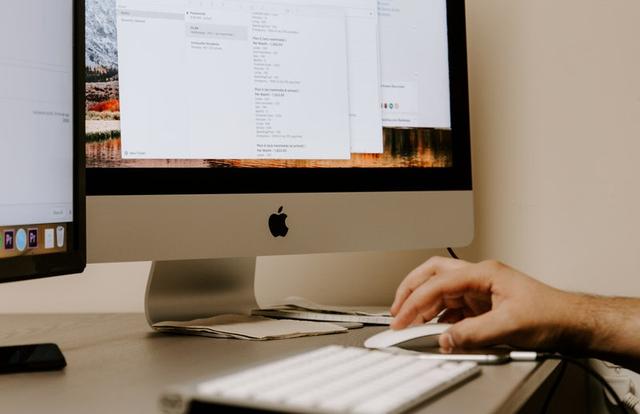
When you first see a Mac costing close to 9,000 yuan, you will think it is very expensive. However, you can calculate this from another angle. If you use it for five years, the average cost per day is less than five yuan. The more important thing is that during these five years, it has experienced very few problems, is not prone to slowdowns, and can continue to work stably. In comparison, a cheaper computer is likely to start to show insufficient performance after two or three years of use. It needs to be replaced or repaired, and the total cost may be higher in the long run.
There is no perfect machine
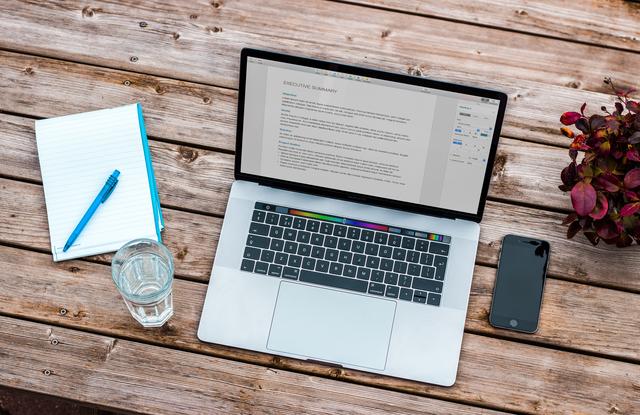
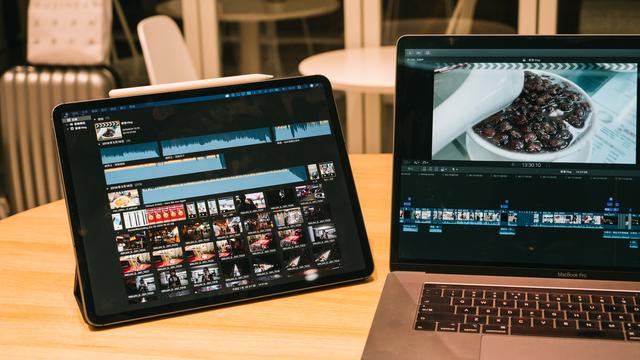
When choosing a Mac, you must make certain trade-offs. For example, the MacBook Air, which pursues the ultimate thinness, lightness and portability, is not as powerful as the slightly thicker MacBook Pro. However, the powerful desktop iMac cannot be carried around at all. You have to understand what you are using your computer for most frequently, whether it is creating documents, watching videos, or designing and editing videos. You must make a choice based on your core needs, rather than looking for the so-called "all-purpose" computer.

A common reason for upgrading
According to the accumulated experience of many old users, when a Mac computer is eventually replaced, it is rarely due to the processor being unable to meet the use requirements or malfunctioning and damage. The most common reason is that the hard drive capacity purchased was too small. With the increasing number of photos, videos, and work files, a 256GB hard drive will quickly fill up. Therefore, choosing a larger hard drive capacity as much as possible within the budget is the most practical investment to extend the service life of the computer.
Interface selection for 13-inch Mac

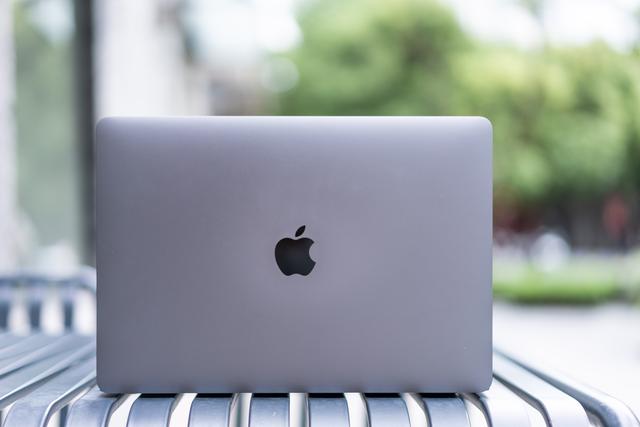
If you often have to carry a computer with you, the 13-inch MacBook is the mainstream choice. The key decision point here is whether to choose the version with two interfaces or the version with four interfaces. For most people, especially those who need an external monitor, four ports will be more convenient. It allows you to have extra interfaces for plugging in USB flash drives or card readers when connecting the power supply and monitor, thereby avoiding the trouble of plugging and unplugging back and forth.
The inevitable choice for professional users

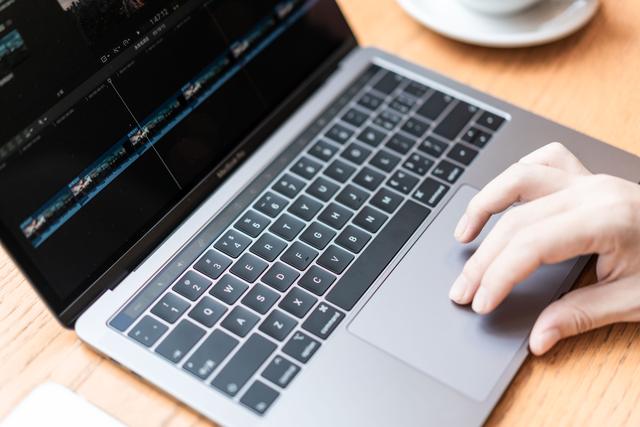
If you are a graphic designer, video editor, or music producer, then the 15-inch MacBook Pro is almost the standard in the industry. It has a larger screen and can display more toolbars and details, which will significantly improve efficiency. More importantly, the 15-inch model is usually equipped with a stronger independent graphics card. When it comes to 3D rendering, special effects synthesis or processing high-resolution materials, its speed is qualitatively different from that of the 13-inch model.
The most cost-effective option
Among all Apple computers, the iMac 5K all-in-one machine is often jokingly called "buy a screen and get a computer" , its excellent 5K display is quite expensive if purchased separately. When used as a desktop, its heat dissipation is better and its performance is generally superior to laptops of the same price. Moreover, its memory can be added and upgraded by the user later. Users can invest more of their purchasing budget into a larger solid-state drive, which is extremely suitable for users with limited budgets and no need for mobile office.
Epilogue and interaction

For individuals, choosing a computer is an extremely individual matter, which is determined by work conditions, personal habits, and budget. For you who are using a Mac, what is the most important factor that led you to make this choice? Feel free to share your experiences and opinions in the comment area. If you find this article helpful, don’t forget to like it to support it.